CSV Viewer
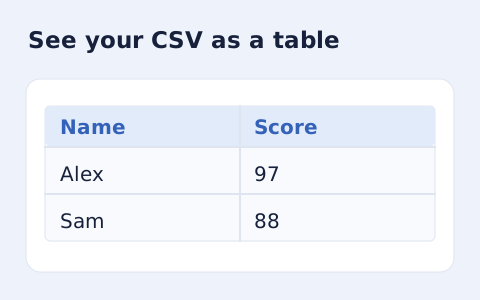
Inspect quoted CSV cells in a readable table without uploading your data.
Open toolCheck CSV format before an import. Paste comma-, semicolon- or tab-delimited records, then review quoting, column consistency and record totals without executing formulas.
Enter the inputs, then select Validate CSV.
Result will appear here
The CSV format checker parses quoted fields and compares each nonblank record with the first record’s column count.
A quoted newline stays inside its cell, while blank records are skipped. The result gives record and column totals with the selected delimiter; a malformed quote or inconsistent width produces a structural error.
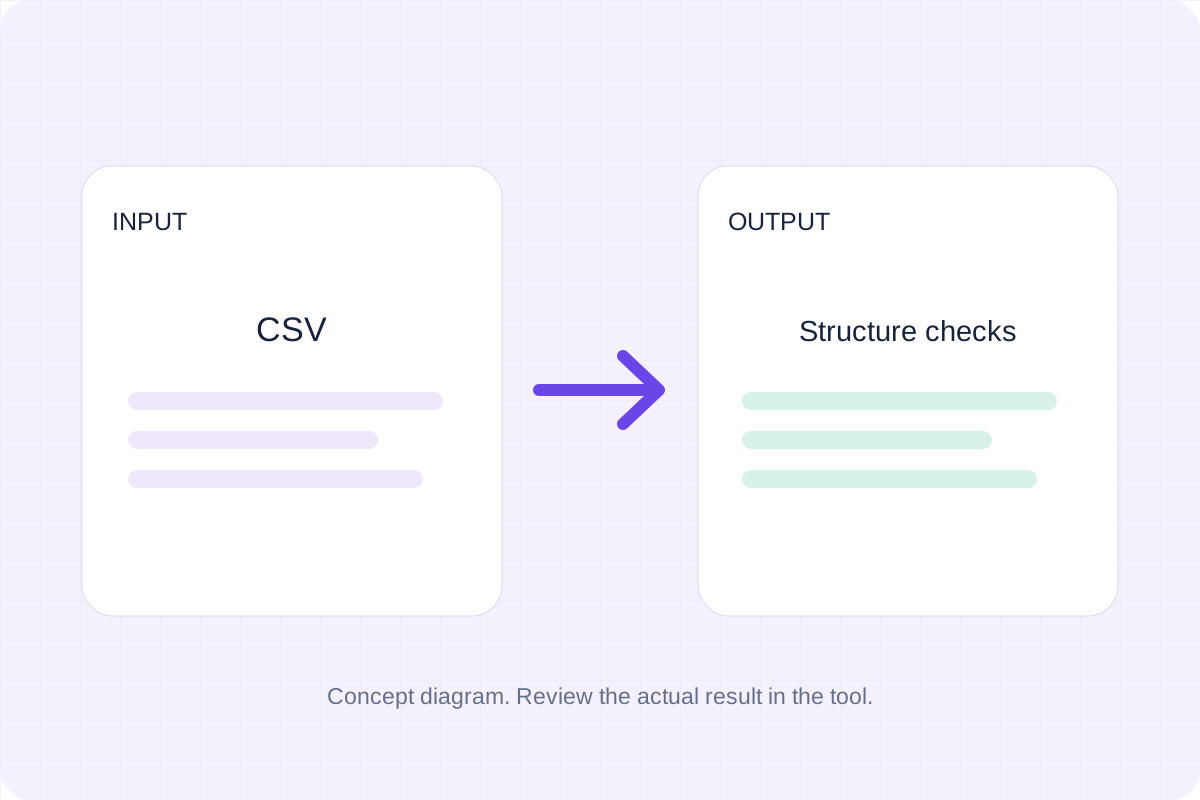
Paste the CSV text and select its delimiter, then inspect the structural validation status and totals.
Use Detect delimiter or select comma, semicolon or tab to match the source. Include the first record: its column count is the reference for every remaining nonblank record.
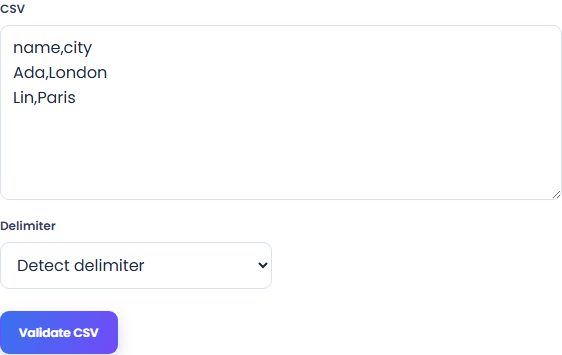
Run Validate CSV. The parser checks quoted fields and rejects records with too few or too many cells. It does not execute spreadsheet formulas or interpret cells as application-specific types.
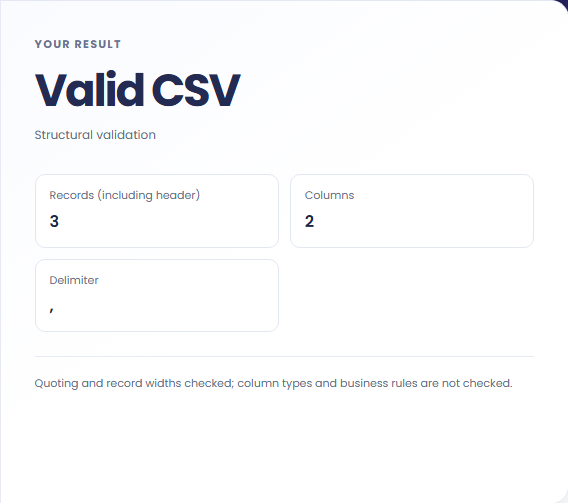
Read the validation status, Records (including header), Columns and Delimiter values. If an error appears, correct the first reported problem in the original source and validate it again.
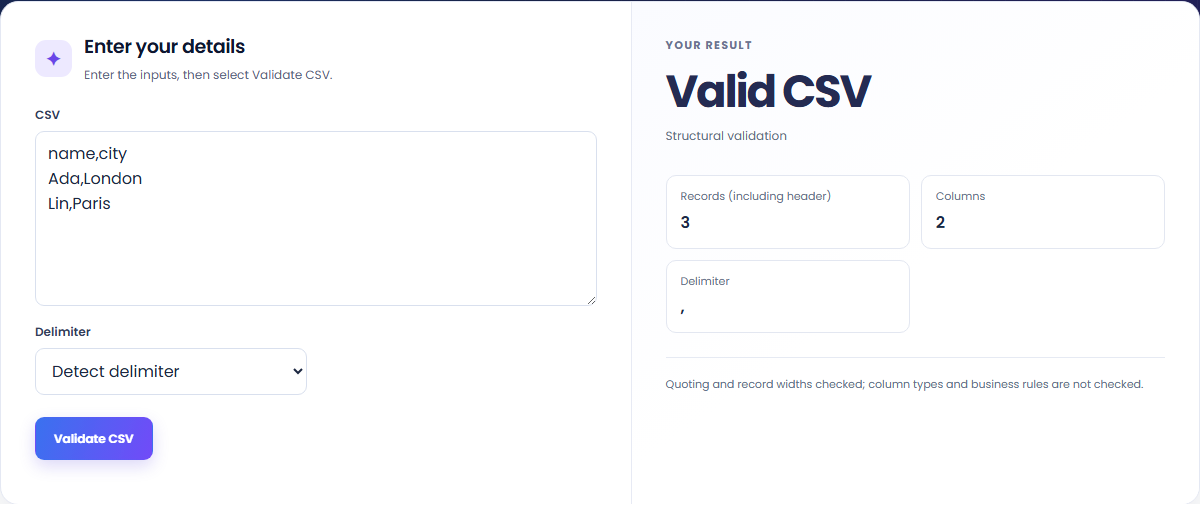
Check a tabular export before using its records in another application.
Verify that commas, quotes and multiline values form valid CSV cells. Validation does not execute spreadsheet formulas.

Locate a record with too few or too many cells before sending the file to an importer that expects consistent columns.

Check semicolon or tab data with an explicit delimiter if detection is ambiguous. The count includes a header record when one is present.

Use the reported counts to check the parsed structure, then apply the destination’s column requirements separately.
Valid CSV means the parser accepted its quoting and found consistent record widths. The record total includes a header when present and excludes blank records. This result does not confirm required column names, numeric types, dates or business rules.

Use the original export to resolve a parsing error rather than editing separators until the checker passes.
Use at most 5,000 nonblank records, 100 columns and 100,000 input characters. A correctly quoted multiline cell counts as part of one record; a physical line break alone is not a reliable record count.
If delimiter detection creates unexpected columns, choose the documented delimiter explicitly. After fixing quoting or record widths, check field meanings and types with the receiving application’s schema. Structural validation does not establish that an import will succeed.

Choose another tool for your next calculation, conversion, or text task.
Write Markdown, update the rendered preview and download the Markdown or HTML when it is ready.
Open tool
Compare two JSON values by structure. See changed paths without treating object key order as a difference.
Open tool
Create a newly encoded PNG, JPEG or WebP from a local image and remove its original embedded metadata.
Open tool
Remove scripts, event handlers and unsupported markup from basic HTML. Review the cleaned fragment and a contained preview.
Open toolPaste your CSV, select the delimiter and review the record totals or first reported structural error.
Answers about using CSV Validator and understanding its results.
No. It checks quoting and record widths. Apply your own column schema after structural validation.
Yes, when the cell is correctly quoted.