
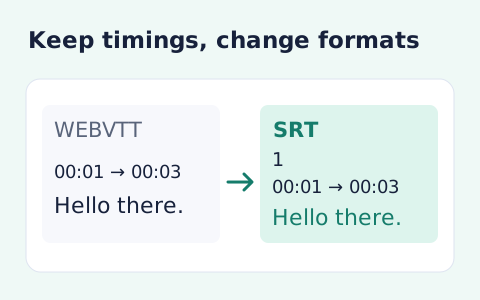
VTT to SRT Converter
Convert WebVTT cue timings and text into numbered SRT subtitles.
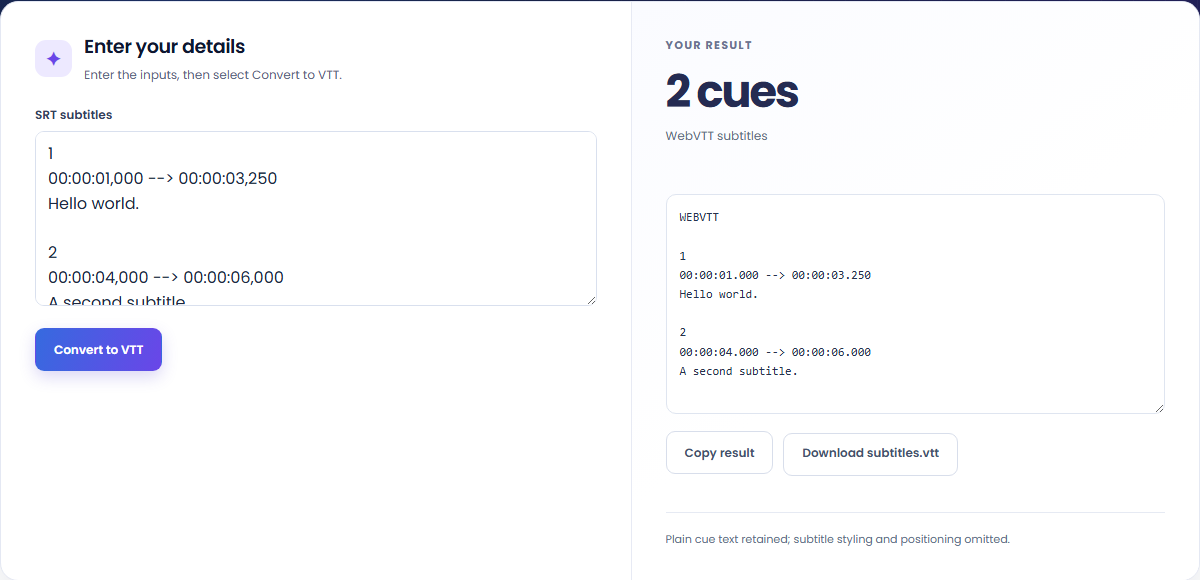
Open toolConvert SRT subtitles to WebVTT in your browser. Paste numbered cues, review the converted timestamps and plain text, then copy or download subtitles.vtt.
Enter the inputs, then select Convert to VTT.
Result will appear here
The SRT to VTT converter checks positive cue numbers and timestamp ranges, then writes a WEBVTT header and dot-separated milliseconds.
Valid start and end times are retained, including overlapping cues. Recognized subtitle markup is stripped and supported entities are decoded before the text is escaped for WebVTT; styling and positioning are omitted.
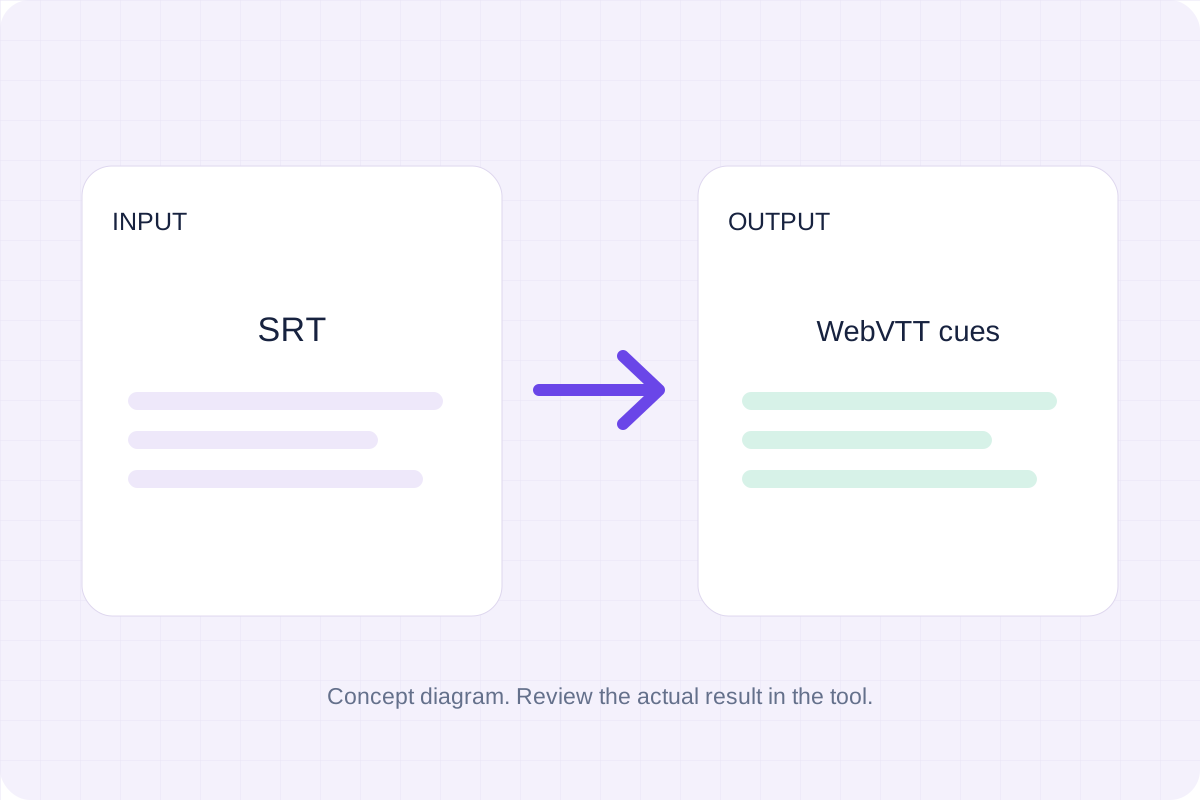
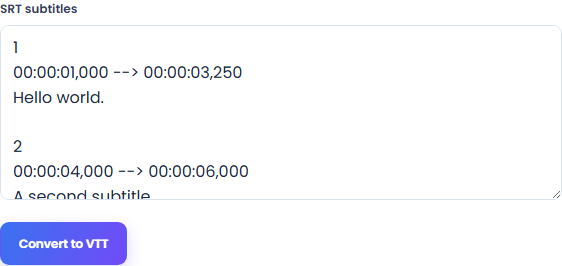
Paste complete SRT cue blocks so their numbers, timing lines and written captions can be checked before conversion.
Each cue needs a positive number, an HH:MM:SS,mmm timing line and subtitle text. Keep the blank line between cue blocks. The end time must be later than the start time.
Run Convert to VTT and inspect the generated WEBVTT document. The result reports the cue count and changes timestamp milliseconds from comma-separated SRT notation to WebVTT notation.
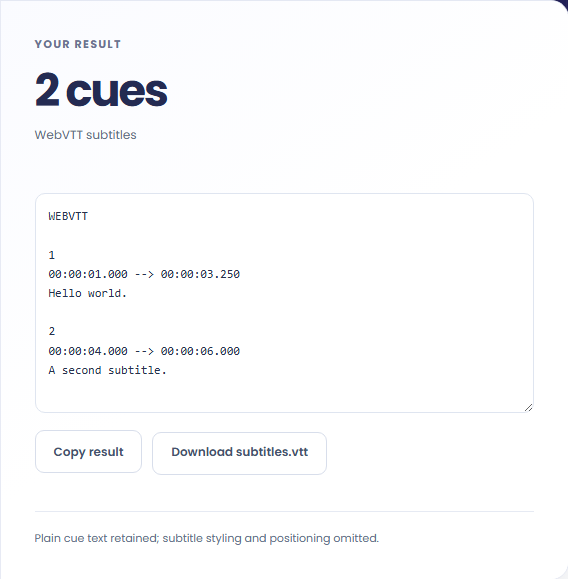
Copy the output or download subtitles.vtt. Check the WEBVTT header, cue text and timestamps, then test the file with the video in a player that accepts WebVTT.
Prepare subtitle text and timing for a workflow that accepts WebVTT.
Convert existing SRT timing and written text to a .vtt document. Add the result to your player and check it against the actual video.

Retain supported written characters while decoding entities and removing recognized text markup. The converter does not translate the captions.

Use the validation response to find invalid minute or second values and reversed timing. Overlapping valid cues are retained.

Compare the VTT cue endpoints with the SRT source and inspect any text whose markup was removed.
The VTT output retains valid cue timing and plain text while omitting SRT styling and positioning. Cue numbers are generated in the output order. Text characters such as < and & are escaped for WebVTT rather than treated as new markup.

A failed conversion can come from an incomplete cue or invalid timing; a successful one still needs a playback check.
Input is limited to 5,000 cues and 100,000 characters. Minutes and seconds must be within 00–59, and each cue end time must follow its start time. Overlapping cues are retained rather than automatically retimed.
Test the captions in the destination player against the actual video. The converter does not assess reading speed, adjust synchronization or evaluate caption accessibility. Keep the SRT source if styling or editor-specific extensions matter.

Convert WebVTT cue timings and text into numbered SRT subtitles.
Open tool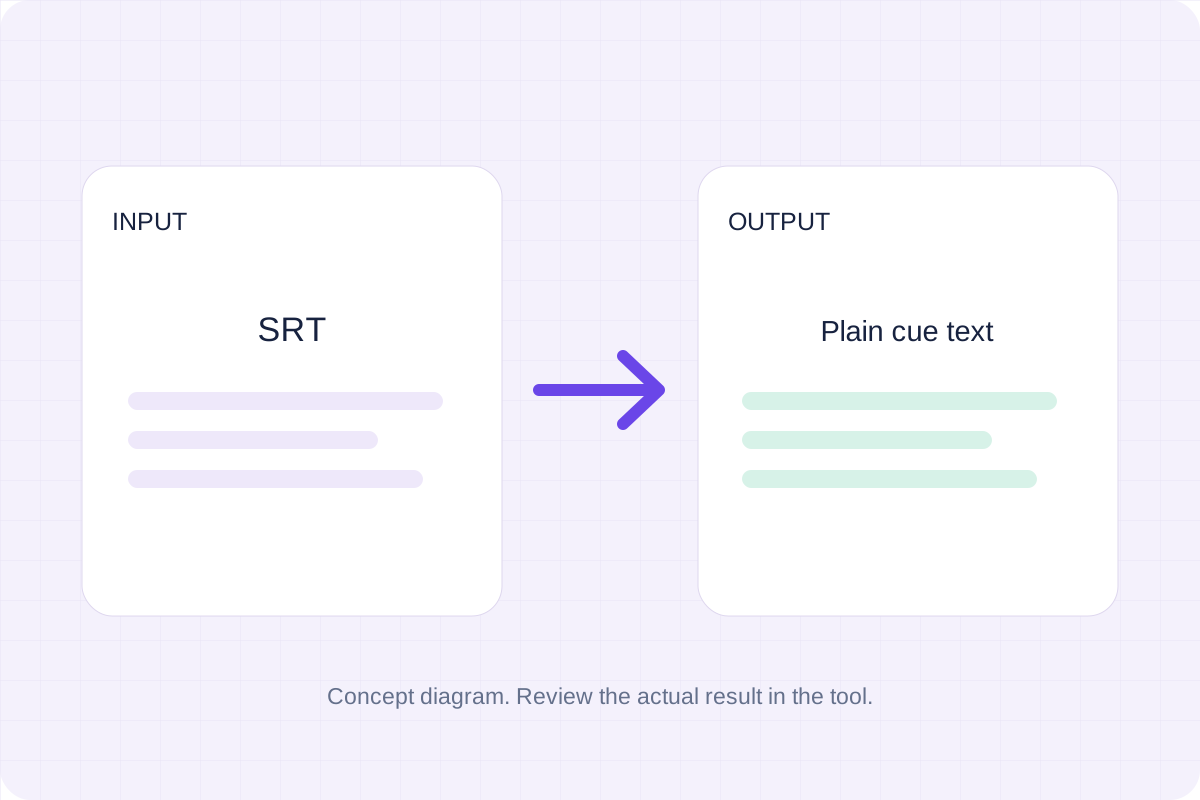
Extract plain subtitle text from SRT cues and download a transcript without cue numbers or timestamps.
Open tool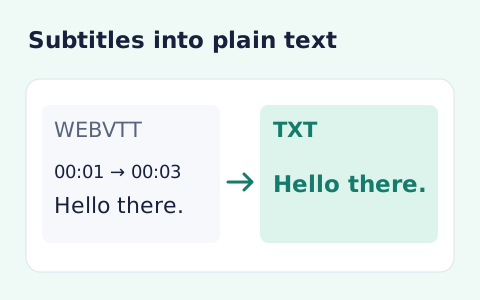
Extract subtitle text from a WebVTT file without timestamps or cue markup.
Open toolChoose another tool for your next calculation, conversion, or text task.
Write Markdown, update the rendered preview and download the Markdown or HTML when it is ready.
Open tool
Compare two JSON values by structure. See changed paths without treating object key order as a difference.
Open tool
Check CSV quoting and consistent column counts, then review the record count and selected delimiter.
Open tool
Create a newly encoded PNG, JPEG or WebP from a local image and remove its original embedded metadata.
Open toolPaste your SRT cues, inspect the VTT timing and text, then copy or download the converted captions.
Answers about using SRT to VTT Converter and understanding its results.
Yes. Valid hour, minute, second and millisecond values are retained.
No. This conversion produces plain cue text and timing, without styling or positioning.