
SRT to VTT Converter
Convert numbered SRT cues into a WebVTT file with dot-separated milliseconds and plain subtitle text.
Open toolConvert SRT subtitles to plain text for reading or editing. Paste the numbered cues and download subtitles.txt without timestamps or cue numbers; no audio transcription is performed.
Enter the inputs, then select Convert to TXT.
Result will appear here
The SRT to text converter validates each cue, removes recognized subtitle markup and joins its plain text with blank lines.
Only text already written in the SRT file is extracted. Supported entities are decoded, while cue numbers and timing lines are omitted from TXT. Existing written speaker labels can remain, but new speakers are not inferred.
Keep cue numbers and timing lines in the pasted SRT so the parser can identify the subtitle text correctly.
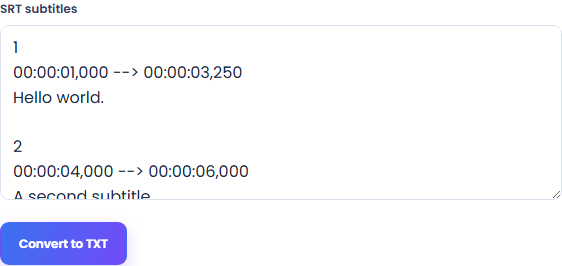
Paste complete cue blocks with positive numbers, HH:MM:SS,mmm timestamps and text. No audio or video file is needed. Preserve blank lines between cues.
Run Convert to TXT and inspect the reported cue count. The output removes cue numbers, timing lines and recognized subtitle markup while retaining the written cue text.
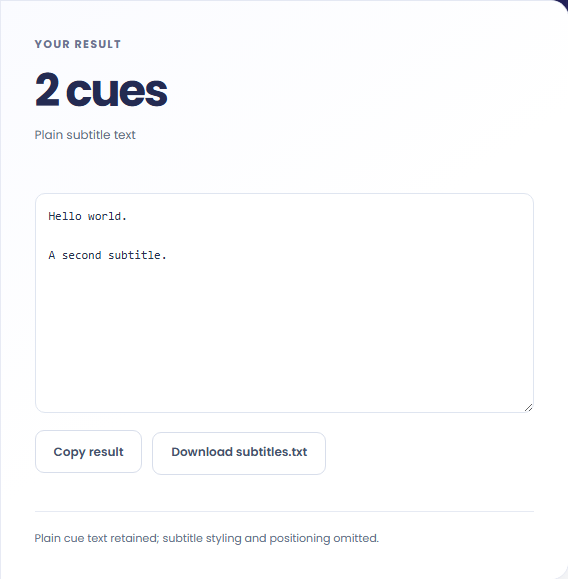
Read the text and its blank lines between cues. Copy the output or download subtitles.txt, and keep the original SRT if you need to locate a passage on the video timeline.
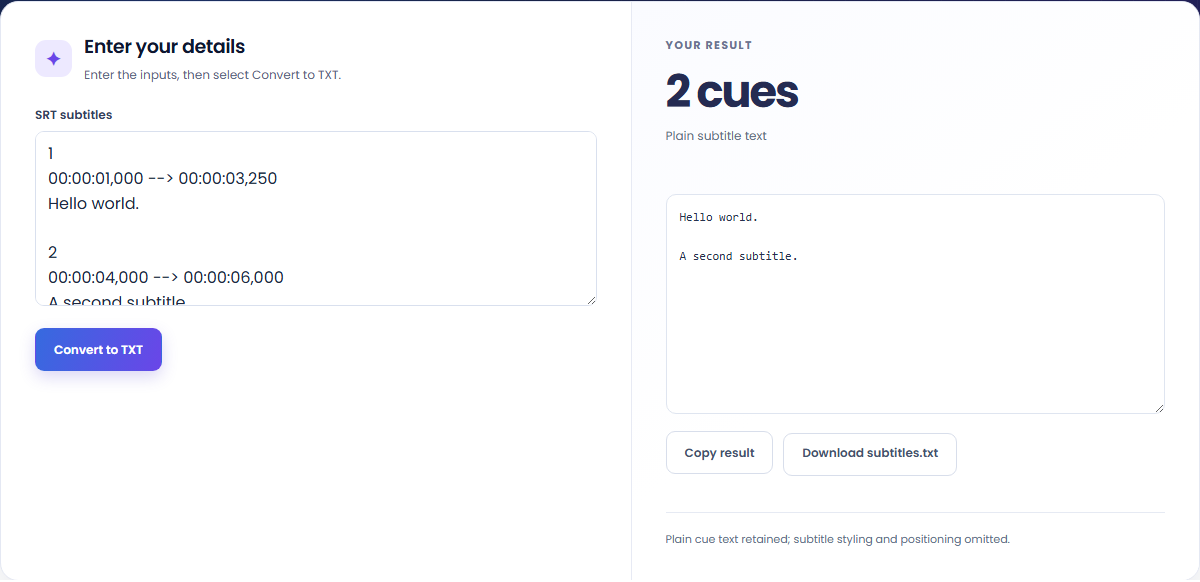
Reuse subtitle wording when timing and cue numbers are no longer needed.
Collect existing subtitle text into a plain document for review. This is extraction from written cues, not audio transcription.

Keep Unicode and multiline cue text while removing recognized markup. Speaker labels remain only when the subtitle text already includes them.

Extract text from each SRT version and use Text Compare for an editorial review. Keep the original SRT files when timing matters.

Treat the TXT output as extracted caption wording rather than a newly transcribed or speaker-labeled document.
The TXT file contains cue text separated by blank lines, so its blocks follow the subtitle cues rather than reconstructed speech paragraphs. Timing cannot be recovered from the extracted text alone, and speaker labels remain only when already written in the source.

Valid cue numbers and timestamps are required even when the output will contain only plain text.
Input is limited to 5,000 cues and 100,000 characters. Each cue requires a positive number, a valid timing line and text, with its end after its start. Check an incomplete cue or timestamp before changing the caption wording.
Save the original SRT alongside the TXT copy when synchronization matters. The tool does not translate, summarize or transcribe audio, and extracting plain text removes the timestamps needed for playback.

Convert numbered SRT cues into a WebVTT file with dot-separated milliseconds and plain subtitle text.
Open tool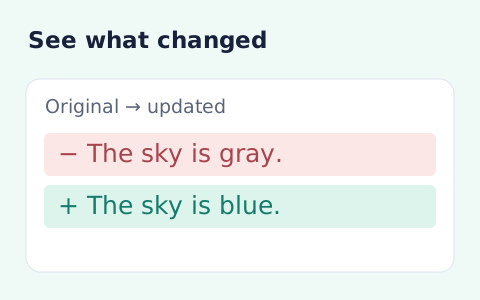
Compare two pieces of text locally with additions and removals highlighted by word or line.
Open tool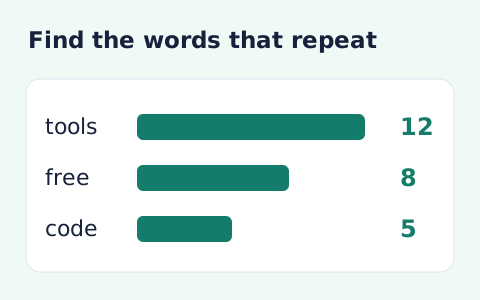
Analyze word counts and term frequency locally with Unicode aware word matching.
Open toolChoose another tool for your next calculation, conversion, or text task.
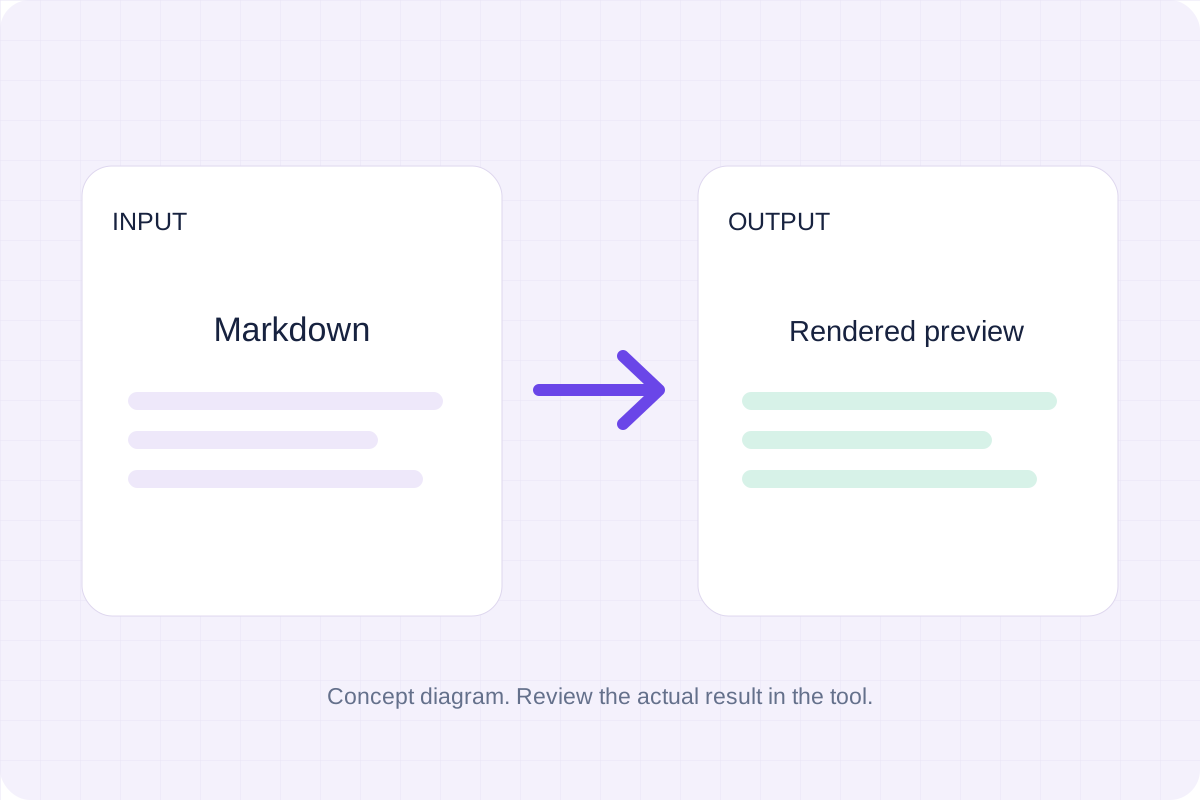
Write Markdown, update the rendered preview and download the Markdown or HTML when it is ready.
Open tool
Compare two JSON values by structure. See changed paths without treating object key order as a difference.
Open tool
Check CSV quoting and consistent column counts, then review the record count and selected delimiter.
Open tool
Create a newly encoded PNG, JPEG or WebP from a local image and remove its original embedded metadata.
Open toolPaste your SRT cues, review the extracted wording and download a TXT copy for your next editing task.
Answers about using SRT to TXT Converter and understanding its results.
No. Paste existing SRT subtitle text; this tool does not process audio or video.
No. Speaker labels remain only when they are already written in the cue text.