
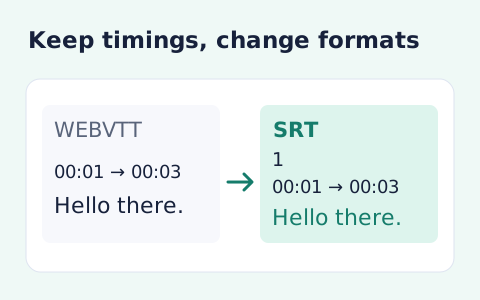
VTT to SRT Converter
Convert WebVTT cue timings and text into numbered SRT subtitles.
Open toolExtract a plain-text transcript from WebVTT subtitles. Paste VTT source and copy or download its cue text without timestamps, styling or voice markup.
Enter the inputs, then select Convert to TXT.
Result will appear here
The converter extracts text from parsed WebVTT cue trees and joins the passages with blank lines while omitting timings and presentation markup.
The result is a text document for reading or editing. Use timed subtitle output instead when playback synchronization is needed, and do not treat extracted text as a translation.
Use valid WebVTT containing readable cues and stay within the input size limit.

Paste a WebVTT subtitle file to extract its readable cue text.
Enter the WebVTT document with its header, timing lines, and cue text intact. The converter needs valid cues to identify the subtitle content before removing the timing representation.
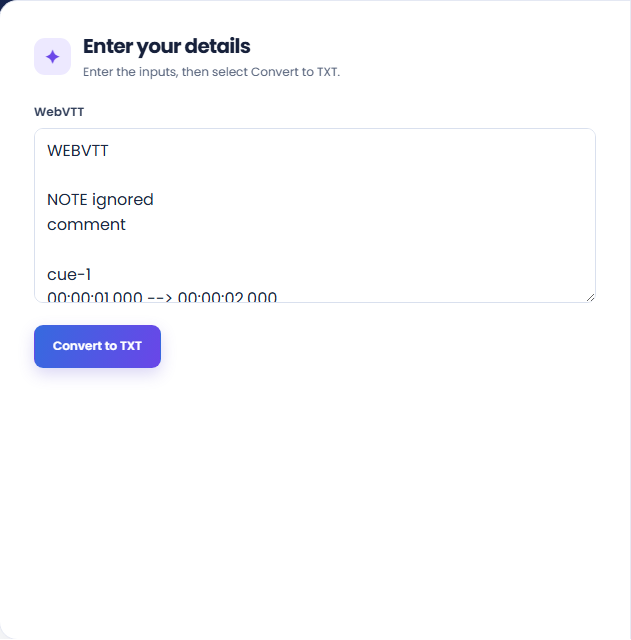
Run the converter and inspect the cue total and plain text output. The spoken text from each cue is joined with blank lines; it is not translated or transcribed from audio.
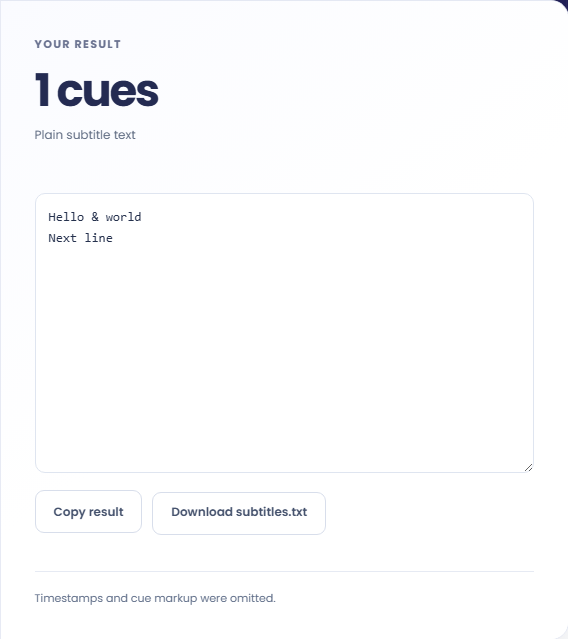
Copy the text or download subtitles.txt. Read the note that timestamps and cue markup were omitted. If playback synchronization matters, retain the WebVTT source or use timed SRT output instead.
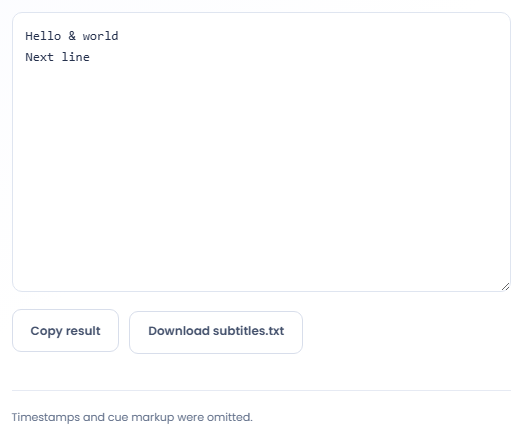
Use plain text when timing and subtitle presentation are no longer needed for the next task.
Extract cue text so an editor can read the wording without scanning timestamps. Keep the VTT source available for checking a passage against its timing. The plain text copy is useful for reading, but it no longer provides those navigation points.

Pass the extracted text to a word frequency or analysis tool when investigating words in a subtitle file. Interpret the counts as subtitle text, since repeated cues or on screen phrasing may differ from a complete spoken transcript.

Download a text version for searching phrases in a local document workflow. Keep it associated with the original subtitle file. A match in this copy identifies wording, while its location in the video still needs to be checked in the timed source.

Read the transcript as cue text, with timing and presentation information removed from the exported text.
Cue text is separated into readable blocks. NOTE, STYLE, and REGION information is not treated as transcript content, and cue positioning is not carried into plain text.
The output follows parsed subtitle cues rather than reconstructing speech structure. Voice annotations and markup do not become a reliable speaker list or an editorial paragraph scheme.

Check the WebVTT header and readable cues before comparing the extracted text with the original captions.
Use valid WebVTT containing readable cues and stay within the input size limit. If parsing fails, inspect the header, cue times, and source completeness before changing the spoken text.
If you need timed subtitles in another format, use VTT to SRT instead. If you need transcription from audio, this text extraction tool cannot supply it.

Convert WebVTT cue timings and text into numbered SRT subtitles.
Open tool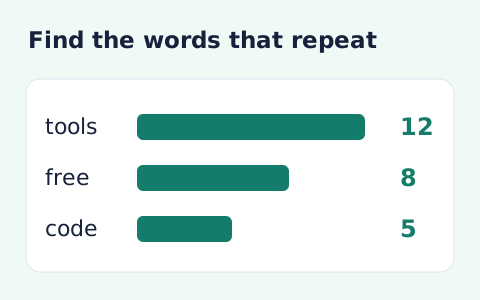
Analyze word counts and term frequency locally with Unicode aware word matching.
Open tool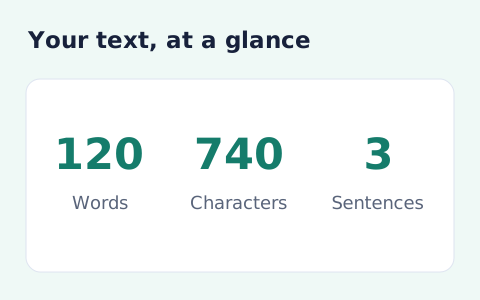
Analyze pasted text locally with word, sentence, paragraph, line, and character statistics.
Open toolChoose another tool for your next calculation, conversion, or text task.
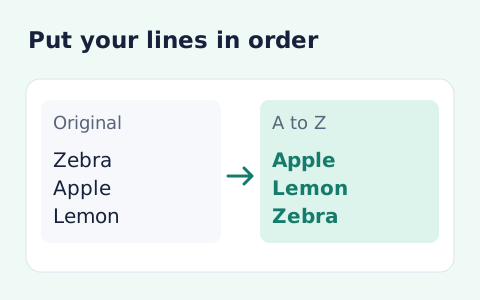
Sort text lines A–Z or Z–A, optionally removing blank and duplicate lines, then copy the result.
Open tool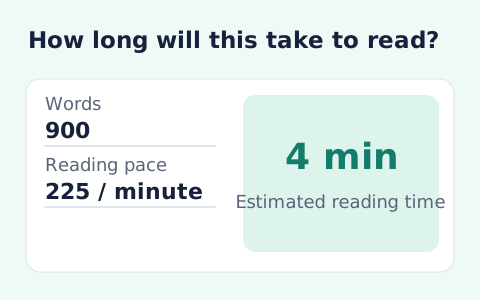
Paste text and estimate reading time from its word count and your chosen reading speed.
Open tool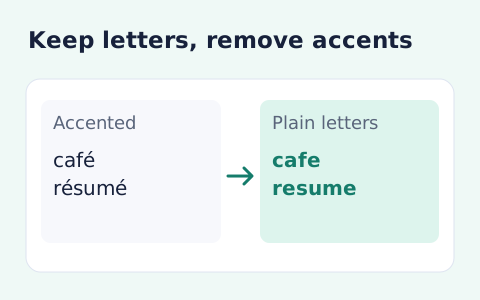
Remove diacritic marks from Unicode text locally while keeping the original letter order and line breaks.
Open tool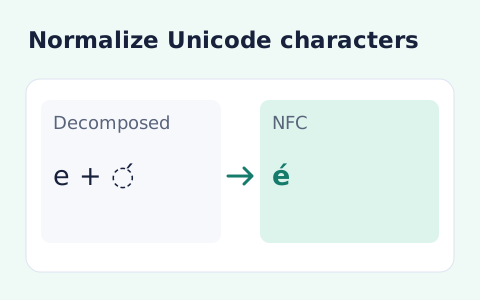
Convert text between the four Unicode normalization forms locally in your browser.
Open toolAnswers about using VTT to TXT Converter and understanding its results.
Use the VTT to SRT tool for timed subtitles.
The spoken text is retained; voice markup itself is removed.
No. It extracts the text already present in the WebVTT source.
The output joins extracted cue passages with blank lines. It omits cue timings, voice markup, and WebVTT layout information.
Paste a WebVTT subtitle file to extract its readable cue text.