
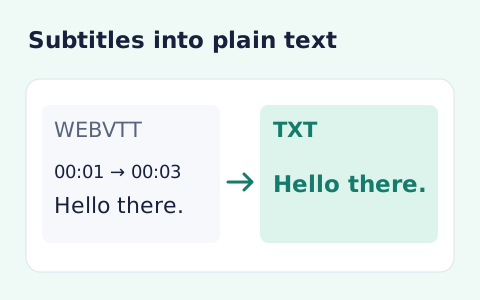
VTT to TXT Converter
Extract subtitle text from a WebVTT file without timestamps or cue markup.
Open toolConvert WebVTT subtitles to numbered SRT cues with millisecond timestamps. Copy or download the plain-text subtitles, then check timing in your target player.
Enter the inputs, then select Convert to SRT.
Result will appear here
The converter reads WebVTT cues, numbers them, and formats their text and endpoints as SRT blocks with comma-separated milliseconds.
The plain cue text remains, but WebVTT positioning, styling, and voice markup are omitted. Review the converted subtitles in the intended player before replacing the source.
Use a complete valid WebVTT file within the text limit.

Paste valid WebVTT subtitles to create numbered SRT cues with readable text.
Enter the WebVTT source with its header, timestamps, and text intact. Resolve parser errors first, and retain the original when cue styling, voice markup, or positioning needs to remain available.
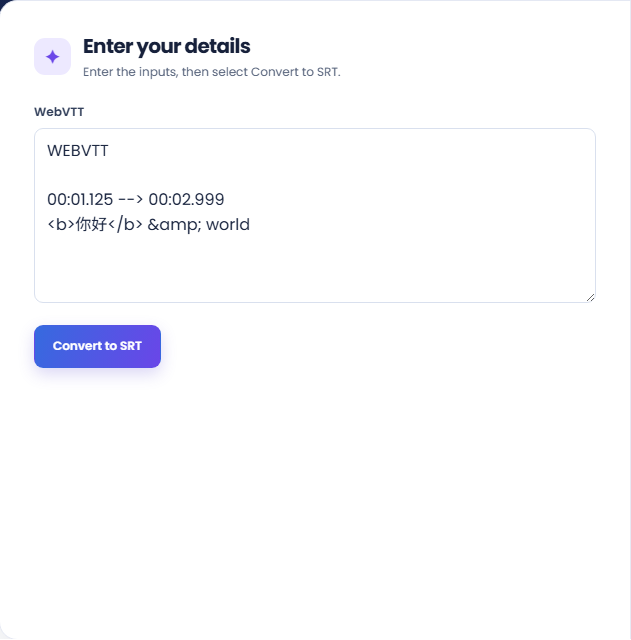
Run the converter and inspect the cue total and SRT output. The result numbers cues and formats their timing with comma milliseconds while retaining the plain cue text.
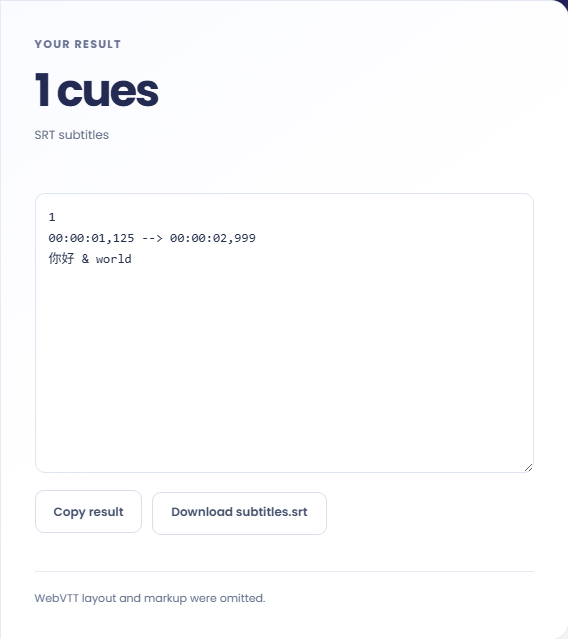
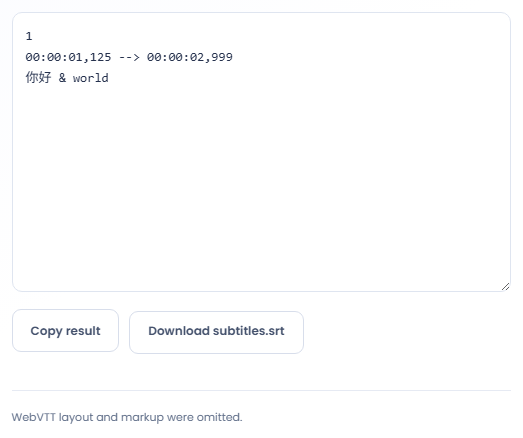
Copy the output or download subtitles.srt. Read the layout-and-markup omission note and check synchronization in the target player. The converter changes the subtitle representation; it does not translate the text.
Convert subtitle timing when the target player or editing workflow requires SRT.
Convert a VTT file when an editor accepts SRT but not the source format. Check the editor import and playback afterwards. The generated cue structure is one part of that workflow, while encoding expectations and media synchronization belong to the target environment.

Use representative cues with positioning or markup when deciding whether SRT is sufficient. Compare the readable output with the intended presentation. Some source features do not have the same representation here, so conversion can remove layout information you still need.

Create an SRT version for a workflow that needs basic timed text, retaining the VTT alongside it. Record which file is the editing source. Maintaining both does not automatically synchronize later edits made to only one of the formats.

Compare cue order, text, and millisecond timestamps when reviewing the converted subtitle file.
Cue timestamps are emitted with millisecond precision and numbered in the parsed cue order. Cue identifiers, positioning settings, and NOTE, STYLE, or REGION blocks are not preserved in SRT.
Readable text is extracted from cue markup, including decoded entities. Voice, class, and other VTT annotations do not become an equivalent set of SRT presentation features.

Check the original cue times and test the exported SRT in the player or editor where it will be used.
Use a complete valid WebVTT file within the text limit. If parsing fails, check the header and cue timestamps before editing dialogue, since a malformed timing line is different from a text content problem.
If subtitles appear at the wrong time after import, compare source and output cues with the media timeline. Use VTT to TXT when timing should be removed entirely rather than converted.

Extract subtitle text from a WebVTT file without timestamps or cue markup.
Open tool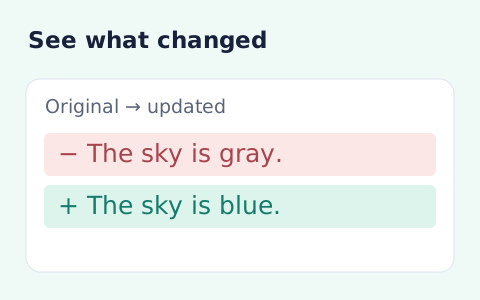
Compare two pieces of text locally with additions and removals highlighted by word or line.
Open tool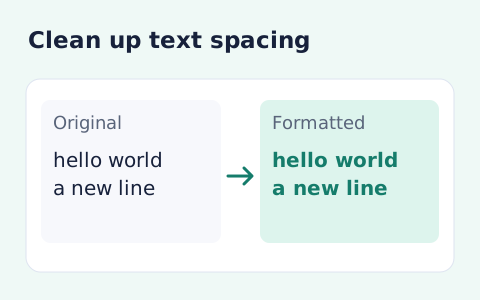
Format pasted text with line trimming, horizontal whitespace cleanup, blank-line handling, and case conversion.
Open toolChoose another tool for your next calculation, conversion, or text task.
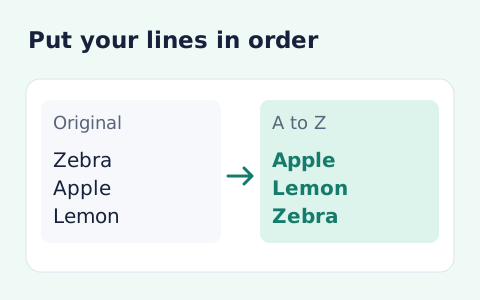
Sort text lines A–Z or Z–A, optionally removing blank and duplicate lines, then copy the result.
Open tool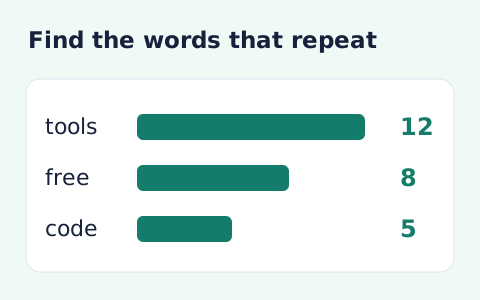
Analyze word counts and term frequency locally with Unicode aware word matching.
Open tool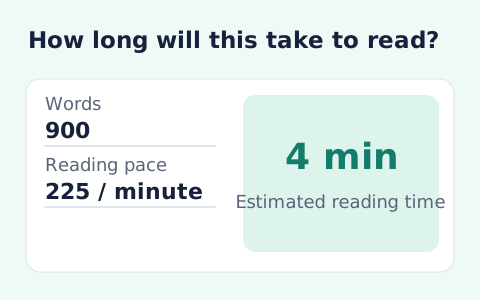
Paste text and estimate reading time from its word count and your chosen reading speed.
Open tool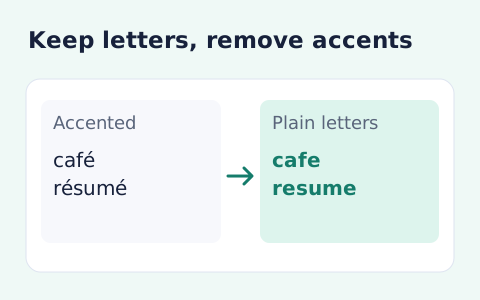
Remove diacritic marks from Unicode text locally while keeping the original letter order and line breaks.
Open toolPaste valid WebVTT subtitles to create numbered SRT cues with readable text.
Answers about using VTT to SRT Converter and understanding its results.
No. SRT output uses plain cue text; WebVTT layout and markup are not portable.
No. It changes the subtitle container and keeps the text.
SRT endpoints use hour-minute-second notation with a comma before the three millisecond digits. The cues are numbered in their parsed order.
Yes. After conversion, download subtitles.srt or copy the generated SRT text. Test the file in the intended player or editor.