
HTML Sanitizer
Remove scripts, event handlers and unsupported markup from basic HTML. Review the cleaned fragment and a contained preview.
Open toolConvert an HTML fragment to React JSX with attribute names, style objects and self-closing elements. Review the generated markup, then copy or download fragment.jsx for your project.
Enter the inputs, then select Convert to JSX.
Result will appear here
Parse an inert HTML fragment, map HTML attributes to React props and serialize text and style values as JSX.
Produces a JSX fragment for review, not a React component or running application. Scripts, inline event handlers and executable URLs are omitted. Embedded CSS and external behavior need separate migration; the page does not run the generated JSX.
Paste static HTML, convert its attributes and text into JSX syntax, then review the fragment in your React project.
Include class, label, boolean and inline style attributes to convert. The page parses the fragment without attaching it to the live document.
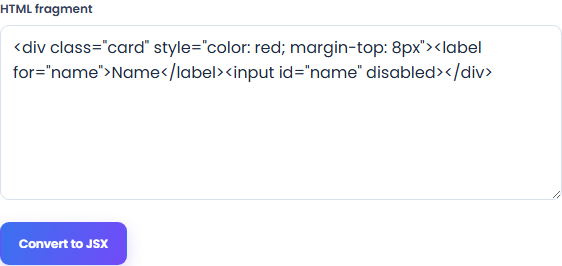
Select Convert to JSX and inspect the fragment wrapped in <> and </>. HTML class and for attributes become className and htmlFor, while inline styles become JSX objects.
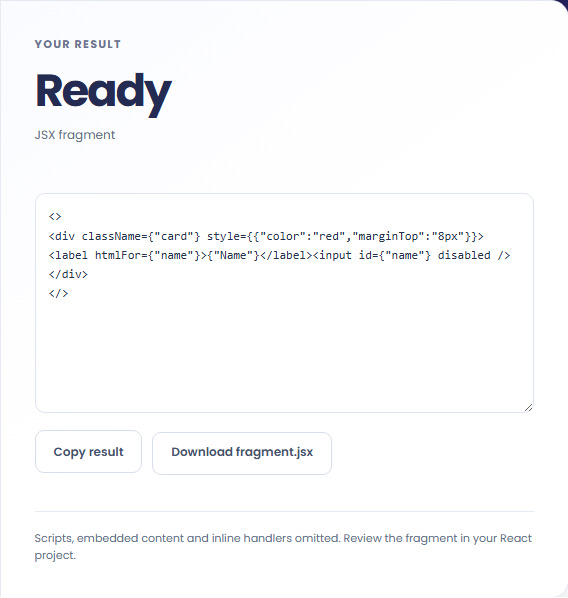
Review className, htmlFor, style objects and escaped text. Copy or download fragment.jsx, then add it to a React component yourself.
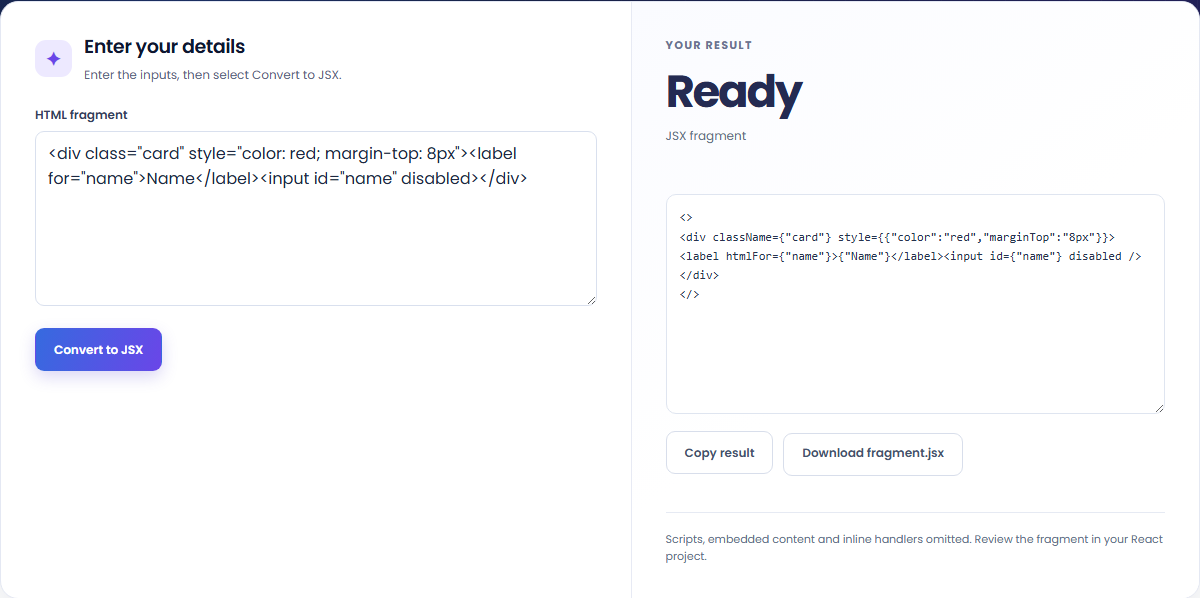
Prepare markup for a React project, then add its application behavior.
Convert the card's element structure and attribute names before adding state, props and event handler functions in your project.

Turn an HTML style attribute into a JSX object. Review units, custom properties and CSS rules that need a separate stylesheet.

Convert text containing braces into quoted expressions so the text is not interpreted as JavaScript. Review the generated fragment before compiling it.

Read the output as markup to incorporate into a component, with its application behavior still to be added.
The output is a fragment wrapped in <> and </>. It maps HTML attributes to React props and represents literal text as quoted expressions. It does not include a component export, application state or working interactions.

The conversion changes markup syntax; compile and review the fragment with your own React code and stylesheet.
Import the JSX fragment into a React component, migrate external CSS and application behavior, then compile and test it in your project.
The input is limited to 100,000 characters. This page parses an inert HTML fragment and returns code text without running the JSX. Executable URLs, scripts, embedded documents and inline handlers are omitted.

Remove scripts, event handlers and unsupported markup from basic HTML. Review the cleaned fragment and a contained preview.
Open tool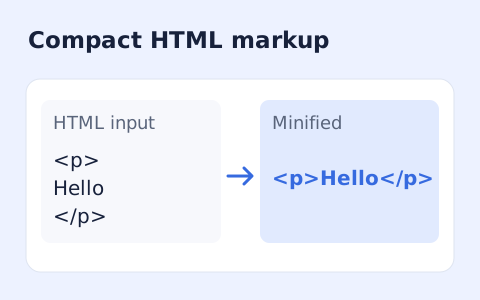
Minify HTML fragments or documents locally while preserving script, style, pre, and textarea content.
Open tool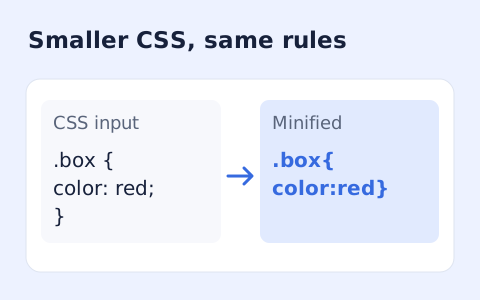
Minify CSS while retaining strings, custom properties, and rule order.
Open toolChoose another tool for your next calculation, conversion, or text task.
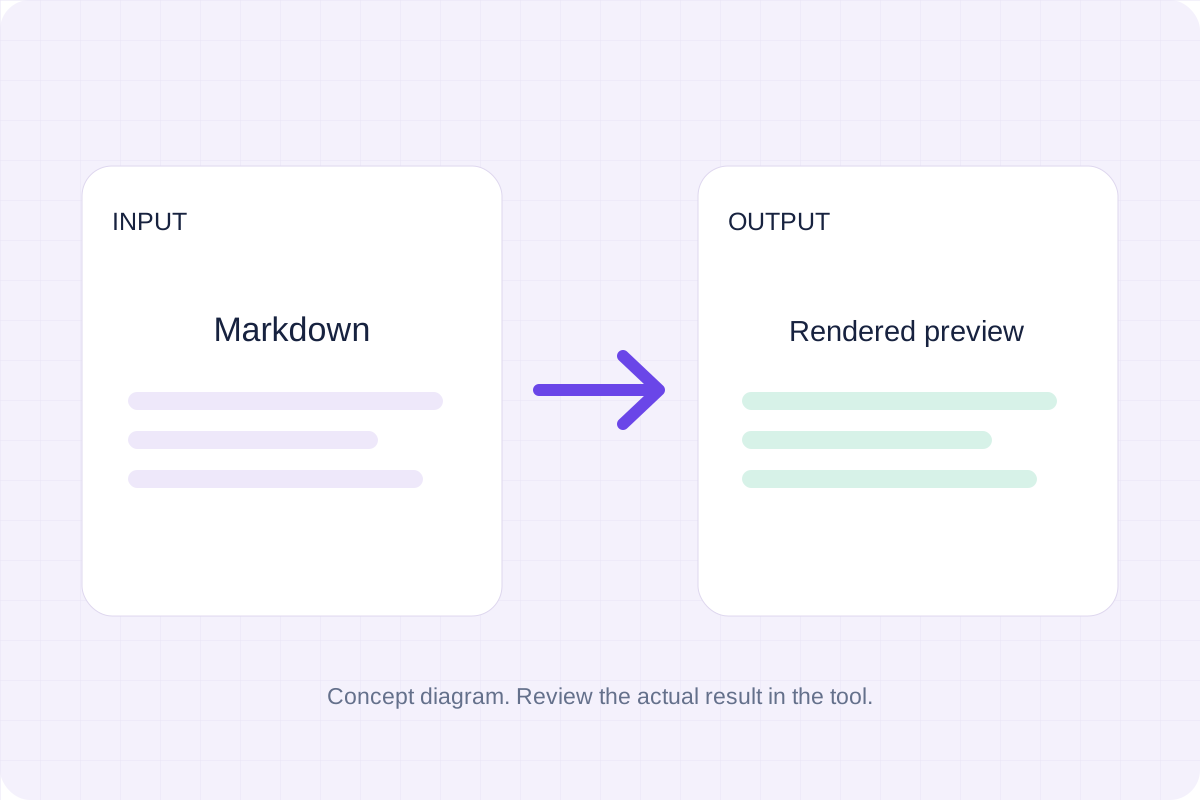
Write Markdown, update the rendered preview and download the Markdown or HTML when it is ready.
Open tool
Compare two JSON values by structure. See changed paths without treating object key order as a difference.
Open tool
Check CSV quoting and consistent column counts, then review the record count and selected delimiter.
Open tool
Create a newly encoded PNG, JPEG or WebP from a local image and remove its original embedded metadata.
Open toolConvert an HTML fragment to JSX with React attribute names, style objects and self-closing elements.
Answers about using HTML to JSX Converter and understanding its results.
Yes. They become className and htmlFor. Boolean attributes and inline styles are converted too.
Inline HTML handlers are omitted. Add React handler functions yourself after reviewing the output.