
JSON to PHP Array Converter
Generate a PHP array expression from JSON without running code.
Open toolConvert JSON examples into C# model classes. Inspect nested classes, public properties and nullable value types, then copy or download Models.cs for integration review.
Enter the inputs, then select Generate C#.
Result will appear here
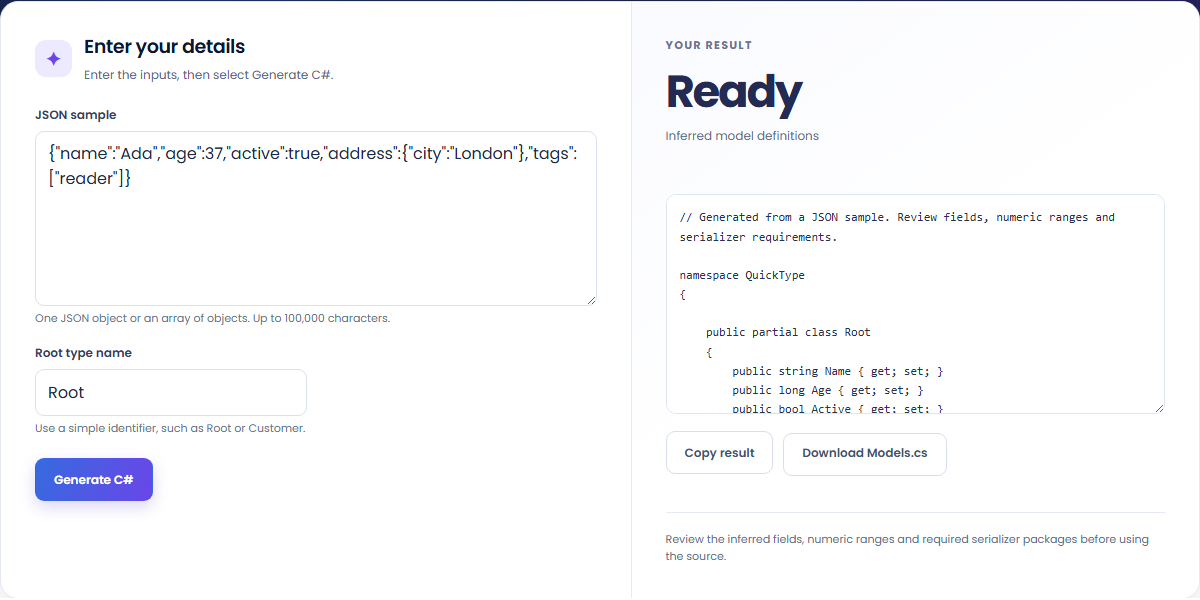
The JSON to C# class generator infers sample shapes with quicktype and emits partial model classes in its types-only configuration.
The source includes public properties and nested model types under the QuickType namespace. Missing or null sample values can produce nullable value types. Serializer helpers and JSON-property attributes are not included in this configuration, so review key mapping in your chosen serializer.
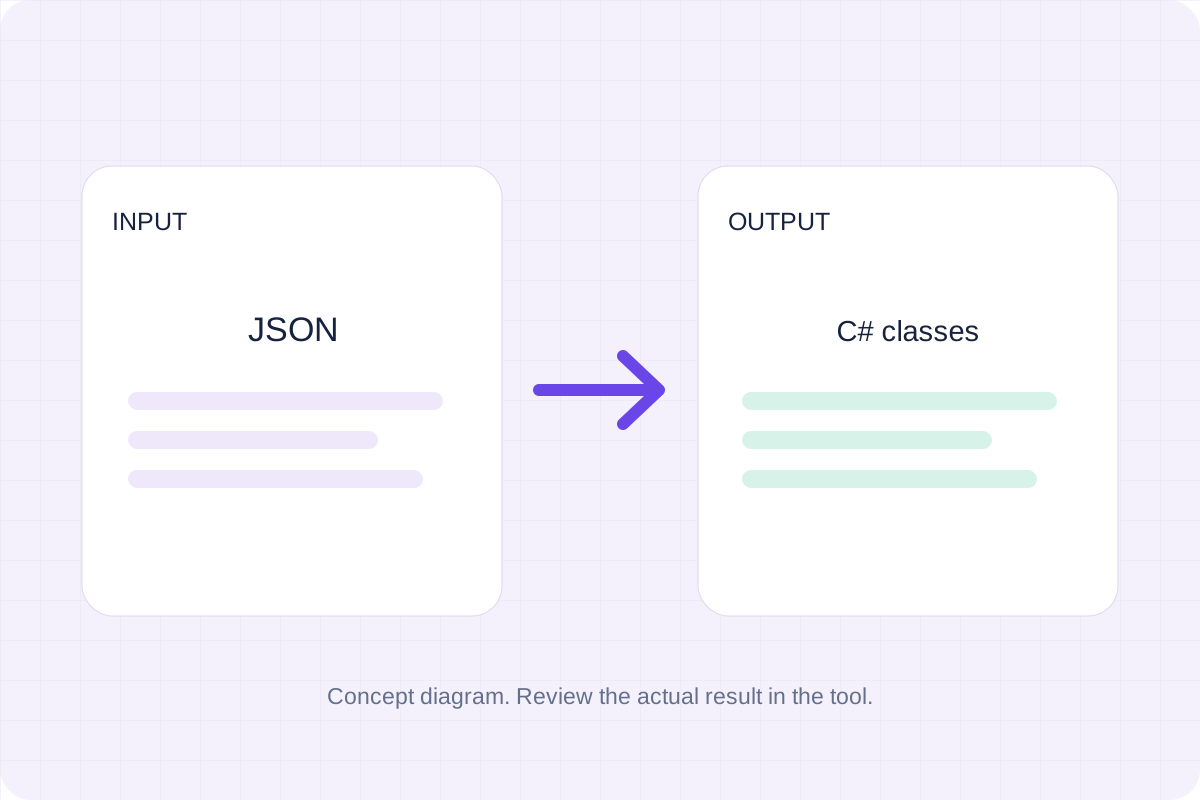
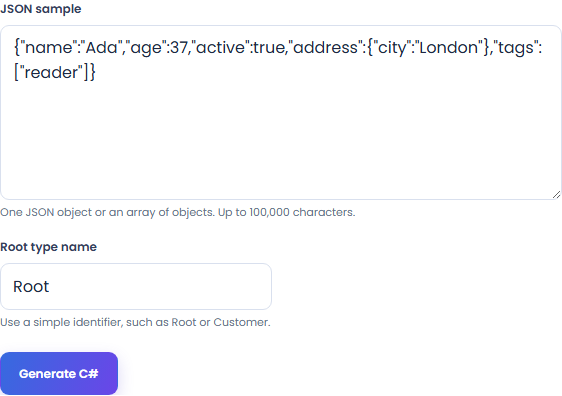
Paste a representative JSON object or object array and choose a root type name before generating the C# definitions.
Include nested objects, arrays, missing fields and null values that occur in real sample records. Use an object or nonempty object array and enter the root type name in its separate field.
Run Generate C# and inspect the partial classes, public properties and nested types. Compare nullable value types with the records that supplied missing or null values.
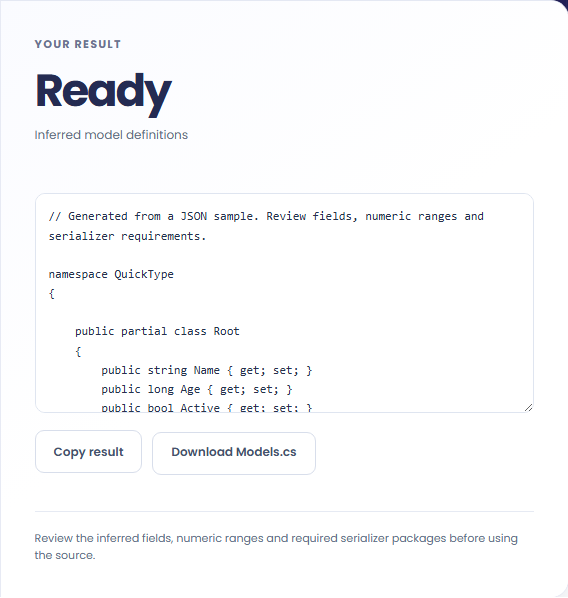
Copy the source or download Models.cs. Review the namespace, property names and numeric types, then configure and test the JSON serializer your application uses.
Start C# definitions from representative data, then check the source in your project.
Use a representative response to start C# model definitions. Compare every field and permitted type with the actual API contract before treating the sample model as complete.

Supply an array containing representative variations so omitted or null fields can affect inference. Include real array elements when the element type matters; an empty array cannot establish that type.

Compare public C# property names with the original JSON keys, especially those containing hyphens or other punctuation. Add the attributes, naming rules or custom mapping your serializer needs; these types-only classes do not provide a complete conversion helper.

Review generated public properties alongside the sample and your target serializer’s naming rules.
Generated C# source uses partial classes in the QuickType namespace, with nullable value types for fields such as a missing integer. JSON keys can differ from generated property names, and this configuration does not emit serialization attributes. Check the serializer mapping before treating the definitions as a loadable data contract.

Validate the inferred definitions in your own C# project with the JSON records it will receive.
Use one JSON object or a nonempty array of objects within 100,000 characters. Choose a supported root type name beginning with a letter and containing at most 40 ASCII identifier characters; reserved names are rejected.
Review the namespace, numeric ranges, nullable values and key mapping with your serializer. Compile the source and test representative records in the target project. The browser generator does not install packages, compile the classes or execute C# code.

Generate a PHP array expression from JSON without running code.
Open tool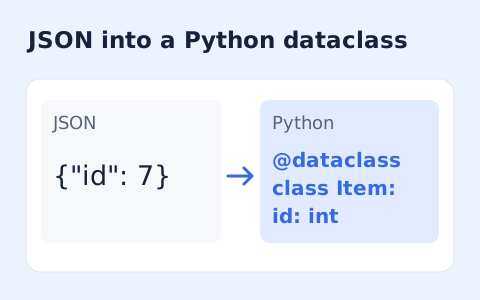
Infer nested Python dataclass definitions from JSON example records.
Open tool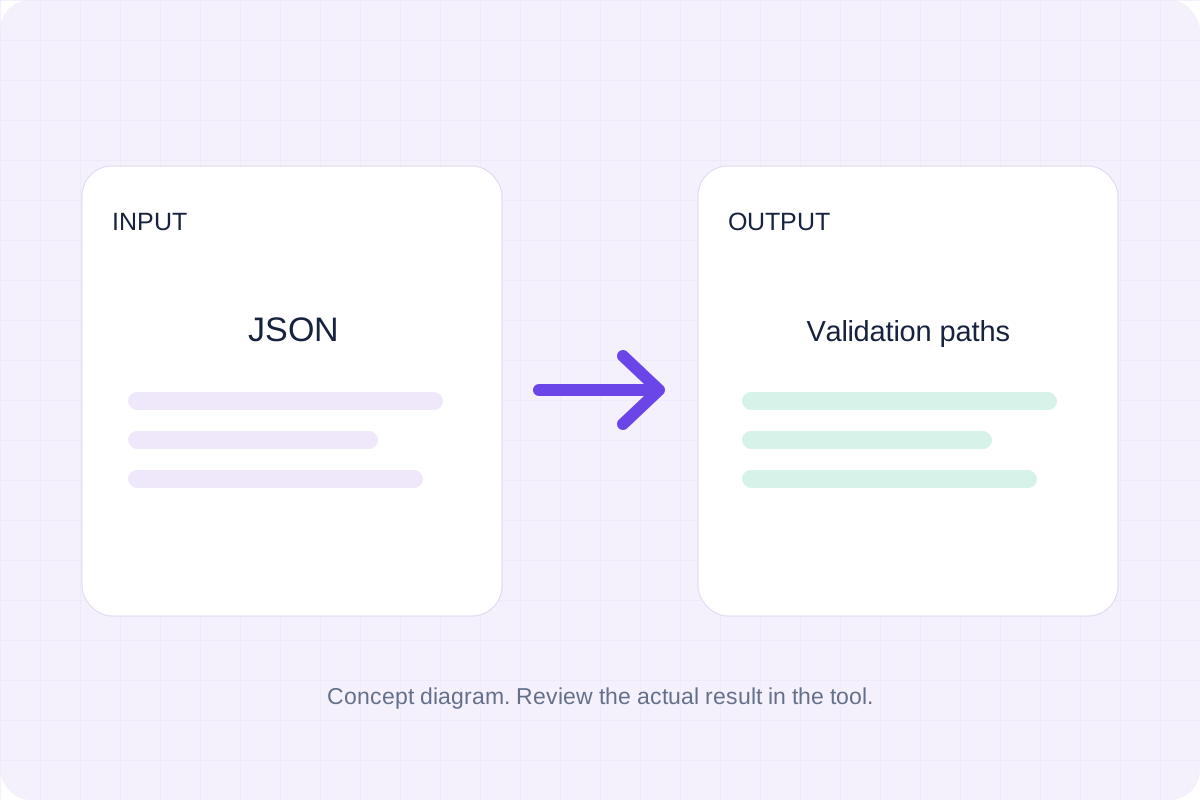
Validate JSON against a draft-07 or 2020-12 schema. Review error paths without sending the documents to a server.
Open toolChoose another tool for your next calculation, conversion, or text task.
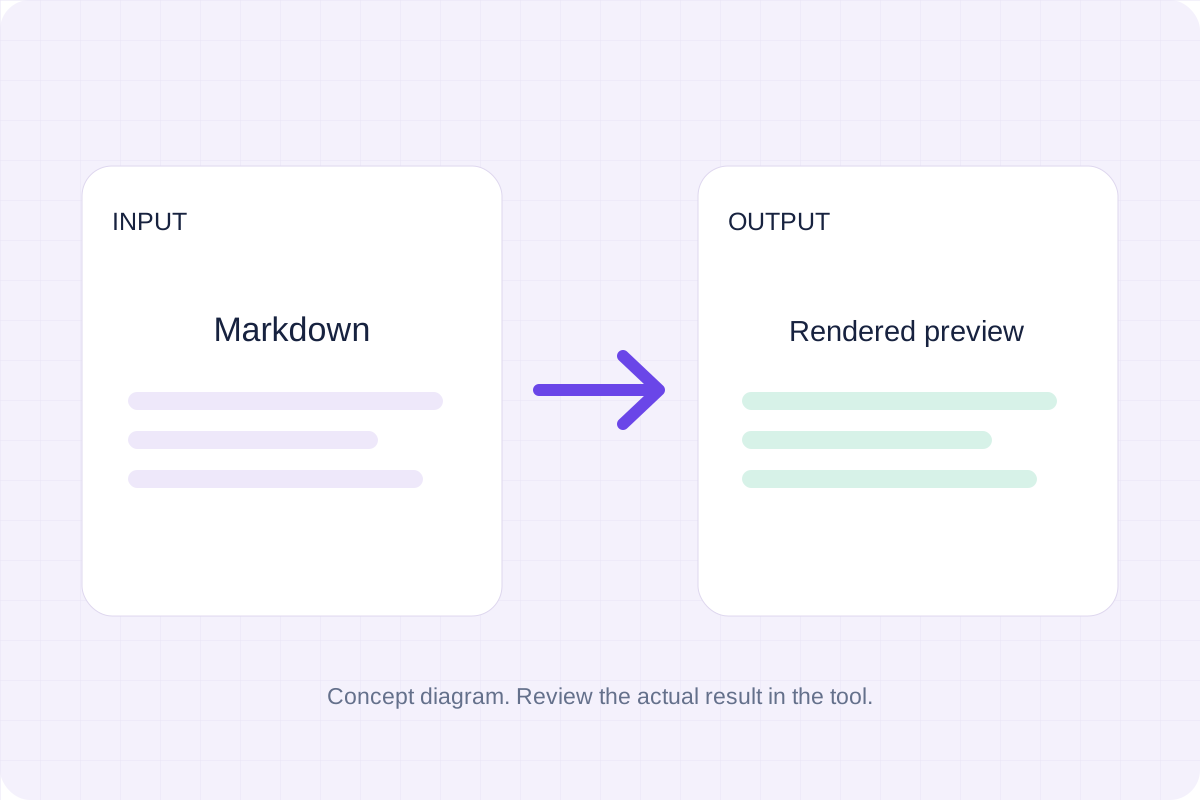
Write Markdown, update the rendered preview and download the Markdown or HTML when it is ready.
Open tool
Compare two JSON values by structure. See changed paths without treating object key order as a difference.
Open tool
Check CSV quoting and consistent column counts, then review the record count and selected delimiter.
Open tool
Create a newly encoded PNG, JPEG or WebP from a local image and remove its original embedded metadata.
Open toolPaste representative JSON and inspect the generated classes before adapting serializer mapping in your project.
Answers about using JSON to C# Class Generator and understanding its results.
No. Fields and types are inferred from the sample. Review missing fields, null values and numeric ranges against your actual API contract.
Yes. Copy the generated definitions or download the source file, then review it in your project.