
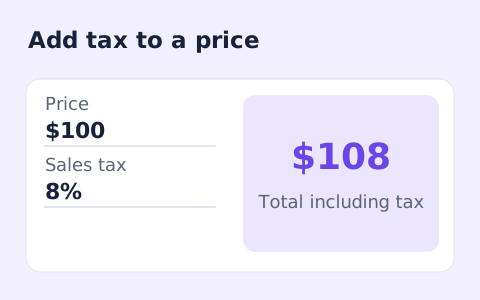
Sales Tax Calculator
Calculate sales tax and the total price from a pre-tax subtotal and a rate you enter.
Open toolCreate an itemized invoice online using your seller, customer and pricing details. Review the total, download the HTML or use browser printing; PDF saving depends on the available print destination.
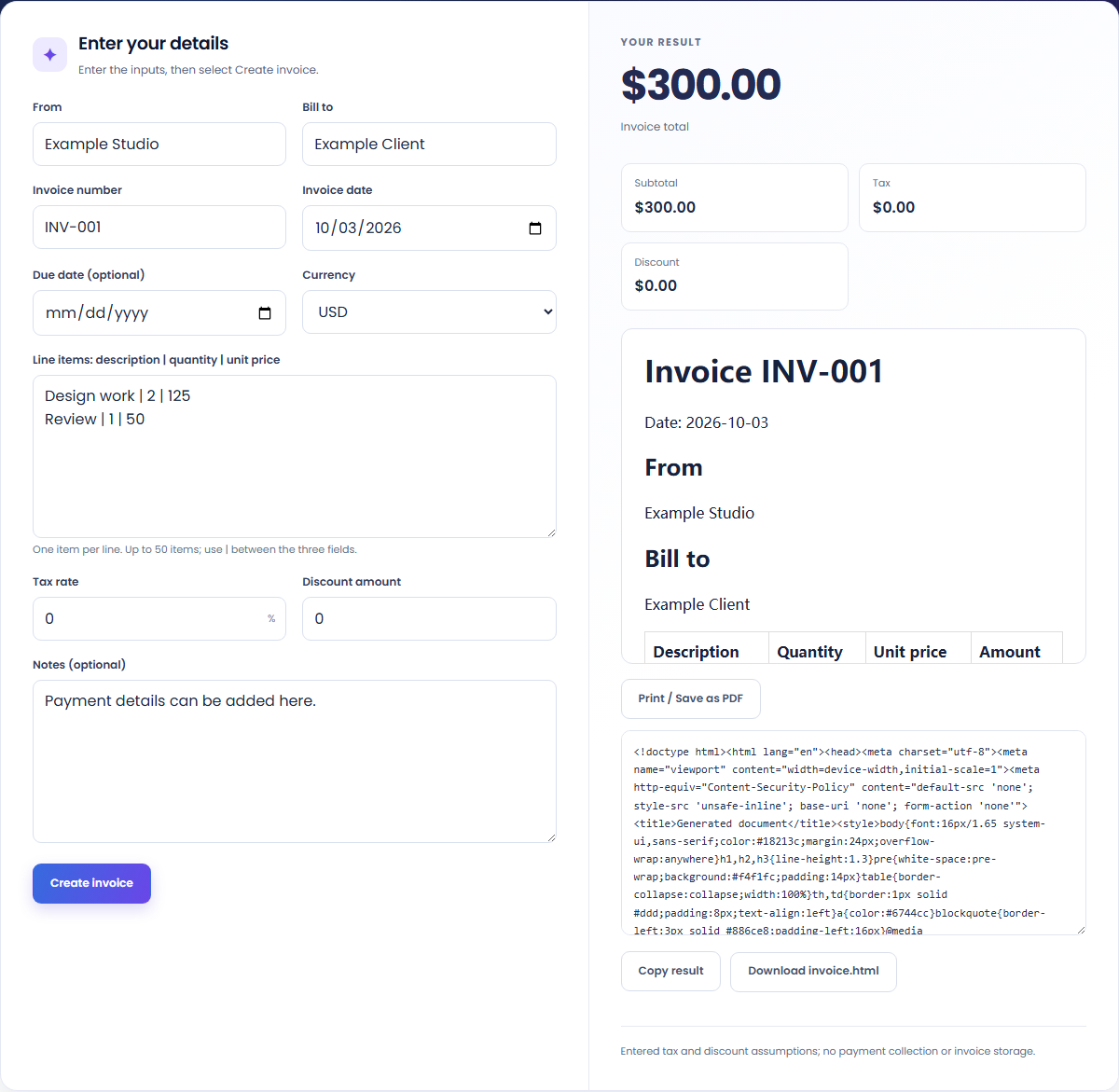
Enter the inputs, then select Create invoice.
Result will appear here
The invoice generator rounds each quantity-times-price line to currency cents, applies the entered tax to the subtotal and then subtracts the fixed discount.
The preview uses your invoice details and the currency you select. Tax is an entered assumption rather than a rate lookup. The generated document can be downloaded as HTML or printed through your browser; invoices and customer records are not stored.
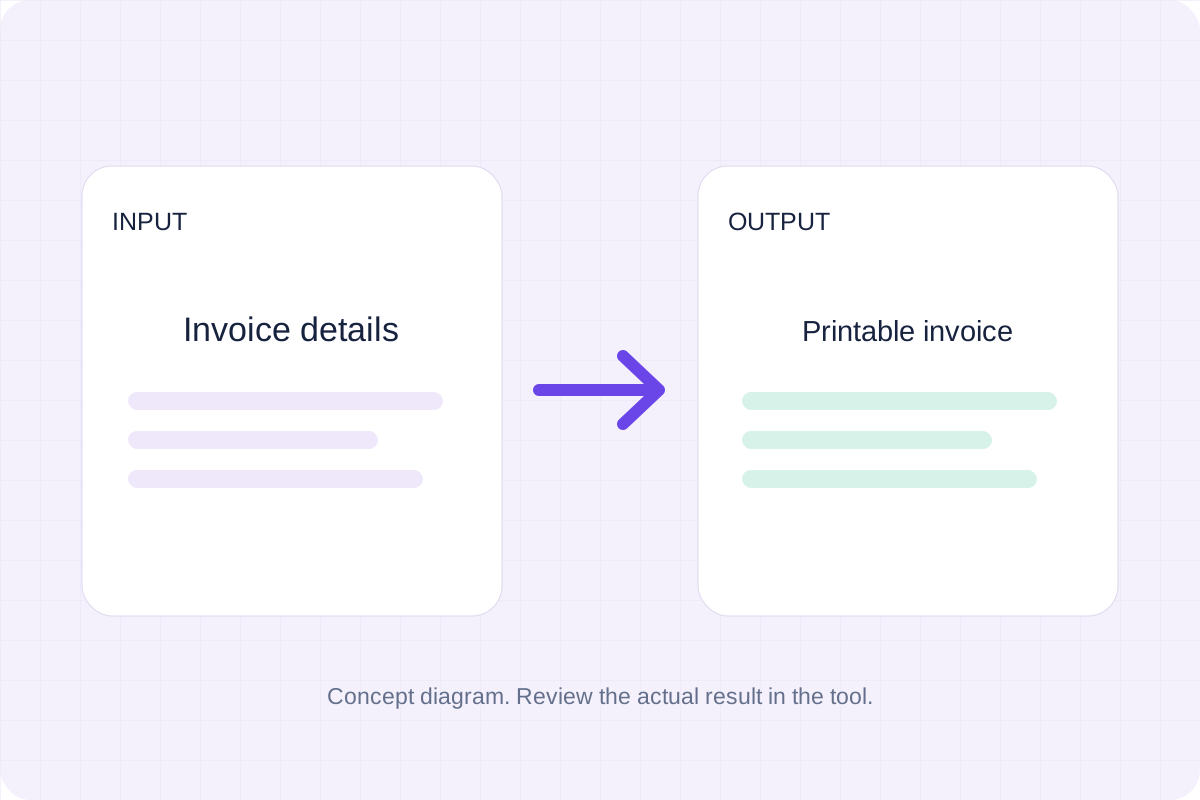
Enter your invoice details and pipe-separated line items, then review the amounts before downloading or printing.
Fill From, Bill to, the invoice number and invoice date. Add each item as description | quantity | unit price on its own line. Select a currency and enter your tax rate and fixed discount; an optional due date must be on or after the invoice date.
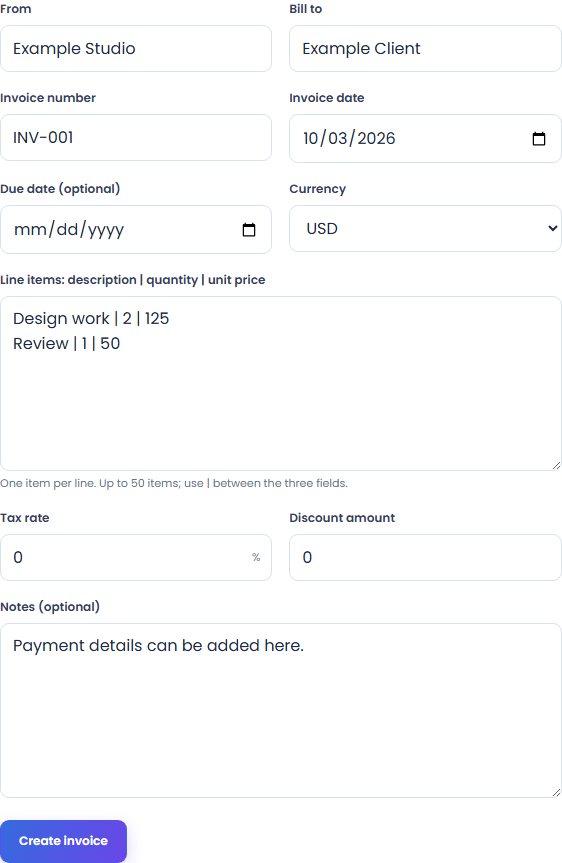
Run Create invoice. Check item descriptions, quantities and prices in the preview, then review the subtotal, tax, discount and final amount. The tax rate comes from your input.
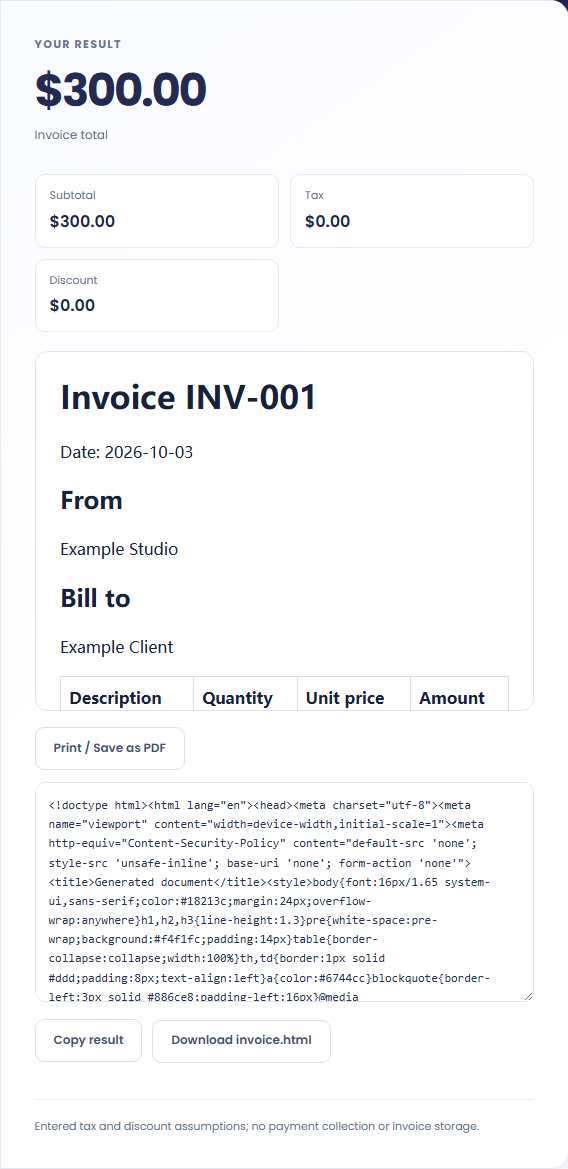
Download invoice.html to keep a local document. Alternatively, select Print / Save as PDF and choose a PDF destination if your browser or operating system offers one. Review the printed output before using it.
Prepare an invoice document from your own details, amounts and tax assumptions.
Describe the work, quantity and unit price in separate fields on each line. Review the arithmetic and add payment details in the notes.
Compare the subtotal with the entered percentage tax and fixed discount. The page applies your assumptions and does not look up a legal tax rate.

Download the HTML or use the browser's PDF print destination. The page does not store a customer record, send an invoice or collect a payment.
Check which amounts are calculated from your inputs before using the final total on the invoice.
Each line is rounded to currency cents before the subtotal is calculated. Percentage tax applies to that subtotal; the fixed discount is subtracted afterward. The supported USD, EUR, GBP and CNY currencies all use two decimals in this tool.

Review the entered details and document output while keeping your own invoice requirements and tax assumptions with it.
Use no more than 50 line items. Quantities must be positive and can have up to four decimal places; unit prices use up to two. The discount cannot exceed the subtotal plus tax, and any due date must be on or after the invoice date.
Confirm the details and requirements for your invoice separately, then download or print before leaving. The tool does not provide a tax-rate lookup, save invoices, send them or collect payments. Saving a PDF uses an available browser or operating-system print destination.
Calculate sales tax and the total price from a pre-tax subtotal and a rate you enter.
Open tool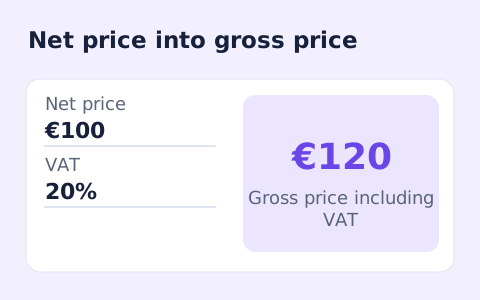
Calculate net price, VAT amount, and gross price from an entered VAT rate.
Open tool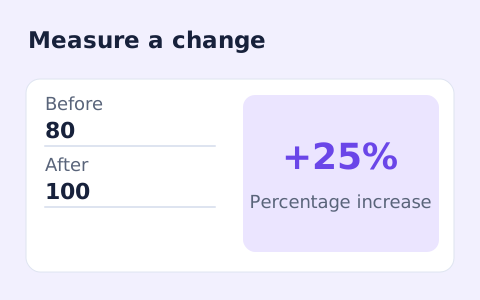
Calculate percentage change and absolute difference between a positive starting value and a new value.
Open toolChoose another tool for your next calculation, conversion, or text task.
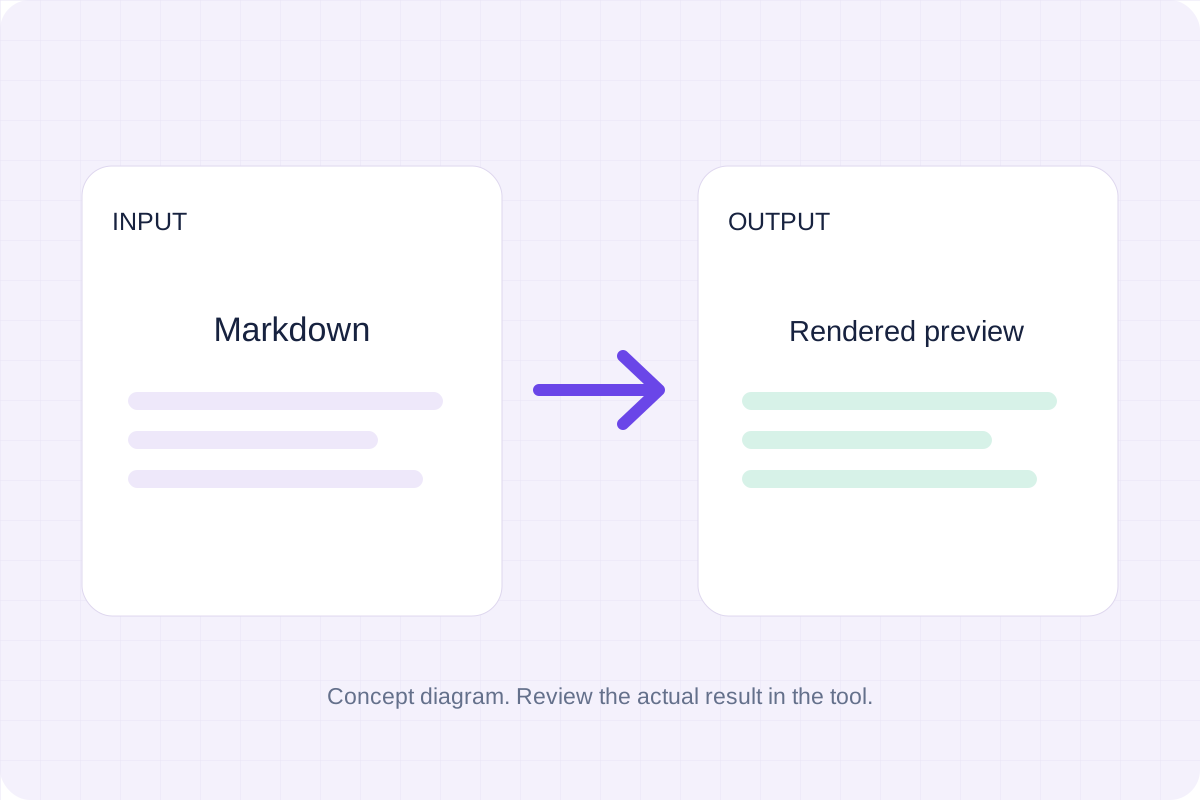
Write Markdown, update the rendered preview and download the Markdown or HTML when it is ready.
Open tool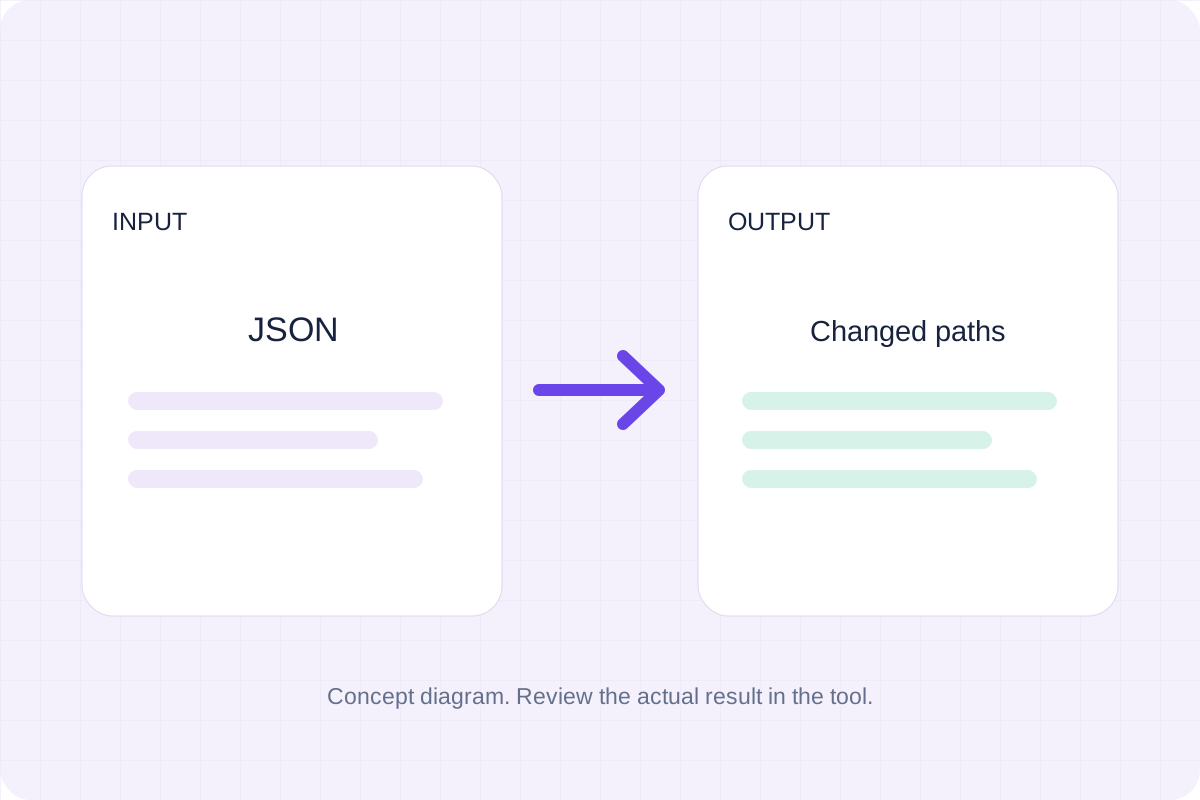
Compare two JSON values by structure. See changed paths without treating object key order as a difference.
Open tool
Check CSV quoting and consistent column counts, then review the record count and selected delimiter.
Open tool
Create a newly encoded PNG, JPEG or WebP from a local image and remove its original embedded metadata.
Open toolEnter your own details, review the amounts and keep the invoice as HTML or through the available print options.
Answers about using Invoice Generator and understanding its results.
Select Print / Save as PDF and choose your browser or operating system PDF destination. You can also download a standalone HTML invoice.
No. Download or print the result before leaving. This page does not send email, collect payments or maintain a customer database.