
ASCII to Text Converter
Validate whitespace- or comma-separated integer codes from 0 to 127 and map them to ASCII characters.
Open toolEncode UTF-16 code units as Unicode escapes, or parse a JSON string body without evaluating code. Non-BMP characters use surrogate pairs.
Enter the inputs, then select Convert Unicode escapes.
Result will appear here
Encode UTF-16 code units as Unicode escapes, or parse a JSON string body without evaluating code.
Non-BMP characters use surrogate pairs. Decoding rejects unsupported escapes and unpaired surrogates. Input is a string body, without enclosing JSON quotes.
Start with your own input.
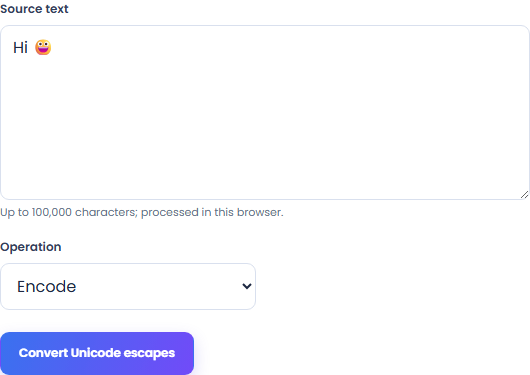
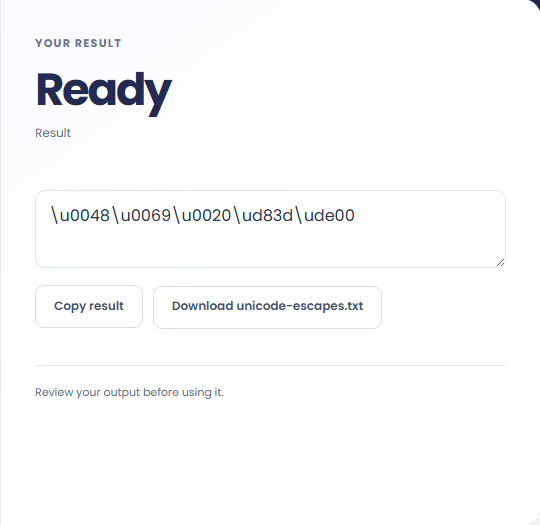
Select Convert Unicode escapes. Review JSON-compatible Unicode escapes or decoded text, then use Copy result or download the result file.
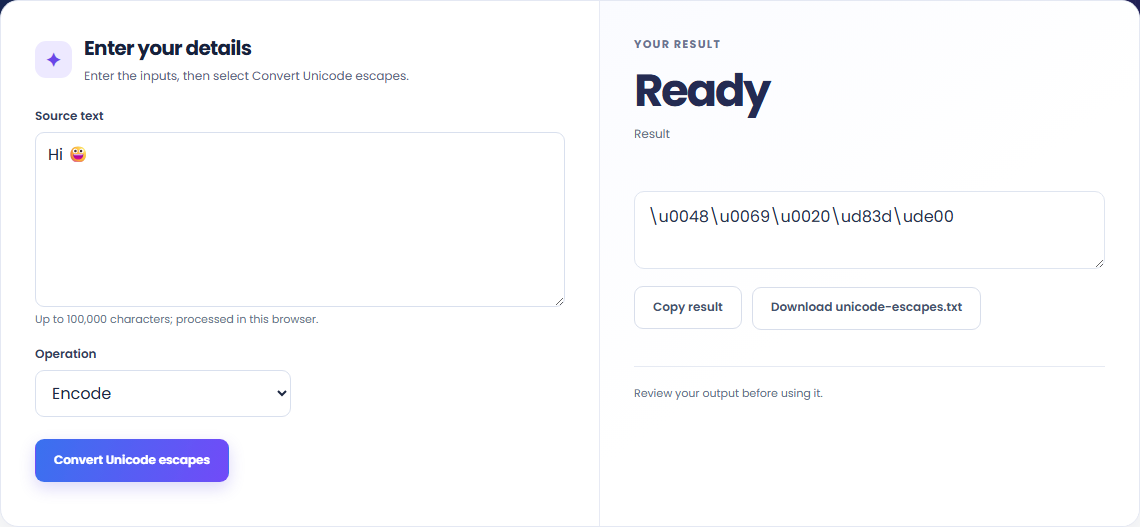
To inspect a surrogate pair, start with source text. Encode UTF-16 code units as Unicode escapes, or parse a JSON string body without evaluating code.

To prepare a JSON string body, start with source text. Non-BMP characters use surrogate pairs.

To decode escaped Unicode, start with source text. Review JSON-compatible Unicode escapes or decoded text, then use Copy result or download the result file.

Check what the output means.
JSON-compatible Unicode escapes or decoded text. Encode UTF-16 code units as Unicode escapes, or parse a JSON string body without evaluating code.
Non-BMP characters use surrogate pairs. Decoding rejects unsupported escapes and unpaired surrogates. Input is a string body, without enclosing JSON quotes.

Check the format before processing.
Non-BMP characters use surrogate pairs. Decoding rejects unsupported escapes and unpaired surrogates. Input is a string body, without enclosing JSON quotes.
Inputs and results are handled in this browser.

Validate whitespace- or comma-separated integer codes from 0 to 127 and map them to ASCII characters.
Open tool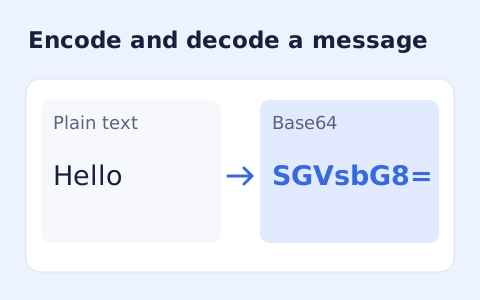
Encode UTF-8 text into standard padded Base64 and decode Base64 back into Unicode text.
Open tool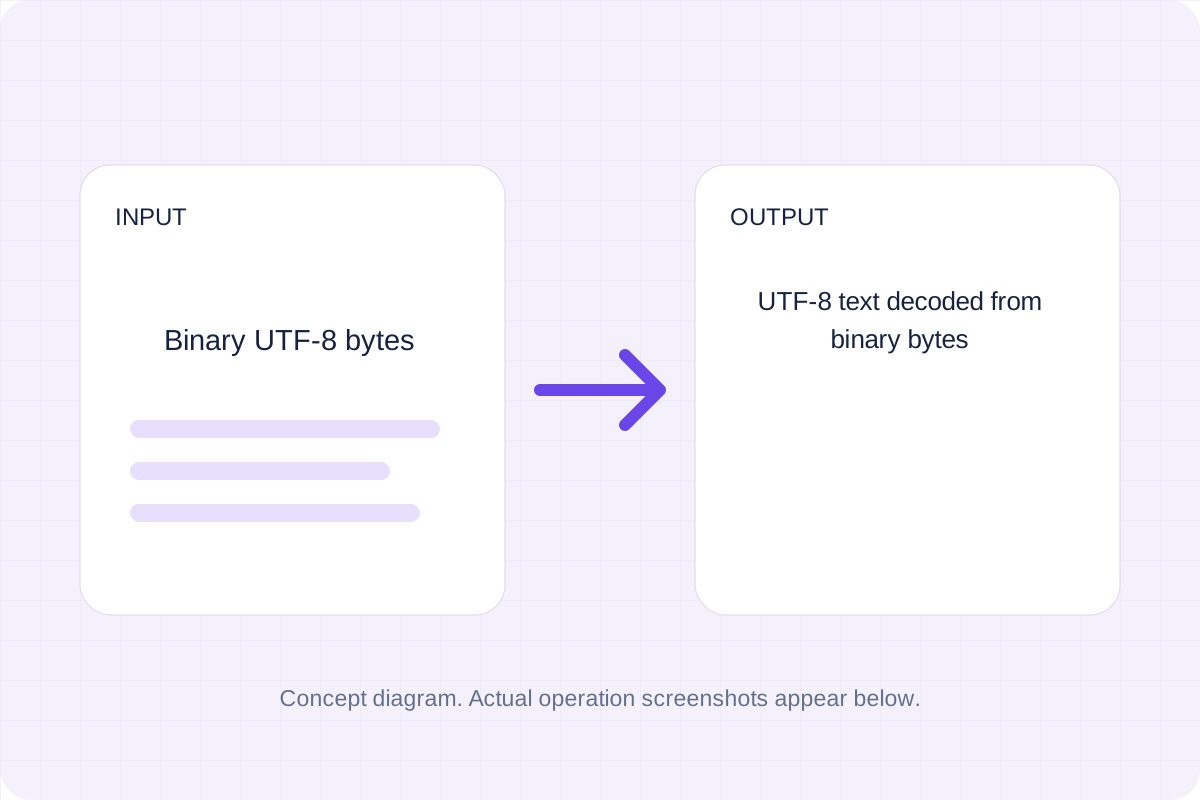
Group binary digits into eight-bit bytes and decode them as strict UTF-8.
Open toolChoose another tool for your next calculation, conversion, or text task.
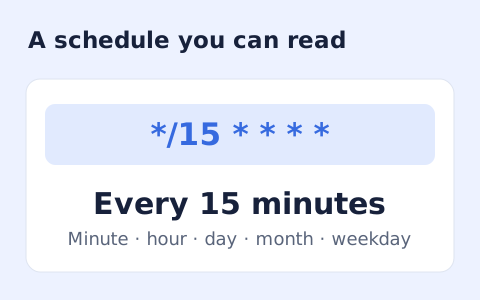
Generate a Unix-style cron expression from minute, hour, day-of-month, month, and weekday fields.
Open tool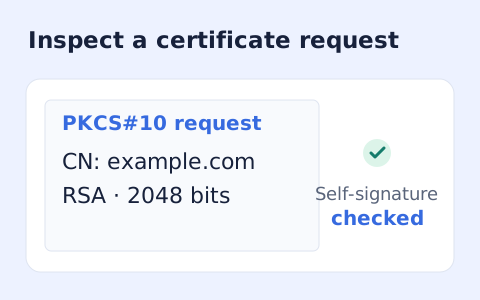
Inspect a PEM PKCS#10 certificate request, subject, key, and requested extensions.
Open tool
Generate a CSS border-radius declaration from four corner values and preview the shape.
Open tool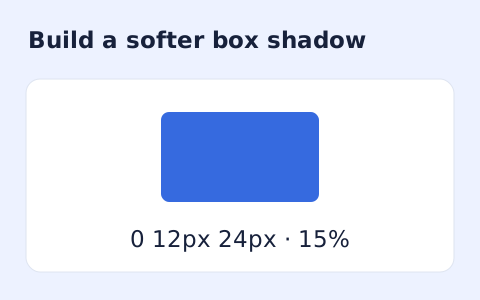
Create a CSS box-shadow declaration from editable shadow settings and copy the result.
Open toolReview JSON-compatible Unicode escapes or decoded text, then use Copy result or download the result file.
Answers about using Unicode Escape Converter and understanding its results.
Non-BMP characters use surrogate pairs. Decoding rejects unsupported escapes and unpaired surrogates. Input is a string body, without enclosing JSON quotes.
Yes. Download the result file after processing. Text results also have Copy result. Processing uses local browser code; no account is required.