
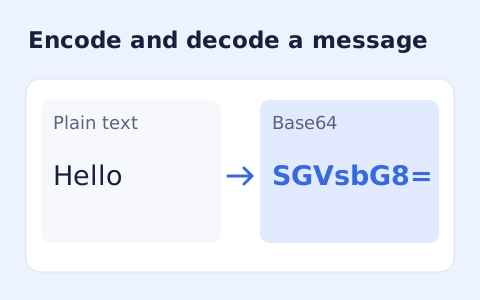
Base64 Encode Decode
Encode UTF-8 text into standard padded Base64 and decode Base64 back into Unicode text.
Open toolInspect a PEM PKCS#10 certificate signing request with this CSR decoder. Read its subject, public key and requested extensions, keeping self-signature status separate from CA trust.
Enter the inputs, then select Decode CSR.
Result will appear here
The decoder reads one PEM certificate request, checks its ASN.1 structure, and extracts subject attributes, public-key information, and requested extensions.
Self-signature verification is attempted when the algorithm and crypto context support it. This concerns the included key and request signature; it does not establish CA trust, domain ownership, or issuance.
Use one matching PEM block and valid request data.

Paste one PEM certificate signing request to inspect the information it contains.
Enter one PEM CERTIFICATE REQUEST block, preserving its markers and encoded body. Do not use a private key or an issued certificate. The tool inspects the public information in a PKCS#10 request.
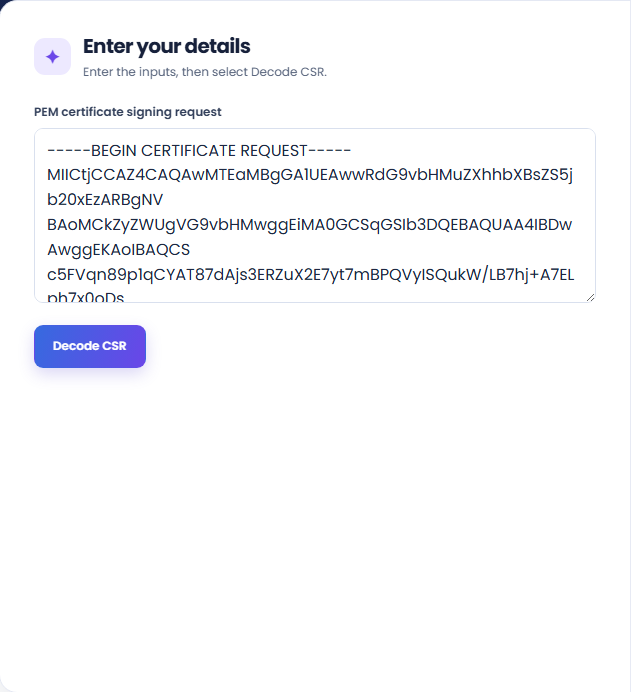
Run the decoder and inspect the subject, public-key, and requested-extension rows. The result also attempts to report self-signature status when the algorithm and crypto environment support that check.
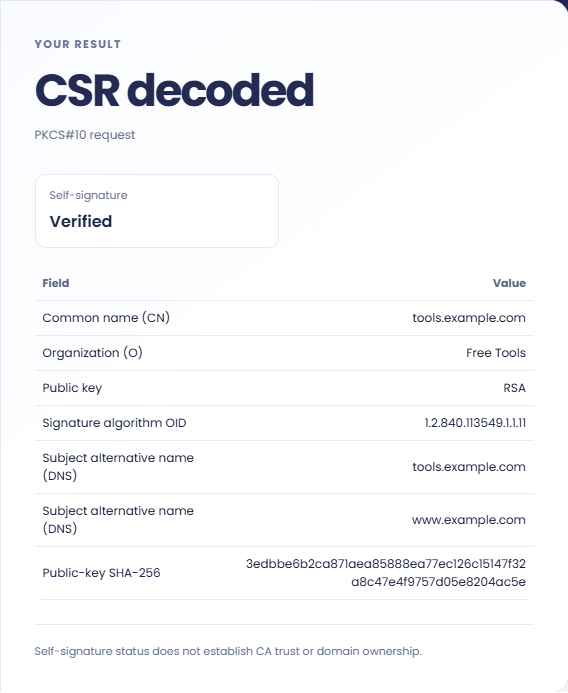
Review the self-signature status with the explicit CA-trust note. Verified concerns the request signature and included public key; it does not establish domain ownership, certificate issuance, or trust by a certificate authority.
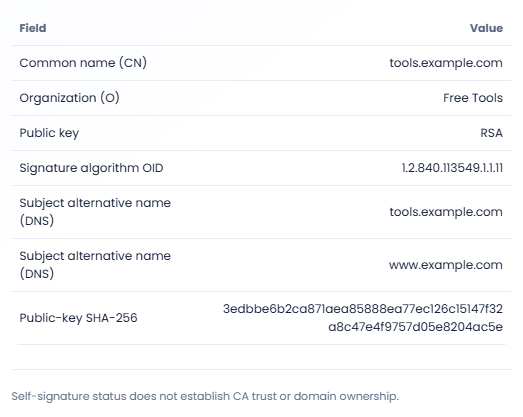
Review the request before comparing it with the intended certificate application.
Inspect a CSR before handing it to a certificate issuance workflow. Check the subject and alternative names against the request requirements. A readable request does not establish that the submitter controls those names or that a certificate will be issued.

Decode a request when investigating why its requested names differ from an expected list. Examine alternative names as well as the subject. The result can identify the request contents, but it cannot explain later certificate authority policy decisions.

Read the key algorithm and available public key details when reviewing which request was prepared. If a SHA-256 fingerprint is available, keep its public key context in the notes. It is not a fingerprint of an issued certificate.

Read the requested identity details separately from the status of the request’s self-signature.
A Verified status concerns the request self signature where verification is supported. It does not show domain ownership, certificate issuance, or trust by a browser or certificate authority.
Unsupported algorithms or unavailable crypto can leave the signature Not checked. Extension identifiers can be shown even when their contents are not presented as a fully interpreted field.

Compare the request fields with the intended certificate application before handing the CSR to a certificate authority.
Use one matching PEM block and valid request data. Extra trailing ASN1 data or an unrelated PEM type is rejected. Recopy the original request rather than altering its encoded bytes to make parsing succeed.
If a status is Invalid, inspect the original request generation workflow separately. The decoder does not repair a signature, generate a replacement request, or inspect the private key.

Encode UTF-8 text into standard padded Base64 and decode Base64 back into Unicode text.
Open tool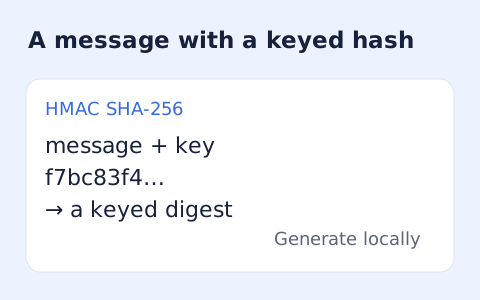
Calculate HMAC-SHA-256, SHA-384, or SHA-512 locally and copy hexadecimal or Base64 output.
Open tool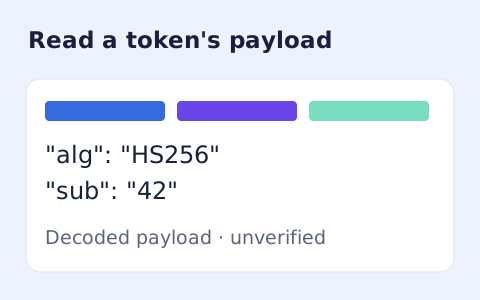
Inspect the header and payload of a compact JWT without verifying its signature.
Open toolChoose another tool for your next calculation, conversion, or text task.
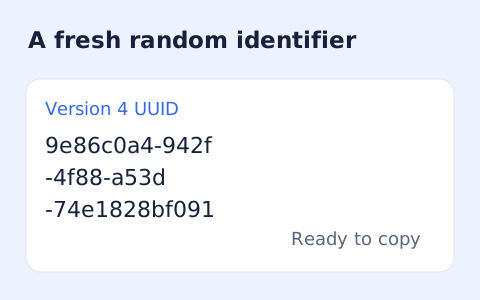
Create one or more RFC 4122 version 4 UUIDs locally and copy them in one click.
Open tool
Convert pixel values to CSS rem units with a configurable root font size and a quick reference table.
Open tool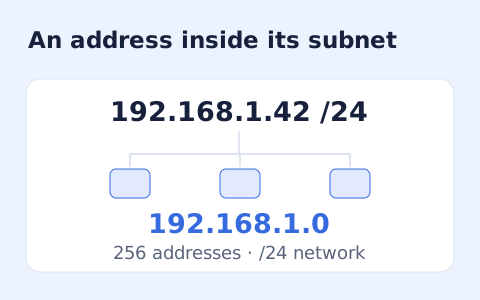
Calculate IPv4 subnet details from an address and CIDR prefix, including /31 and /32 cases.
Open tool
Generate a CSS border-radius declaration from four corner values and preview the shape.
Open toolPaste one PEM certificate signing request to inspect the information it contains.
Answers about using CSR Decoder and understanding its results.
No. Paste a CERTIFICATE REQUEST PEM block only.
It checks that the request's signature matches its included public key, not that a CA trusts the requester.
An unsupported algorithm or crypto context can prevent the check. The status does not mean a CA approved or rejected the request.
No. A CSR is a request. The decoder does not issue a certificate or perform a CA trust decision.