
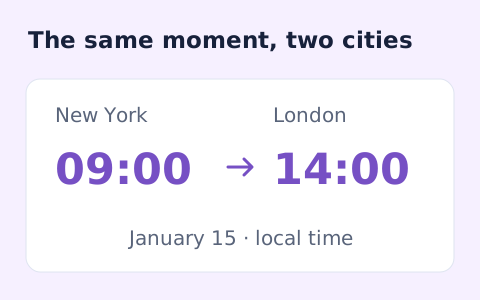
Timezone Converter
Convert dated local times between IANA zones while handling daylight saving transitions.
Open toolGenerate a Unix-style cron expression from minute, hour, day-of-month, month, and weekday fields.
Enter the inputs, then select Generate cron.
Result will appear here
The generator validates supported numeric syntax and joins minute, hour, day-of-month, month, and weekday values into a five-field cron expression.
The output describes a schedule for a compatible scheduler. Its timezone, calendar execution behavior, and treatment of restricted day fields must be checked in that scheduler.
This generator does not accept a seconds field, named weekdays or months, or shortcuts such as macros.

Fill the five schedule fields using numeric values and the supported range, list, or step syntax.
Enter minute, hour, day of month, month, and weekday using supported integers, wildcards, lists, ranges, or steps. Check the displayed ranges and the zero-based Sunday weekday convention.
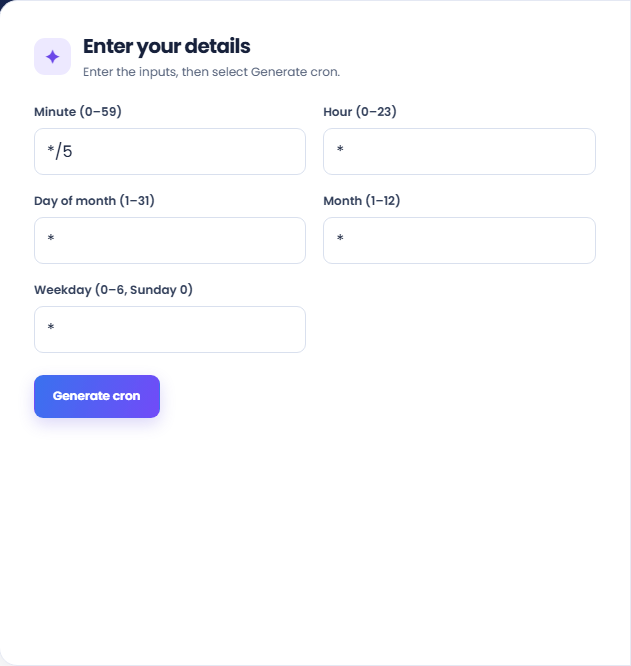
Run the generator and read the five-field expression in order. Its supporting rows make each field visible so you can compare the schedule with the task you intended.
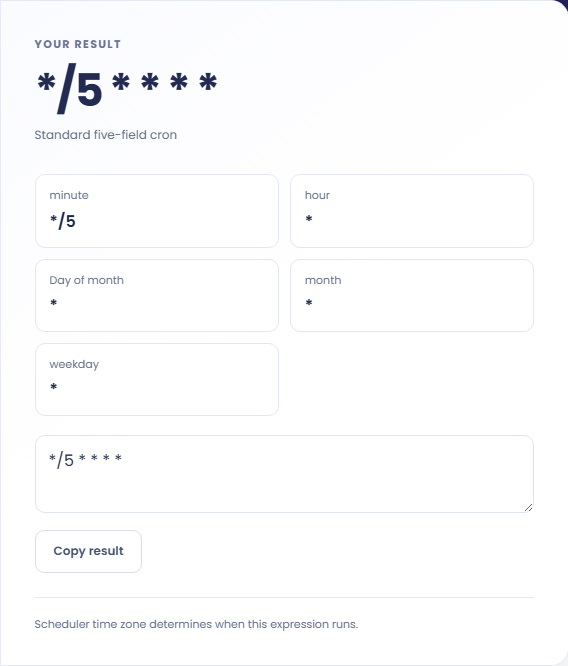
Copy the expression only after reading the note about timezone or restricted day fields. Confirm the receiving scheduler uses this dialect. The result does not list next runs or install a job.
Use the expression as a draft for a scheduler whose cron syntax you have already identified.
Set a specific minute and hour with a weekday range for a routine task. Compare the generated expression with the intended local schedule, then check the scheduler timezone separately. An expression alone does not specify which location supplies the wall clock.

Use a step in an appropriate field when the scheduler should repeat within that field range. Read the resulting values implied by the step rather than treating it as an elapsed duration that continues independently across hours or calendar boundaries.

Generate an old schedule and a proposed schedule separately when reviewing a configuration edit. Compare the field that changes and the fields that remain unrestricted. The generator validates supported syntax, but it cannot establish that the command or deployment configuration is correct.

Interpret the fields using the conventions of the scheduler that will execute the expression.
In traditional five field cron, restricting both day of month and day of week commonly uses an OR relationship. Confirm the target scheduler behavior before using both fields to express an intersection.
A syntactically valid schedule may include a day that some months do not contain. This output does not simulate the calendar or provide a next execution list to reveal that pattern.

Check the scheduler format and the relationship between the two day fields before saving a schedule.
This generator does not accept a seconds field, named weekdays or months, or shortcuts such as macros. If a scheduler requires another dialect, translate and validate the expression in that scheduler.
If a job runs at an unexpected time, inspect the scheduler timezone and its daylight saving behavior as well as the expression. No timezone field is included in the generated five field text.

Convert dated local times between IANA zones while handling daylight saving transitions.
Open tool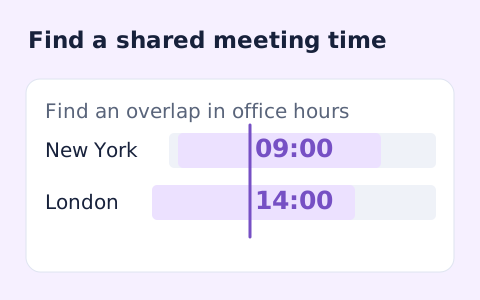
Plan a dated meeting across IANA time zones and check typical weekday office hours.
Open tool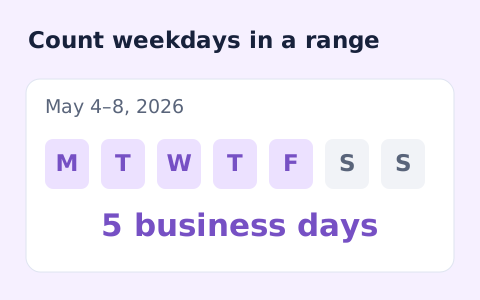
Count weekdays between two dates, including both endpoints and excluding Saturdays and Sundays.
Open toolChoose another tool for your next calculation, conversion, or text task.
Create one or more RFC 4122 version 4 UUIDs locally and copy them in one click.
Open tool
Convert pixel values to CSS rem units with a configurable root font size and a quick reference table.
Open tool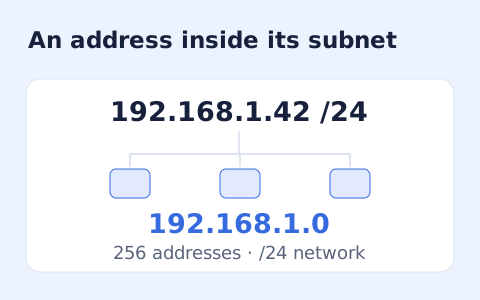
Calculate IPv4 subnet details from an address and CIDR prefix, including /31 and /32 cases.
Open tool
Generate a CSS border-radius declaration from four corner values and preview the shape.
Open toolFill the five schedule fields using numeric values and the supported range, list, or step syntax.
Answers about using Cron Expression Generator and understanding its results.
Use */5 in Minute and * in the other four fields.
No. Quartz's seconds field and special characters are outside this generator's scope.
No. It validates and assembles the five fields; it does not simulate a calendar.
No. Copy the expression into a scheduler that supports the same dialect and review its timezone.