
UUID Generator
Create one or more RFC 4122 version 4 UUIDs locally and copy them in one click.
Open toolValidate whitespace- or comma-separated integer codes from 0 to 127 and map them to ASCII characters. ASCII only, not Unicode code points or UTF-8 bytes.
Enter the inputs, then select Decode ASCII.
Result will appear here
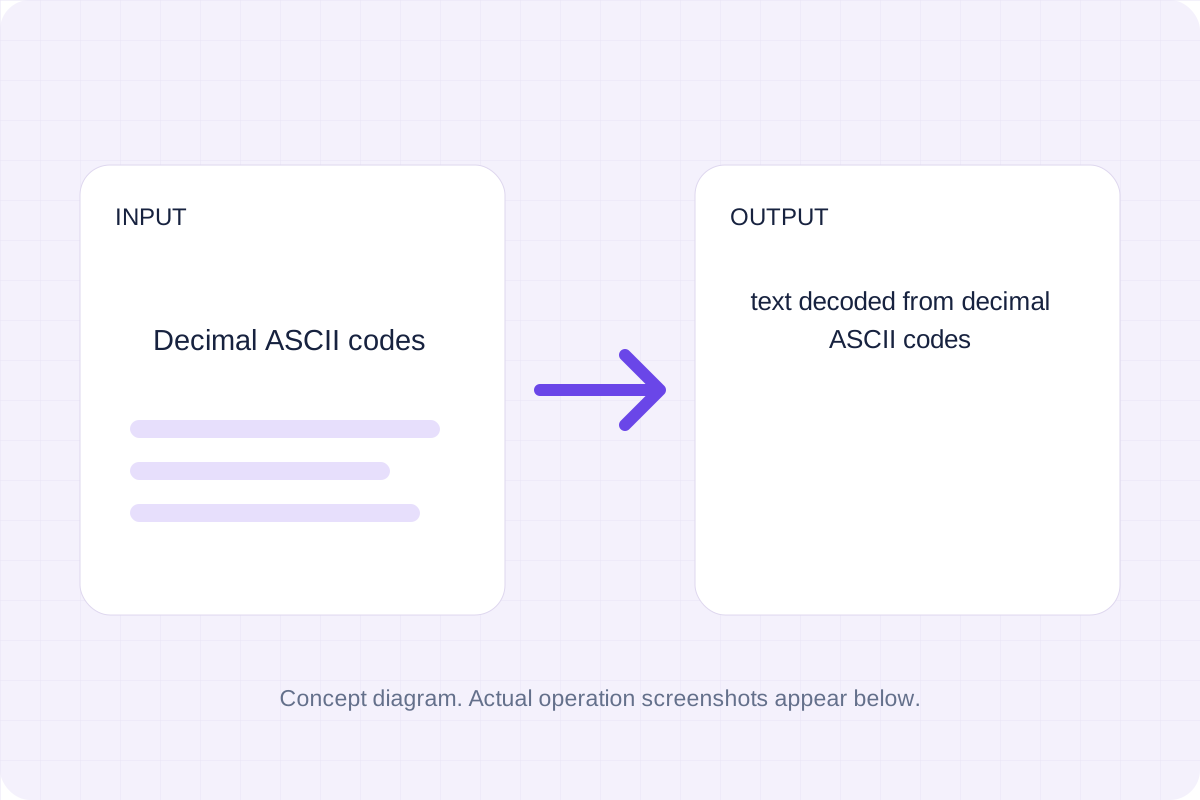
Validate whitespace- or comma-separated integer codes from 0 to 127 and map them to ASCII characters.
ASCII only, not Unicode code points or UTF-8 bytes. Control characters are retained in the saved text and may not be visible.
Start with your own input.
Replace the example with the decimal ascii codes you want to process. ASCII only, not Unicode code points or UTF-8 bytes.
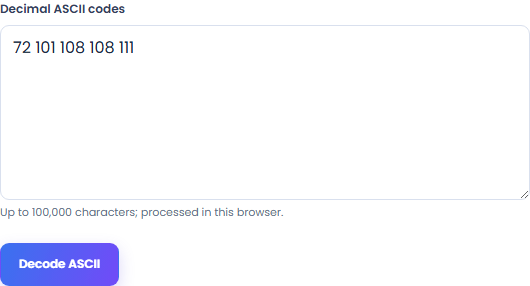
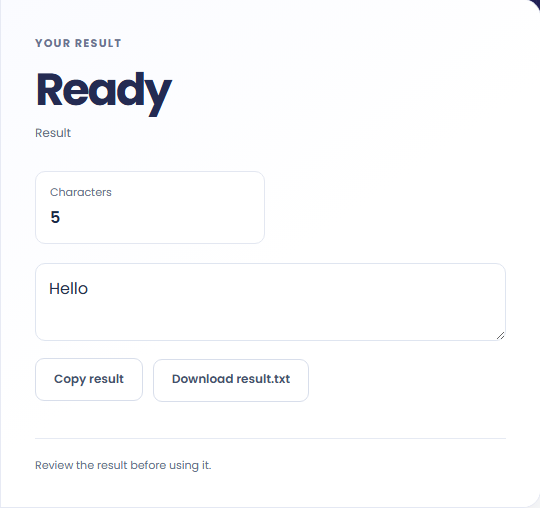
Select Decode ASCII. Review text decoded from decimal ASCII codes, then use Copy result or Save result.
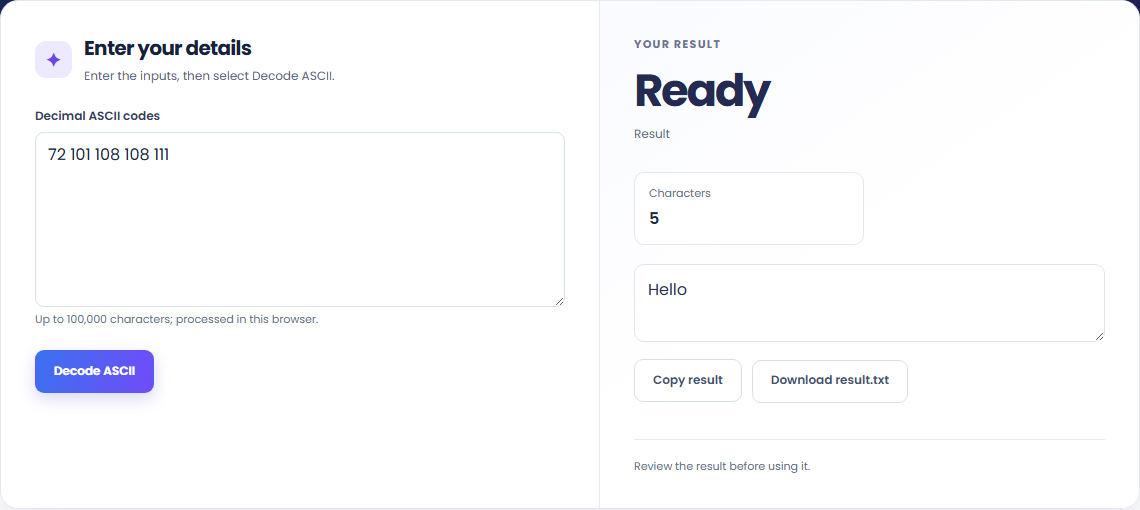
To decode an ASCII example, start with decimal ascii codes. Validate whitespace- or comma-separated integer codes from 0 to 127 and map them to ASCII characters.

To read a decimal byte sequence, start with decimal ascii codes. ASCII only, not Unicode code points or UTF-8 bytes.

To check a protocol sample, start with decimal ascii codes. Copy the result into your working document, or save a local file for later review.

Check what the output means.
Text decoded from decimal ASCII codes. Validate whitespace- or comma-separated integer codes from 0 to 127 and map them to ASCII characters.
ASCII only, not Unicode code points or UTF-8 bytes. Control characters are retained in the saved text and may not be visible.

Check the format before processing.
ASCII only, not Unicode code points or UTF-8 bytes. Control characters are retained in the saved text and may not be visible.
Inputs and results are processed locally. Keep your source and save the output you need before leaving.

Create one or more RFC 4122 version 4 UUIDs locally and copy them in one click.
Open tool
Convert pixel values to CSS rem units with a configurable root font size and a quick reference table.
Open tool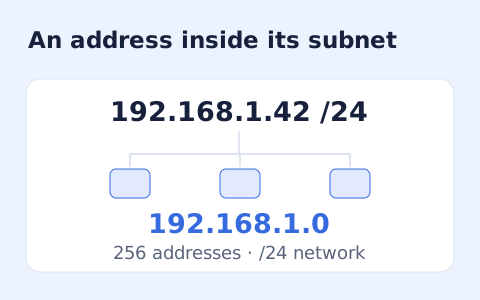
Calculate IPv4 subnet details from an address and CIDR prefix, including /31 and /32 cases.
Open toolChoose another tool for your next calculation, conversion, or text task.
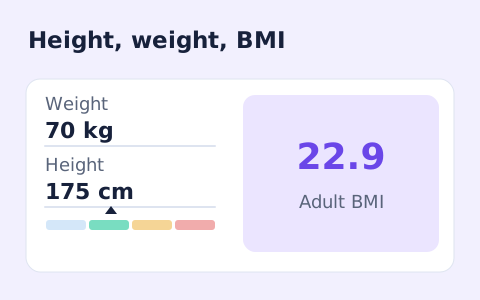
A free adult BMI calculator with metric inputs, a clear BMI category, and the calculation shown.
Open tool
Convert hourly pay to gross annual, monthly, and weekly salary using your own working hours and weeks.
Open tool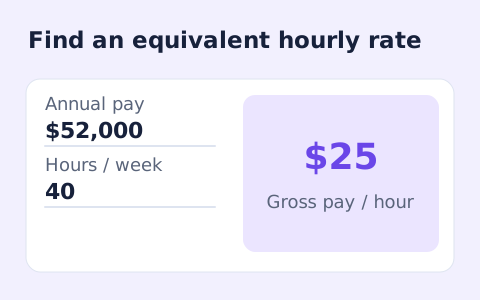
Convert annual gross salary into an hourly rate from your hours per week and paid weeks per year.
Open tool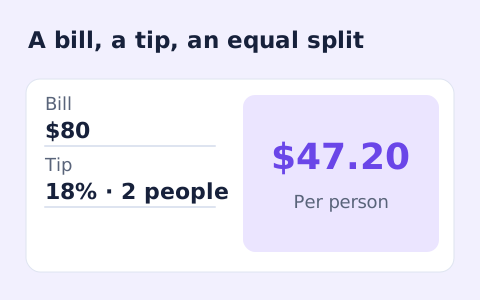
Quickly split a bill with a percentage tip. See the tip amount, total, and per-person amount.
Open toolAnswers about using ASCII to Text Converter and understanding its results.
Text decoded from decimal ascii codes. ASCII only, not Unicode code points or UTF-8 bytes. Control characters are retained in the saved text and may not be visible.
Yes. Use Copy result or Save result after processing. Inputs and results are handled in this browser; save what you need before leaving.
Check the result and copy or save the output.