

Reverberation Time Calculator (Sabine & Eyring RT60 Acoustic Formula)
Calculate room reverberation time (RT60) using Sabine (0.161 V / A) and Norris-Eyring formulas from room volume and surface absorption coefficients.
Open toolCompute the exact 3D interior volume (`mm³`, `cm³`, `in³`), total surface area, bounding box dimensions, watertight half-edge manifold status, and estimated part mass (`g` / `kg`) directly from ASCII STL triangle facets.
Enter the inputs, then select Calculate STL Volume & Weight.
Result will appear here
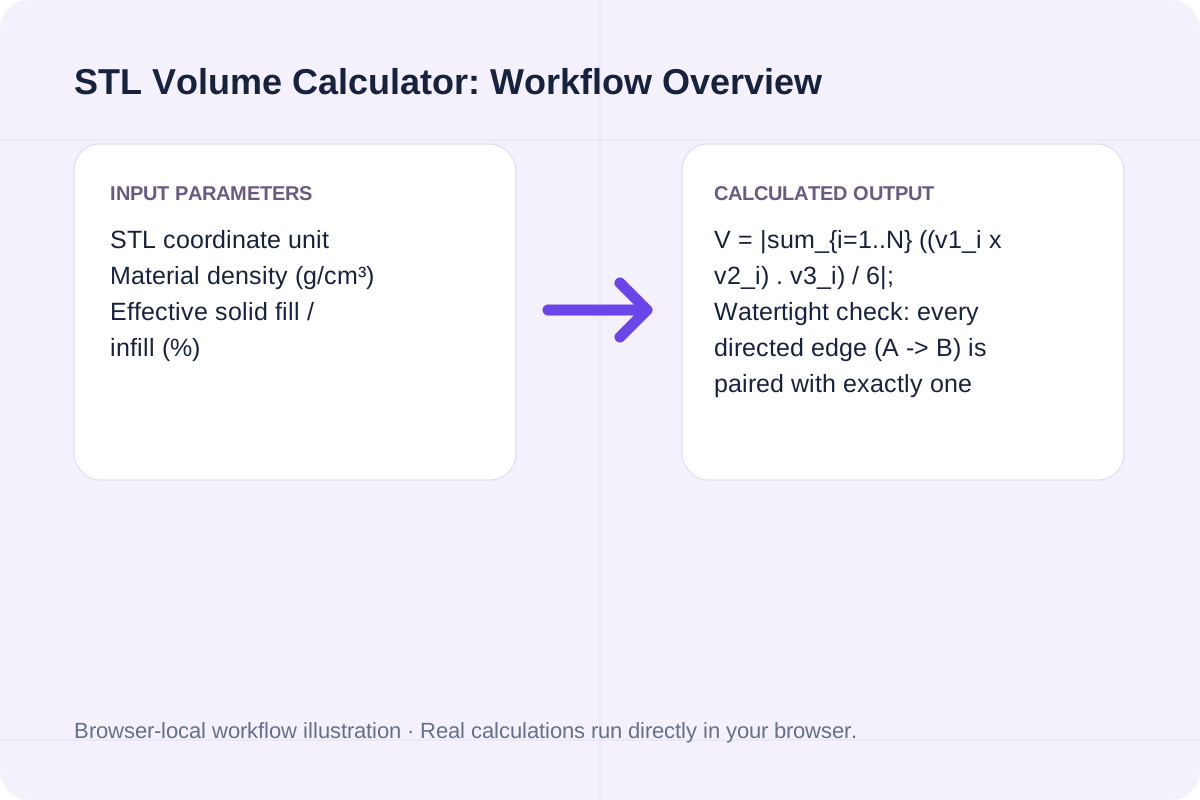
The calculator parses every triangle (`v1, v2, v3`) from your ASCII STL text, evaluates the scalar triple product, and verifies half-edge topology.
V = |sum_{i=1..N} ((v1_i x v2_i) . v3_i) / 6|; Watertight check: every directed edge (A -> B) is paired with exactly one opposite directed edge (B -> A).
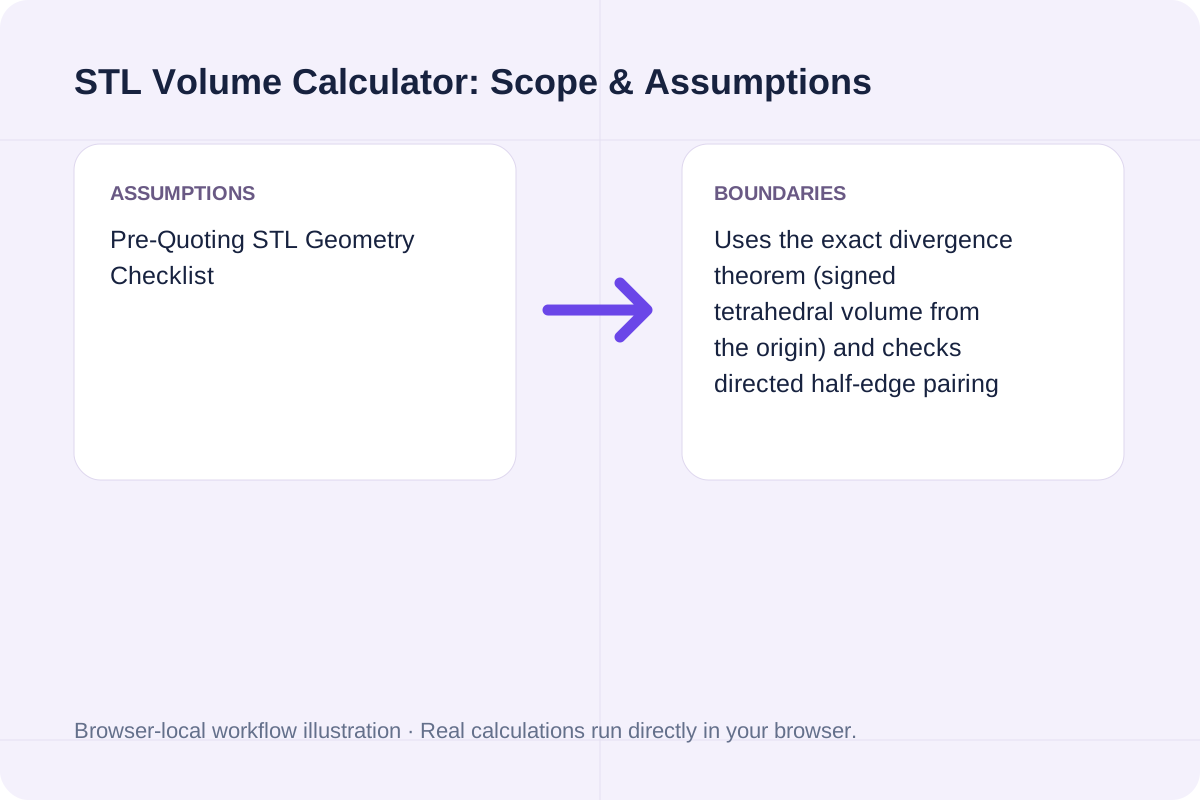
Uses the exact divergence theorem (signed tetrahedral volume from the origin) and checks directed half-edge pairing so open/non-manifold meshes trigger an explicit watertightness warning.
Standard material densities (`g/cm³`) used to convert STL mesh volume (`cm³`) into part mass (`grams`).
| Material | Category | Density (g/cm³) | Mass per 1,000 mm³ (1 cm³) Solid |
|---|---|---|---|
| PLA (Polylactic Acid) | FDM Filament | `1.24 g/cm³` | `1.24 g` |
| PETG | FDM Filament | `1.27 g/cm³` | `1.27 g` |
| ABS | FDM / Injection | `1.04 g/cm³` | `1.04 g` |
| Standard SLA / MSLA Resin | Photopolymer | `1.12 – 1.18 g/cm³` | `~1.15 g` |
| Aluminum 6061 | CNC / Die Cast | `2.70 g/cm³` | `2.70 g` |
| Stainless Steel 316L | DMLS / CNC | `7.99 g/cm³` | `7.99 g` |
Enter the values for your scenario, verify the units, and run the calculation.
Start by entering the required fields in the STL Volume Calculator form above.
Match each value to the unit or format shown next to the input box before running the calculation.
Select Calculate STL Volume & Weight, inspect the primary metric and breakdown cards, then use Copy result or Download result.txt.
Compare baseline and alternative runs for STL Volume Calculator before exporting the result.
Compute signed tetrahedral volume, surface area, bounding box dimensions, watertight edge warnings, and estimated 3D printing part weight from ASCII STL mesh geometry.
V = |sum_{i=1..N} ((v1_i x v2_i) . v3_i) / 6|; Watertight check: every directed edge (A -> B) is paired with exactly one opposite directed edge (B -> A).
Uses the exact divergence theorem (signed tetrahedral volume from the origin) and checks directed half-edge pairing so open/non-manifold meshes trigger an explicit watertightness warning.
Review the calculated output alongside your entered parameters and unit conventions.
Uses the exact divergence theorem (signed tetrahedral volume from the origin) and checks directed half-edge pairing so open/non-manifold meshes trigger an explicit watertightness warning.
Confirm these three details before ordering material or quoting a client.
V = |sum_{i=1..N} ((v1_i x v2_i) . v3_i) / 6|; Watertight check: every directed edge (A -> B) is paired with exactly one opposite directed edge (B -> A). Uses the exact divergence theorem (signed tetrahedral volume from the origin) and checks directed half-edge pairing so open/non-manifold meshes trigger an explicit watertightness warning.
Calculate room reverberation time (RT60) using Sabine (0.161 V / A) and Norris-Eyring formulas from room volume and surface absorption coefficients.
Open tool
Calculate CNC milling and turning Metal Removal Rate (MRR in cm³/min and in³/min), estimated spindle power (kW / HP), and chip load.
Open tool
Analyze warehouse fulfillment performance from order line data: compute unit fill rate, line fill rate, order fill rate, and backorder recovery with explicit gross vs. net denominators.
Open toolChoose another tool for your next calculation, conversion, or text task.

Calculate tap drill size for Metric ISO (mm pitch) and Unified Inch (TPI) threads at any thread engagement percentage (50% to 90%) for cutting and forming taps.
Open tool
Generate printable SVG and text number lines with custom start/end values, step increments, tick labels, and plotted coordinate markers.
Open tool
Calculate bottleneck cycle time, Takt time margin, hourly and shift throughput, line balance efficiency, flow efficiency, and Little's Law WIP from workstation times.
Open tool
Calculate oligonucleotide primer melting temperature (Tm) using SantaLucia 1998 Nearest-Neighbor thermodynamics, Salt-Adjusted Marmur-Doty, and Wallace rules.
Open toolAnswers about using STL Volume Calculator and understanding its results.
Using the divergence theorem, each triangle facet with vertices (v1, v2, v3) forms a signed tetrahedron with the coordinate origin (0,0,0) whose signed volume is (v1 × v2) · v3 / 6. Summing the signed volumes across all triangles of a closed, outward-oriented watertight mesh cancels out all exterior regions and yields the exact interior volume of the 3D solid, regardless of where the origin lies.
Because the signed tetrahedral sum relies on the mesh forming a closed 2-manifold boundary. If a mesh has missing triangles (boundary holes) or flipped face normals, tetrahedra from the origin to the missing hole are not closed off, making the computed volume depend on the model's position relative to (0,0,0).
STL files do not store measurement units in their header—a vertex at (10, 10, 10) could mean 10 mm or 10 inches. Converting 1 in³ to mm³ multiplies volume by 25.4³ = 16,387.064, and converting cm³ to mm³ multiplies volume by 10³ = 1,000.
Multiply the mesh volume in cubic centimeters (cm³) by the filament or resin density in g/cm³ (for example, 1.24 g/cm³ for PLA, 1.04 g/cm³ for ABS, 1.27 g/cm³ for PETG) and the effective solid fraction (100% for SLA resin or solid parts; typically 25%–45% for FDM parts accounting for solid perimeters + infill).
Choose another tool for your next calculation, conversion, or text task.