

STL Surface Area Calculator
Calculate 3D mesh total surface area, enclosed volume, bounding box dimensions, and facet count from ASCII STL meshes in mm², cm², and in².
Open toolEnter your start value, end value, step interval, and highlighted points to generate a labeled number line with tick coordinates, ASCII diagram, and embeddable SVG code.
Enter the inputs, then select Generate Number Line.
Result will appear here
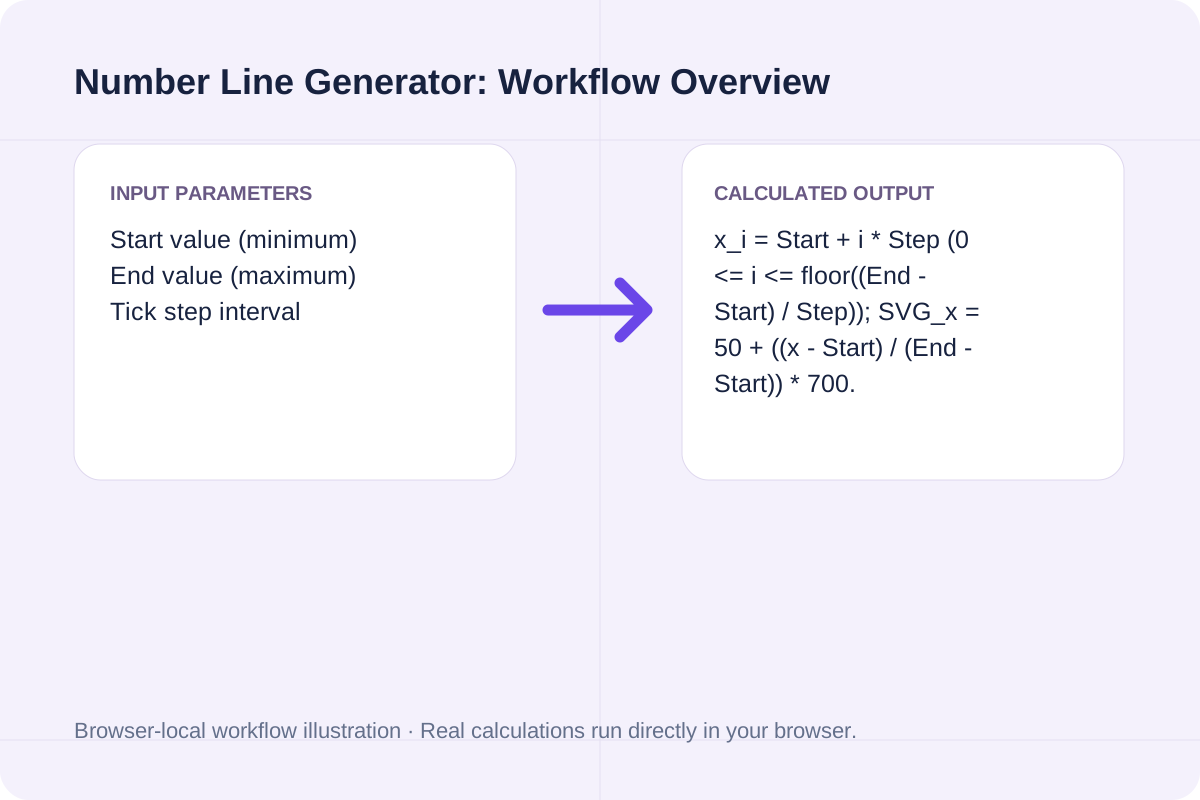
The calculator computes evenly spaced tick coordinates between your minimum and maximum bounds, maps highlighted points to normalized `[0, 100%]` axis positions, and renders both an ASCII ruler and vector SVG markup.
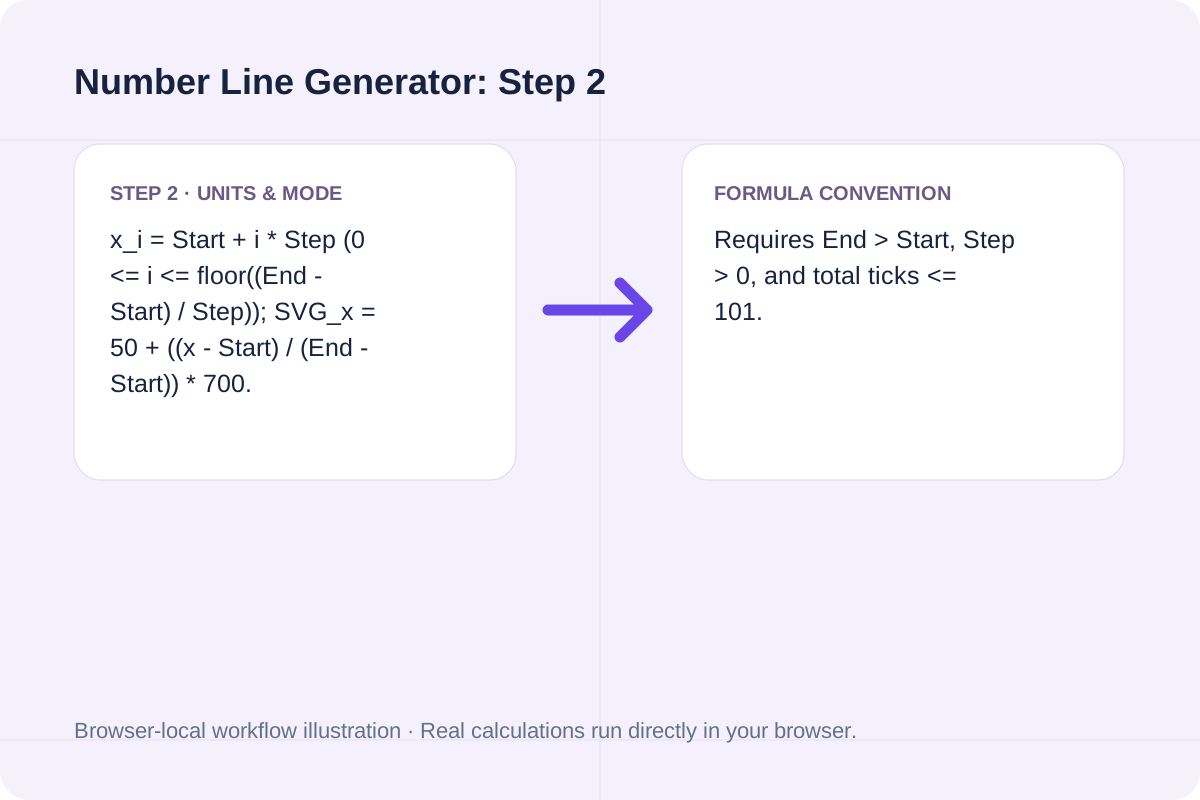
x_i = Start + i * Step (0 <= i <= floor((End - Start) / Step)); SVG_x = 50 + ((x - Start) / (End - Start)) * 700.
Requires End > Start, Step > 0, and total ticks <= 101.
Standard start, end, and step settings for integer arithmetic, fractions, and coordinate geometry.
| Number Line Type | Start / End Range | Step Interval | Total Major Ticks & Use Case |
|---|---|---|---|
| Primary Counting Line | 0 to 20 | 1 or 2 | 21 or 11 ticks; addition and subtraction jumps. |
| Signed Integer Line | -10 to 10 | 1 or 2 | 21 or 11 ticks; negative number operations and absolute value. |
| Decimal / Quarters Line | 0 to 2 | 0.25 | 9 ticks (0, 0.25, 0.5 ... 2.0); fraction-to-decimal equivalence. |
| Percentage / Probability Scale | 0 to 100 | 10 | 11 ticks; percentiles, probability, and test score scaling. |
Set up your axis bounds and highlighted markers in three steps.
Enter the minimum (left) and maximum (right) values for your axis.
Specify the increment between ticks (integers like 1, 2, 5 or decimals like 0.25, 0.5).
List any points to highlight and click Generate Number Line to copy the ASCII ruler or SVG code.
Examples for integer algebra and decimal measurement.
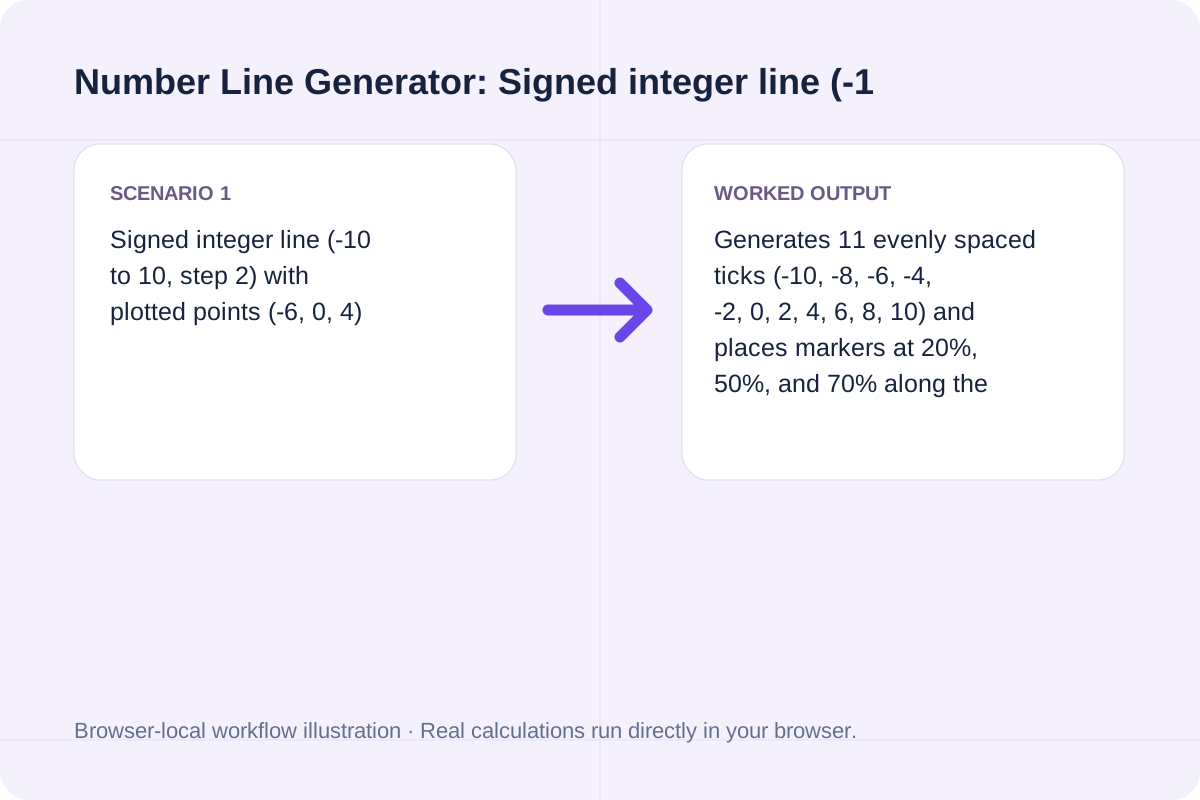
Generates 11 evenly spaced ticks (-10, -8, -6, -4, -2, 0, 2, 4, 6, 8, 10) and places markers at 20%, 50%, and 70% along the axis.
Produces 11 tenth-interval ticks (0.0 through 1.0) for probability and decimal placement worksheets.
Omit plotted points to generate an unmarked coordinate axis ready for student exercises.
Copy the plain-text scale into code comments or paste the `<svg>` block into HTML/Markdown.
The ASCII number line uses fixed-width character spacing so ticks and labels align in any monospace editor.
The generated `<svg>` element includes arrowheads, major tick lines, numeric labels, and colored circle markers for each plotted point.
Ensure your step size divides your span cleanly.
End value must be strictly greater than Start value, and Step interval must produce between 2 and 101 ticks.
Plotted points outside `[Start, End]` are flagged as out-of-bounds.
Calculate 3D mesh total surface area, enclosed volume, bounding box dimensions, and facet count from ASCII STL meshes in mm², cm², and in².
Open tool
Find the unique intersection of two 2D lines in Ax + By + C = 0 form.
Open tool
Generate exact Pascal triangle rows with a selected text layout.
Open toolChoose another tool for your next calculation, conversion, or text task.

Calculate Greenwich Mean Sidereal Time (GMST), Local Sidereal Time (LST), Julian Date (JD), and equatorial mount Hour Angle from UTC time and observer longitude.
Open tool
Solve one Beer–Lambert quantity from the other supplied values.
Open tool
Interpolate a value inside a rectangle from its four corner values.
Open tool
List equally spaced buttonhole center positions between supplied end offsets.
Open toolAnswers about using Number Line Generator and understanding its results.
Set Start value to a negative number (such as -10), End value to a positive number (such as 10), and Tick step interval to 1 or 2. The generator centers 0 proportionally and marks every integer tick.
Yes. Enter decimal steps such as 0.25, 0.5, or 0.1 (for example, Start = 0, End = 2, Step = 0.25) to generate a 9-tick decimal number line.
Enter comma-separated numbers in the 'Plotted points to highlight' field (such as '-6, 0, 4'). The generator places `[●]` pin markers above those coordinates and outputs their exact normalized percentage positions.
Yes. The detail panel outputs both a clean monospace ASCII number line for plain-text notes and a self-contained `<svg viewBox="0 0 800 140">` snippet ready for HTML or Markdown documents.
Choose another tool for your next calculation, conversion, or text task.