

Number Line Generator
Generate printable SVG and text number lines with custom start/end values, step increments, tick labels, and plotted coordinate markers.
Open toolPaste ASCII STL vertex data and select your CAD unit (`mm`, `cm`, or `in`) to calculate total 3D surface area, enclosed volume, facet count, and X/Y/Z bounding box dimensions.
Enter the inputs, then select Calculate STL Surface Area.
Result will appear here
The parser extracts every `vertex x y z` triplet from your ASCII STL text, groups them into triangular facets, evaluates the 3D cross product for each triangle's area, and sums signed tetrahedral volumes relative to the origin.
A_total = Σ 0.5 * sqrt(cx² + cy² + cz²), where c = (V2 - V1) × (V3 - V1).
Reports area in both native squared units (`mm²`) and converted units (`cm²`, `in²`).
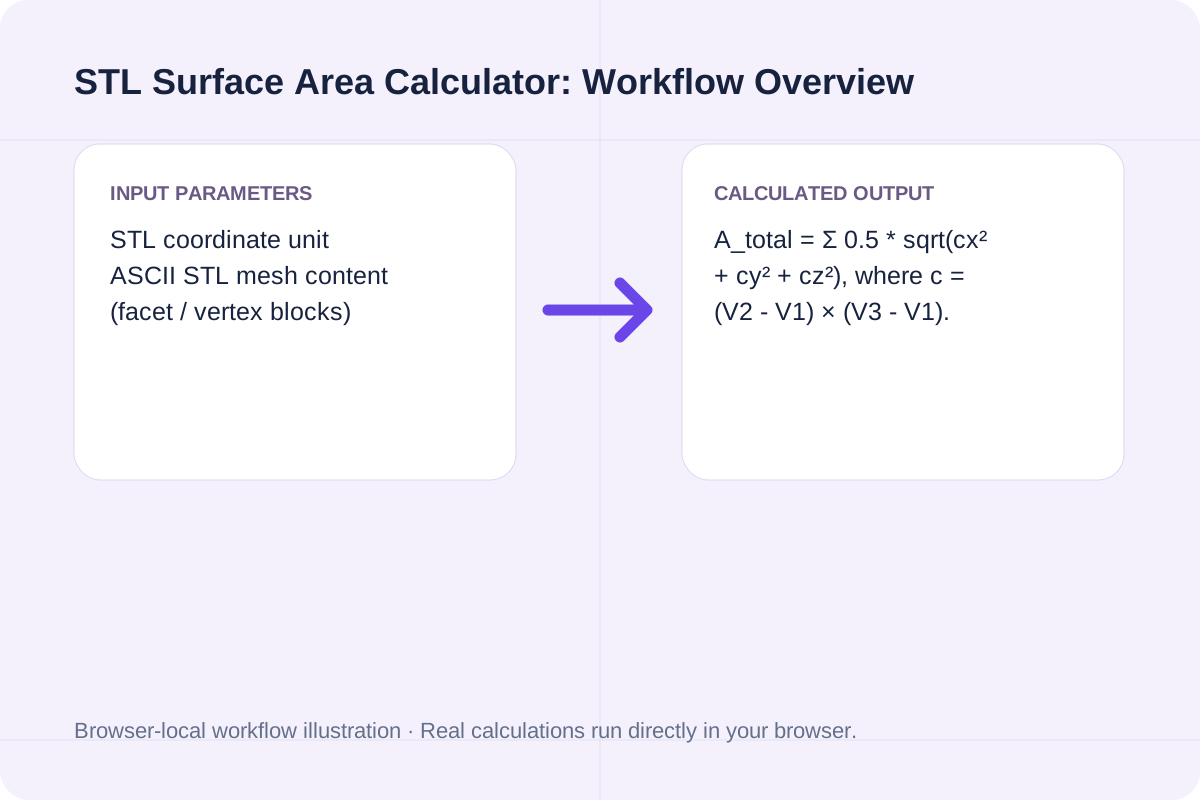
Vector formulas and surface-area unit conversions used by the STL Surface Area Calculator.
| Mesh Metric | Vector / Conversion Formula | Standard 3D Print Unit | Engineering Application |
|---|---|---|---|
| Triangle Facet Area | 0.5 * ||(V2 - V1) × (V3 - V1)|| | mm² (1 cm² = 100 mm²) | Outer shell filament, paint coverage, and plating current. |
| Signed Mesh Volume | |Σ (V1 · (V2 × V3)) / 6| | mm³ (1 cm³ = 1,000 mm³) | Material mass and buoyancy estimation for closed meshes. |
| Bounding Box (ΔX, ΔY, ΔZ) | max(x)-min(x), max(y)-min(y), max(z)-min(z) | mm | Build-plate fit and packaging clearance verification. |
| Specific Surface Ratio | SurfaceArea / Volume (SA:V) | mm⁻¹ | Cooling rate, chemical dissolution, and heat transfer. |
Audit your 3D mesh geometry in three steps.
Choose Millimeters (standard for 3D printing), Centimeters, or Inches.
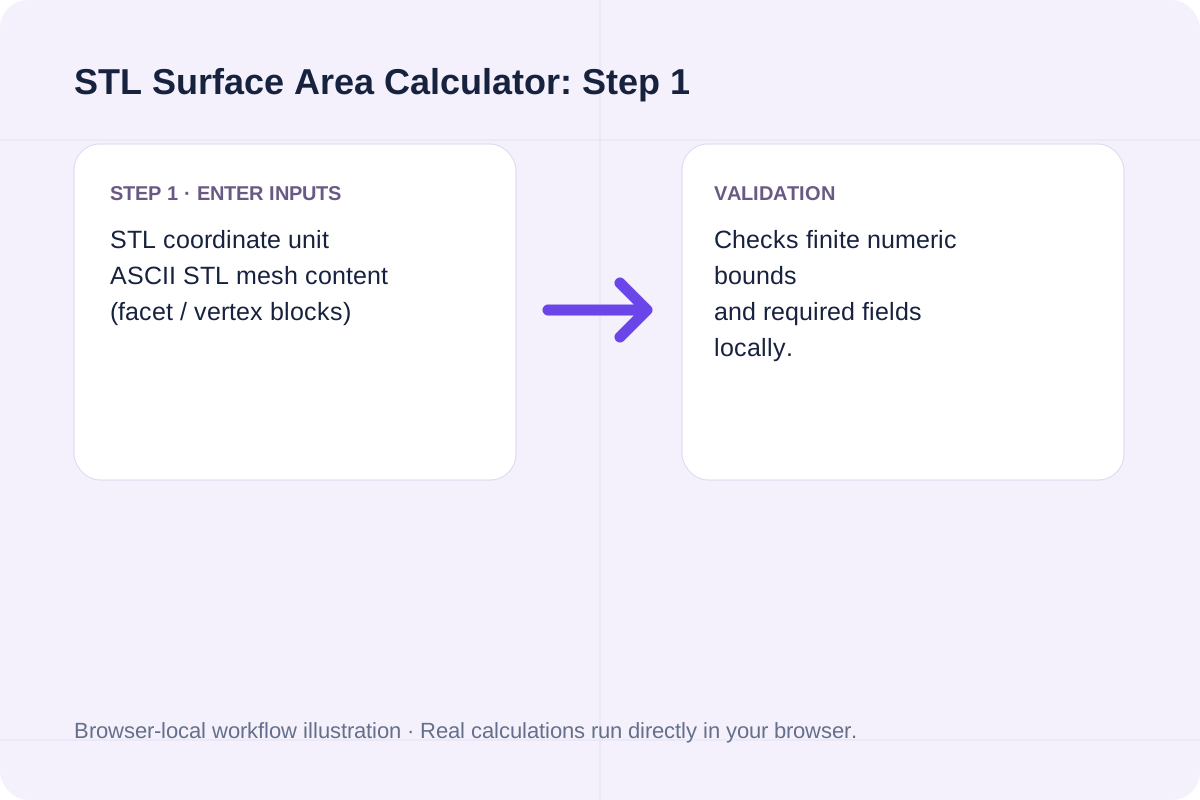
Paste the `solid ... endsolid` text containing `vertex x y z` lines (in multiples of 3).
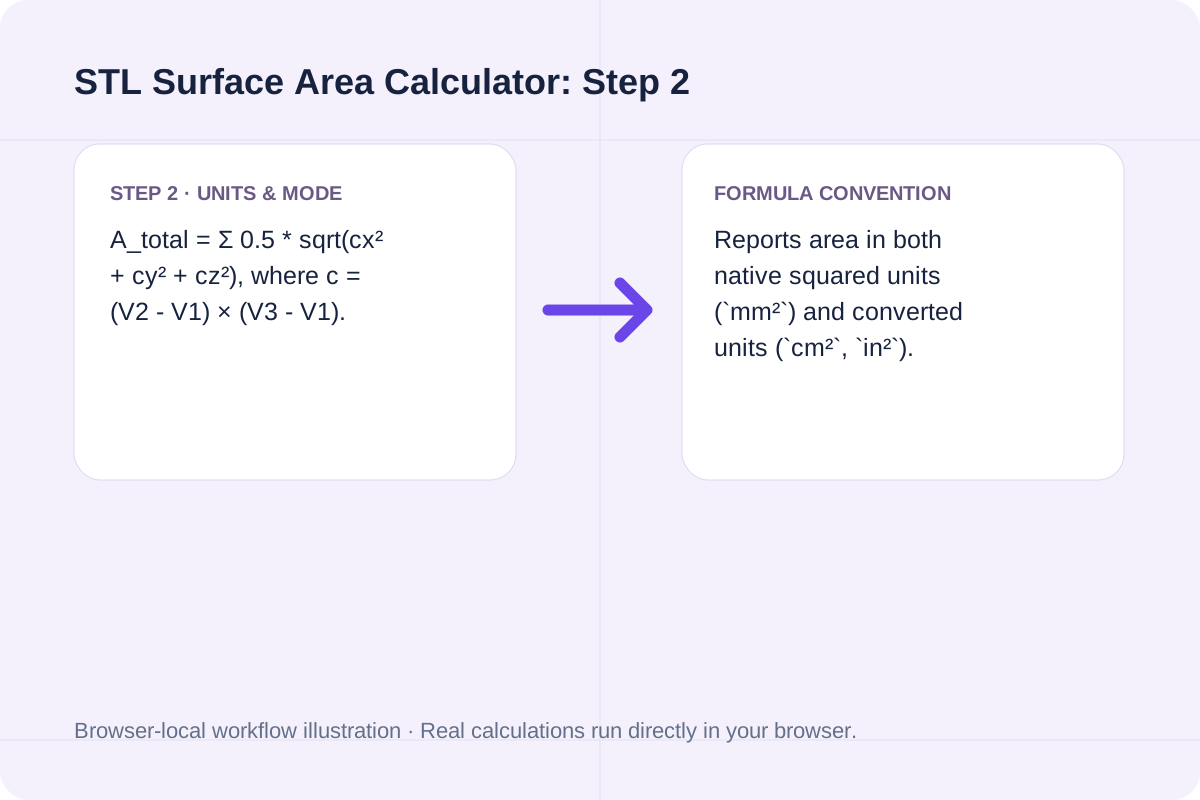
Review the total surface area, converted `cm²`/`in²` values, signed volume, and bounding box.
Verify analytical shapes against triangulated STL meshes.
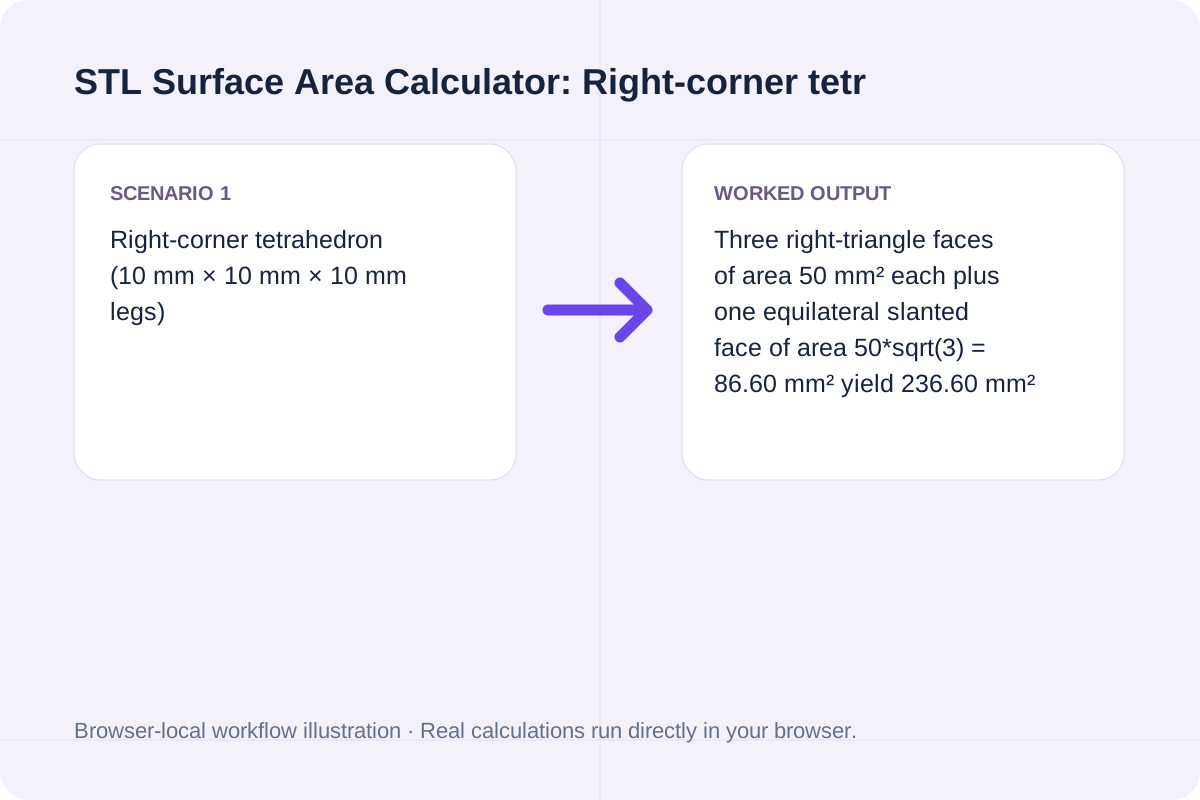
Three right-triangle faces of area 50 mm² each plus one equilateral slanted face of area 50*sqrt(3) = 86.60 mm² yield 236.60 mm² (2.37 cm²) total surface area and 166.67 mm³ volume.
Dividing cm² by 100 gives dm² so plating engineers can multiply by target current density (A/dm²).
Identifies zero-area slivers where two vertices coincide.
Surface area is accurate for both open surfaces and closed solids; signed volume requires a watertight closed mesh.
Every valid triangle contributes positively to total surface area regardless of normal orientation.
Signed tetrahedral volume is exact when the mesh is a closed 2-manifold with consistent outward-pointing vertex winding.
Requires ASCII STL syntax with at least 1 triangle (3 `vertex x y z` lines).
Total `vertex` lines must be a positive multiple of 3.
All coordinates must be finite floating-point numbers.
Generate printable SVG and text number lines with custom start/end values, step increments, tick labels, and plotted coordinate markers.
Open tool
Compute signed tetrahedral volume, surface area, bounding box dimensions, watertight edge warnings, and estimated 3D printing part weight from ASCII STL mesh geometry.
Open tool
Calculate how much water to add and total final volume when diluting spirits or alcohol from initial ABV to target ABV.
Open toolChoose another tool for your next calculation, conversion, or text task.

Calculate Greenwich Mean Sidereal Time (GMST), Local Sidereal Time (LST), Julian Date (JD), and equatorial mount Hour Angle from UTC time and observer longitude.
Open tool
Calculate a credit-weighted GPA on a 4.0 scale.
Open tool
Calculate aquarium water volume in US gallons and liters, substrate displacement, and filled water weight from interior tank dimensions.
Open tool
Calculate optical Circle of Confusion (CoC) in mm and microns from camera sensor dimensions, print size, viewing distance, and visual acuity.
Open toolAnswers about using STL Surface Area Calculator and understanding its results.
An STL mesh is a collection of 3D triangles, each defined by three vertices V1, V2, and V3. The area of each triangle is half the magnitude of the cross product of two edge vectors: Area_i = 0.5 * ||(V2 - V1) x (V3 - V1)||. Summing Area_i over all facets yields the total surface area.
The STL file specification stores raw floating-point coordinates without an embedded unit header. Most 3D slicers (PrusaSlicer, Cura, Bambu Studio) assume 1 STL unit equals 1 millimeter (mm).
Surface area determines resin adhesion and FEP peel force in SLA printing, outer-wall filament usage in FDM slicing, primer/paint coverage volume, and required current density (amps per dm²) in electroplating.
The calculator detects collinear or duplicate-vertex triangles whose cross-product magnitude is zero and reports the count of degenerate facets separately.
Choose another tool for your next calculation, conversion, or text task.