

Camera Field Of View Calculator
Calculate horizontal, vertical, and diagonal camera field of view (FOV) in degrees and scene dimensions from sensor size, focal length, and distance.
Open toolEnter your camera sensor width and height, print diagonal, viewing distance, and visual acuity in the Circle Of Confusion Calculator below to compute custom Sensor CoC in millimeters and microns alongside Zeiss (d/1730) and standard (d/1500) benchmarks.
Enter the inputs, then select Calculate Circle of Confusion.
Result will appear here
The Circle Of Confusion Calculator computes your sensor diagonal, determines the print enlargement factor (Print Diagonal / Sensor Diagonal), calculates the maximum imperceptible blur circle on the print based on viewing distance and visual acuity, and divides by enlargement to find the exact CoC on the sensor plane.
Sensor CoC (mm) = ((ViewingDist / 250) / Acuity_lp_mm) * (SensorDiagonal / PrintDiagonal).
Outputs Sensor CoC in both millimeters (e.g., 0.029 mm) and micrometers/microns (e.g., 28.8 um) plus diffraction-limited aperture (f-stop where Airy disk diameter equals CoC).
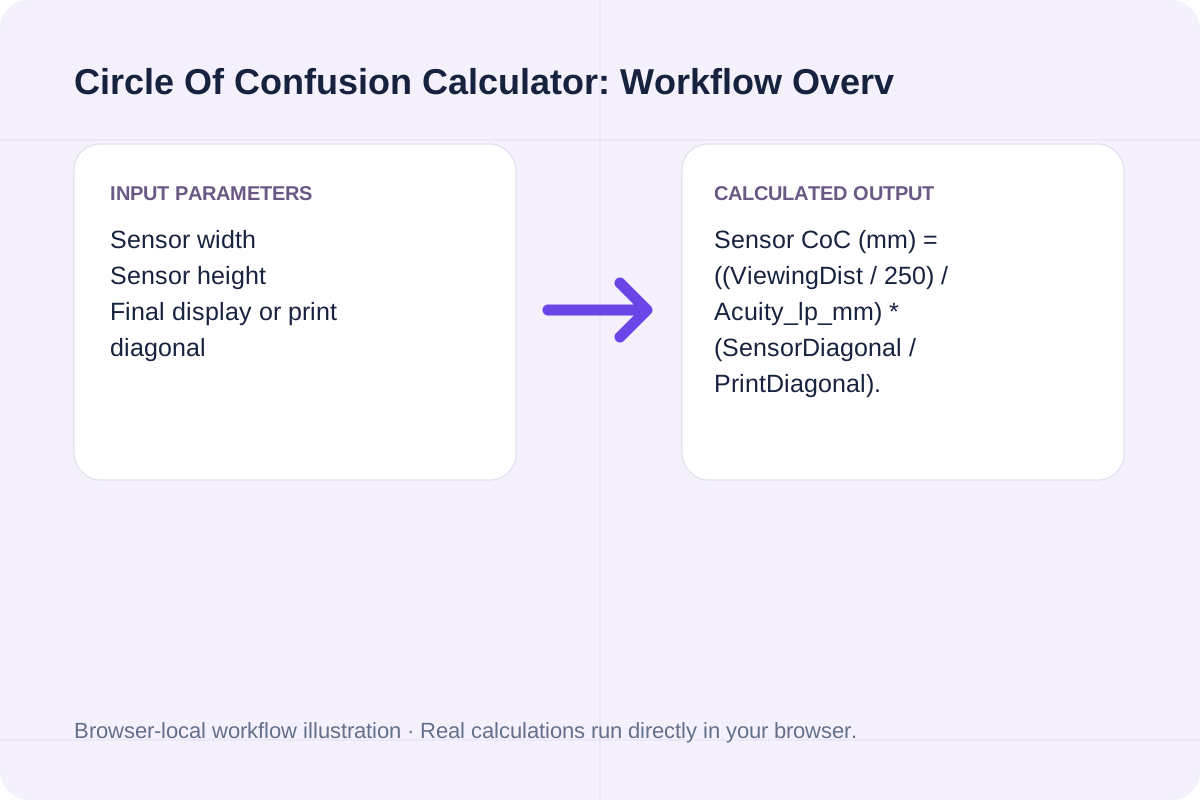
Review the input parameters, allowed value ranges, and worked reference cases for the Circle Of Confusion Calculator below before running your calculation.
| Parameter / Scenario | Default / Sample Value | Rule or Allowed Range | Output / Usage Note |
|---|---|---|---|
| Input: Sensor width | 36 | Range: 1 to 300 | Required workspace parameter |
| Input: Sensor height | 24 | Range: 1 to 300 | Required workspace parameter |
| Input: Final display or print diagonal | 300 | Range: 10 to 5000 | Required workspace parameter |
| Input: Viewing distance | 250 | Range: 50 to 20000 | Required workspace parameter |
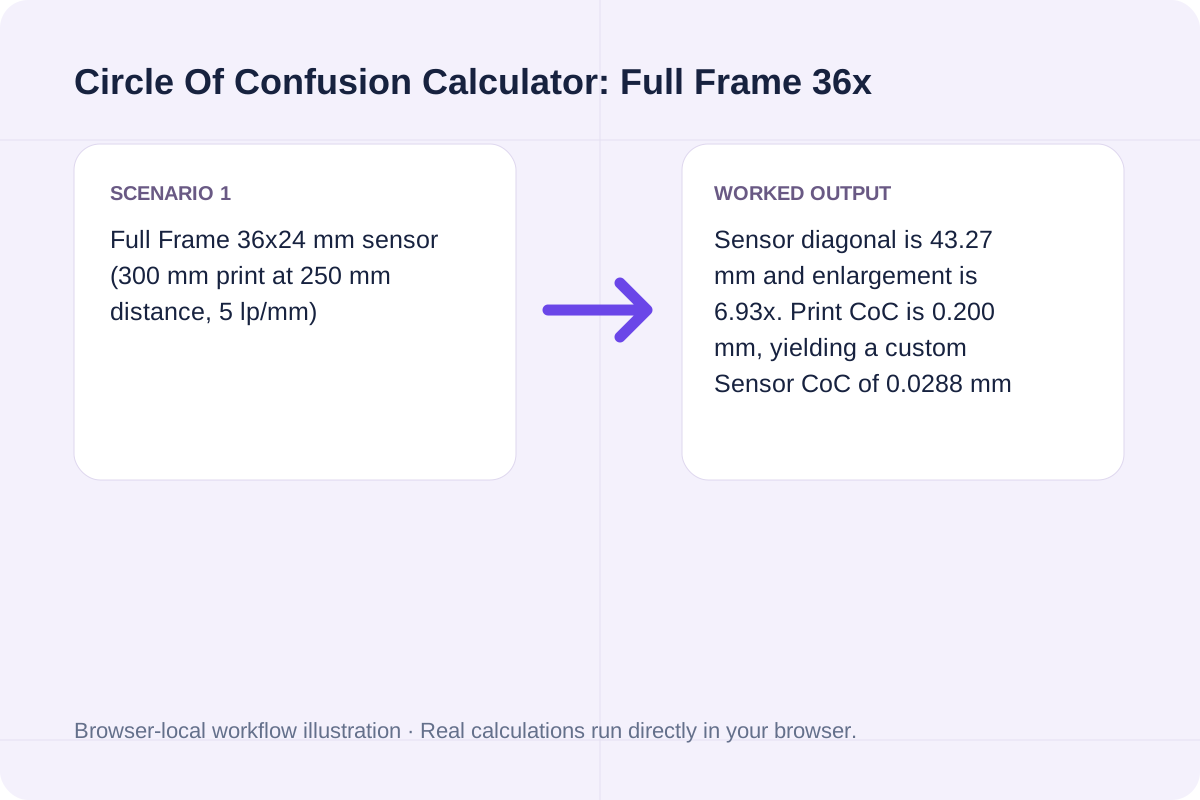
| Worked Case 1: Full Frame 36x24 mm sensor (300 mm print at 250 mm distance, 5 lp/mm) | Preloaded / test values | Sensor Diagonal (d) = sqrt(W^2 + H^2); Enlargement (E) = PrintDiagonal / d; Print CoC = (ViewingDistance / 250) / Acuity; Sensor CoC = Print CoC / E | Sensor diagonal is 43.27 mm and enlargement is 6.93x. Print CoC is 0.200 mm, yielding a custom Sensor CoC of 0.0288 mm (28.8 um), matching d/1500 (0.0288 mm) and slightly looser than Zeiss d/1730 (0.0250 mm). |
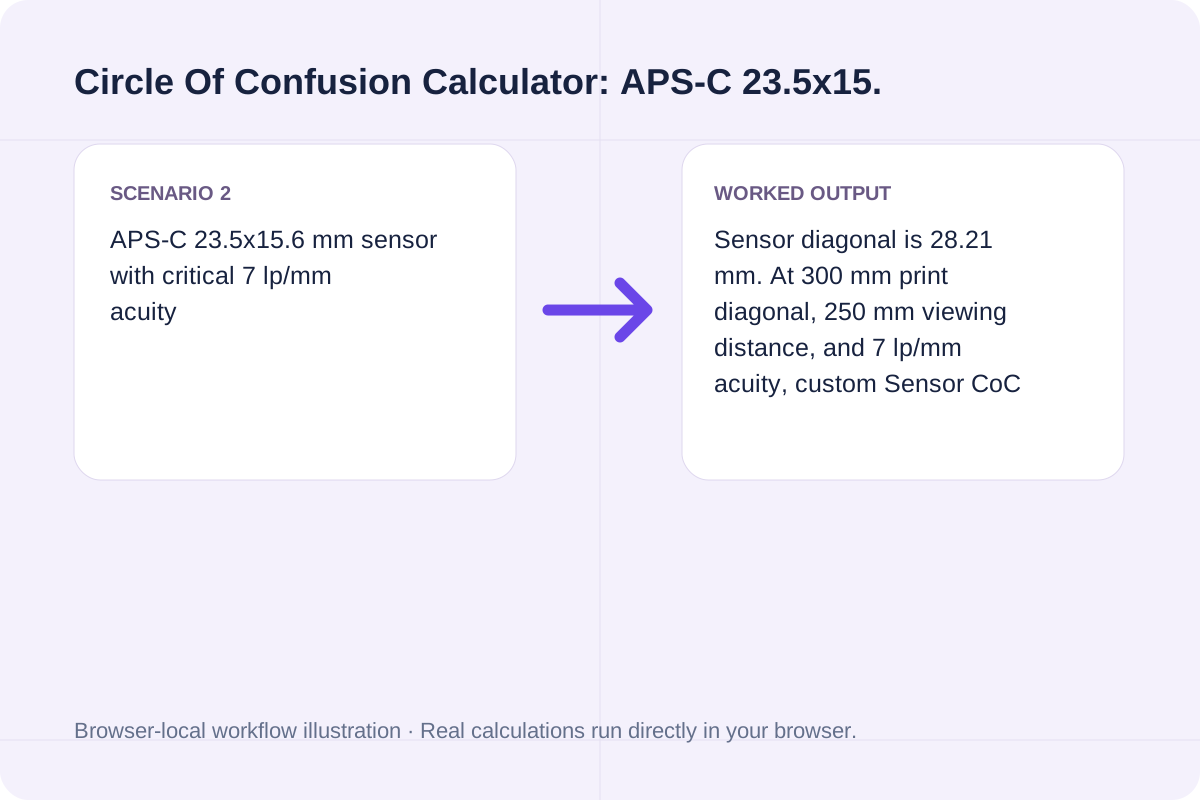
| Worked Case 2: APS-C 23.5x15.6 mm sensor with critical 7 lp/mm acuity | Preloaded / test values | Sensor Diagonal (d) = sqrt(W^2 + H^2); Enlargement (E) = PrintDiagonal / d; Print CoC = (ViewingDistance / 250) / Acuity; Sensor CoC = Print CoC / E | Sensor diagonal is 28.21 mm. At 300 mm print diagonal, 250 mm viewing distance, and 7 lp/mm acuity, custom Sensor CoC tightens to 0.0134 mm (13.4 um) vs. Zeiss d/1730 of 0.0163 mm. |
Find your exact CoC value before calculating hyperfocal distance or depth of field.
Input your active sensor width and height (36 x 24 mm for Full Frame, 23.5 x 15.6 mm for APS-C).
Enter the final print or display diagonal in mm (300 mm for an 8x10 print) and observer viewing distance (250 mm standard near point).
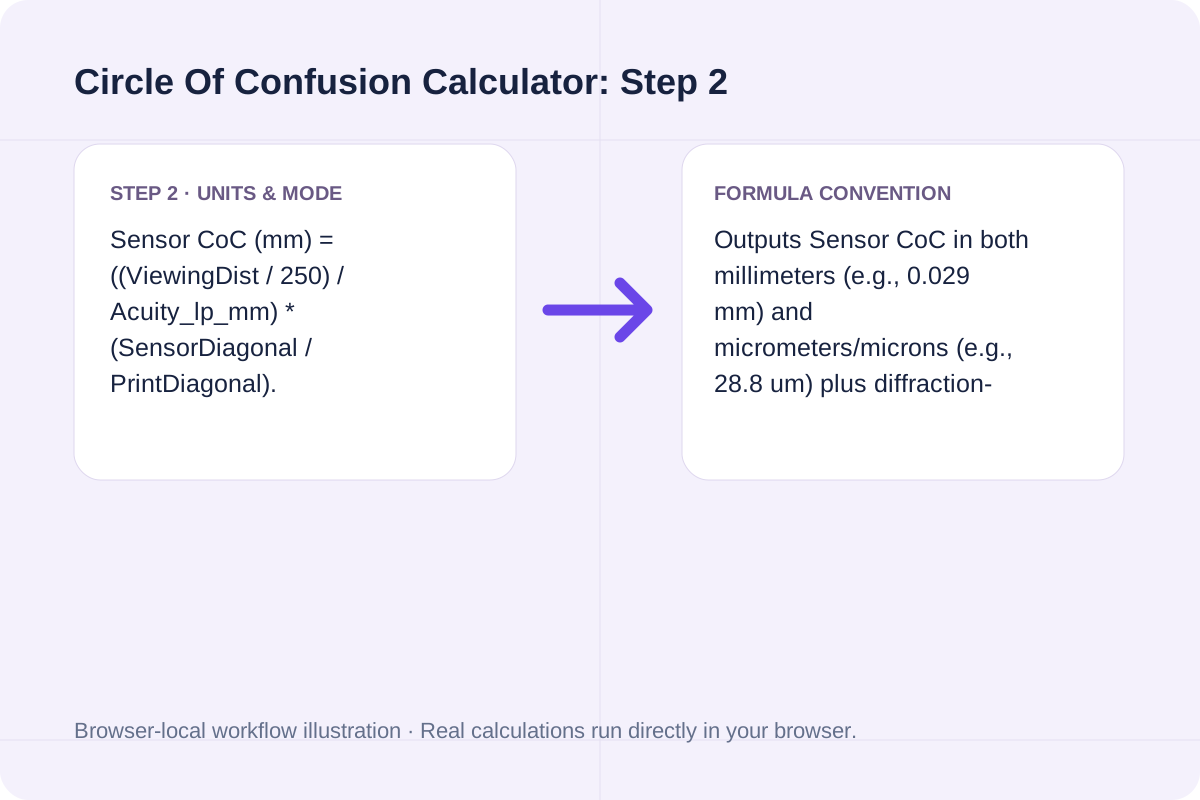
Keep 5 lp/mm for standard viewing or raise to 7-8 lp/mm for critical exhibition prints, then click Calculate Circle of Confusion.
Compare standard 8x10 viewing on Full Frame against critical gallery viewing on APS-C.
Sensor diagonal is 43.27 mm and enlargement is 6.93x. Print CoC is 0.200 mm, yielding a custom Sensor CoC of 0.0288 mm (28.8 um), matching d/1500 (0.0288 mm) and slightly looser than Zeiss d/1730 (0.0250 mm).
Sensor diagonal is 28.21 mm. At 300 mm print diagonal, 250 mm viewing distance, and 7 lp/mm acuity, custom Sensor CoC tightens to 0.0134 mm (13.4 um) vs. Zeiss d/1730 of 0.0163 mm.
Copy the calculated Sensor CoC (in mm) and paste it into the Depth Of Field Calculator for hyperfocal and near/far focus limits tailored to your print size.
Compare your Custom Sensor CoC against Zeiss d/1730 and check the diffraction limit.
The headline result displays your Custom Sensor CoC in millimeters and microns. Breakdown cards show Sensor diagonal & enlargement ratio, Print-plane CoC, Zeiss d/1730 and d/1500 reference values, and the Diffraction-limited f-stop (where green-light Airy disk = CoC).
Remember that CoC is a perceptual viewing threshold, not a physical property of the lens alone.
Normal 20/20 human vision resolves about 1 arcminute (~5 line pairs per mm at 250 mm viewing distance). To compute near and far focus distances using your CoC, open the Depth Of Field Calculator.
Calculate horizontal, vertical, and diagonal camera field of view (FOV) in degrees and scene dimensions from sensor size, focal length, and distance.
Open tool
Calculate photographic depth of field (DoF), near and far acceptable sharpness limits, and hyperfocal distance from lens, f-stop, distance, and CoC.
Open tool
Calculate bleed canvas size and inner safe-zone size for a rectangle.
Open toolChoose another tool for your next calculation, conversion, or text task.

Calculate waist radius, outer hem radius, hem sweep, and fabric yardage for full, 3/4, half, or quarter circle skirts with seam allowance.
Open tool
Calculate the intersection area of two disks.
Open tool
Calculate starting drawing size from target dimensions and measured linear shrinkage.
Open tool
Calculate geometric viewing distance from screen width and an entered field angle.
Open toolAnswers about using Circle Of Confusion Calculator and understanding its results.
The Circle of Confusion is the largest blur spot on an image sensor that a human observer still perceives as a sharp point on the final print or display at a given viewing distance and enlargement ratio.
On a 35mm full-frame sensor (diagonal d = 43.27 mm), enlarging to an 8x10 inch print (diagonal ~300 mm) viewed at 250 mm (10 in) with 5 lp/mm visual acuity gives CoC = 43.27 / 1500 = 0.0288 mm (often rounded to 0.030 mm). The stricter Zeiss formula uses d / 1730 = 0.025 mm.
If print diagonal and viewing distance scale up by the same factor (for example, viewing each print from a distance equal to its diagonal), the enlargement ratio and viewing-distance ratio cancel out, leaving Sensor CoC unchanged!
Cropping an image (or viewing a 45 MP image at 100% zoom on a monitor from 500 mm away) increases the effective enlargement E without increasing viewing distance, which requires a smaller Sensor CoC (often 0.010 to 0.015 mm) and yields a shallower perceived depth of field.
Choose another tool for your next calculation, conversion, or text task.