

Hyperfocal Distance Calculator
Estimate hyperfocal distance and its approximate near-focus limit from supplied lens parameters.
Open toolEnter your lens focal length, f-stop aperture, subject focus distance, and Circle of Confusion (CoC) in the Depth Of Field Calculator below to compute total depth of field, near and far sharpness limits, front/rear distribution, and hyperfocal distance.
Enter the inputs, then select Calculate Depth of Field.
Result will appear here
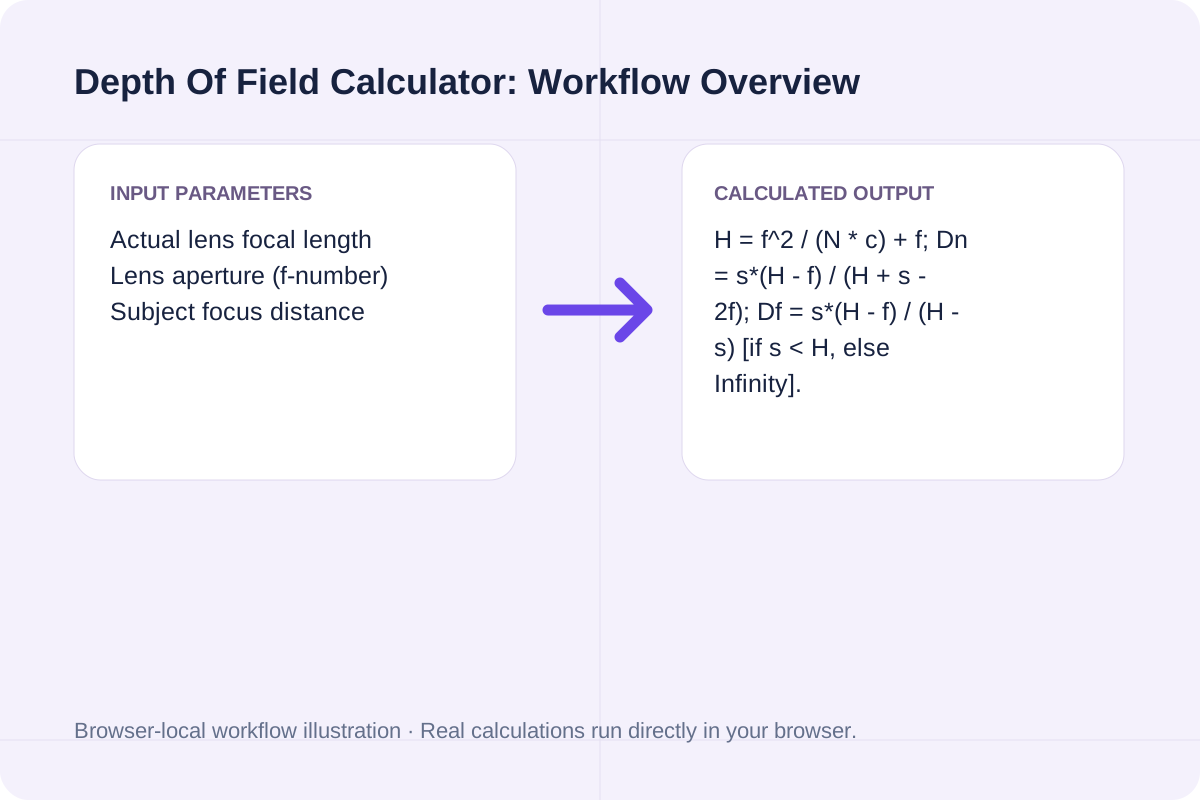
The Depth Of Field Calculator first computes the exact hyperfocal distance H = (f^2 / (N * c)) + f in millimeters, then evaluates the exact near limit (Dn) and far limit (Df) around your focus distance s, reporting all distances in both meters/centimeters and feet.
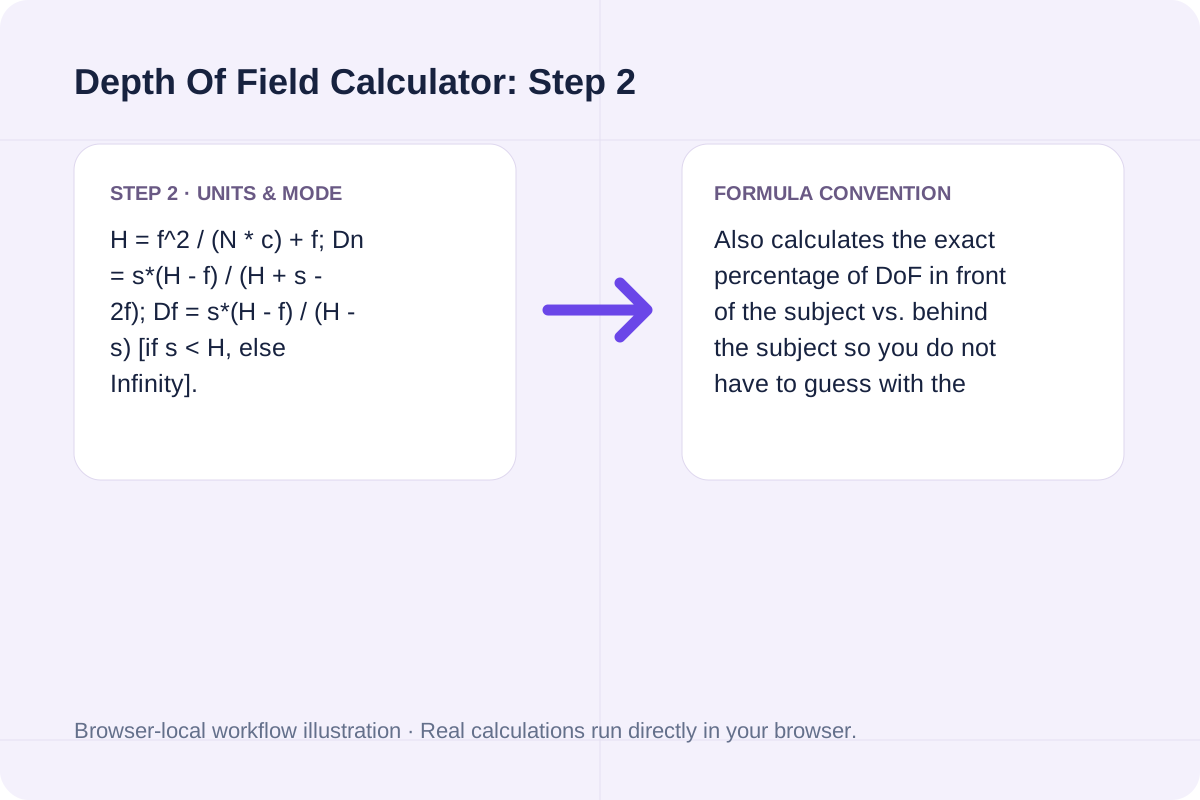
H = f^2 / (N * c) + f; Dn = s*(H - f) / (H + s - 2f); Df = s*(H - f) / (H - s) [if s < H, else Infinity].
Also calculates the exact percentage of DoF in front of the subject vs. behind the subject so you do not have to guess with the 1/3-2/3 rule.
Review the input parameters, allowed value ranges, and worked reference cases for the Depth Of Field Calculator below before running your calculation.
| Parameter / Scenario | Default / Sample Value | Rule or Allowed Range | Output / Usage Note |
|---|---|---|---|
| Input: Actual lens focal length | 50 | Range: 1 to 2000 | Required workspace parameter |
| Input: Lens aperture (f-number) | 2.8 | Range: 0.7 to 128 | Required workspace parameter |
| Input: Subject focus distance | 3 | Range: 0.05 to 10000 | Required workspace parameter |
| Input: Circle of Confusion (CoC) | 0.03 | Range: 0.003 to 0.5 | Required workspace parameter |
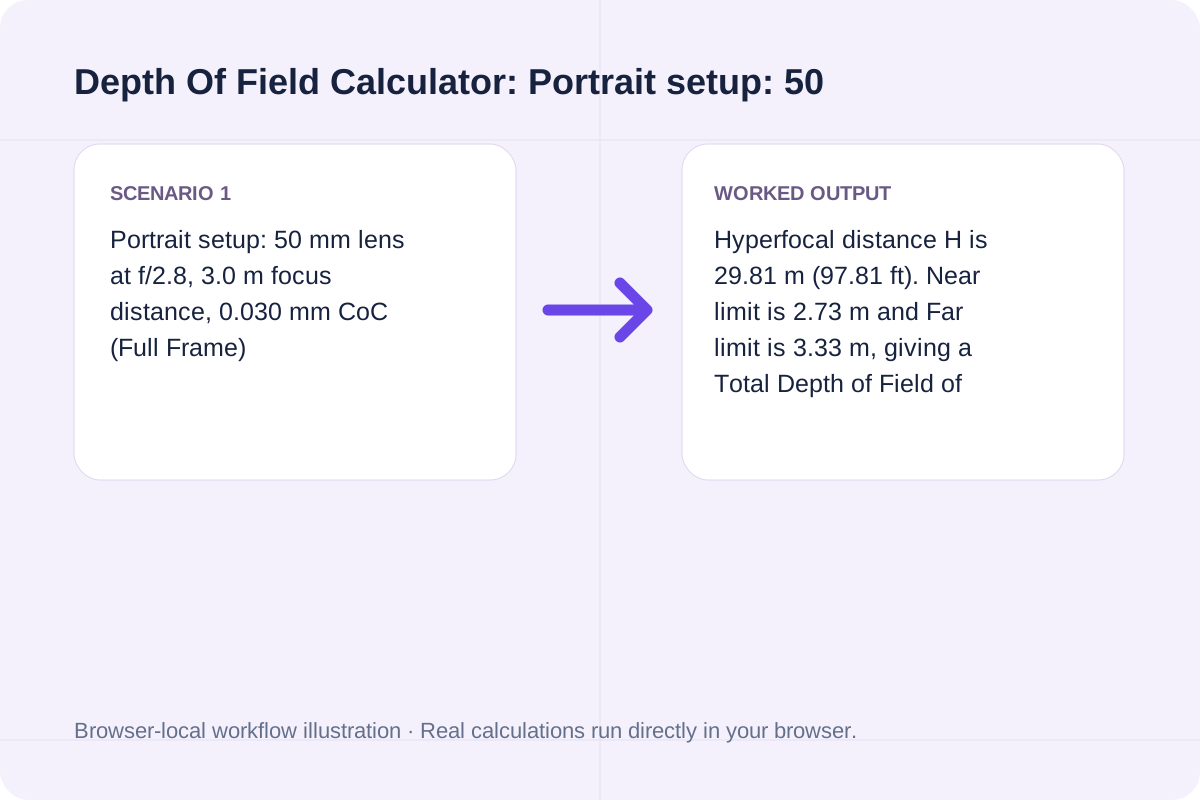
| Worked Case 1: Portrait setup: 50 mm lens at f/2.8, 3.0 m focus distance, 0.030 mm CoC (Full Frame) | Preloaded / test values | Hyperfocal H = (f^2 / (N * c)) + f; Near Limit Dn = (s * (H - f)) / (H + s - 2*f); Far Limit Df = (s * (H - f)) / (H - s) for s < H else Infinity | Hyperfocal distance H is 29.81 m (97.81 ft). Near limit is 2.73 m and Far limit is 3.33 m, giving a Total Depth of Field of 0.60 m (60.1 cm / 1.97 ft), split 45.0% in front (27.1 cm) and 55.0% behind (33.0 cm). |
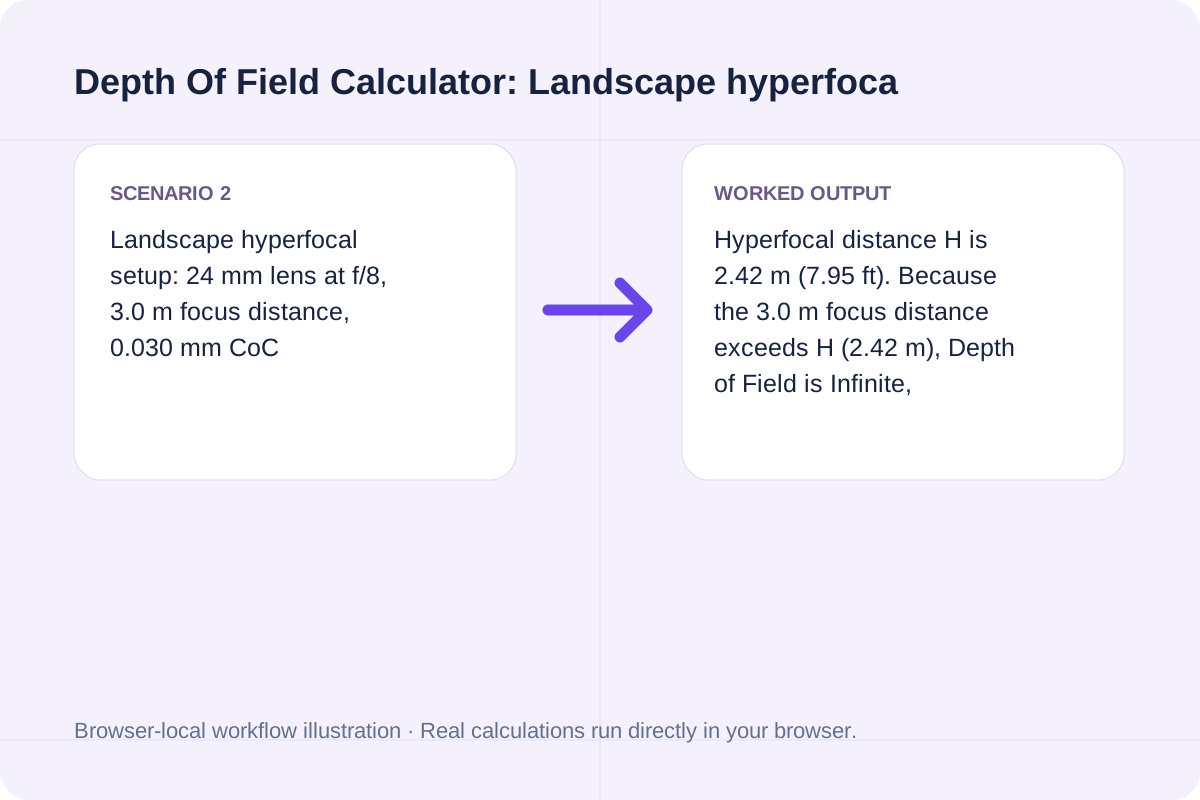
| Worked Case 2: Landscape hyperfocal setup: 24 mm lens at f/8, 3.0 m focus distance, 0.030 mm CoC | Preloaded / test values | Hyperfocal H = (f^2 / (N * c)) + f; Near Limit Dn = (s * (H - f)) / (H + s - 2*f); Far Limit Df = (s * (H - f)) / (H - s) for s < H else Infinity | Hyperfocal distance H is 2.42 m (7.95 ft). Because the 3.0 m focus distance exceeds H (2.42 m), Depth of Field is Infinite, keeping everything from 1.34 m (4.40 ft) to infinity in focus. |
Select your actual lens focal length, f-stop, and sensor CoC before shooting portraits, landscapes, or product close-ups.
Input your lens's actual optical focal length in mm (e.g., 50 mm) and selected f-stop (e.g., f/2.8).
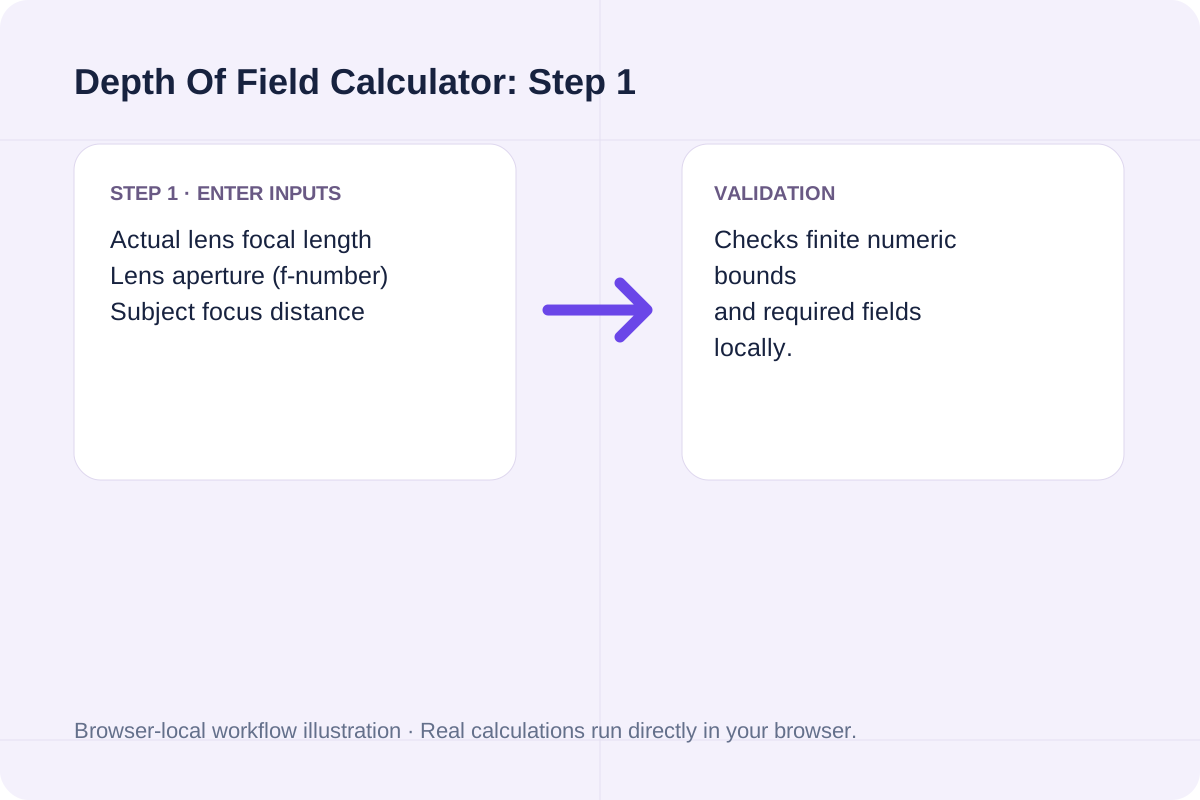
Enter the distance from your camera's focal plane mark to the subject in meters.
Set your Circle of Confusion (0.030 mm Full Frame, 0.020 mm APS-C, 0.015 mm MFT) and click Calculate Depth of Field.
Compare a 50mm f/2.8 portrait setup against a 24mm f/8 hyperfocal landscape setup.
Hyperfocal distance H is 29.81 m (97.81 ft). Near limit is 2.73 m and Far limit is 3.33 m, giving a Total Depth of Field of 0.60 m (60.1 cm / 1.97 ft), split 45.0% in front (27.1 cm) and 55.0% behind (33.0 cm).
Hyperfocal distance H is 2.42 m (7.95 ft). Because the 3.0 m focus distance exceeds H (2.42 m), Depth of Field is Infinite, keeping everything from 1.34 m (4.40 ft) to infinity in focus.
If you need a custom CoC for a specific print size and viewing distance, calculate it first in our Circle Of Confusion Calculator.
Check both Total Depth of Field and the Front/Rear split when placing your focus point on a group or landscape.
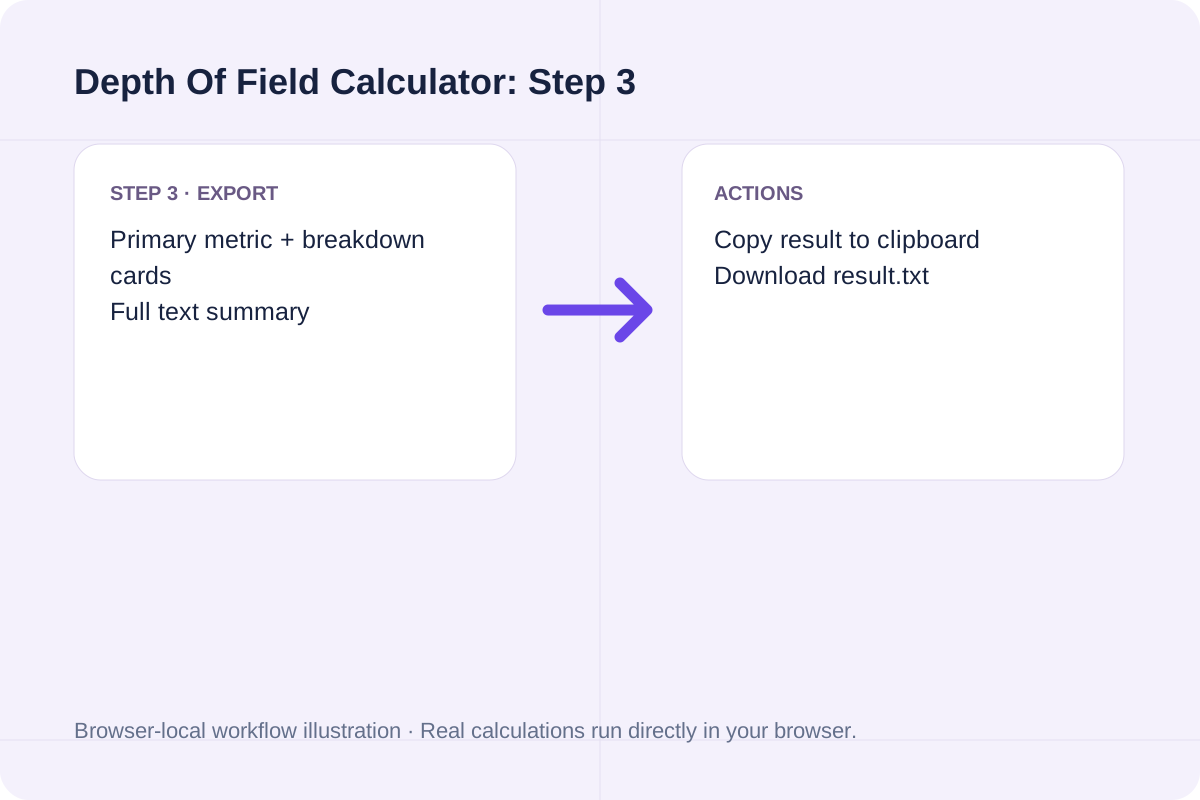
The headline result displays Total Depth of Field (in meters/cm and feet, or Infinite when s >= H). Breakdown cards show Near acceptable sharpness limit, Far acceptable sharpness limit, Front vs. Rear DoF split, Hyperfocal distance H, and Hyperfocal near limit (H / 2).
Note that focus distance must be greater than the lens focal length.
Focus distance is measured from the camera's sensor plane (marked with a phi symbol on the camera body), not the front glass element of the lens. Standard thin-lens equations assume symmetrical pupil magnification.
Estimate hyperfocal distance and its approximate near-focus limit from supplied lens parameters.
Open tool
Estimate conventional reactive near-field and Fraunhofer far-field boundaries.
Open tool
Calculate horizontal, vertical, and diagonal camera field of view (FOV) in degrees and scene dimensions from sensor size, focal length, and distance.
Open toolChoose another tool for your next calculation, conversion, or text task.
Calculate equal-cluster design effect, effective sample size and sample-size enlargement.
Open tool
Repeatedly sum integer digits until one decimal digit remains.
Open tool
Calculate optical Circle of Confusion (CoC) in mm and microns from camera sensor dimensions, print size, viewing distance, and visual acuity.
Open tool
Calculate geometric viewing distance from screen width and an entered field angle.
Open toolAnswers about using Depth Of Field Calculator and understanding its results.
Hyperfocal distance (H) is the closest focus distance at which a lens can be focused while keeping objects at infinity acceptably sharp. When you focus precisely at H, everything from half of H (H / 2) all the way to infinity falls within your depth of field.
No, the '1/3 front, 2/3 rear' rule of thumb is only true at one specific moderate distance. At close portrait or macro distances, depth of field is split nearly 50% in front and 50% behind the subject; near the hyperfocal distance, almost 100% of the depth of field extends behind the subject.
Standard defaults are 0.030 mm (or 0.025 mm Zeiss) for 35mm Full Frame, 0.020 mm for Nikon/Sony/Fuji APS-C, 0.019 mm for Canon APS-C, 0.015 mm for Micro Four Thirds, and 0.011 mm for 1-inch sensors.
While a larger f-number increases geometric depth of field, stopping down past f/11 or f/16 causes optical diffraction (Airy disk blur) to exceed your Circle of Confusion across the entire frame.
Choose another tool for your next calculation, conversion, or text task.