CSS Formatter
Format valid CSS source with a local parser.
Open toolGenerate a hexadecimal hash of UTF-8 text. Up to 100,000 characters.
Enter the inputs, then select Generate hash.
Result will appear here
Generate a hexadecimal hash of UTF-8 text.
Up to 100,000 characters. SHA-1 is included for legacy comparison and is unsuitable for new collision-resistant designs. Hashing is not encryption or password storage.
Follow the labelled inputs.
Replace the example with your text. Spaces, line breaks and letter case are part of the UTF-8 input.
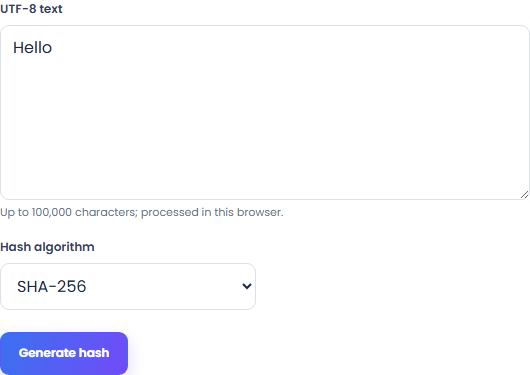
Select SHA-256, SHA-384 or SHA-512. SHA-1 is offered only for legacy compatibility; it is not suitable for new security designs.
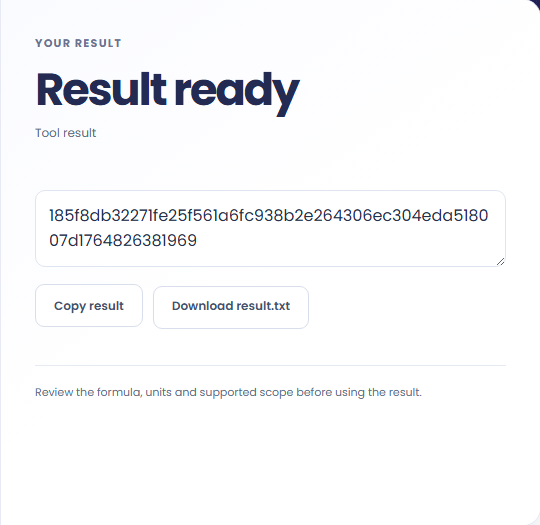
Select Generate hash. Review the hexadecimal digest for the selected hash algorithm, then copy it or download the result text.
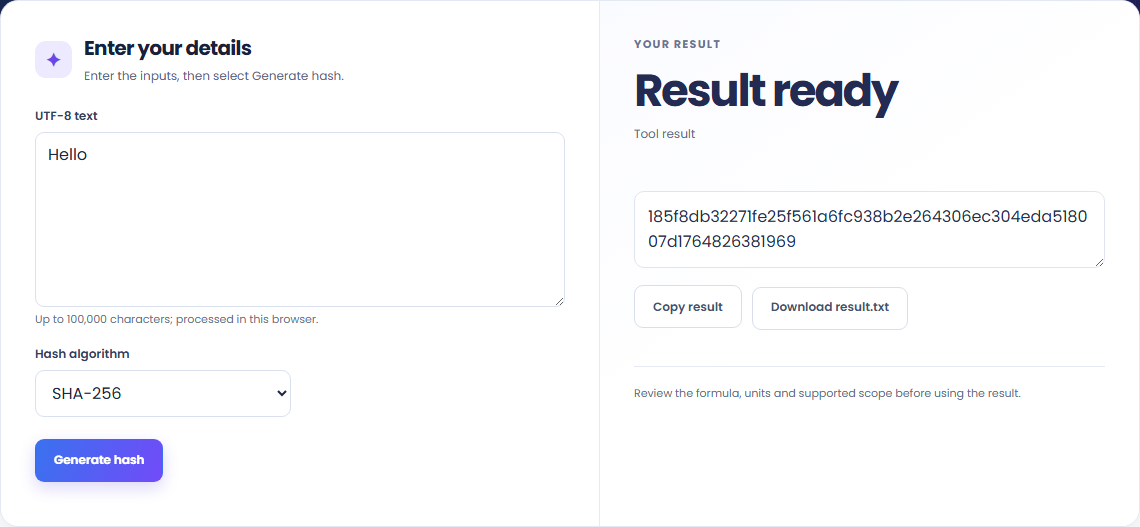
The starting example produces 185f8db32271fe25f561a6fc938b2e264306ec304eda518007d1764826381969. Generate a hexadecimal hash of UTF-8 text.

Compare digests when checking whether two supplied text values are identical.

Keep the selected algorithm with the digest. To compare two digests, hash exactly the same input text with the same algorithm.

The result is a hexadecimal digest for the selected algorithm. This hashes supplied text; it does not hash an uploaded file or store passwords.
Generate a hexadecimal hash of UTF-8 text.
Up to 100,000 characters. SHA-1 is included for legacy comparison and is unsuitable for new collision-resistant designs. Hashing is not encryption or password storage.

Check the stated scope before you run it.
Up to 100,000 characters. SHA-1 is included for legacy comparison and is unsuitable for new collision-resistant designs. Hashing is not encryption or password storage.
The input stays in this browser. Copy result and Download save the same displayed text.

Choose another tool for your next calculation, conversion, or text task.
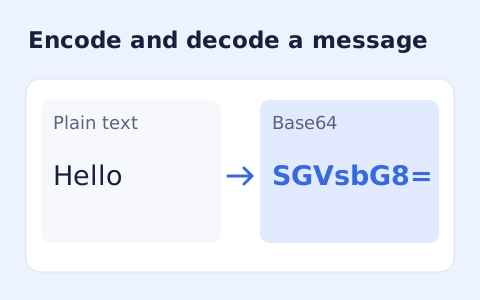
Encode UTF-8 text into standard padded Base64 and decode Base64 back into Unicode text.
Open tool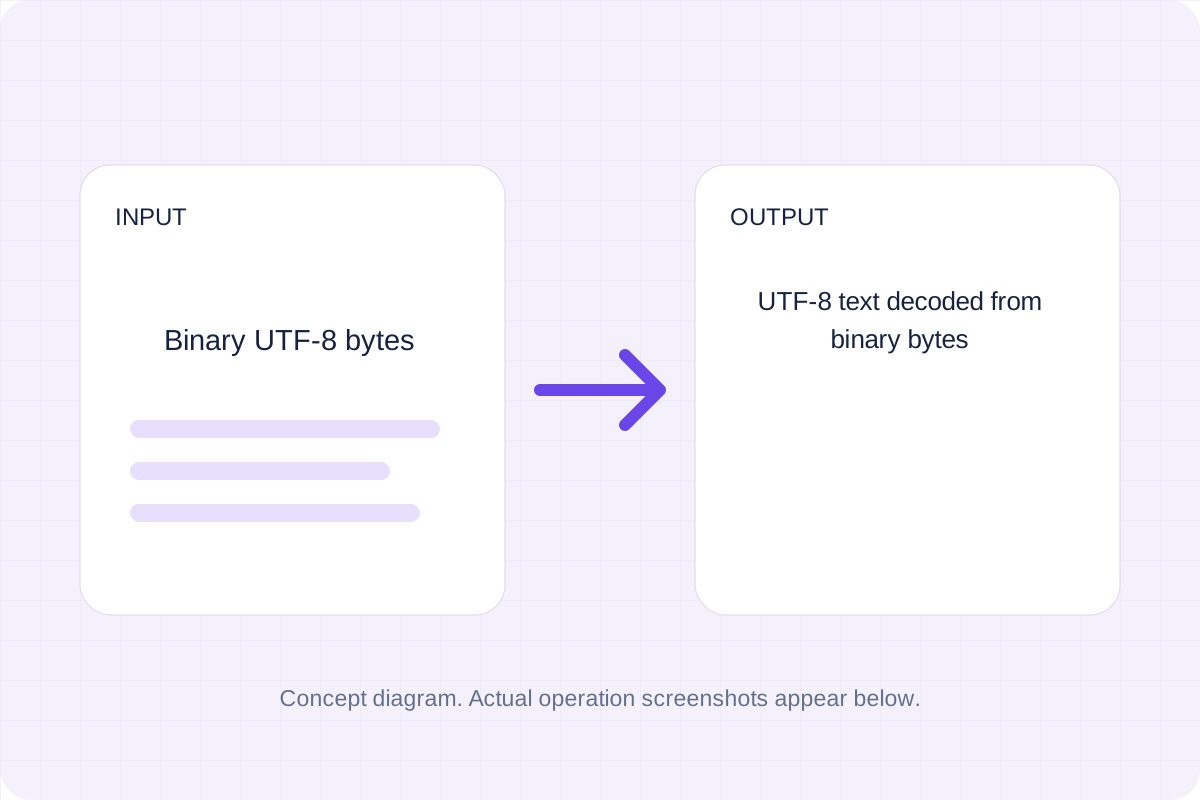
Group binary digits into eight-bit bytes and decode them as strict UTF-8.
Open tool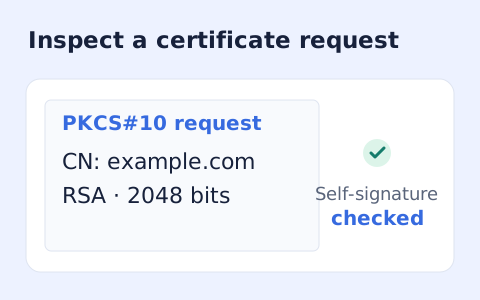
Inspect a PEM PKCS#10 certificate request, subject, key, and requested extensions.
Open tool
Generate a CSS border-radius declaration from four corner values and preview the shape.
Open toolAnswers about using Hash Generator and understanding its results.
Up to 100,000 characters. SHA-1 is included for legacy comparison and is unsuitable for new collision-resistant designs. Hashing is not encryption or password storage.
Yes. Copy result copies the complete digest, and Download saves the same text. Hashing runs in your browser without an account.
Check the hexadecimal digest for the selected hash algorithm, then copy or download it.