
XML Diff Checker
Compare two XML documents by parsed structure. Read changed paths while ignoring attribute order and whitespace used only for indentation.
Open toolCheck XML well-formedness without fetching external resources. Up to 100,000 characters.
Enter the inputs, then select Validate XML.
Result will appear here
Check XML well-formedness without fetching external resources.
Up to 100,000 characters. DOCTYPE is rejected. This checks syntax only; XSD, DTD and application schema validation are not supported.
Follow the labelled inputs.
Replace the example with the XML document you want to check. The limit is 100,000 characters.
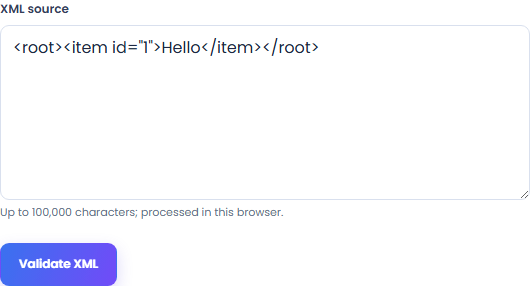
Check that opening and closing tags match. DOCTYPE declarations are rejected; text inside comments and CDATA is allowed.
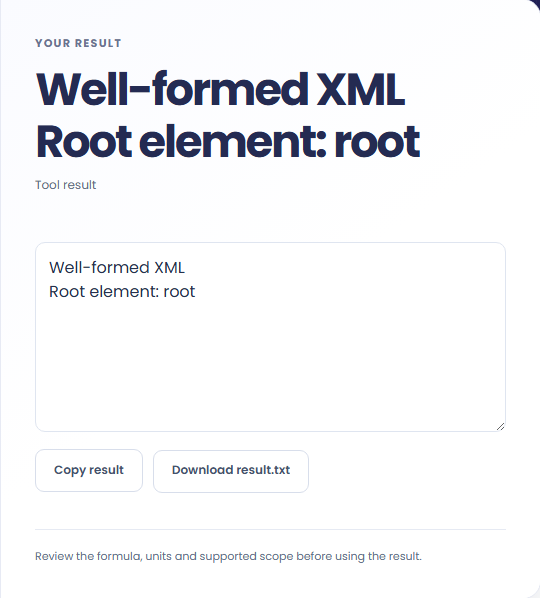
Select Validate XML. Review the well-formedness verdict and root element name, then copy it or download the result text.
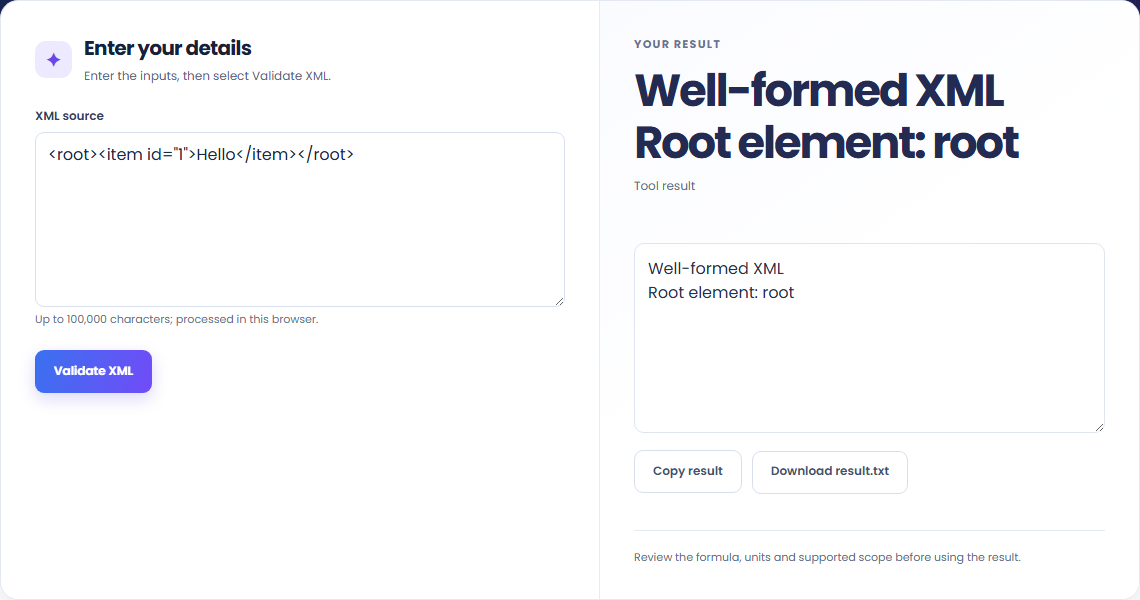
The starting example produces Well-formed XML; Root element: root. Check XML well-formedness without fetching external resources.

Paste your own XML document to check its syntax. This does not validate XSD, DTD or application rules.

Keep the exact source with the syntax verdict so you can check the same document again.

A well-formed result reports the original root element name. A syntax error means the document could not be parsed.
Check XML well-formedness without fetching external resources.
Up to 100,000 characters. DOCTYPE is rejected. This checks syntax only; XSD, DTD and application schema validation are not supported.

Check the stated scope before you run it.
Up to 100,000 characters. DOCTYPE is rejected. This checks syntax only; XSD, DTD and application schema validation are not supported.
The input stays in this browser. Copy result and Download save the same displayed text.

Compare two XML documents by parsed structure. Read changed paths while ignoring attribute order and whitespace used only for indentation.
Open tool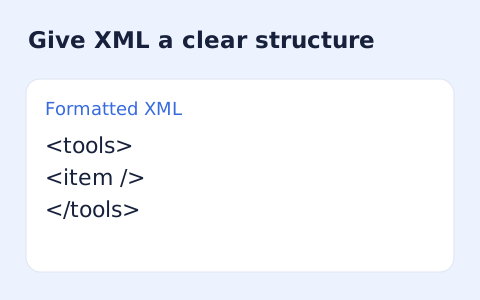
Format XML with indentation while keeping mixed content together.
Open tool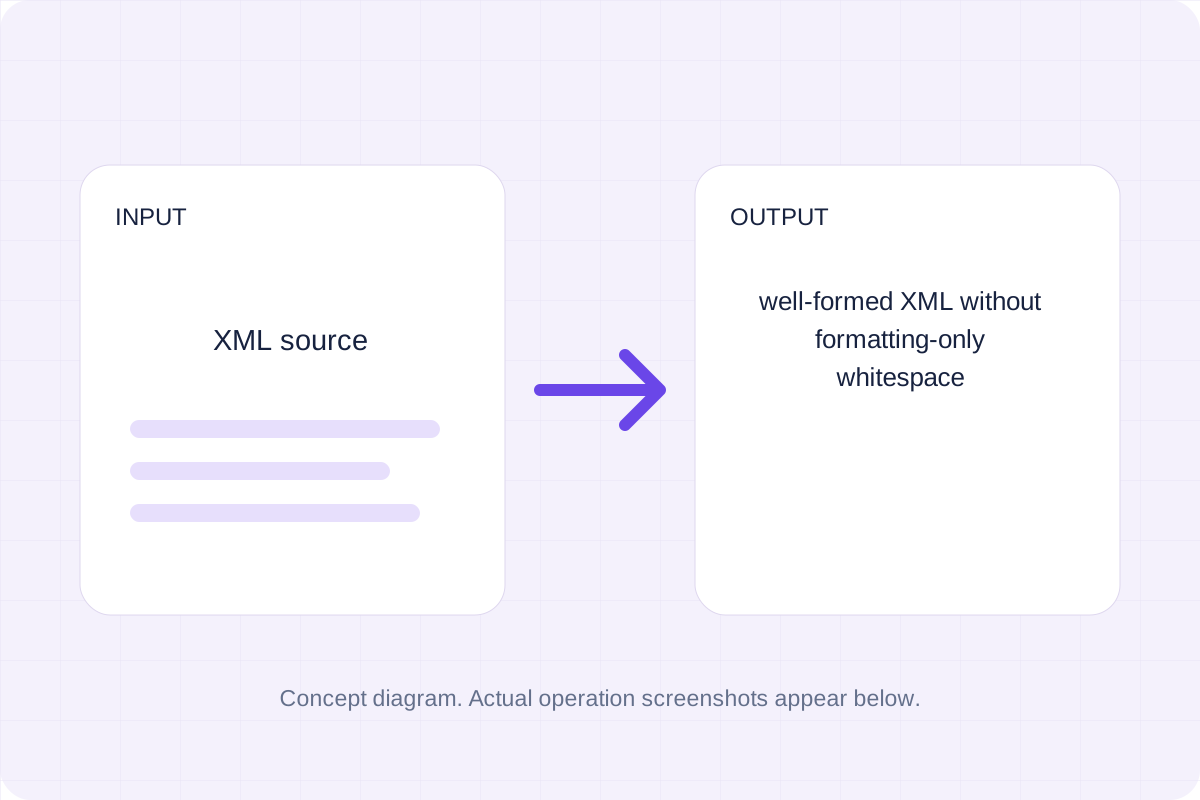
Remove line-break indentation from element-only XML; keep inline spaces, mixed text and xml:space="preserve".
Open toolChoose another tool for your next calculation, conversion, or text task.
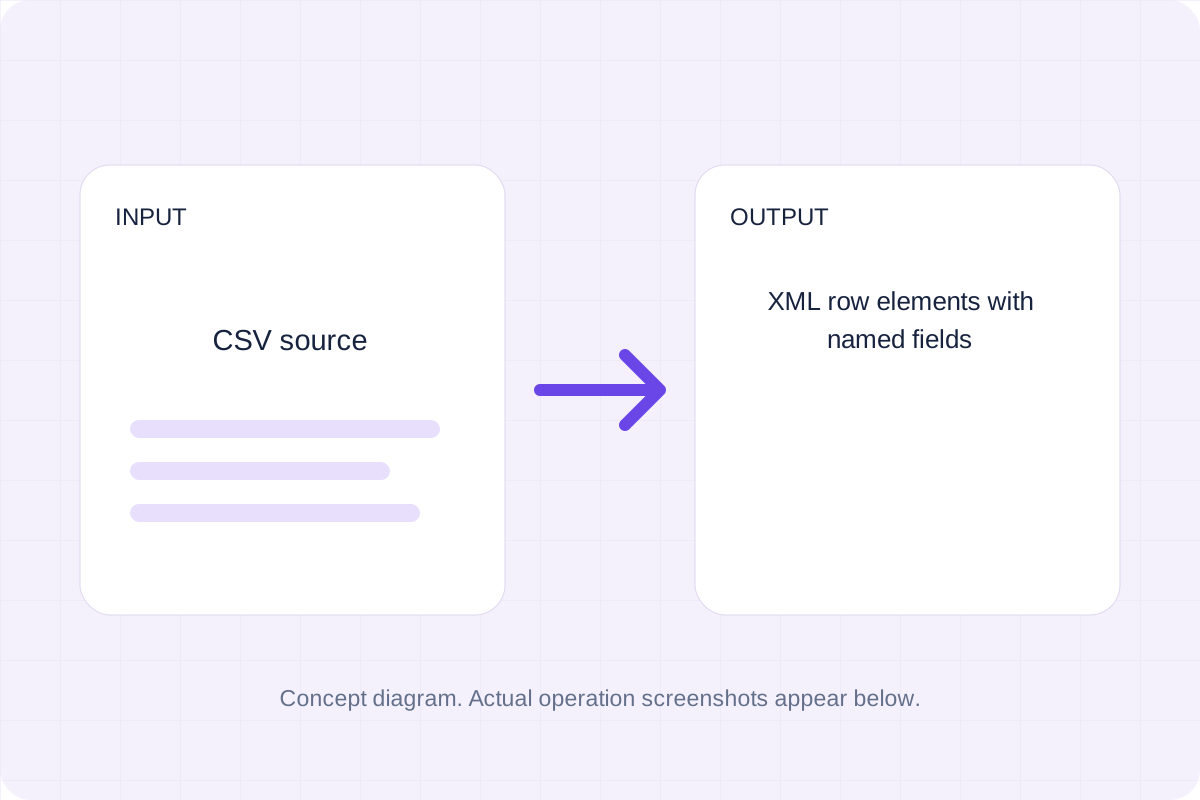
Parse quoted CSV and write a rows root containing row and field elements.
Open tool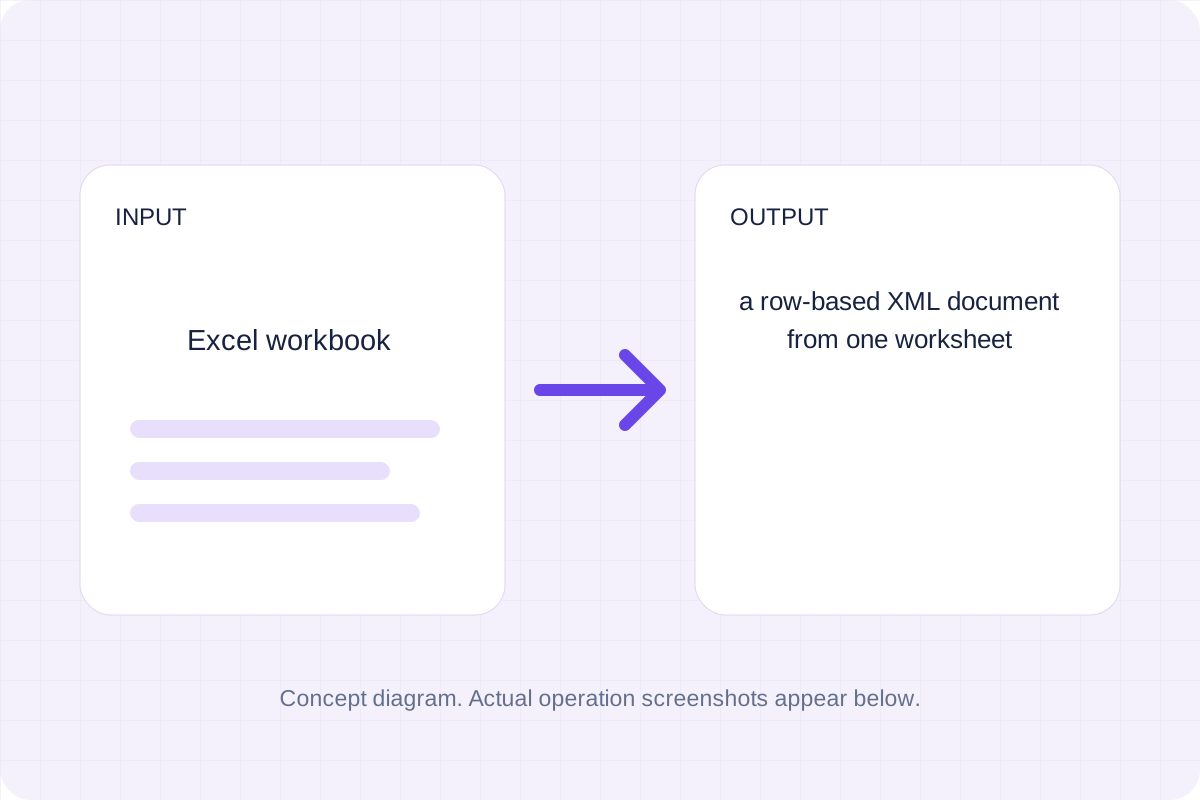
Export one .xlsx worksheet as row-based XML. Header names remain attributes, cell text is escaped, and formula values use the workbook’s cached results.
Open tool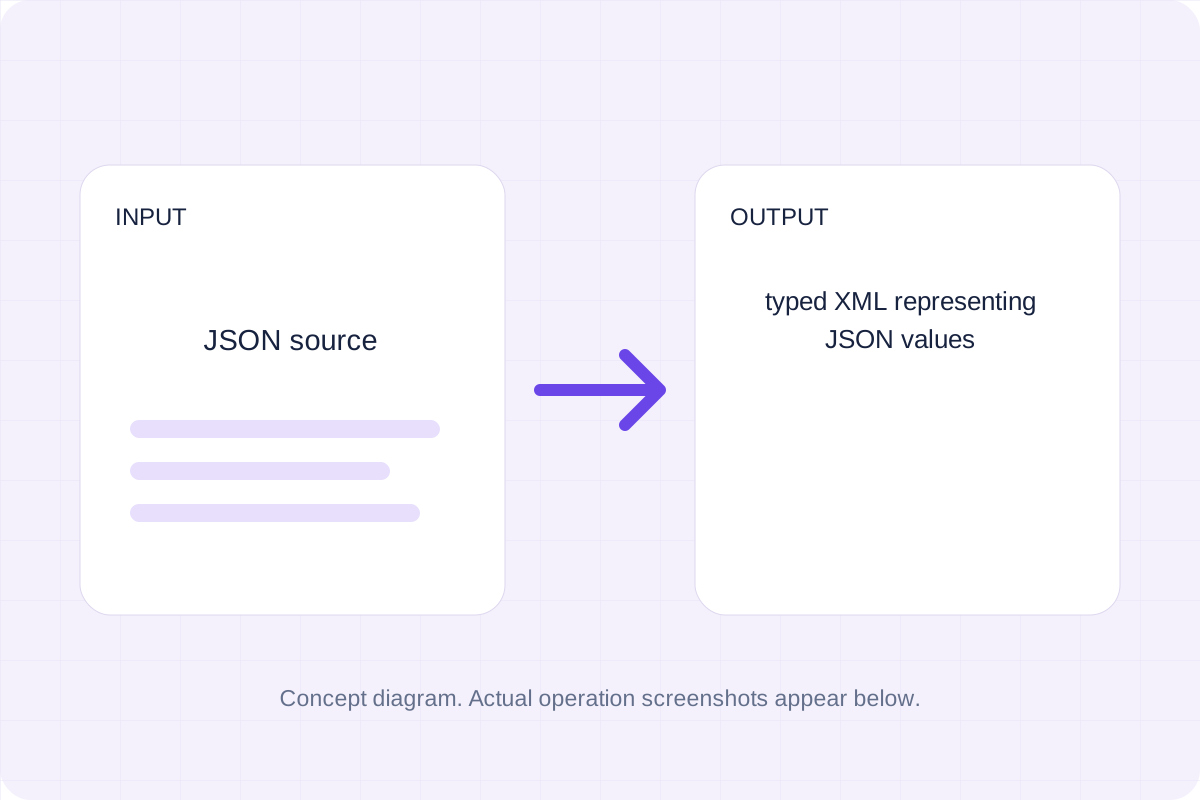
Write a value tree with explicit type attributes and name attributes for object keys.
Open tool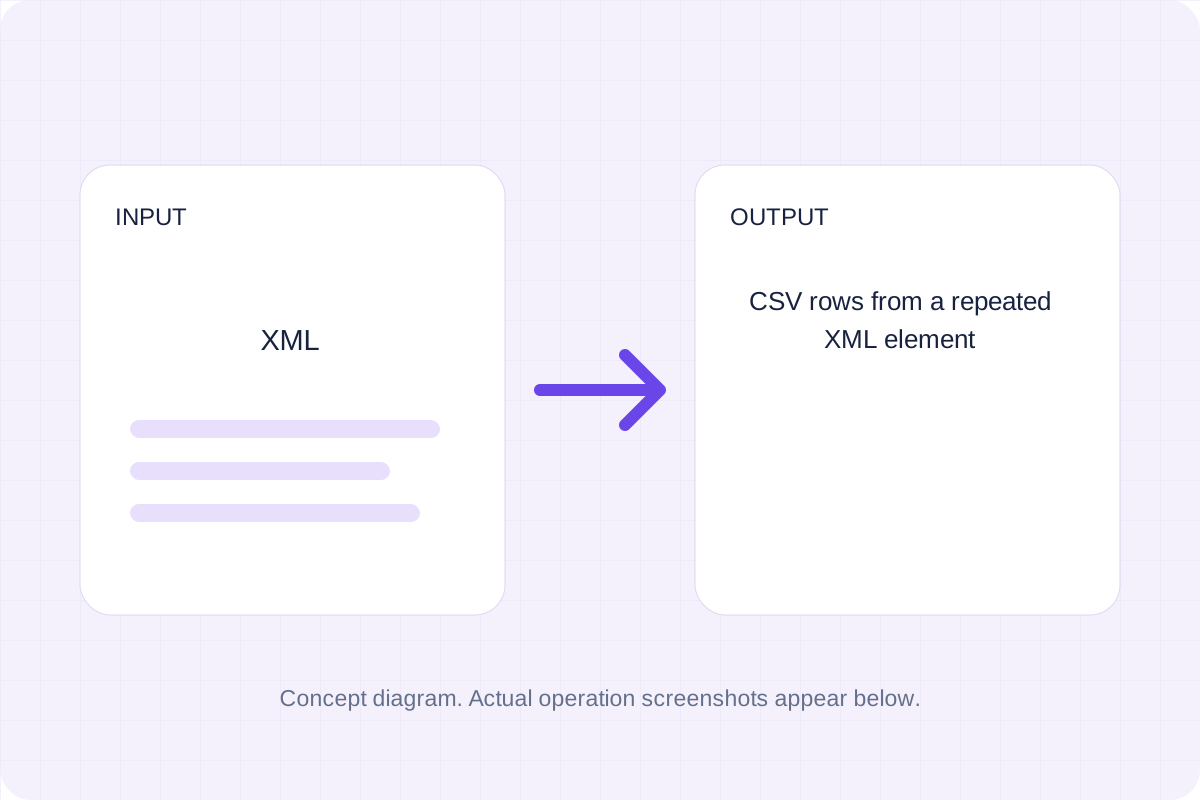
Turn a repeated XML element into CSV rows. Choose the record tag, then review flattened nested fields and attribute columns before saving the file.
Open toolAnswers about using XML Validator and understanding its results.
Up to 100,000 characters. DOCTYPE is rejected. This checks syntax only; XSD, DTD and application schema validation are not supported.
Yes. Copy result copies the displayed verdict and root name; Download saves the same text. Validation runs in your browser without an account.
Check the well-formedness verdict and root element name, then copy or download it.