
XML to CSV Converter
Turn a repeated XML element into CSV rows. Choose the record tag, then review flattened nested fields and attribute columns before saving the file.
Open toolParse quoted CSV and write a rows root containing row and field elements. Header labels become name attributes, so spaces are supported.
Enter the inputs, then select Convert CSV.
Result will appear here
Parse quoted CSV and write a rows root containing row and field elements.
Header labels become name attributes, so spaces are supported. XML-special characters are escaped; values stay text. Source limit: 100,000 characters; other CSV tools accept 10,000 records and 100 columns.
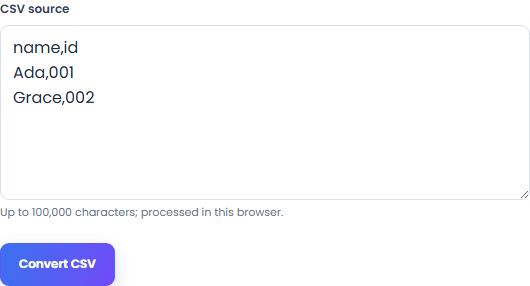
Start with your own input.
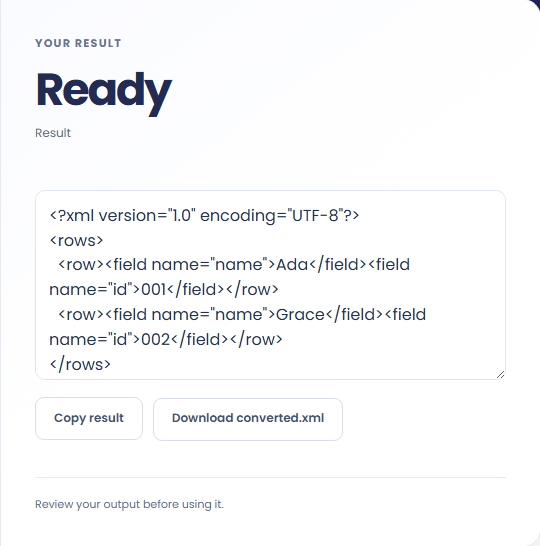
Select Convert CSV. Review XML row elements with named fields, then use Copy result or download the result file.
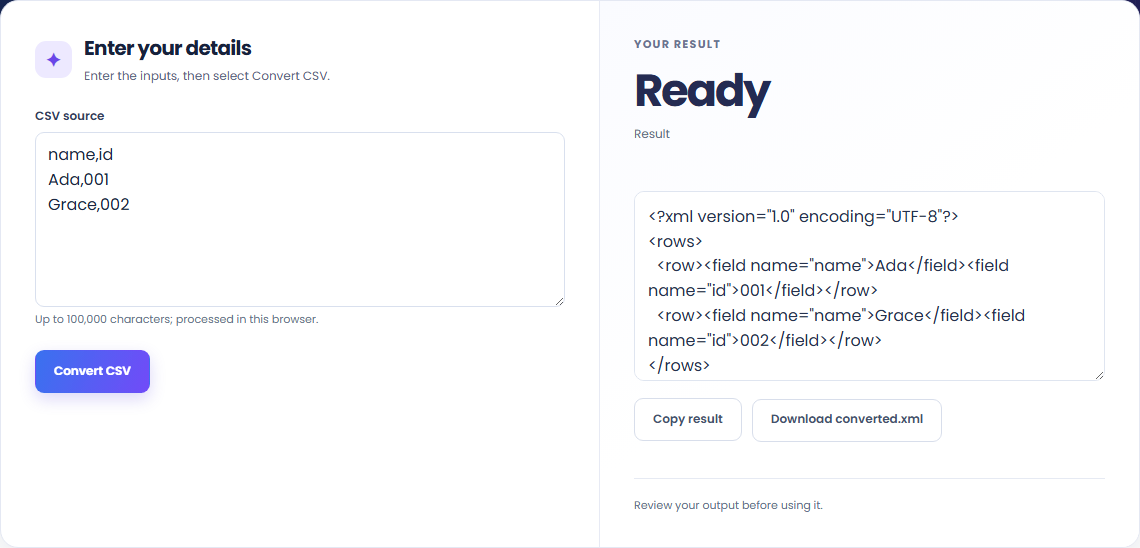
To convert a small data fixture, start with csv source. Parse quoted CSV and write a rows root containing row and field elements.

To preserve a table excerpt, start with csv source. Header labels become name attributes, so spaces are supported.

To prepare a local interchange file, start with csv source. Review XML row elements with named fields, then use Copy result or download the result file.

Check what the output means.
XML row elements with named fields. Parse quoted CSV and write a rows root containing row and field elements.
Header labels become name attributes, so spaces are supported. XML-special characters are escaped; values stay text. Source limit: 100,000 characters; other CSV tools accept 10,000 records and 100 columns.

Check the format before processing.
Header labels become name attributes, so spaces are supported. XML-special characters are escaped; values stay text. Source limit: 100,000 characters; other CSV tools accept 10,000 records and 100 columns.
Inputs and results are handled in this browser.

Turn a repeated XML element into CSV rows. Choose the record tag, then review flattened nested fields and attribute columns before saving the file.
Open tool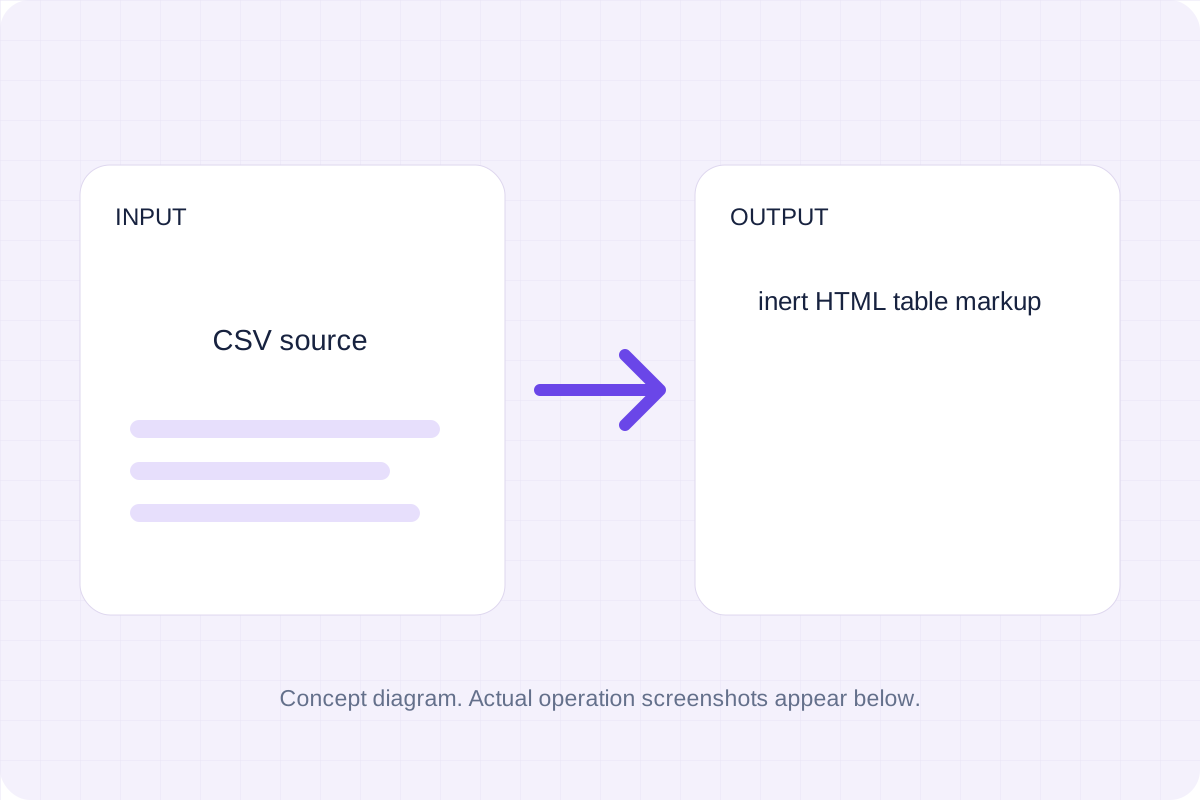
Parse CSV and escape every cell into a table with column headers.
Open tool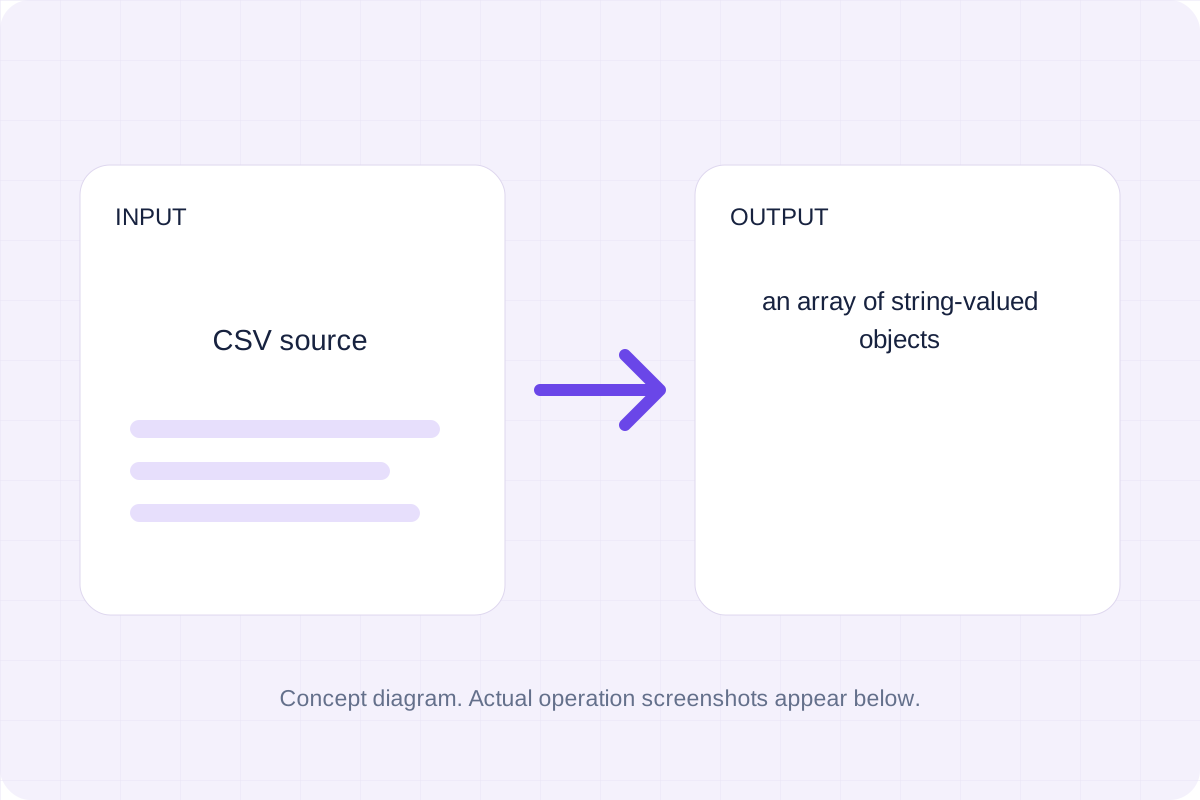
Parse quoted CSV and map unique headers to object keys.
Open toolChoose another tool for your next calculation, conversion, or text task.
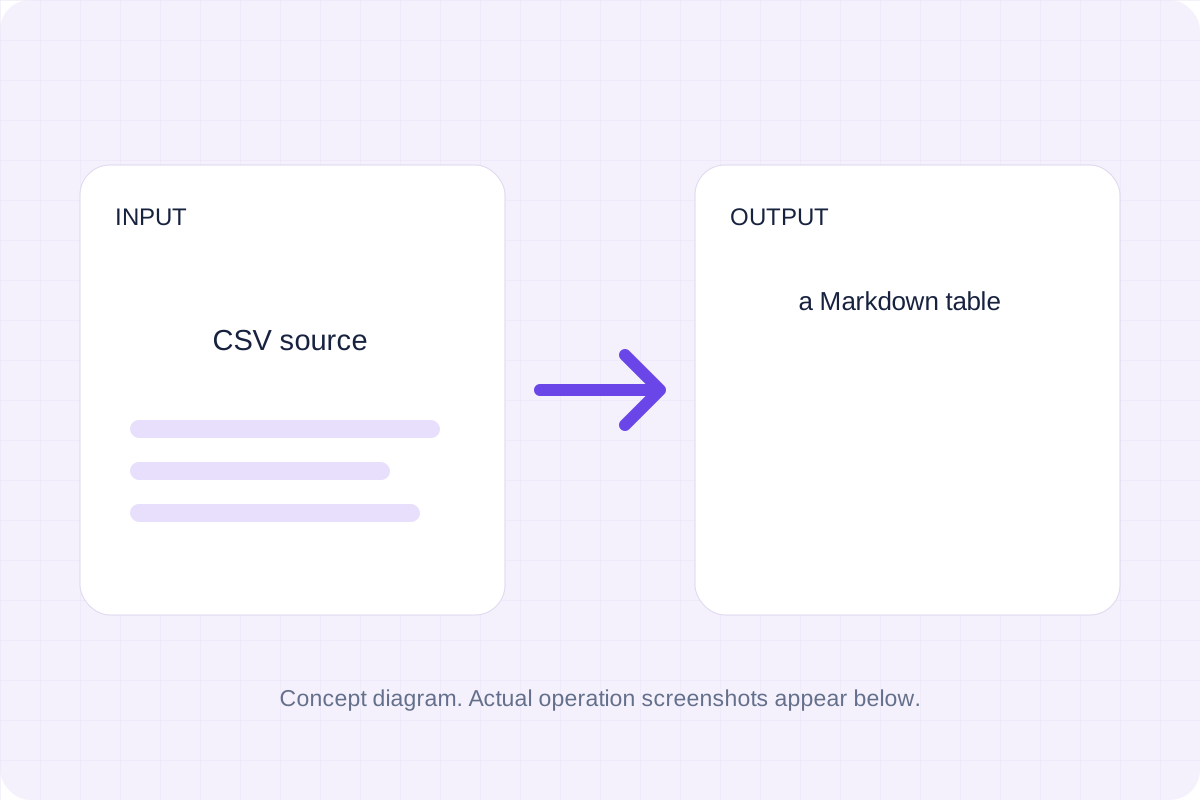
Parse CSV and escape pipes, backslashes and line breaks in a Markdown table.
Open tool
Write CSV records into a real Parquet file with UTF-8 string columns. Numbers and dates remain text, preserving leading-zero identifiers for later processing.
Open tool
Convert comma-separated records to tab-separated text. Quoted commas, tabs and line breaks remain inside their cells; download the TSV for your next import.
Open tool
Check CSV quoting and consistent column counts, then review the record count and selected delimiter.
Open toolReview XML row elements with named fields, then use Copy result or download the result file.
Answers about using CSV To XML Converter and understanding its results.
Header labels become name attributes, so spaces are supported. XML-special characters are escaped; values stay text. Source limit: 100,000 characters; other CSV tools accept 10,000 records and 100 columns.
Yes. Download the result file after processing. Text results also have Copy result. Processing uses local browser code; no account is required.