
CSV to TSV Converter
Convert comma-separated records to tab-separated text. Quoted commas, tabs and line breaks remain inside their cells; download the TSV for your next import.
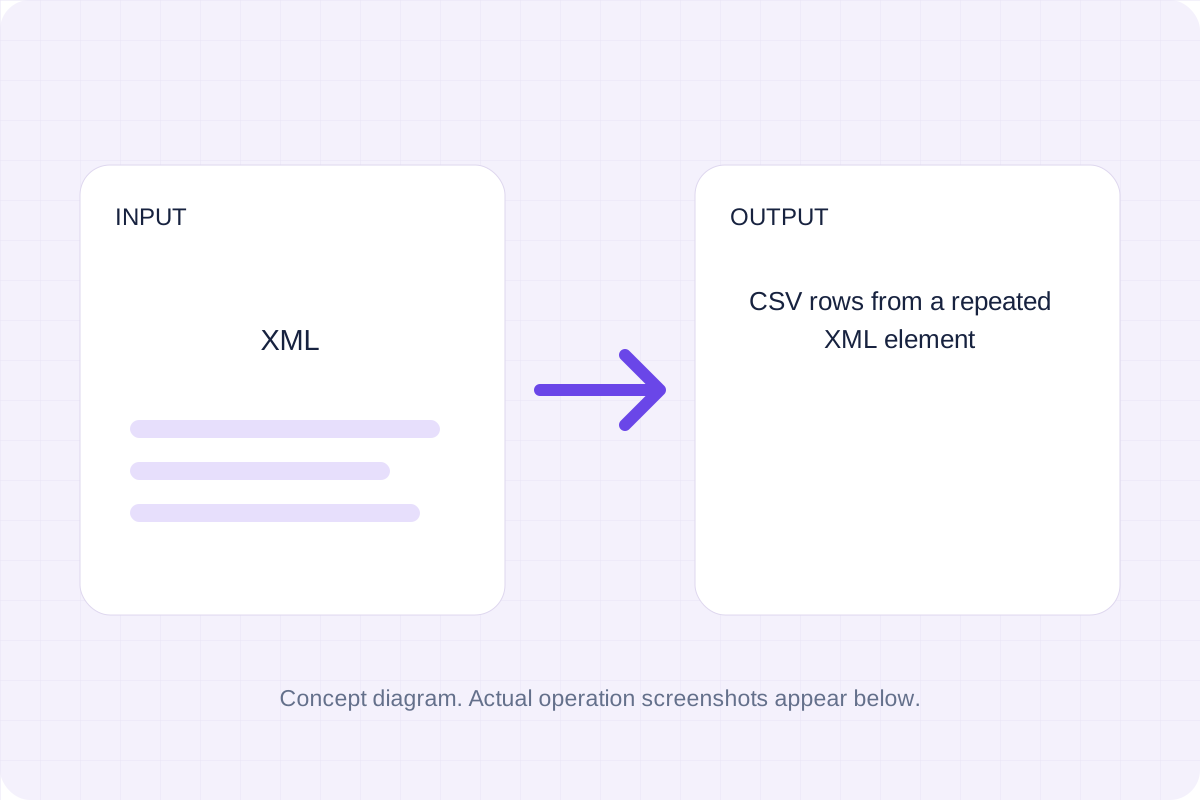
Open toolTurn a repeated XML element into CSV rows. Choose the record tag, then review flattened nested fields and attribute columns before saving the file.
Enter the inputs, then select Convert to CSV.
Result will appear here
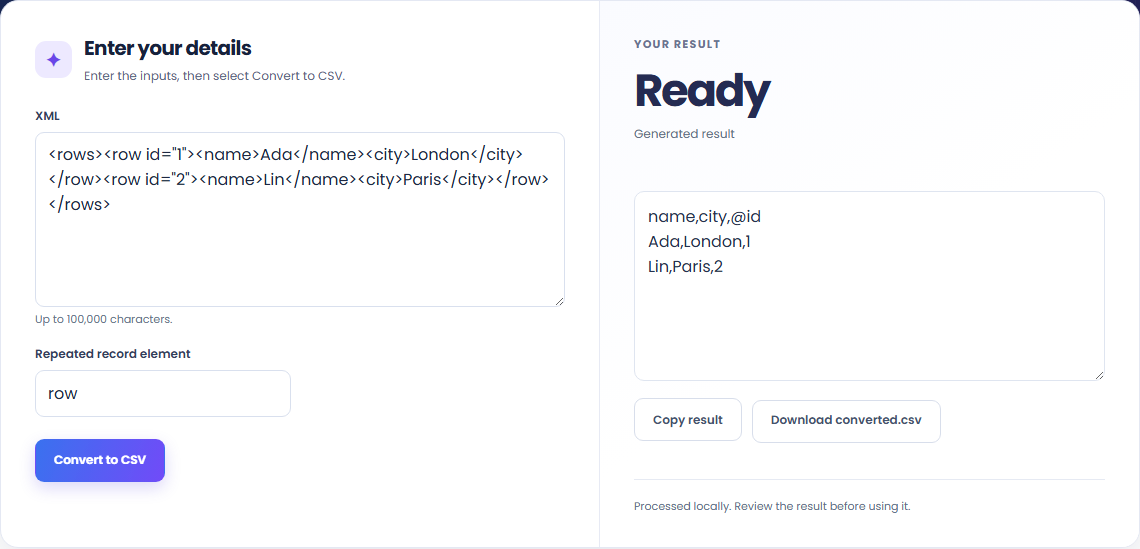
Find the chosen record element, flatten nested fields and attributes, and align columns across records.
Processing uses bundled libraries in this browser. The download contains the generated source or document, rather than a link to a conversion service.
Start with the supported input, then check the generated result.
Use XML, Repeated record element. The form starts with an example you can replace.
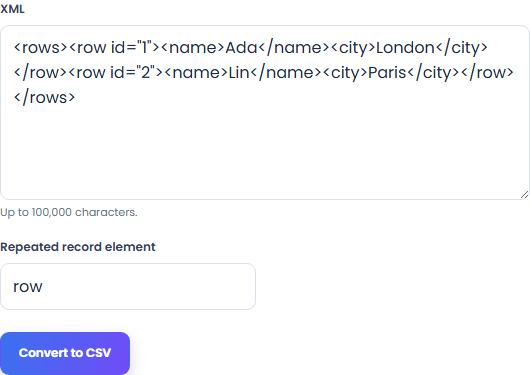
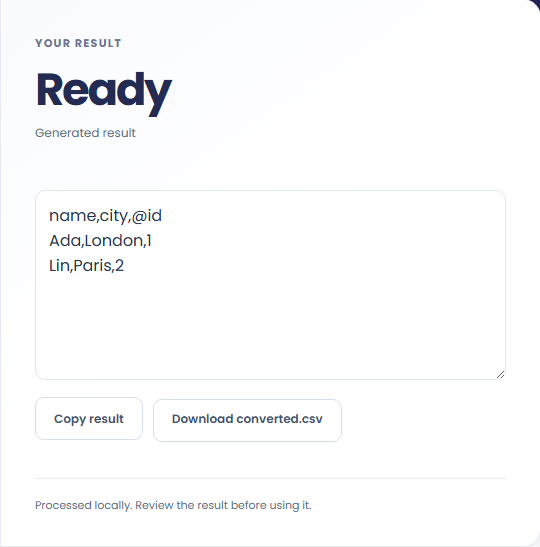
Review CSV rows from a repeated XML element. Download the generated file and check it in the application where you plan to use it.
These workflows use the formats and behavior supported by this implementation.
Choose the repeated record element when you need one spreadsheet row per XML record, such as a product or contact.

Attributes appear in @ columns. This lets you review identifiers alongside the element text instead of dropping attribute values.

Records can contribute different fields. The output combines their columns, leaves missing values blank and writes repeated nested values as JSON cells.

Keep the output format and conversion policy in view.
CSV rows from a repeated XML element. Find the chosen record element, flatten nested fields and attributes, and align columns across records.
Compare the result with the original before replacing a source file. Conversion limits are listed below.

Check these conditions before relying on the result.
Attributes use @ prefixes and nested keys use dot paths. Repeated nested values become JSON cells. DTDs and entity declarations are rejected. Up to 5,000 records and 100 columns.
Input and results are not stored after leaving or reloading. Keep the original and download any output you need.

Convert comma-separated records to tab-separated text. Quoted commas, tabs and line breaks remain inside their cells; download the TSV for your next import.
Open tool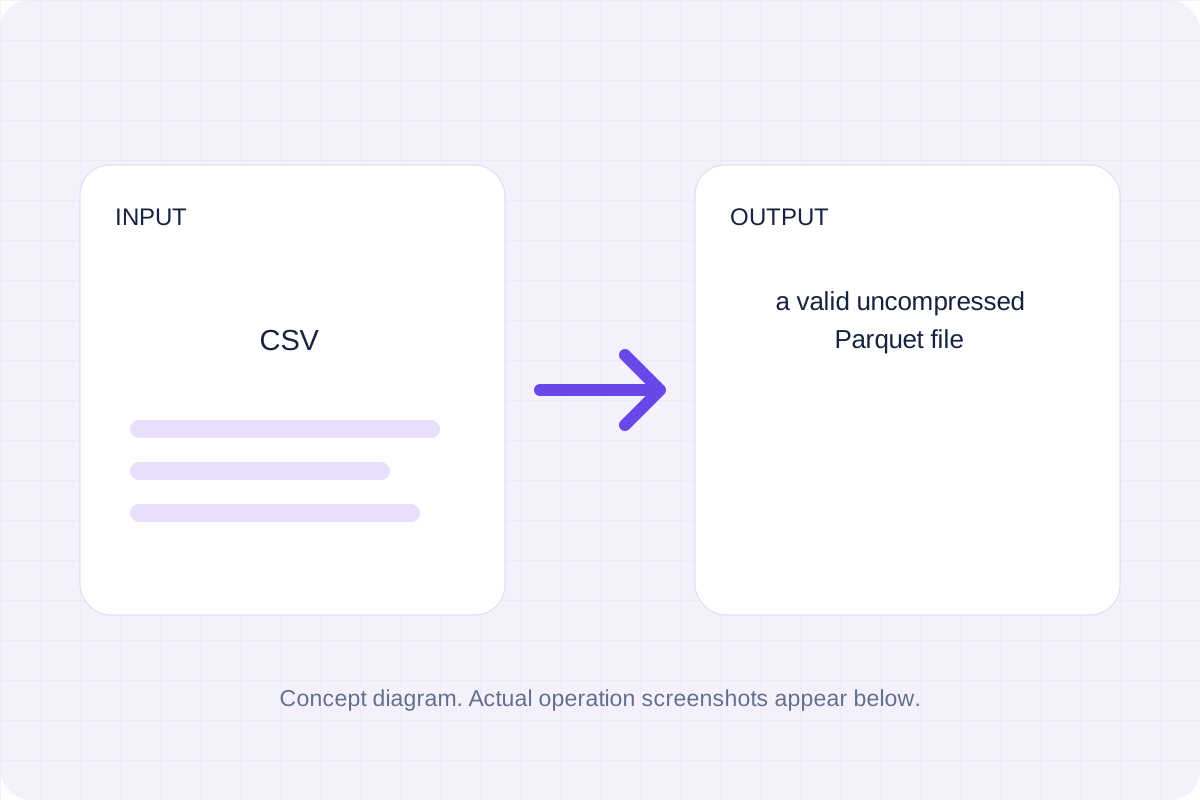
Write CSV records into a real Parquet file with UTF-8 string columns. Numbers and dates remain text, preserving leading-zero identifiers for later processing.
Open tool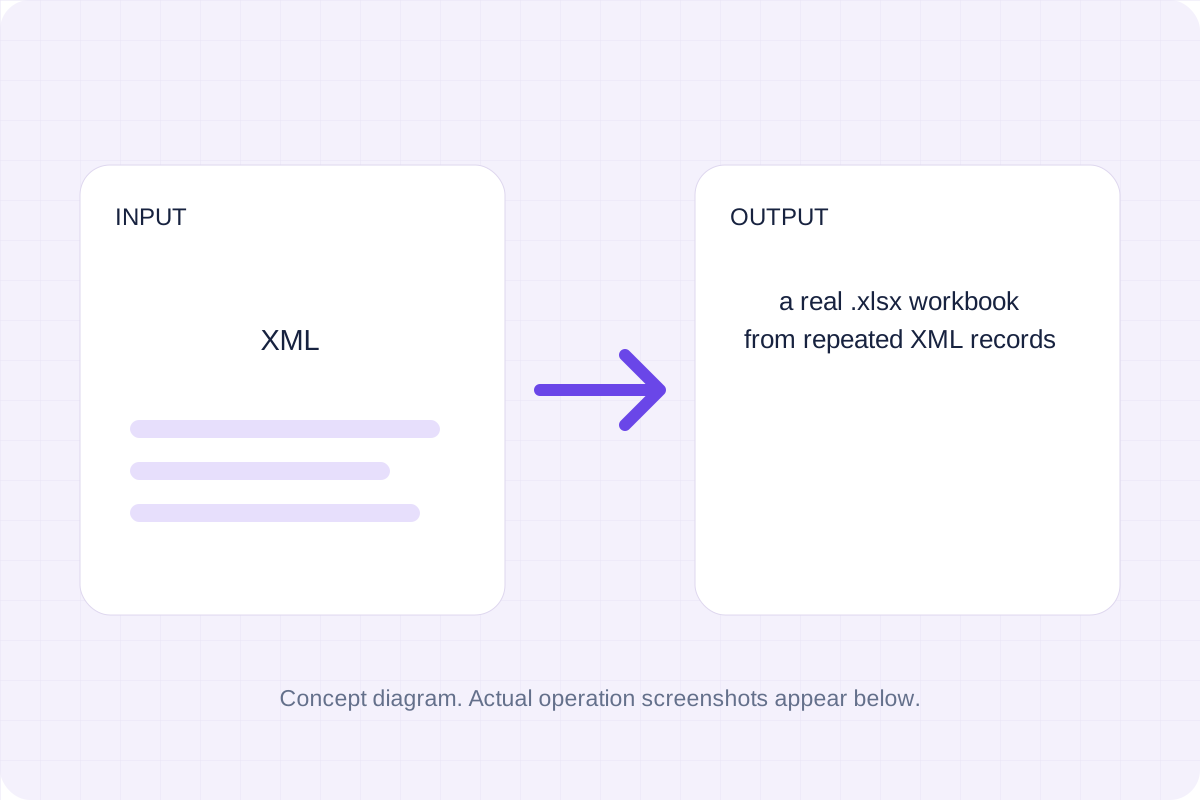
Create a real Excel workbook from repeated XML records. Nested fields and attributes become text columns; choose a record tag and review the worksheet before saving.
Open toolChoose another tool for your next calculation, conversion, or text task.
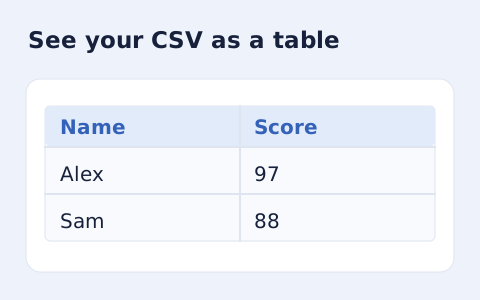
Inspect quoted CSV cells in a readable table without uploading your data.
Open tool
Check CSV quoting and consistent column counts, then review the record count and selected delimiter.
Open tool
Compare two JSON values by structure. See changed paths without treating object key order as a difference.
Open tool
Validate JSON against a draft-07 or 2020-12 schema. Review error paths without sending the documents to a server.
Open toolGenerate the supported output, review it, and save a copy for your next step.
Answers about using XML to CSV Converter and understanding its results.
It produces CSV rows from a repeated XML element. Attributes use @ prefixes and nested keys use dot paths. Repeated nested values become JSON cells. DTDs and entity declarations are rejected. Up to 5,000 records and 100 columns.
Processing runs in this browser with local bundled libraries. No input is sent to a conversion server. Download your result before leaving the page.