
CSS Minifier
Minify CSS while retaining strings, custom properties, and rule order.
Open toolRemove line-break indentation from element-only XML; keep inline spaces, mixed text and xml:space="preserve". Whitespace-only line-break nodes are assumed to be indentation in the default mode.
Enter the inputs, then select Minify XML.
Result will appear here
Remove line-break indentation from element-only XML; keep inline spaces, mixed text and xml:space="preserve".
Whitespace-only line-break nodes are assumed to be indentation in the default mode. Select Keep all text nodes when that whitespace carries meaning. DOCTYPE is rejected; comments and CDATA remain. Serialization can normalize quote and empty-element spelling.
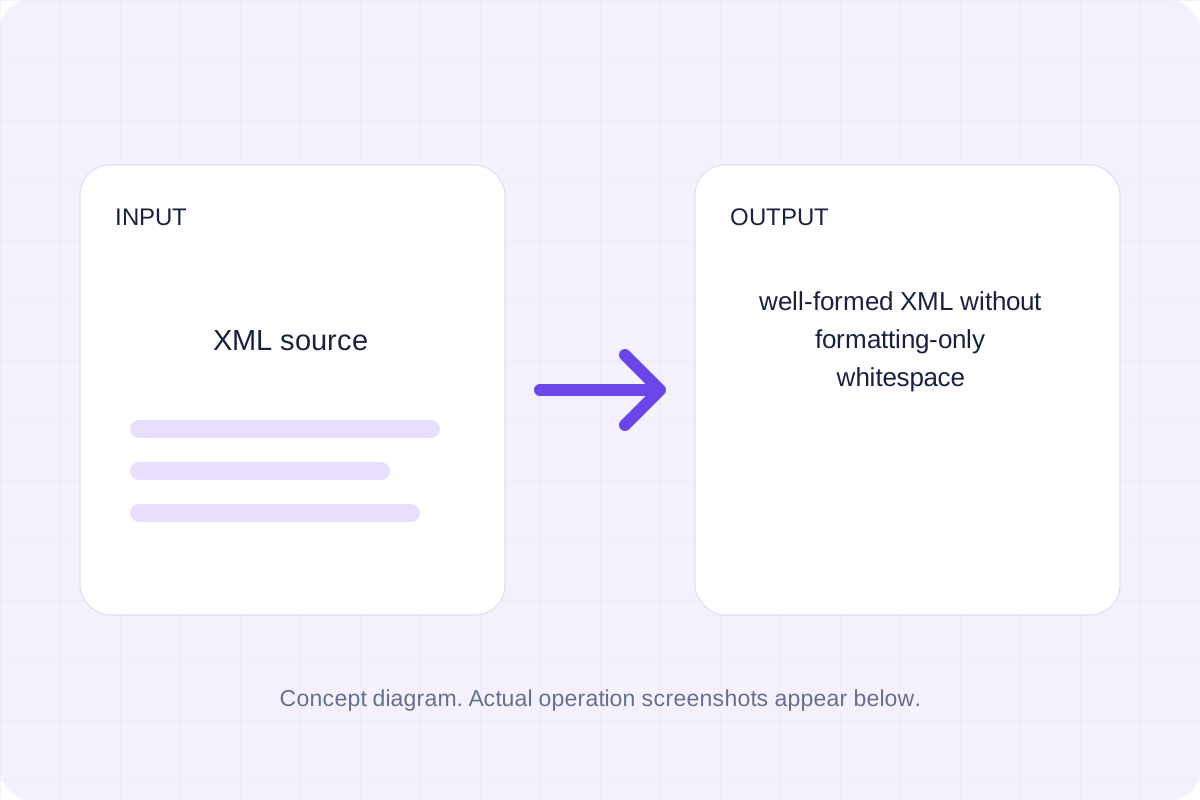
Start with your own input.
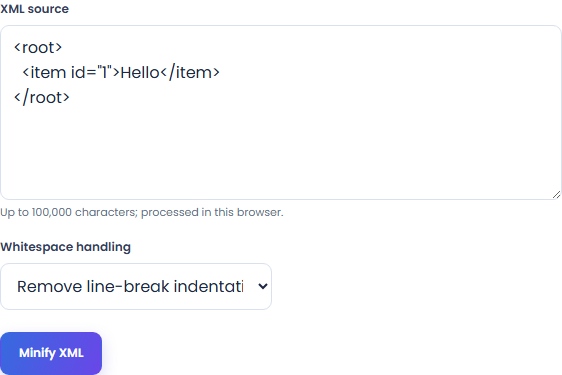
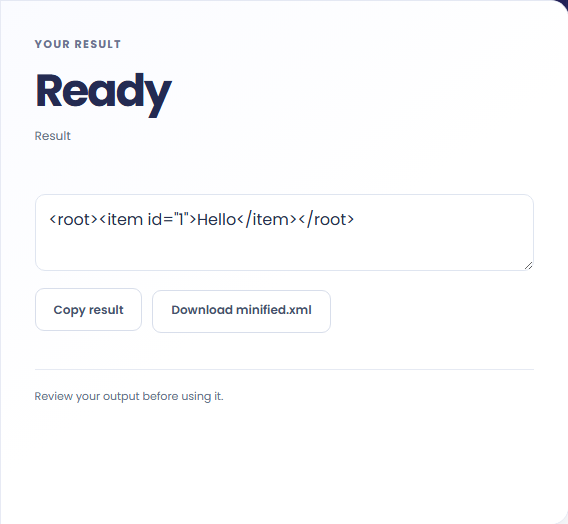
Select Minify XML. Review well-formed XML without formatting-only whitespace, then use Copy result or download the result file.
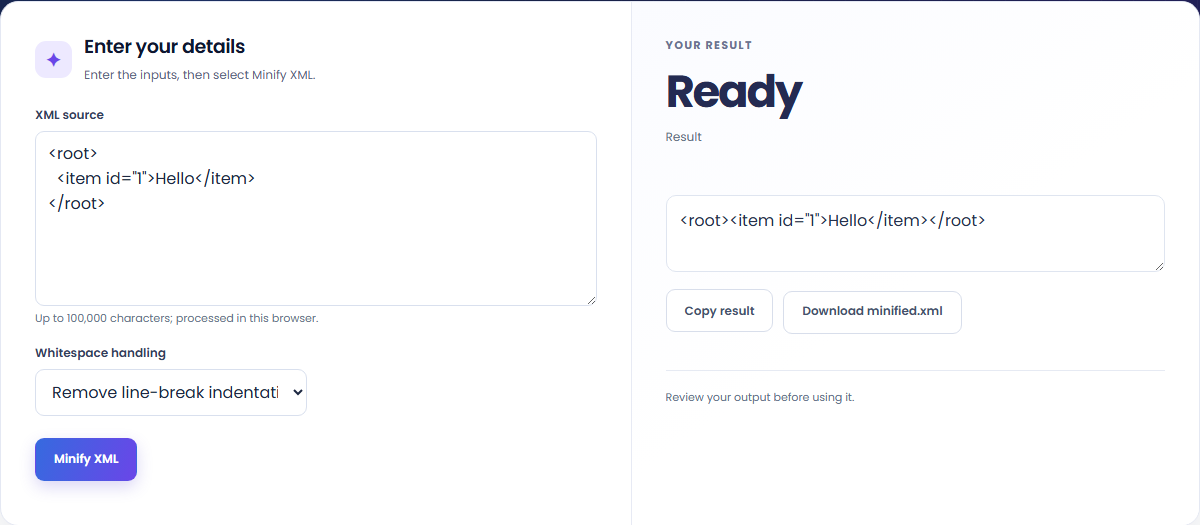
To compact an element-only XML file, start with xml source. Remove line-break indentation from element-only XML; keep inline spaces, mixed text and xml:space="preserve".

To keep mixed-content spacing, start with xml source. Whitespace-only line-break nodes are assumed to be indentation in the default mode.

To inspect a smaller XML document, start with xml source. Review well-formed XML without formatting-only whitespace, then use Copy result or download the result file.

Check what the output means.
Well-formed XML without formatting-only whitespace. Remove line-break indentation from element-only XML; keep inline spaces, mixed text and xml:space="preserve".
Whitespace-only line-break nodes are assumed to be indentation in the default mode. Select Keep all text nodes when that whitespace carries meaning. DOCTYPE is rejected; comments and CDATA remain. Serialization can normalize quote and empty-element spelling.

Check the format before processing.
Whitespace-only line-break nodes are assumed to be indentation in the default mode. Select Keep all text nodes when that whitespace carries meaning. DOCTYPE is rejected; comments and CDATA remain. Serialization can normalize quote and empty-element spelling.
Inputs and results are handled in this browser.

Minify CSS while retaining strings, custom properties, and rule order.
Open tool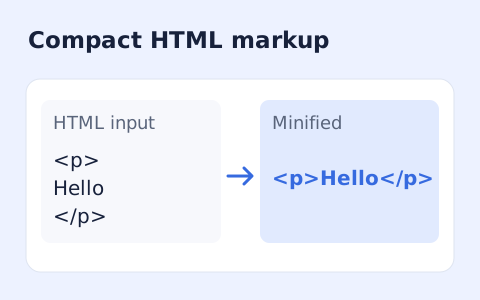
Minify HTML fragments or documents locally while preserving script, style, pre, and textarea content.
Open tool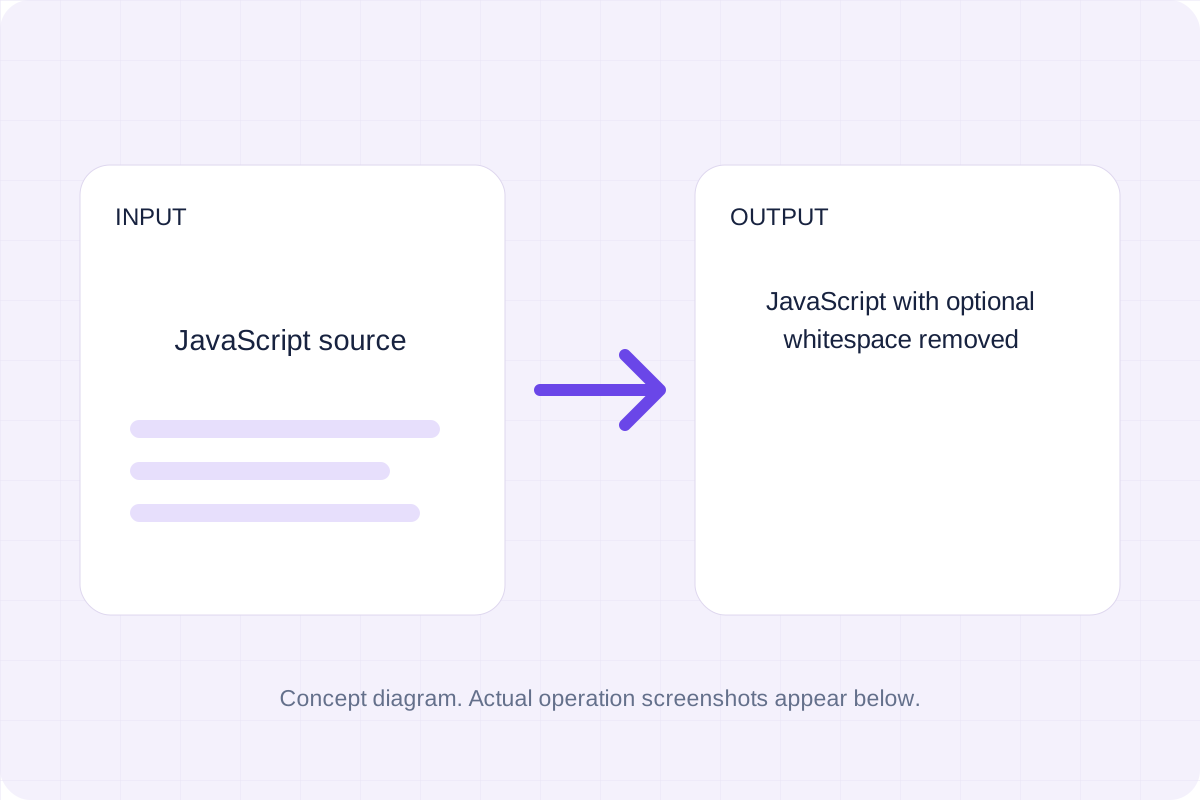
Parse JavaScript with Terser and print compact syntax with compression and name mangling disabled.
Open toolChoose another tool for your next calculation, conversion, or text task.
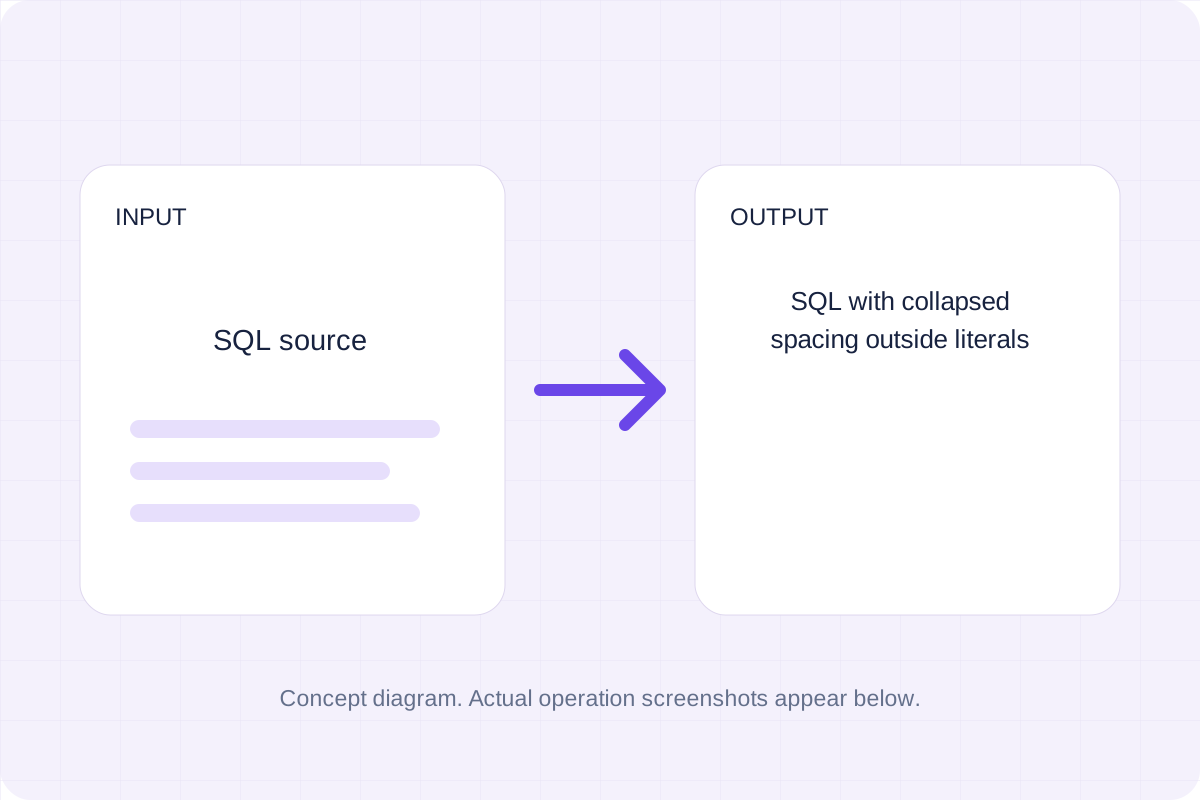
Tokenize SQL strings, quoted identifiers and comments, then collapse whitespace outside those regions.
Open tool
Compare two XML documents by parsed structure. Read changed paths while ignoring attribute order and whitespace used only for indentation.
Open tool
Format XML with indentation while keeping mixed content together.
Open tool
Validate whitespace- or comma-separated integer codes from 0 to 127 and map them to ASCII characters.
Open toolReview well-formed XML without formatting-only whitespace, then use Copy result or download the result file.
Answers about using XML Minifier and understanding its results.
Whitespace-only line-break nodes are assumed to be indentation in the default mode. Select Keep all text nodes when that whitespace carries meaning. DOCTYPE is rejected; comments and CDATA remain. Serialization can normalize quote and empty-element spelling.
Yes. Download the result file after processing. Text results also have Copy result. Processing uses local browser code; no account is required.