
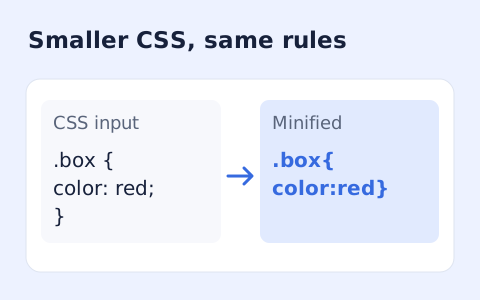
CSS Minifier
Minify CSS while retaining strings, custom properties, and rule order.
Open toolParse JavaScript with Terser and print compact syntax with compression and name mangling disabled. Code is never executed.
Enter the inputs, then select Minify JavaScript.
Result will appear here
Parse JavaScript with Terser and print compact syntax with compression and name mangling disabled.
Code is never executed. The conservative output keeps comments and names; this is not a bundler or obfuscator.
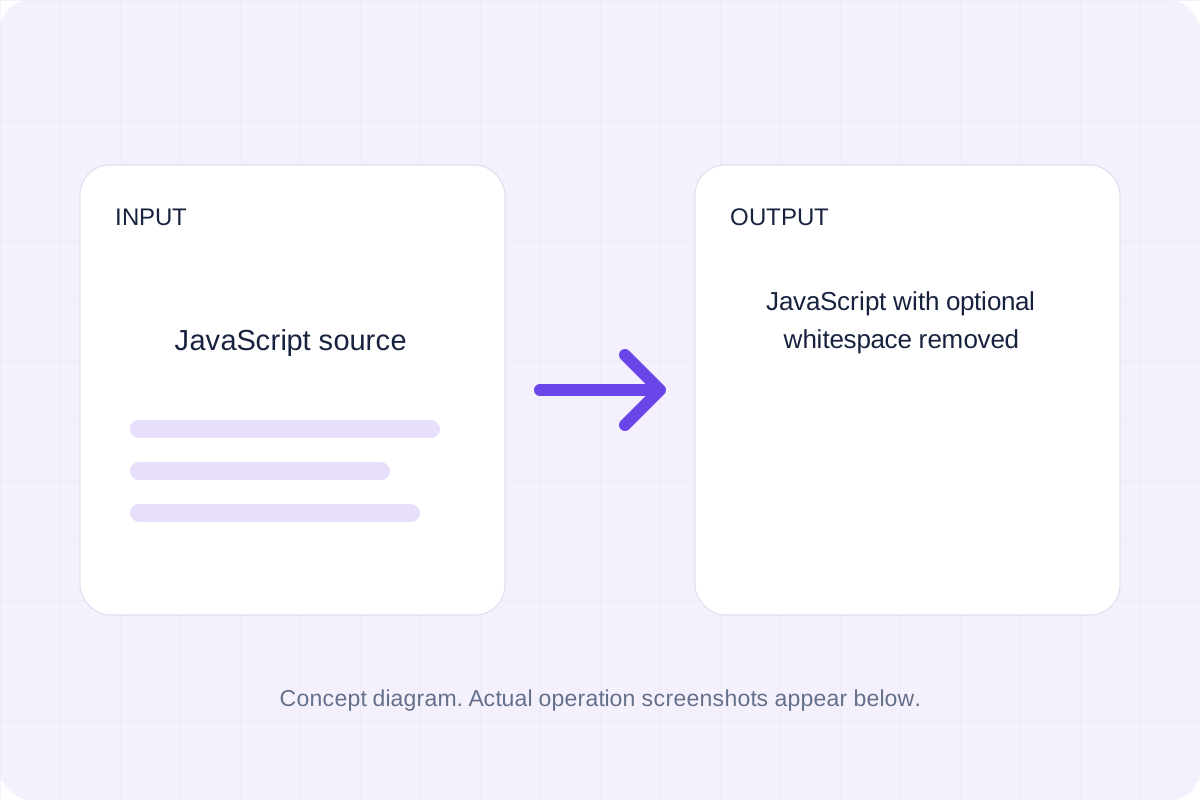
Start with your own input.
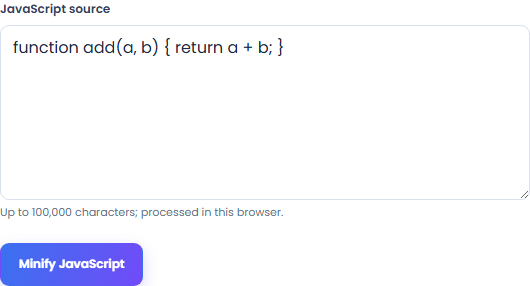
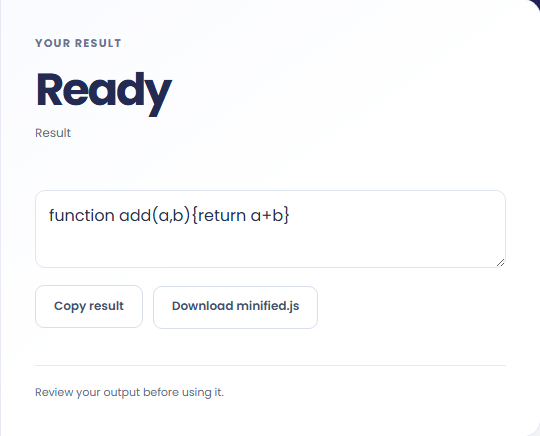
Select Minify JavaScript. Review JavaScript with optional whitespace removed, then use Copy result or download the result file.
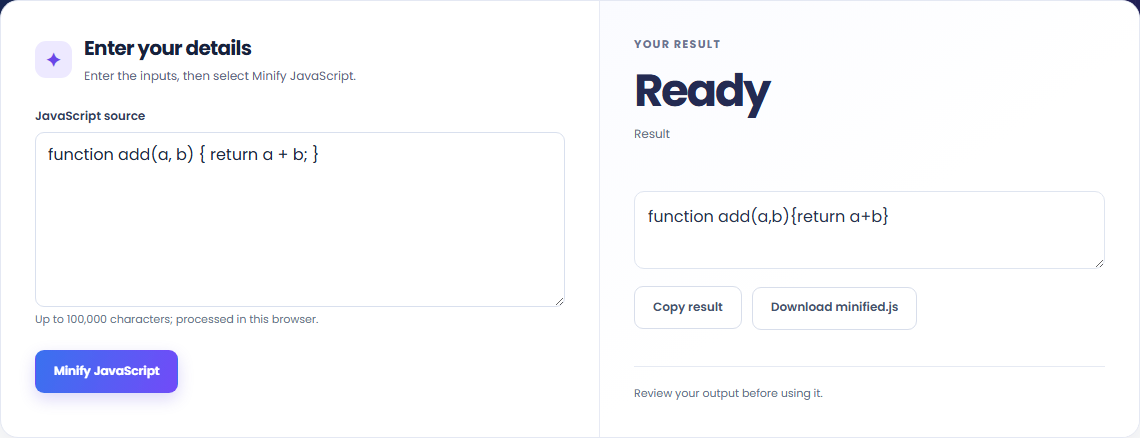
To compact a JavaScript snippet, start with javascript source. Parse JavaScript with Terser and print compact syntax with compression and name mangling disabled.

To keep names while removing spacing, start with javascript source. Code is never executed.

To prepare a conservative script artifact, start with javascript source. Review JavaScript with optional whitespace removed, then use Copy result or download the result file.

Check what the output means.
JavaScript with optional whitespace removed. Parse JavaScript with Terser and print compact syntax with compression and name mangling disabled.
Code is never executed. The conservative output keeps comments and names; this is not a bundler or obfuscator.

Check the format before processing.
Code is never executed. The conservative output keeps comments and names; this is not a bundler or obfuscator.
Inputs and results are handled in this browser.

Minify CSS while retaining strings, custom properties, and rule order.
Open tool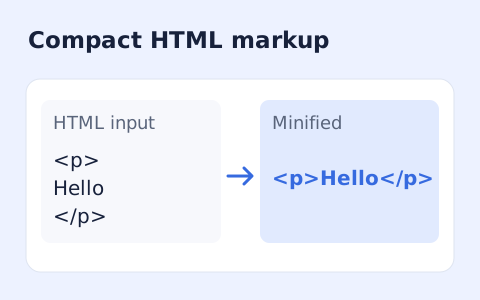
Minify HTML fragments or documents locally while preserving script, style, pre, and textarea content.
Open tool
Parse and format source with a pinned local Prettier browser bundle.
Open toolChoose another tool for your next calculation, conversion, or text task.
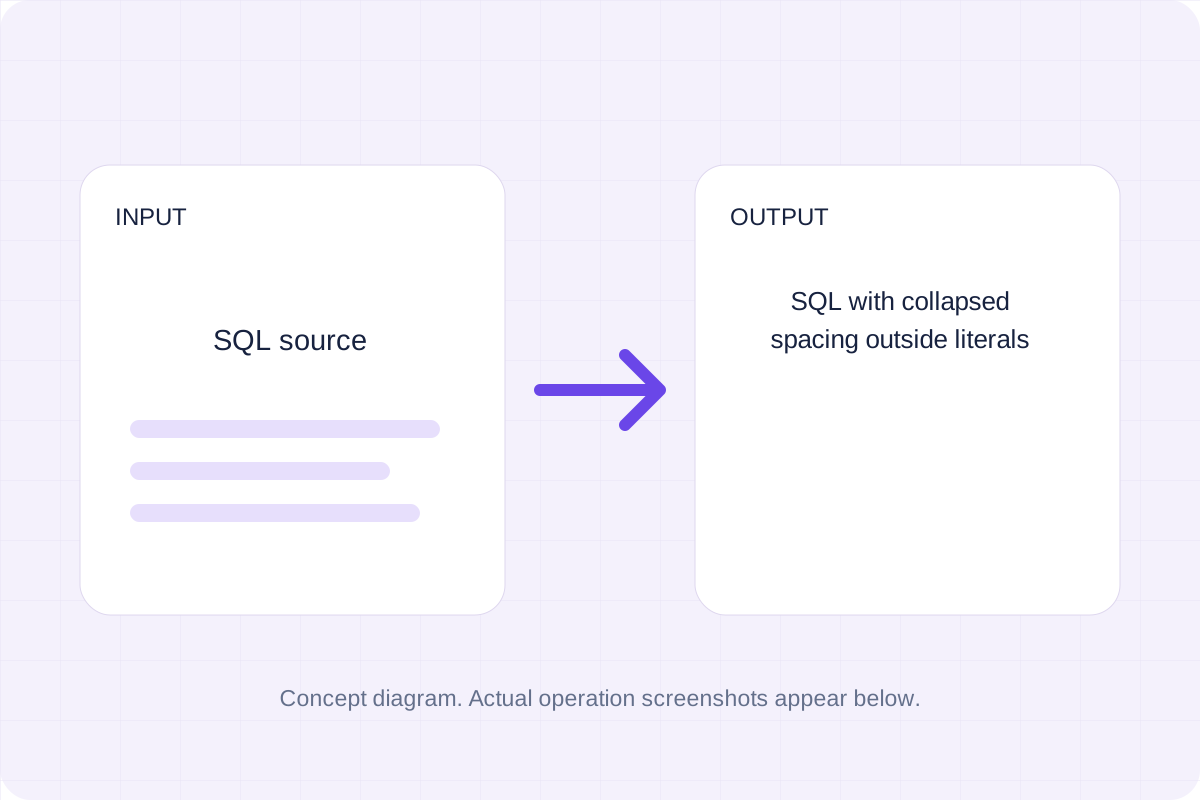
Tokenize SQL strings, quoted identifiers and comments, then collapse whitespace outside those regions.
Open tool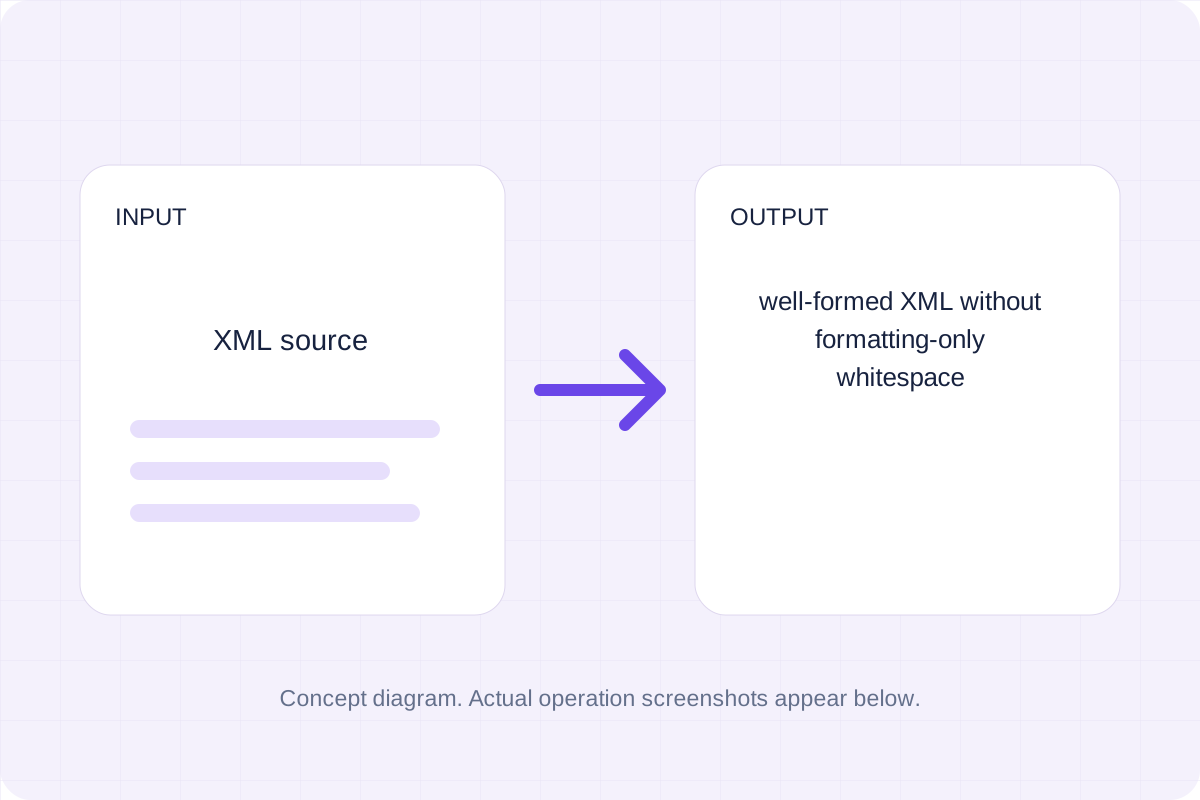
Remove line-break indentation from element-only XML; keep inline spaces, mixed text and xml:space="preserve".
Open tool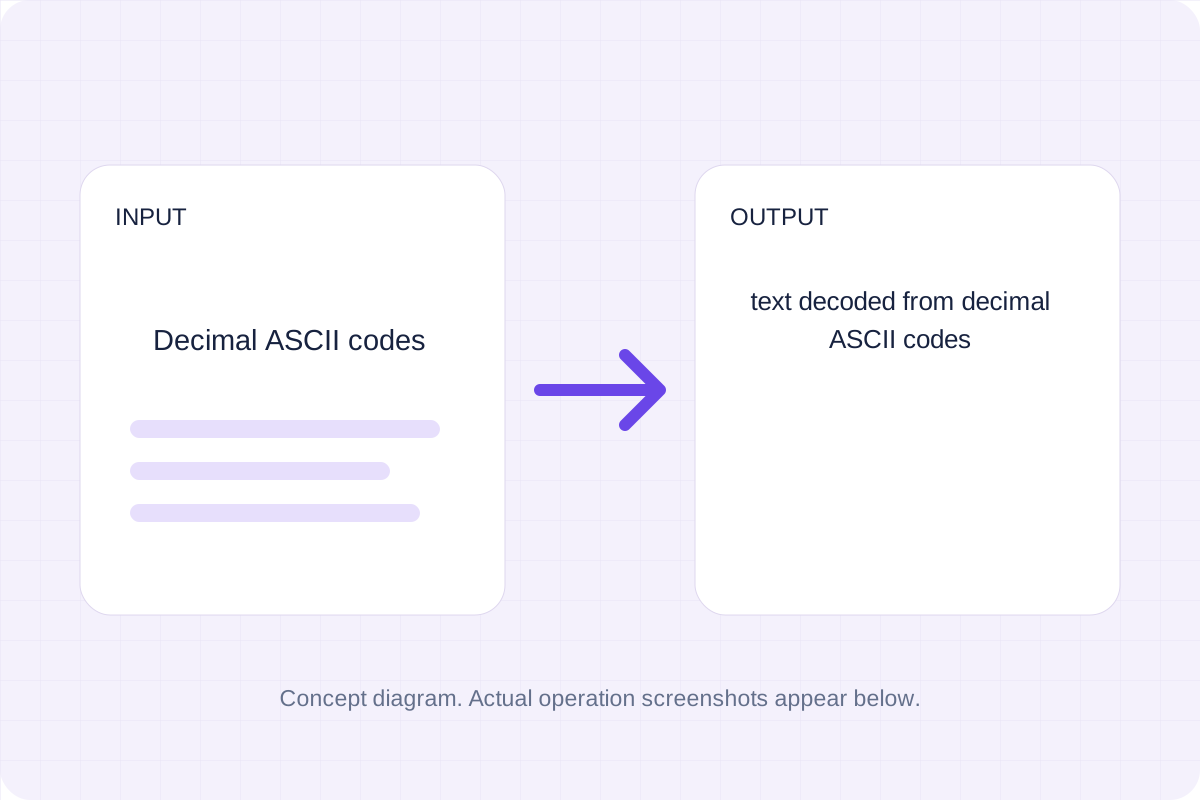
Validate whitespace- or comma-separated integer codes from 0 to 127 and map them to ASCII characters.
Open tool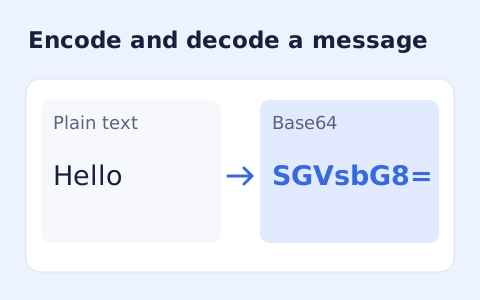
Encode UTF-8 text into standard padded Base64 and decode Base64 back into Unicode text.
Open toolReview JavaScript with optional whitespace removed, then use Copy result or download the result file.
Answers about using JavaScript Minifier and understanding its results.
Code is never executed. The conservative output keeps comments and names; this is not a bundler or obfuscator.
Yes. Download the result file after processing. Text results also have Copy result. Processing uses local browser code; no account is required.