

CSS Border Radius Generator
Generate a CSS border-radius declaration from four corner values and preview the shape.
Open toolFormat valid CSS source with a local parser. Up to 100,000 characters.
Enter the inputs, then select Format CSS.
Result will appear here
Format valid CSS source with a local parser.
Up to 100,000 characters. Comments are retained. CSS is not executed or checked against a browser compatibility database.
Follow the labelled inputs.
Replace the example with CSS rules. This tool formats CSS; it does not accept a complete HTML document.
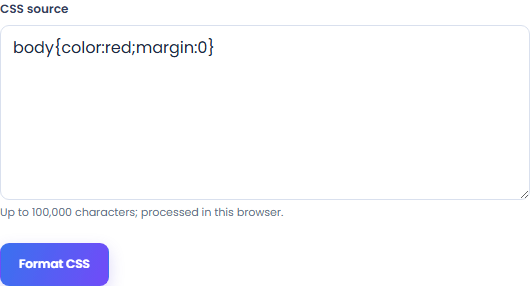
Check selectors, braces and declarations before formatting. The source is limited to 100,000 characters.
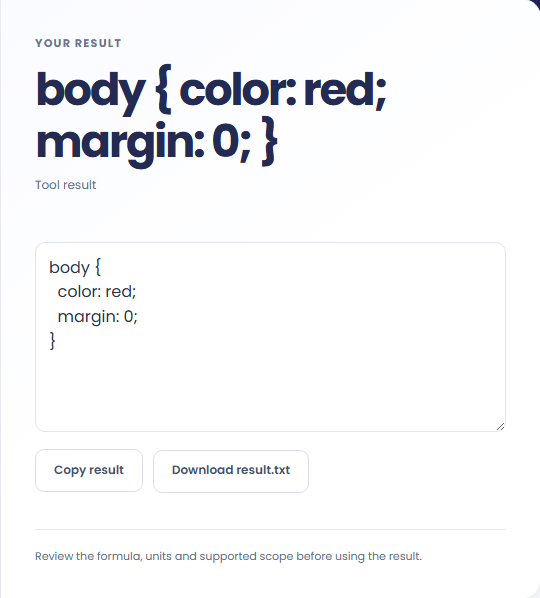
Select Format CSS. Review the formatted CSS source, then copy it or download the result text.
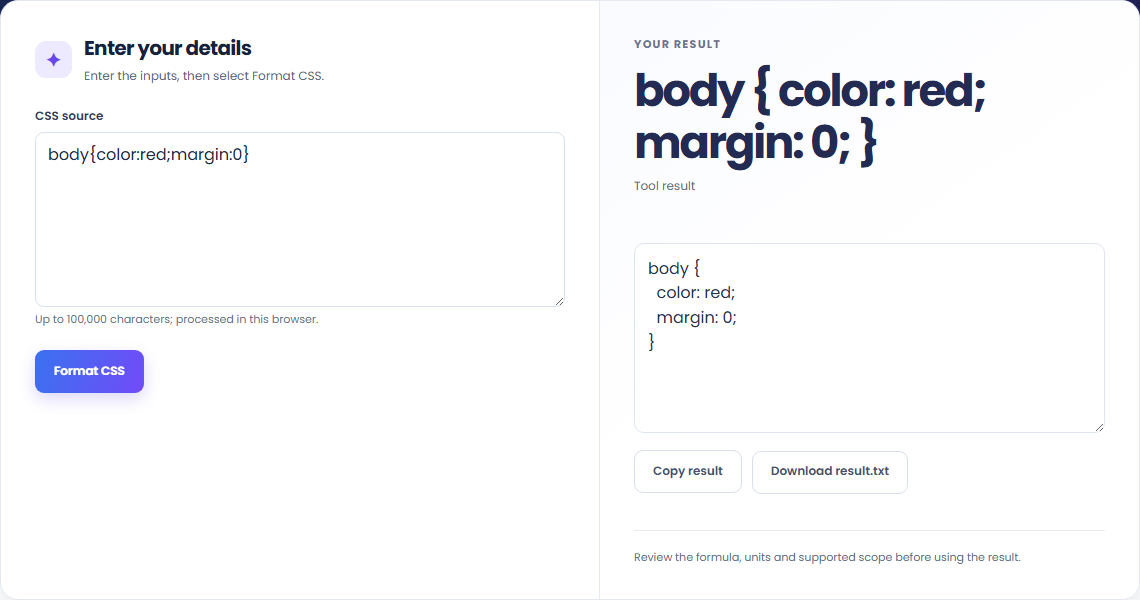
The starting example demonstrates the supported input format. Format valid CSS source with a local parser.

Use the formatter when reviewing a stylesheet or preparing CSS for an editor.

Copy the formatted CSS into your stylesheet, then review its appearance in the page where it will be used.

The output is CSS with consistent spacing and indentation. Formatting does not test styles against an HTML page.
Format valid CSS source with a local parser.
Up to 100,000 characters. Comments are retained. CSS is not executed or checked against a browser compatibility database.

Check the stated scope before you run it.
Up to 100,000 characters. Comments are retained. CSS is not executed or checked against a browser compatibility database.
The input stays in this browser. Copy result and Download save the same displayed text.

Generate a CSS border-radius declaration from four corner values and preview the shape.
Open tool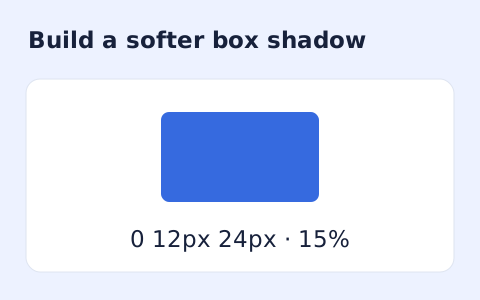
Create a CSS box-shadow declaration from editable shadow settings and copy the result.
Open tool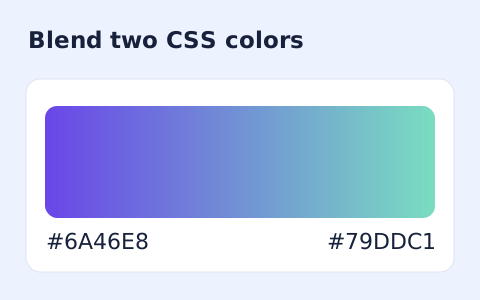
Generate a two-color linear gradient or a circular radial gradient with a browser preview.
Open toolChoose another tool for your next calculation, conversion, or text task.
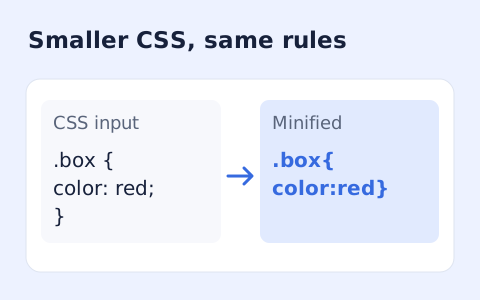
Minify CSS while retaining strings, custom properties, and rule order.
Open tool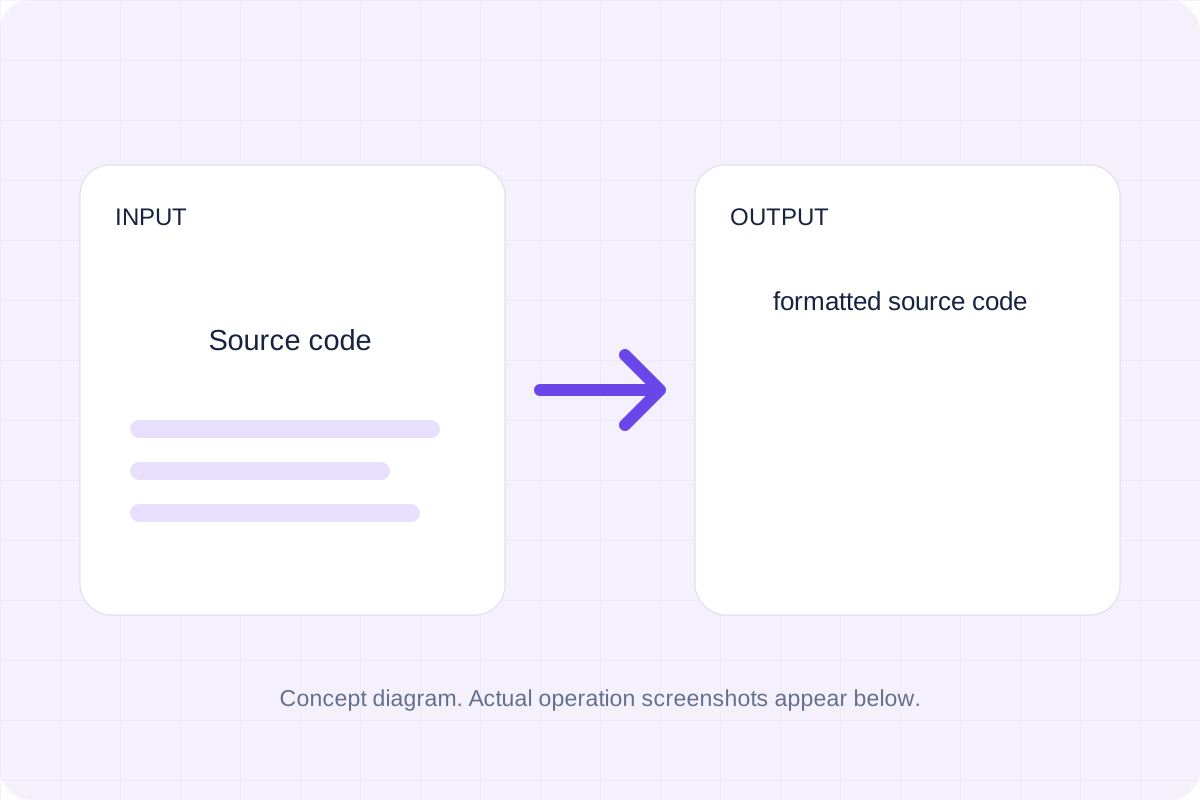
Parse and format source with a pinned local Prettier browser bundle.
Open tool
Parse and format source with a pinned local Prettier browser bundle.
Open tool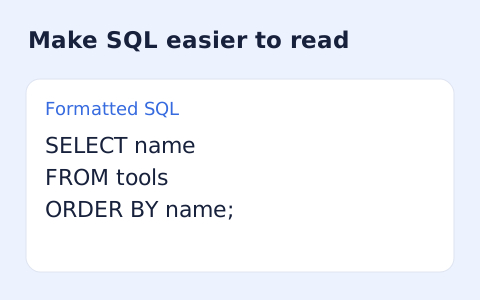
Format SQL statements locally with dialect-aware indentation and keyword case options.
Open toolAnswers about using CSS Formatter and understanding its results.
Up to 100,000 characters. Comments are retained. CSS is not executed or checked against a browser compatibility database.
Yes. Copy result copies the formatted CSS, and Download saves the same text. Formatting runs in your browser without an account.
Check the formatted CSS source, then copy or download it.