
GraphQL Formatter
Parse and format source with a pinned local Prettier browser bundle.
Open toolParse and format source with a pinned local Prettier browser bundle. Formatting does not execute code or validate runtime behavior.
Enter the inputs, then select Format code.
Result will appear here
Parse and format source with a pinned local Prettier browser bundle.
Formatting does not execute code or validate runtime behavior. Comments are retained; embedded-language formatting is disabled. Invalid syntax is rejected.
Start with your own input.
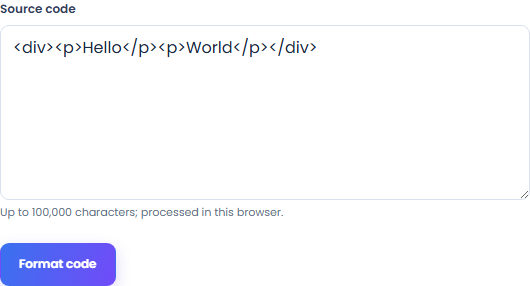
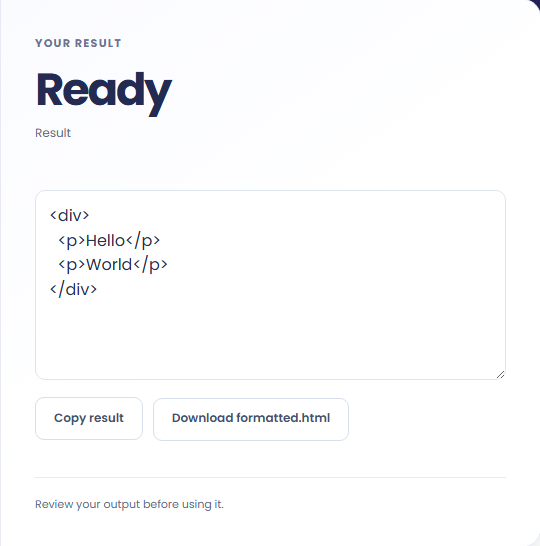
Select Format code. Review formatted source code, then use Copy result or download the result file.
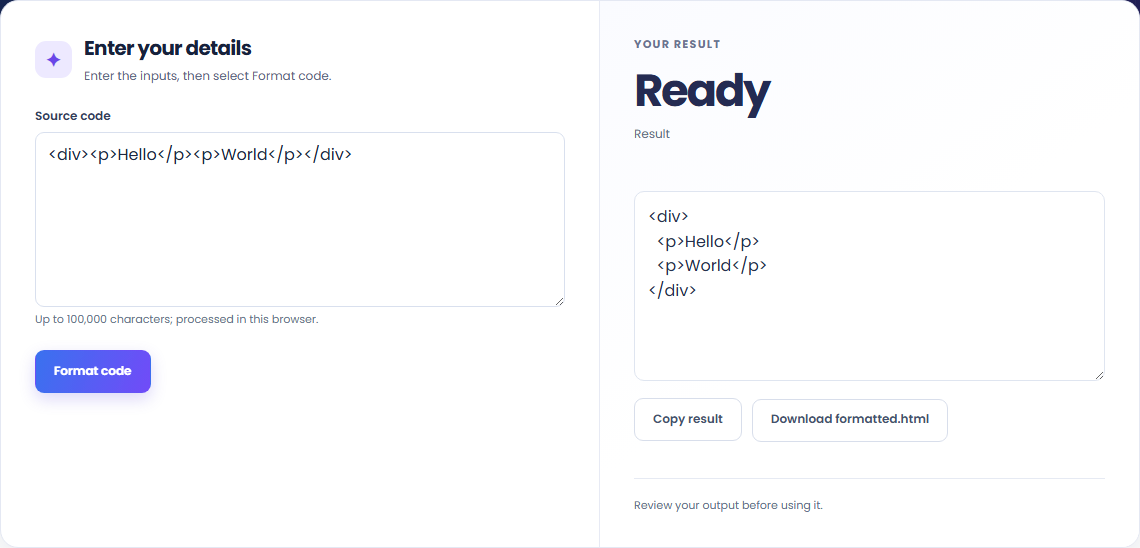
To read compact source code, start with source code. Parse and format source with a pinned local Prettier browser bundle.

To prepare a reviewable snippet, start with source code. Formatting does not execute code or validate runtime behavior.

To format an example for documentation, start with source code. Review formatted source code, then use Copy result or download the result file.

Check what the output means.
Formatted source code. Parse and format source with a pinned local Prettier browser bundle.
Formatting does not execute code or validate runtime behavior. Comments are retained; embedded-language formatting is disabled. Invalid syntax is rejected.

Check the format before processing.
Formatting does not execute code or validate runtime behavior. Comments are retained; embedded-language formatting is disabled. Invalid syntax is rejected.
Inputs and results are handled in this browser.

Parse and format source with a pinned local Prettier browser bundle.
Open tool
Encode ampersands, angle brackets and quotes, or decode recognized HTML character references without executing markup.
Open tool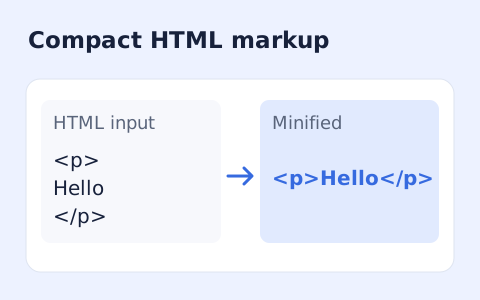
Minify HTML fragments or documents locally while preserving script, style, pre, and textarea content.
Open toolChoose another tool for your next calculation, conversion, or text task.
Remove scripts, event handlers and unsupported markup from basic HTML. Review the cleaned fragment and a contained preview.
Open tool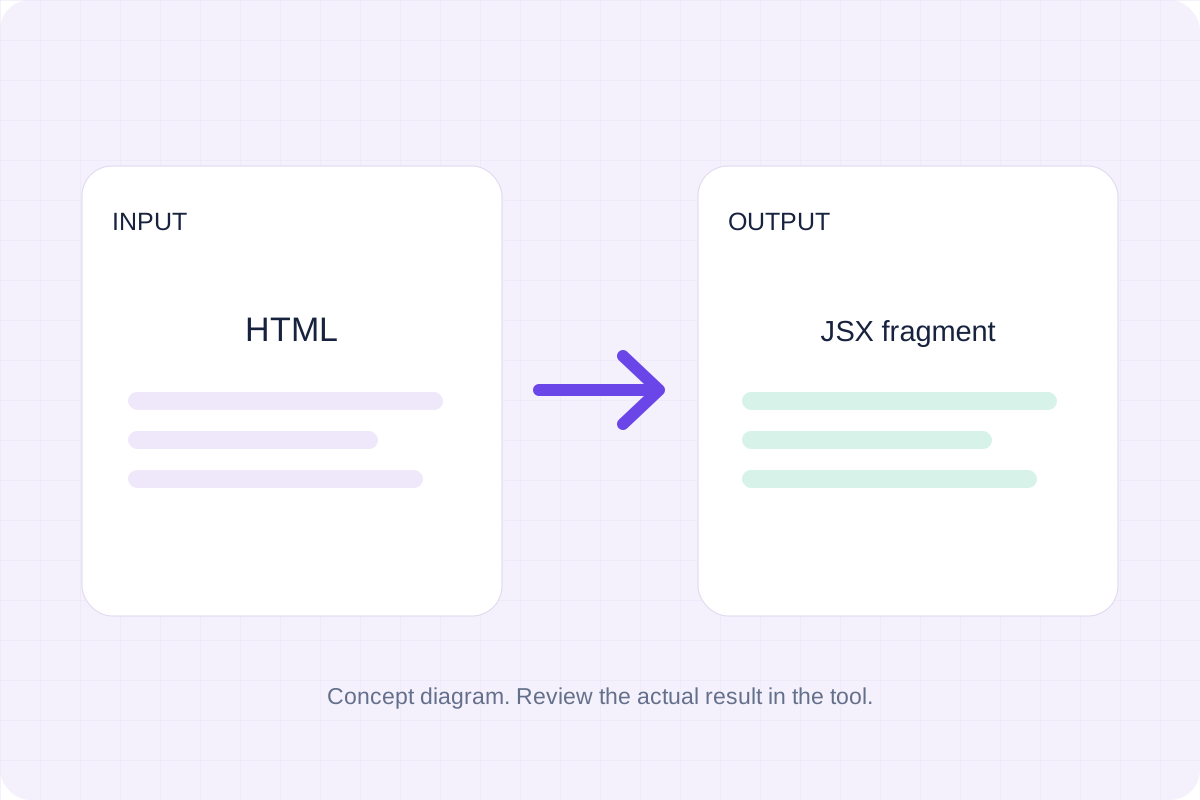
Convert an HTML fragment to JSX with React attribute names, style objects and self-closing elements.
Open tool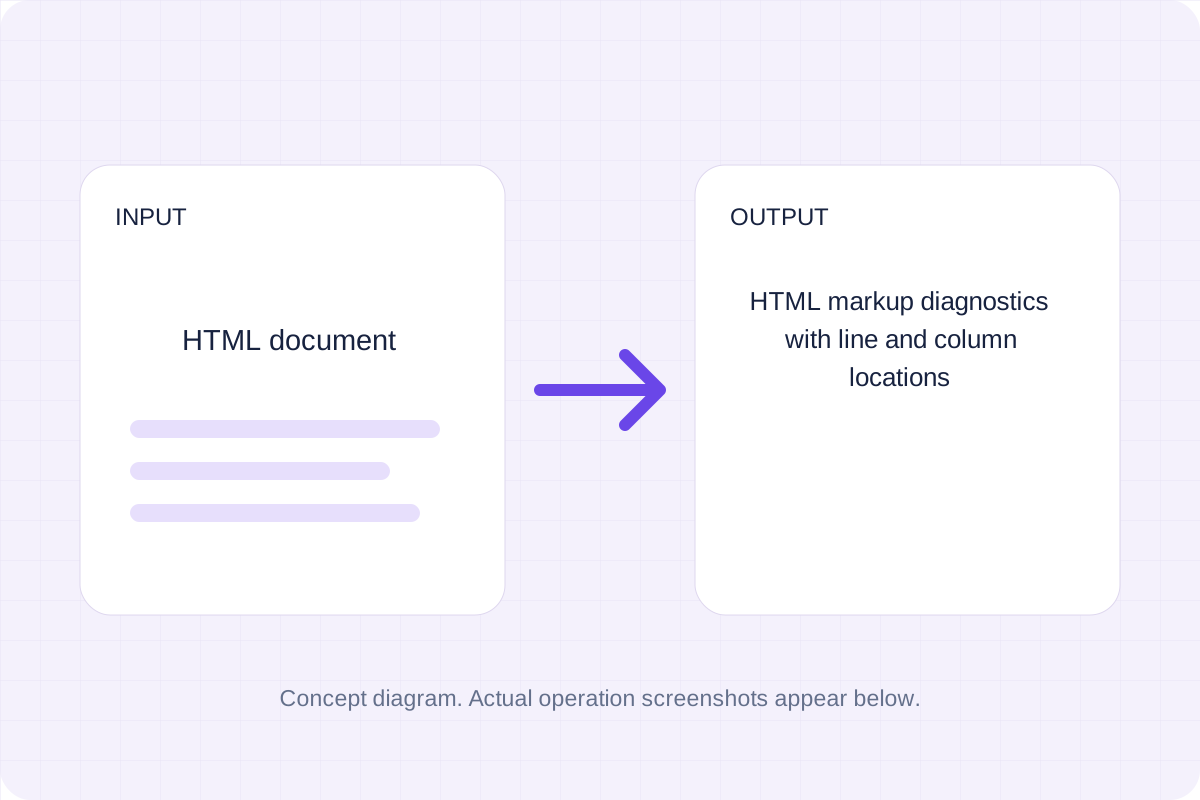
HTML markup diagnostics with line and column locations. Run bundled html-validate rules against the supplied HTML source without executing it.
Open tool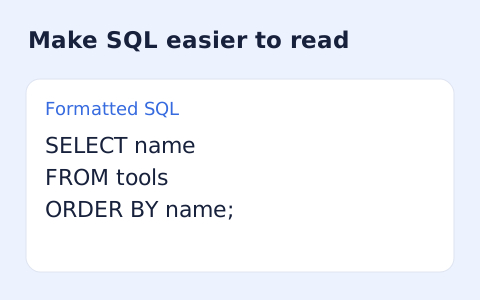
Format SQL statements locally with dialect-aware indentation and keyword case options.
Open toolReview formatted source code, then use Copy result or download the result file.
Answers about using HTML Formatter and understanding its results.
Formatting does not execute code or validate runtime behavior. Comments are retained; embedded-language formatting is disabled. Invalid syntax is rejected.
Yes. Download the result file after processing. Text results also have Copy result. Processing uses local browser code; no account is required.