
Font converter
A static TTF, WOFF or WOFF2 font. Detect a supported TrueType container and repackage its SFNT tables into the selected output.
Open toolRun bundled html-validate rules against the supplied HTML source without executing it. Checks document structure, attributes and selected accessibility rules.
Enter the inputs, then select Validate HTML.
Result will appear here
Run bundled html-validate rules against the supplied HTML source without executing it.
The tool processes the supplied input with browser APIs and bundled local libraries.
Supply supported input and review the result.
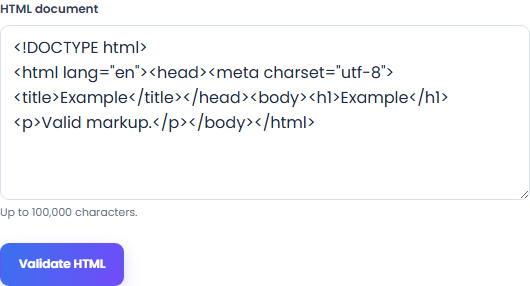
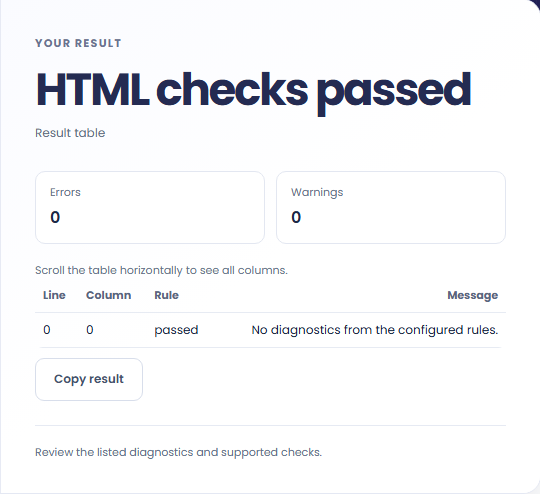
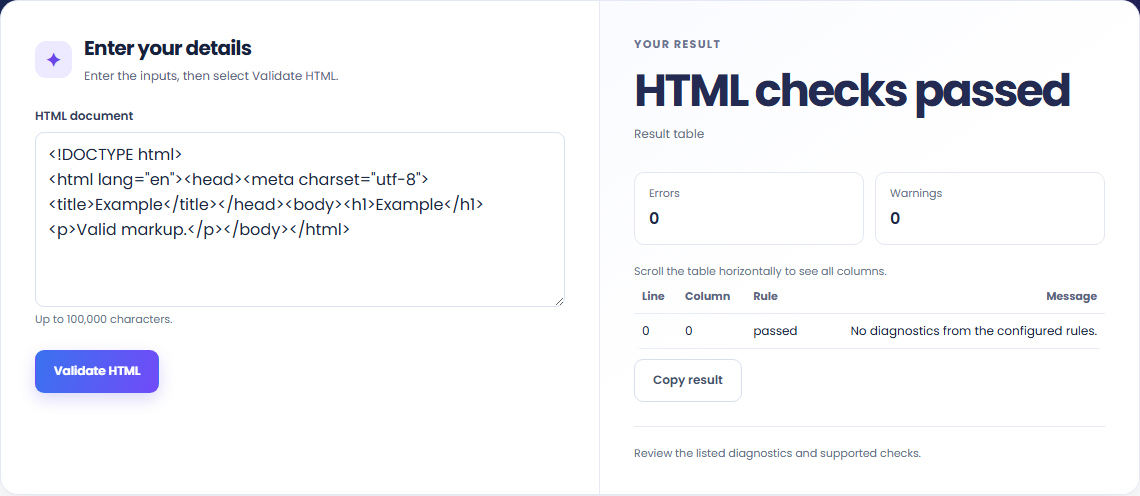
Diagnostics show line and column positions in the supplied source. Use those locations to revise the original document.

Configured rules can report markup issues such as missing attributes. They do not replace keyboard, screen-reader or visual testing.

The validator parses text without executing scripts. CSS, JavaScript and actual layout need separate checks.

Review the format and conversion policy.
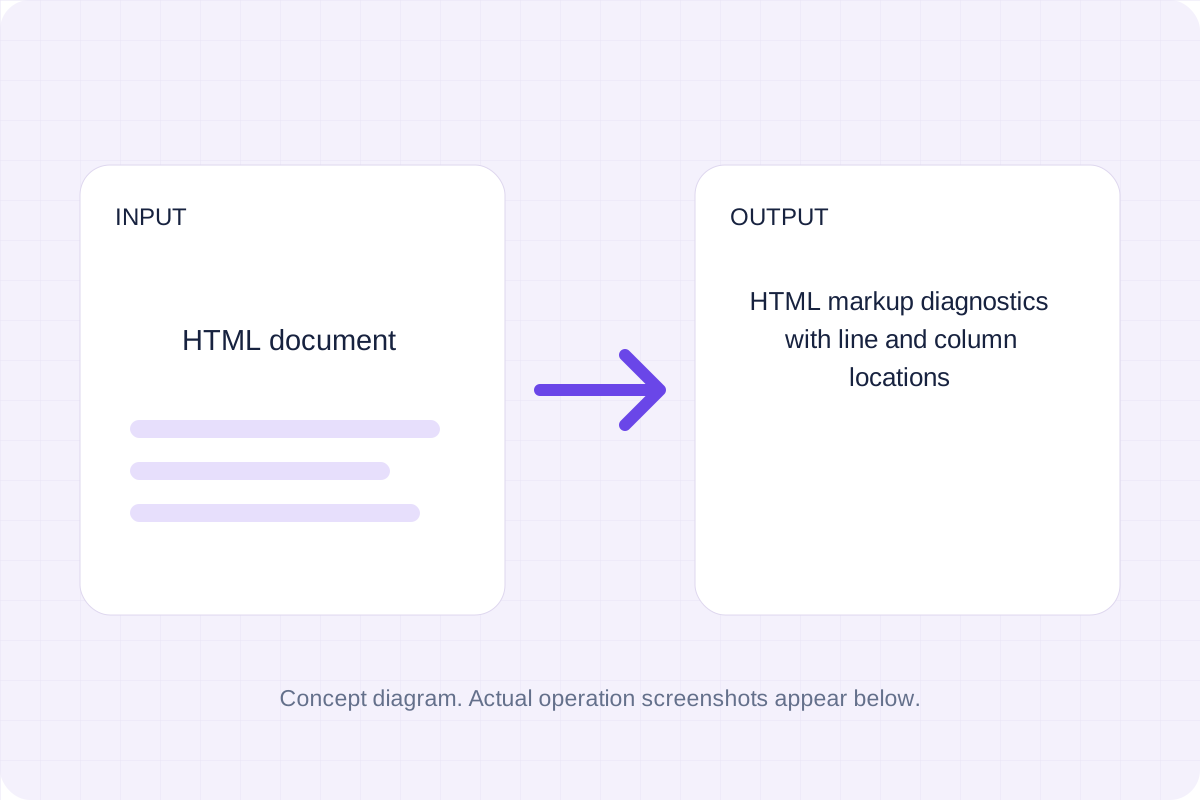
HTML markup diagnostics with line and column locations. Checks document structure, attributes and selected accessibility rules. It is not the W3C service and does not validate CSS, JavaScript, actual browser rendering or full accessibility compliance.
Keep the original while checking the saved output. The result reflects the input and settings you supplied.

Check these conditions before converting.
Checks document structure, attributes and selected accessibility rules. It is not the W3C service and does not validate CSS, JavaScript, actual browser rendering or full accessibility compliance.
The page does not keep inputs or results after leaving. Keep the source and save the output you need.

A static TTF, WOFF or WOFF2 font. Detect a supported TrueType container and repackage its SFNT tables into the selected output.
Open tool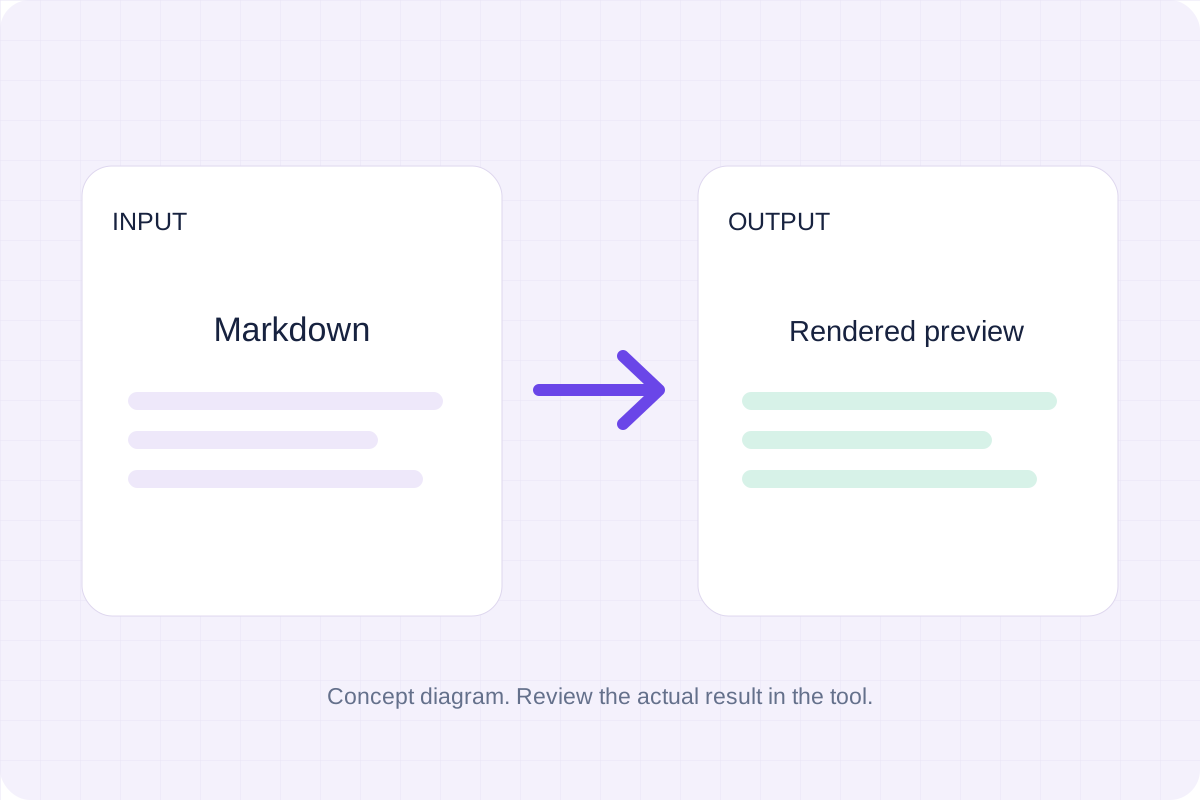
Write Markdown, update the rendered preview and download the Markdown or HTML when it is ready.
Open tool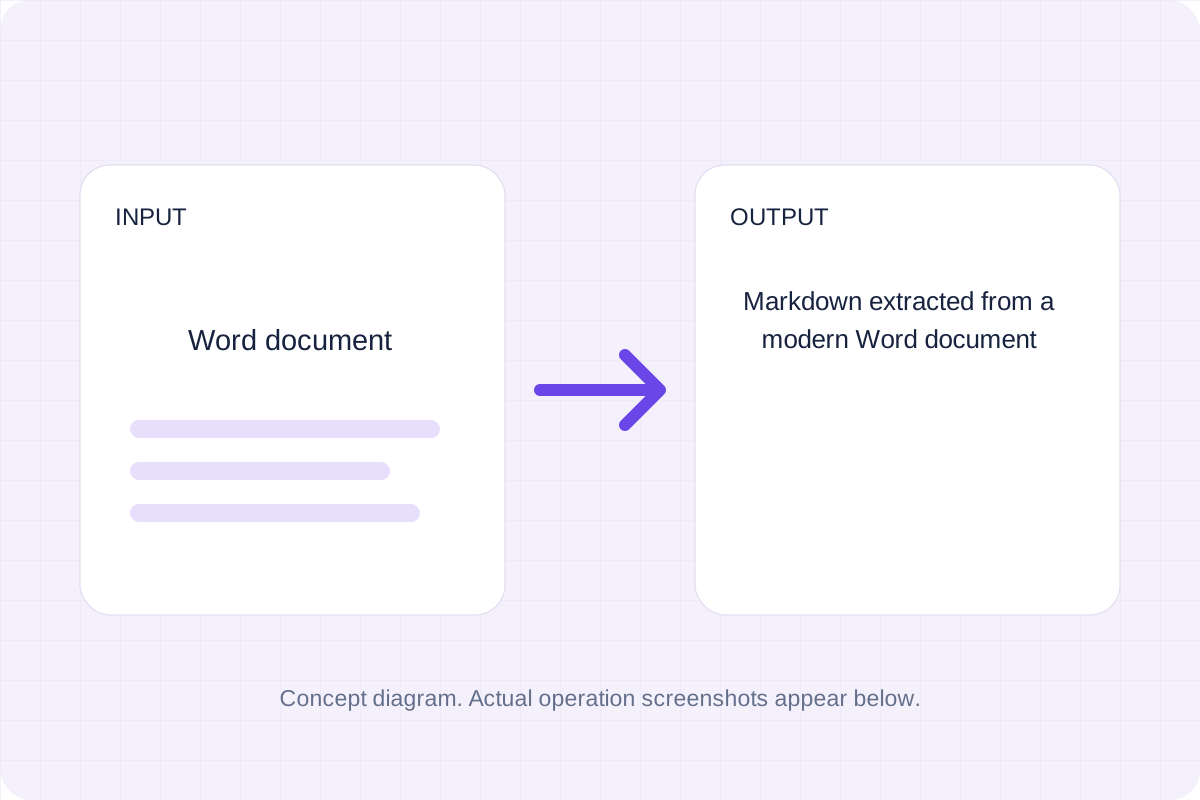
Convert a modern .docx document to Markdown. Keep common text, headings, links and lists while leaving images, page layout and complex formatting for manual editing.
Open toolChoose another tool for your next calculation, conversion, or text task.
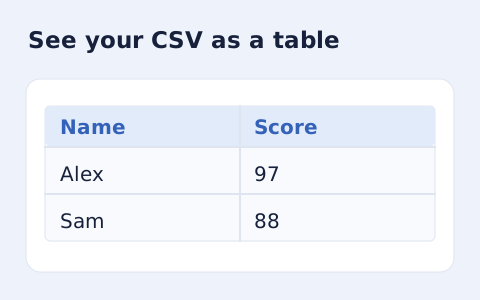
Inspect quoted CSV cells in a readable table without uploading your data.
Open tool
Optimize self-contained SVG source with local SVGO processing. Choose decimal precision, download the smaller markup and compare its appearance with the original.
Open tool
Read a QR code from a local PNG, JPEG or WebP image. The decoded text appears on the page; links are not opened automatically.
Open tool
Build a plain, one-column resume from your contact details and work history. Review the document, download HTML or use your browser’s Print dialog to save a PDF.
Open toolReview the supported output and save your result.
Answers about using HTML Validator and understanding its results.
Save HTML markup diagnostics with line and column locations. Checks document structure, attributes and selected accessibility rules. It is not the W3C service and does not validate CSS, JavaScript, actual browser rendering or full accessibility compliance.
No. Processing uses browser APIs and bundled local libraries. The selected file or entered source is not sent to a conversion server. Save the result before leaving.