
GIF Frame Extractor
Extract the visible frames of an animated GIF as full-canvas PNG images. Download a ZIP with frame delays and loop metadata for review.
Open toolOptimize self-contained SVG source with local SVGO processing. Choose decimal precision, download the smaller markup and compare its appearance with the original.
Enter the inputs, then select Compress SVG.
Result will appear here
Run the local SVGO optimizer with the chosen decimal precision after checking self-contained SVG input.
Processing uses bundled libraries in this browser. The download contains the generated source or document, rather than a link to a conversion service.
Start with the supported input, then check the generated result.
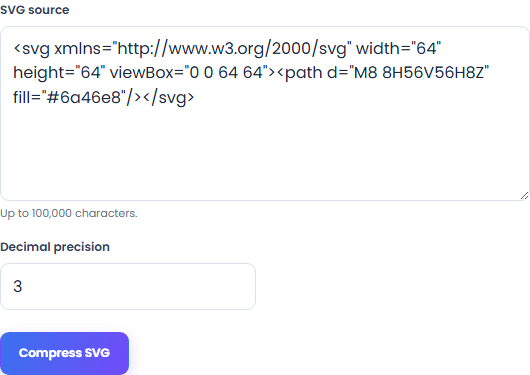
Use SVG source, Decimal precision. The form starts with an example you can replace.
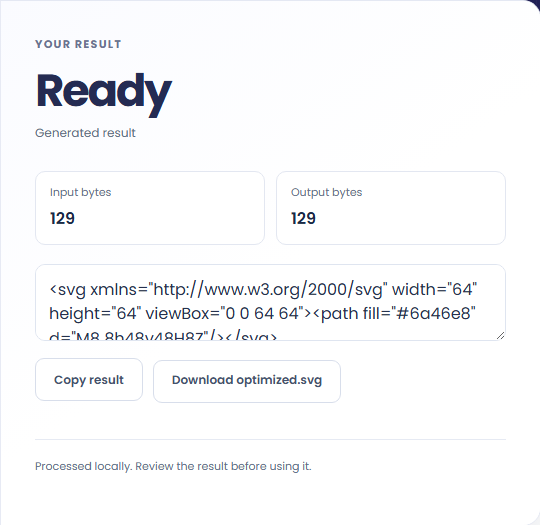
Review optimized SVG source. Download the generated file and check it in the application where you plan to use it.
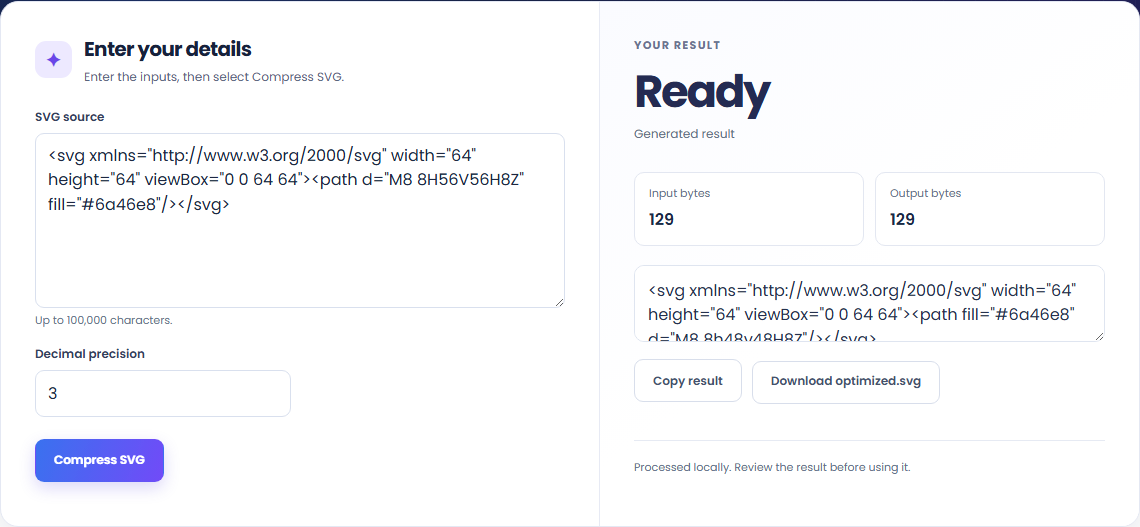
These workflows use the formats and behavior supported by this implementation.
Remove unnecessary SVG markup with the bundled optimizer. Keep an original copy for comparison and later editing.

Lower decimal precision can shorten numeric values but may alter fine geometry. Compare the rendering at its intended display size.
Review viewBox dimensions and any IDs referenced elsewhere in your application. Smaller markup alone does not prove identical behavior in every context.

Keep the output format and conversion policy in view.
Optimized SVG source. Run the local SVGO optimizer with the chosen decimal precision after checking self-contained SVG input.
Compare the result with the original before replacing a source file. Conversion limits are listed below.

Check these conditions before relying on the result.
External resources, scripts and foreign objects are rejected. Optimization can change precision and markup. Keep the original, compare the rendering, and review IDs used by your application.
Input and results are not stored after leaving or reloading. Keep the original and download any output you need.

Extract the visible frames of an animated GIF as full-canvas PNG images. Download a ZIP with frame delays and loop metadata for review.
Open tool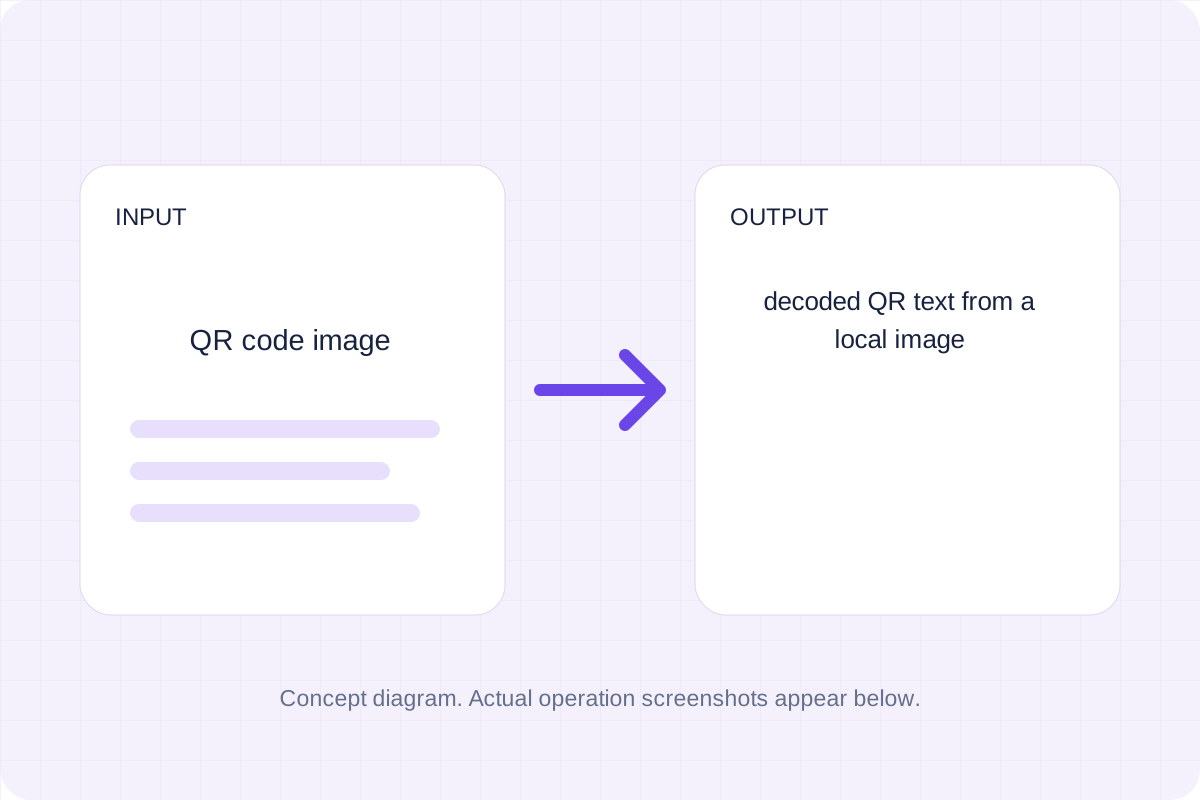
Read a QR code from a local PNG, JPEG or WebP image. The decoded text appears on the page; links are not opened automatically.
Open tool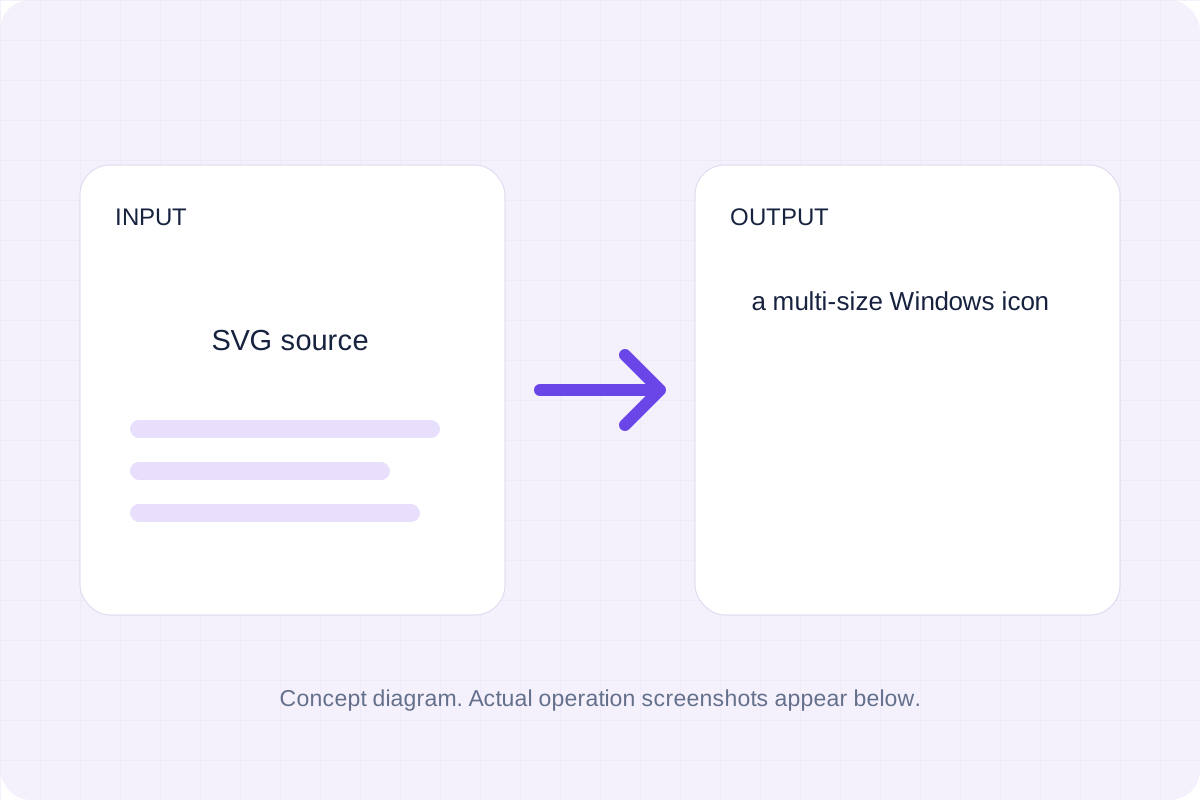
Convert self-contained SVG source into a Windows icon with six sizes. Review the rasterized result for the software where you will use the ICO.
Open toolChoose another tool for your next calculation, conversion, or text task.
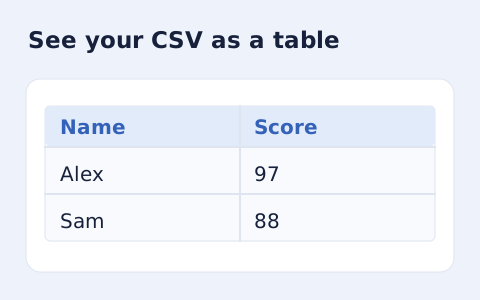
Inspect quoted CSV cells in a readable table without uploading your data.
Open tool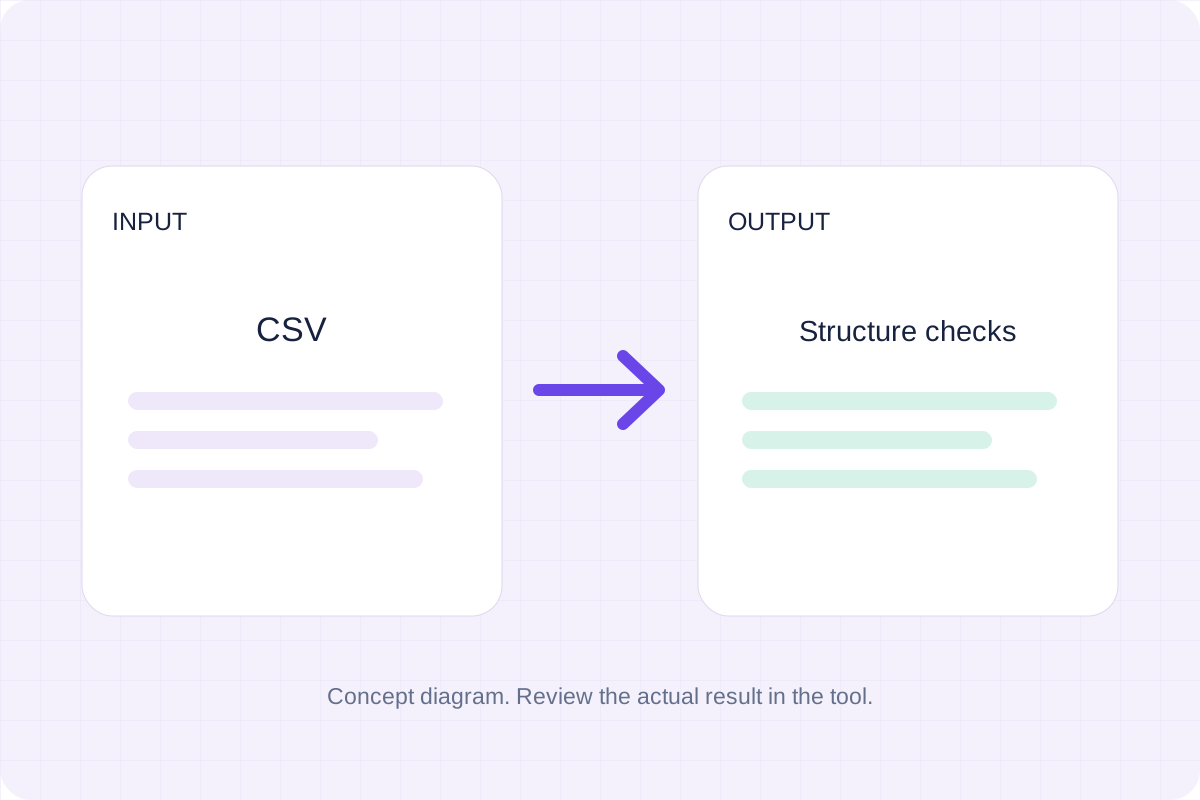
Check CSV quoting and consistent column counts, then review the record count and selected delimiter.
Open tool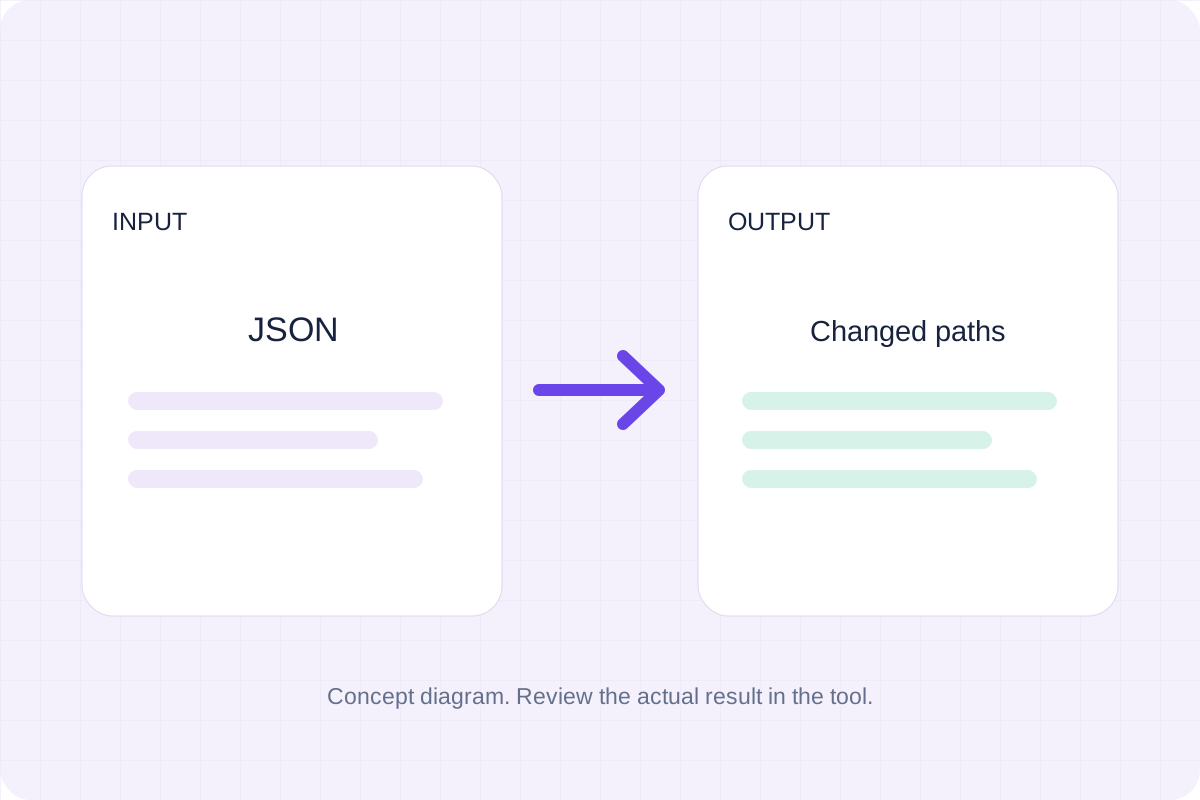
Compare two JSON values by structure. See changed paths without treating object key order as a difference.
Open tool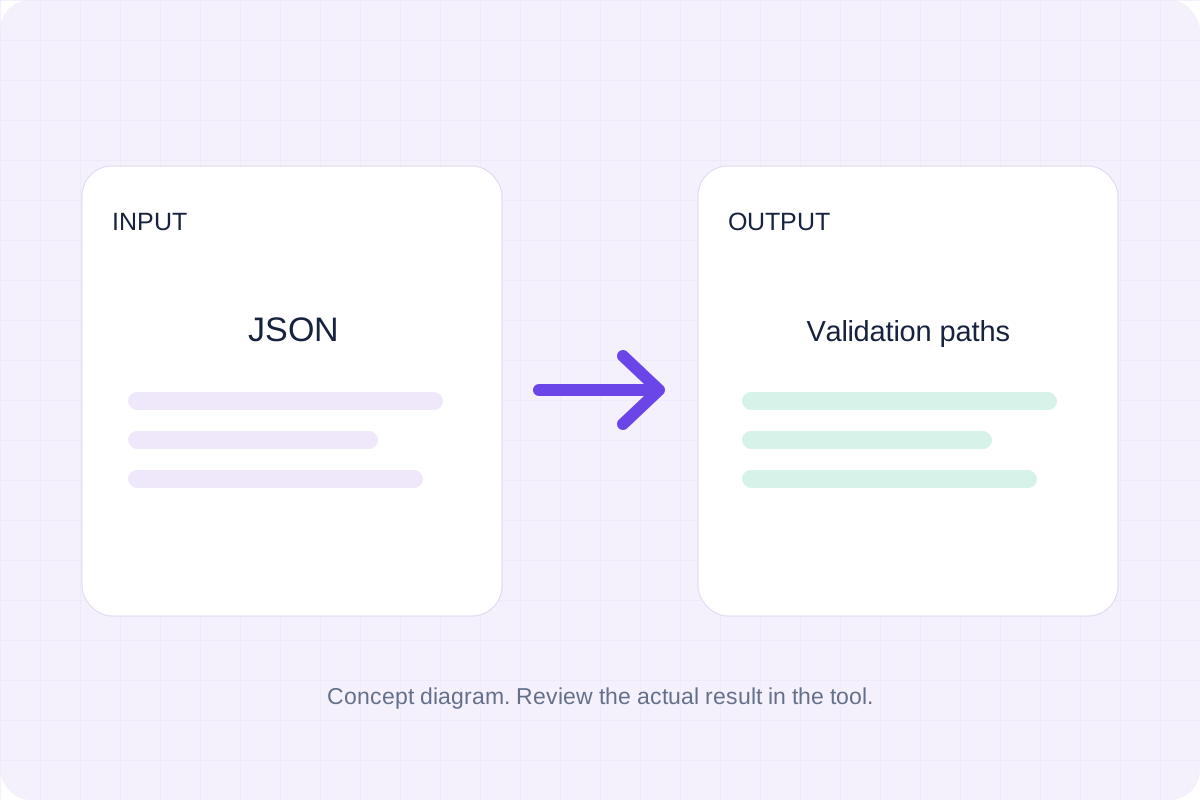
Validate JSON against a draft-07 or 2020-12 schema. Review error paths without sending the documents to a server.
Open toolGenerate the supported output, review it, and save a copy for your next step.
Answers about using SVG compressor and understanding its results.
It produces optimized SVG source. External resources, scripts and foreign objects are rejected. Optimization can change precision and markup. Keep the original, compare the rendering, and review IDs used by your application.
Processing runs in this browser with local bundled libraries. No input is sent to a conversion server. Download your result before leaving the page.