
WebP to ICO Converter
Convert a WebP image into a downloadable multi-size ICO file.
Open toolResize an animated GIF to a target width while keeping its frame sequence and timing. Download the resized GIF.
Enter the inputs, then select Resize GIF.
Result will appear here
Decode GIF frames with disposal handling, resize the composited frames and encode a new animated GIF.
Height follows the source aspect ratio. Up to 200 frames are supported with a 64-million decoded pixel budget and 1,024-pixel output sides. GIF palette quantization can change colours. Frame delays and loop count are retained; upscaling does not add detail.
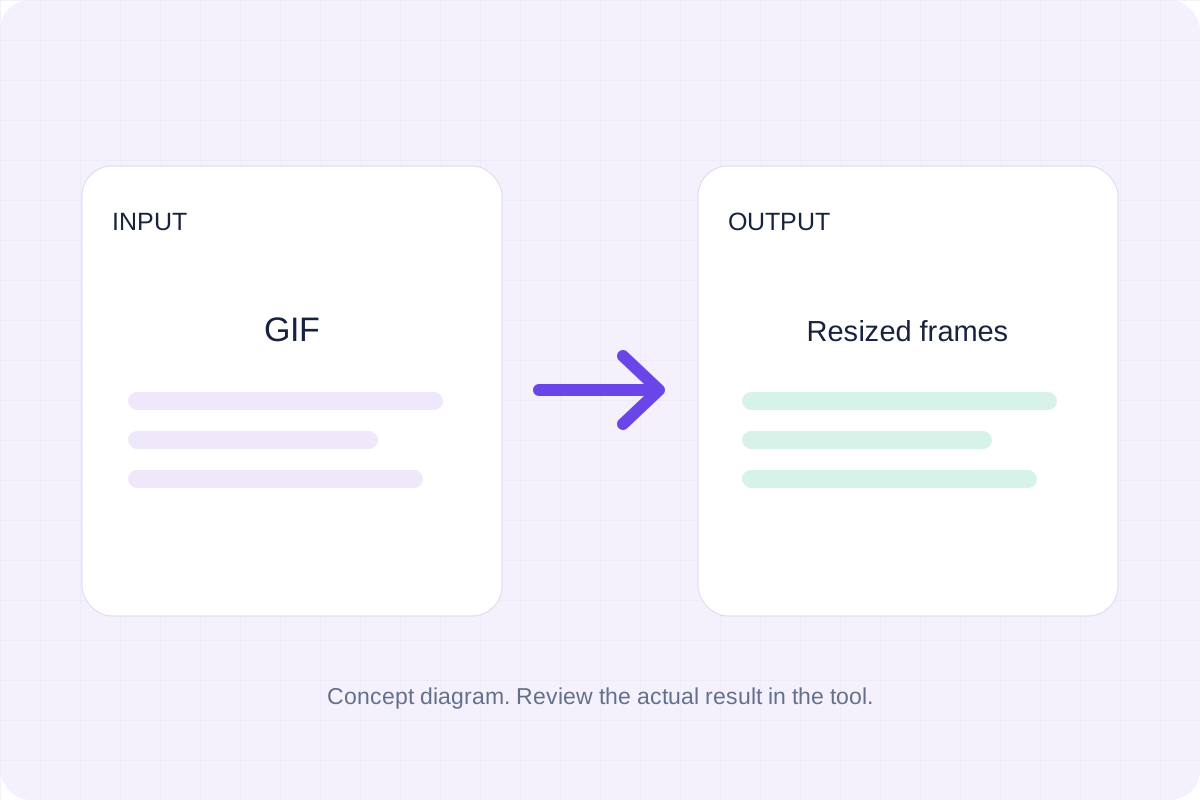
Choose a GIF and target width, then check the automatically scaled height and animation before downloading.
Select a GIF within the file, frame and decoded pixel limits. Set a target width from 16 to 1,024 pixels; height follows the source aspect ratio.
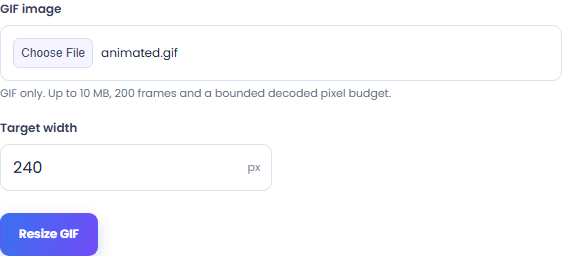
Select Resize GIF to scale the animation to the target width. Height follows the source aspect ratio, and the output retains the supported frame sequence, delays and loop count.
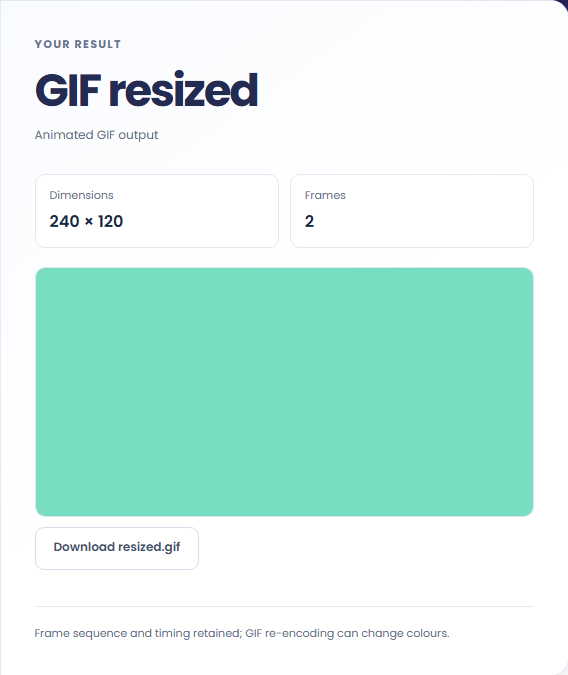
Resize the GIF, check its displayed dimensions and frame count, then download resized.gif. Compare the animation with the source.
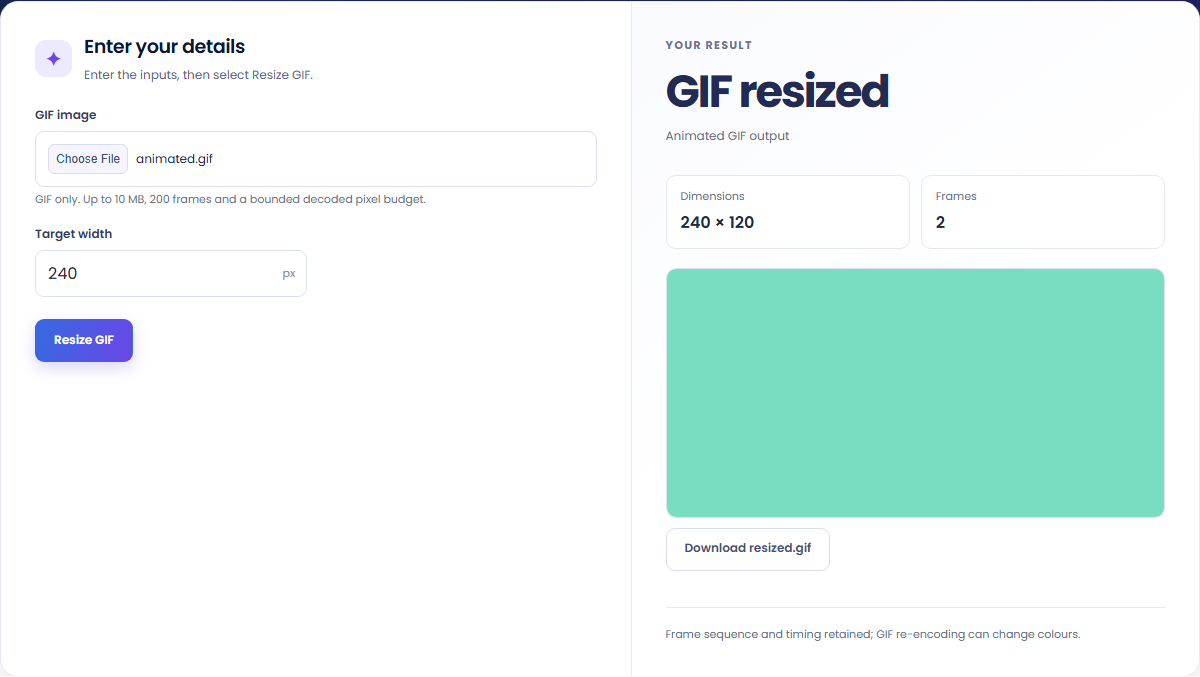
Prepare an animated GIF for a smaller layout while checking its frames and playback.
Reduce the width of an interface animation while keeping its frame sequence. The resulting file size also depends on palette and frame content.
Choose a width that fits the intended layout and review the automatically calculated height before importing the GIF.
Compare flat colours and edge details after resizing. GIF palette quantization can change colour values, especially in gradients and photographs.
Compare the new dimensions and animation with the source, allowing for palette changes caused by GIF re-encoding.
The preview uses the newly encoded animated GIF. Dimensions and frame count describe that output, while timing and repeat information come from the supported source animation.
Check file size, frame count and decoded dimensions together; a small GIF file can still need too much memory.
Upload an actual GIF of at most 10 MB. Decoded memory use also depends on canvas dimensions and frame count, so a compressed file below that limit can still exceed the supported pixel budget.
The tool supports up to 200 frames and a 64-million decoded pixel budget. Set a width from 16 to 1,024 pixels; the calculated output height must also be at most 1,024 pixels. Review colours and edges after re-encoding, and remember that upscaling does not add source detail.

Convert a WebP image into a downloadable multi-size ICO file.
Open tool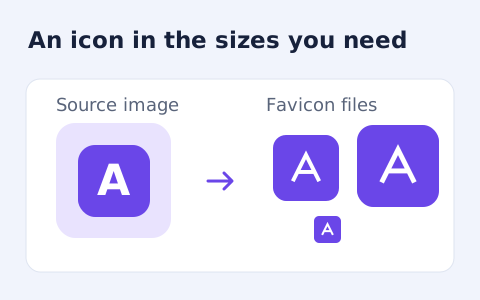
Create an ICO and common PNG favicon sizes from a raster image.
Open tool
Create a newly encoded PNG, JPEG or WebP from a local image and remove its original embedded metadata.
Open toolChoose another tool for your next calculation, conversion, or text task.
Write Markdown, update the rendered preview and download the Markdown or HTML when it is ready.
Open tool
Compare two JSON values by structure. See changed paths without treating object key order as a difference.
Open tool
Check CSV quoting and consistent column counts, then review the record count and selected delimiter.
Open tool
Remove scripts, event handlers and unsupported markup from basic HTML. Review the cleaned fragment and a contained preview.
Open toolResize an animated GIF to a target width while keeping its frame sequence and timing. Download the resized GIF.
Answers about using GIF Resizer and understanding its results.
Yes. Supported input frames and their delays are retained in the resized GIF.
Yes. GIF uses a limited palette; re-encoding can change colours and edges.