

PX to REM Converter
Convert pixel values to CSS rem units with a configurable root font size and a quick reference table.
Open toolPixels = REM value × root font size. This uses your supplied CSS root font size and does not detect or modify another webpage..
Enter the inputs, then select Convert REM to pixels.
Result will appear here
Pixels = REM value × root font size.
This uses your supplied CSS root font size and does not detect or modify another webpage.
Start with your own input.

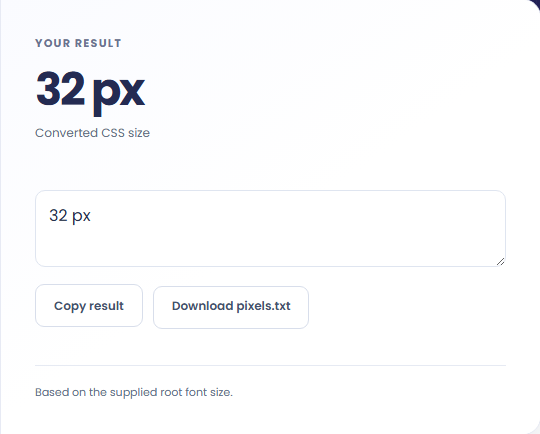
Select Convert REM to pixels. Review a pixel value at the supplied root font size, then use Copy result or download the result file.
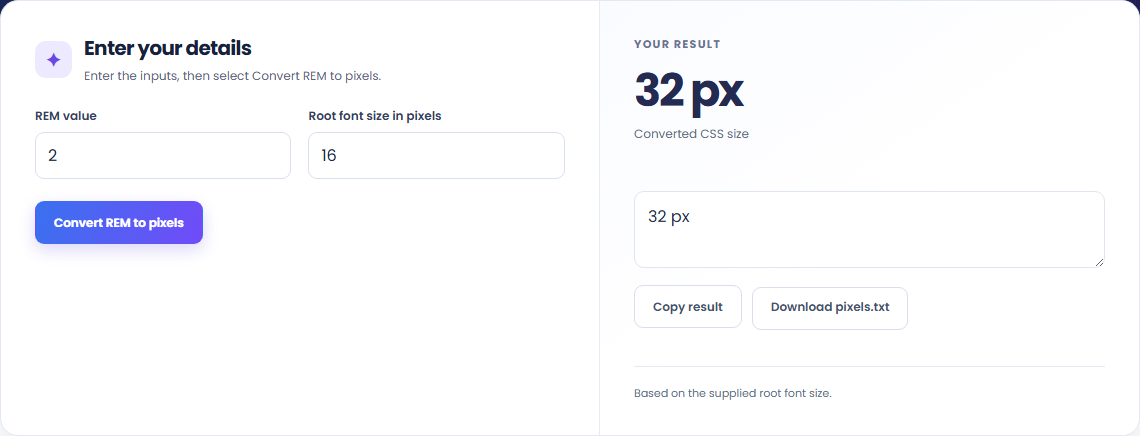
To calculate a CSS spacing value, start with rem value. Pixels = REM value × root font size.

To check a type scale, start with rem value. This uses your supplied CSS root font size and does not detect or modify another webpage..

To translate a design token, start with rem value. Review a pixel value at the supplied root font size, then use Copy result or download the result file.

Check what the output means.
A pixel value at the supplied root font size. Pixels = REM value × root font size.
This uses your supplied CSS root font size and does not detect or modify another webpage.

Check the format before processing.
This uses your supplied CSS root font size and does not detect or modify another webpage.
Inputs and results are handled in this browser.

Convert pixel values to CSS rem units with a configurable root font size and a quick reference table.
Open tool
Validate whitespace- or comma-separated integer codes from 0 to 127 and map them to ASCII characters.
Open tool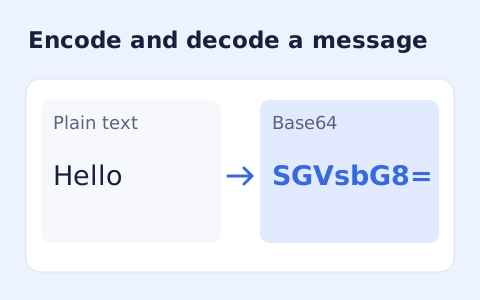
Encode UTF-8 text into standard padded Base64 and decode Base64 back into Unicode text.
Open toolChoose another tool for your next calculation, conversion, or text task.
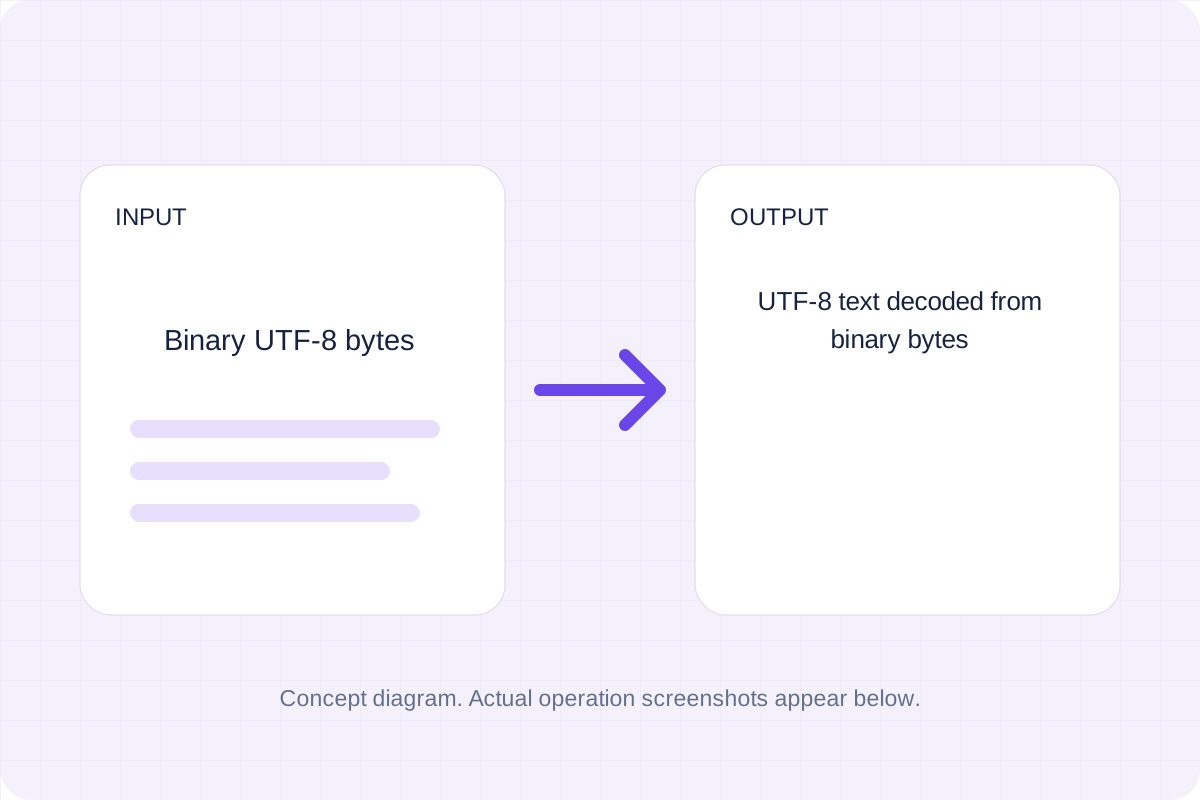
Group binary digits into eight-bit bytes and decode them as strict UTF-8.
Open tool
Generate a Unix-style cron expression from minute, hour, day-of-month, month, and weekday fields.
Open tool
Inspect a PEM PKCS#10 certificate request, subject, key, and requested extensions.
Open tool
Generate a CSS border-radius declaration from four corner values and preview the shape.
Open toolAnswers about using REM to PX Converter and understanding its results.
This uses your supplied CSS root font size and does not detect or modify another webpage.
Yes. Download the result file after processing. Text results also have Copy result. Processing uses local browser code; no account is required.
Review a pixel value at the supplied root font size, then use Copy result or download the result file.