

Circle Of Confusion Calculator
Calculate optical Circle of Confusion (CoC) in mm and microns from camera sensor dimensions, print size, viewing distance, and visual acuity.
Open toolCalculate the maximum number of finished sheets, flyers, or business cards (`N-up`) that can be cut from any parent press sheet (`ISO A0–A4`, `SRA3`, `US 12×18`, or custom dimensions), complete with bleed gutters, perimeter margins, orientation comparisons, and an imposition grid diagram.
Enter the inputs, then select Calculate Sheet Yield & Layout.
Result will appear here
Enter your parent sheet size, finished trim size, gutter gap, and gripper margin to compare all three cut orientations.
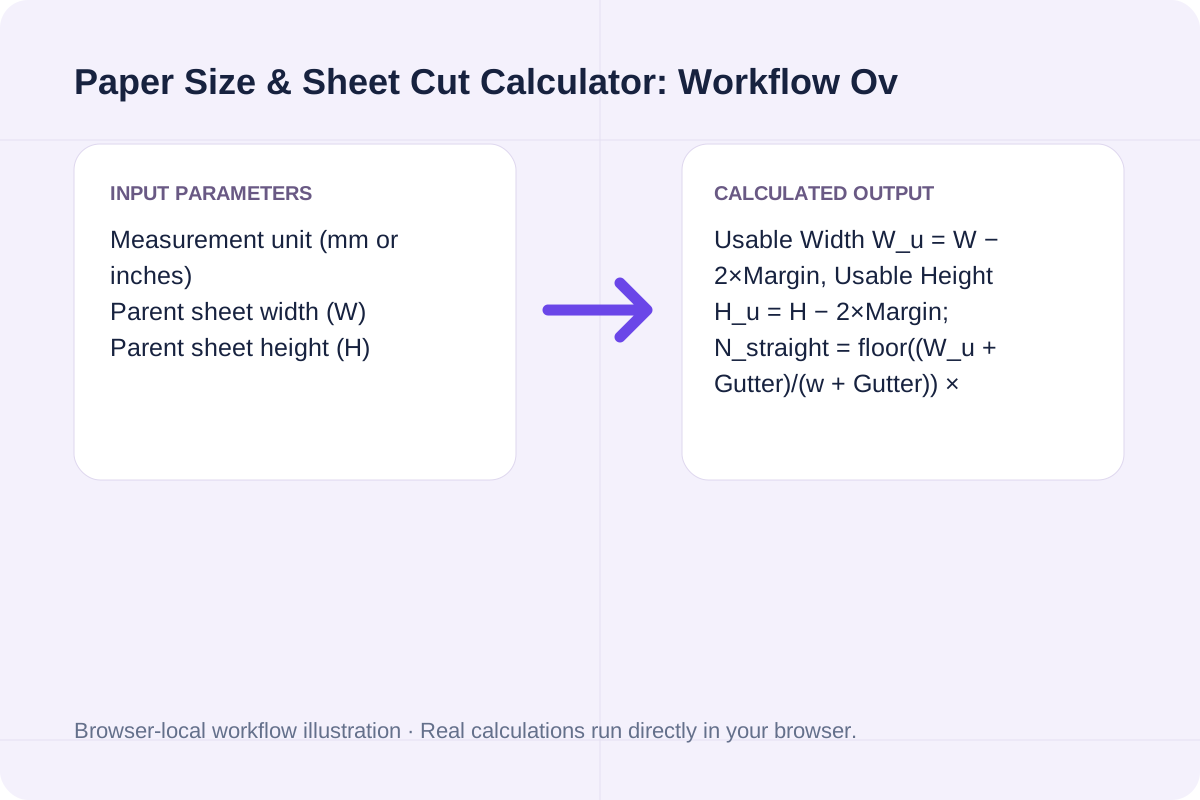
Usable Width W_u = W − 2×Margin, Usable Height H_u = H − 2×Margin; N_straight = floor((W_u + Gutter)/(w + Gutter)) × floor((H_u + Gutter)/(h + Gutter)); N_rotated = floor((W_u + Gutter)/(h + Gutter)) × floor((H_u + Gutter)/(w + Gutter)); Material Utilization % = (N_best × w × h) / (W × H) × 100.
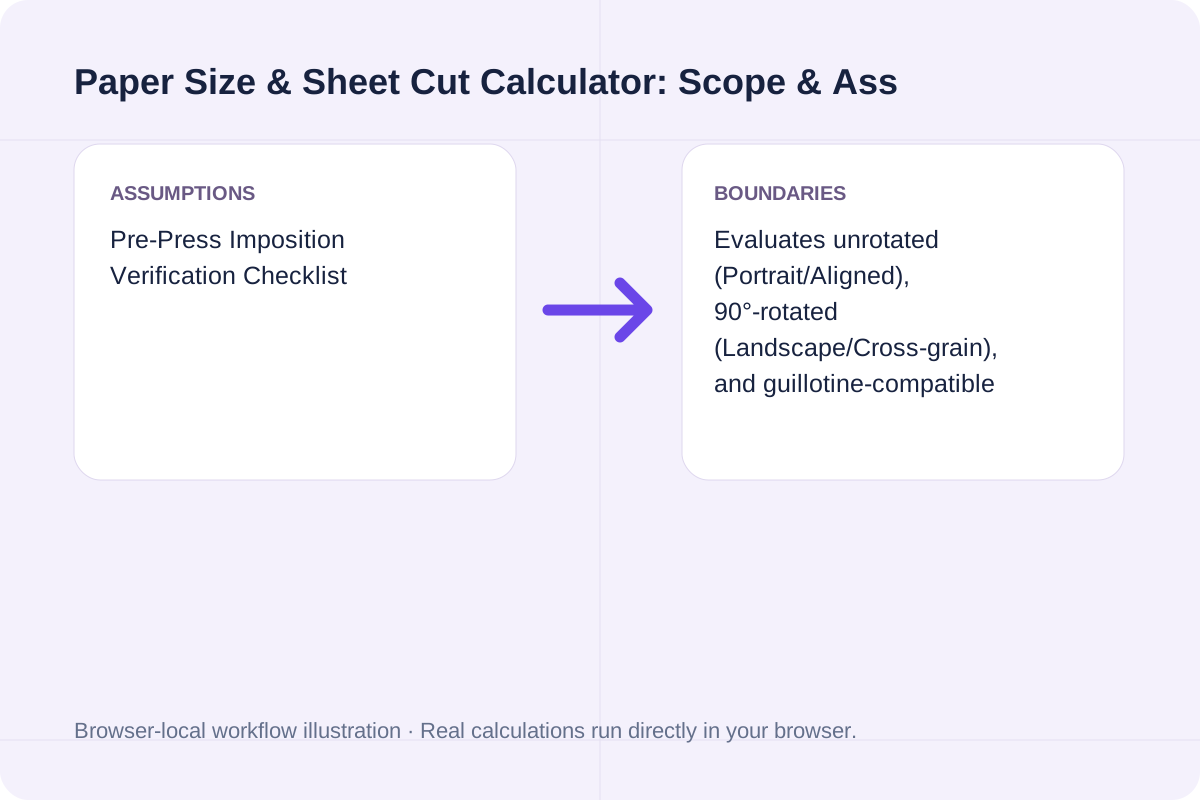
Evaluates unrotated (Portrait/Aligned), 90°-rotated (Landscape/Cross-grain), and guillotine-compatible mixed strips, and generates an ASCII layout map plus standard ISO/ANSI sheet reference.
Exact dimensions in millimeters and inches plus typical N-up yields for common commercial print stocks.
| Paper Standard / Format | Millimeters (W × H) | Inches (W × H) | Sheet Area | Common Imposition / Cut Yield |
|---|---|---|---|---|
| **ISO A0** (Base 1 m²) | `841 × 1189 mm` | `33.11 × 46.81 in` | `1.000 m²` | `16 × A4` or `32 × A5` (zero-bleed trim) |
| **ISO A3** | `297 × 420 mm` | `11.69 × 16.54 in` | `0.125 m²` | `2 × A4` or `4 × A5` (no bleed margin) |
| **SRA3** (Default Digital Press) | `320 × 450 mm` | `12.60 × 17.72 in` | `0.144 m²` | **`21 × Business Cards (90×54 mm)`** or `2 × Full-Bleed A4` |
| **ISO A4** | `210 × 297 mm` | `8.27 × 11.69 in` | `0.062 m²` | `10 × Business Cards (90×54 mm, 0 gutter)` |
| **US Tabloid / Ledger** | `279.4 × 431.8 mm` | `11.00 × 17.00 in` | `0.121 m²` | `2 × US Letter (8.5 × 11 in)` |
| **US Digital Arch B / Super B** | `304.8 × 457.2 mm` | `12.00 × 18.00 in` | `0.139 m²` | `2 × Full-Bleed US Letter` or `24 × US Business Cards (3.5×2 in)` |
Enter the values for your scenario, verify the units, and run the calculation.
Start by entering the required fields in the Paper Size & Sheet Cut Calculator form above.
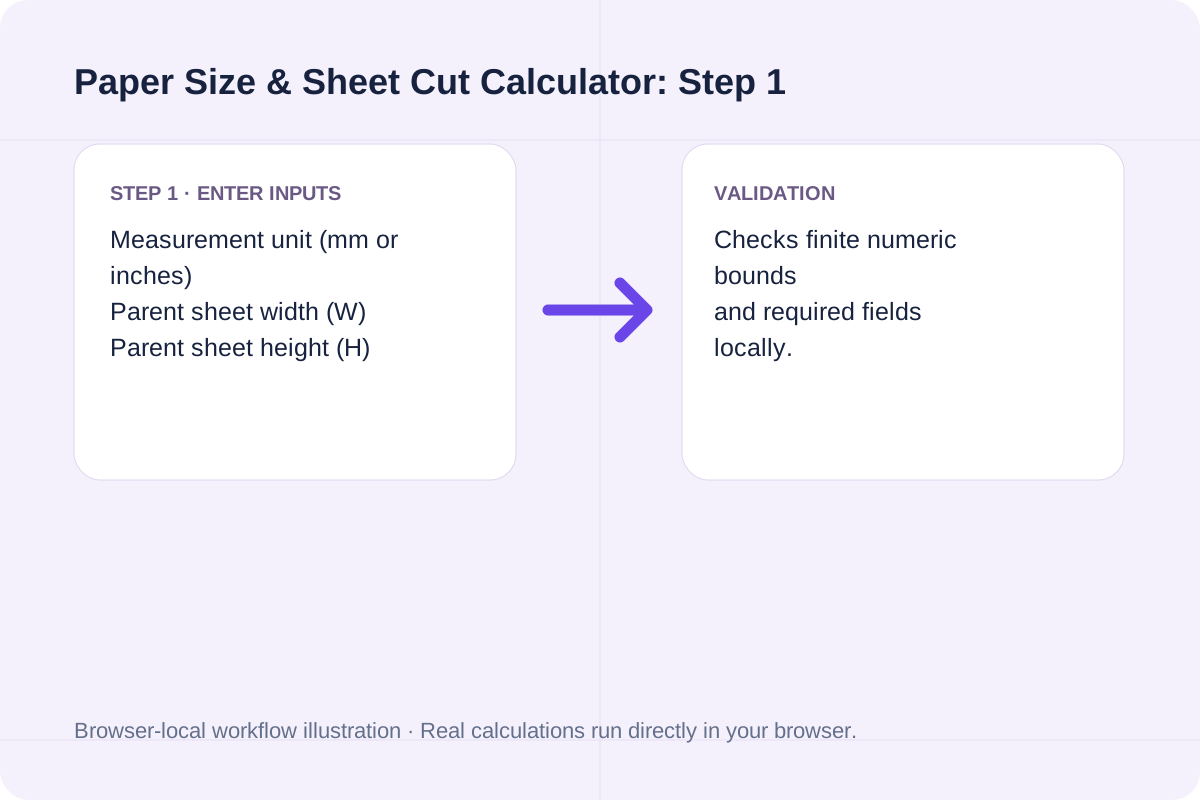
Match each value to the unit or format shown next to the input box before running the calculation.
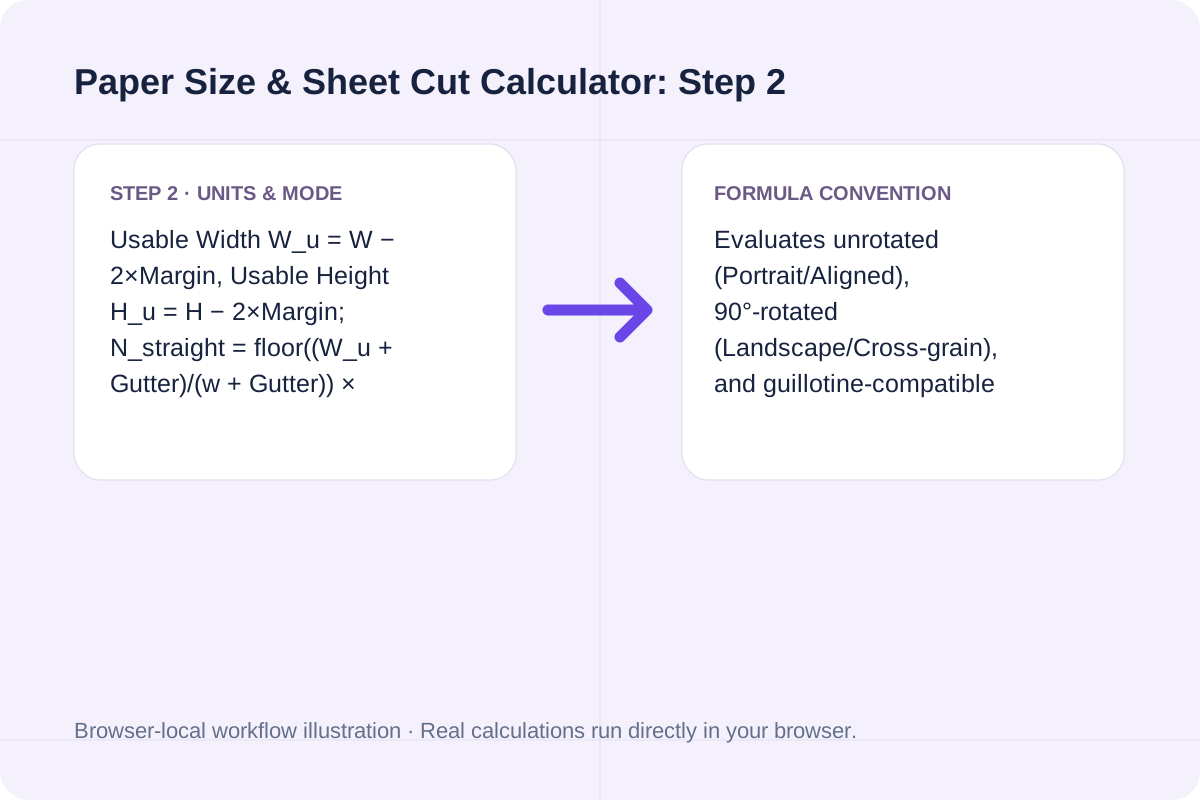
Select Calculate Sheet Yield & Layout, inspect the primary metric and breakdown cards, then use Copy result or Download result.txt.
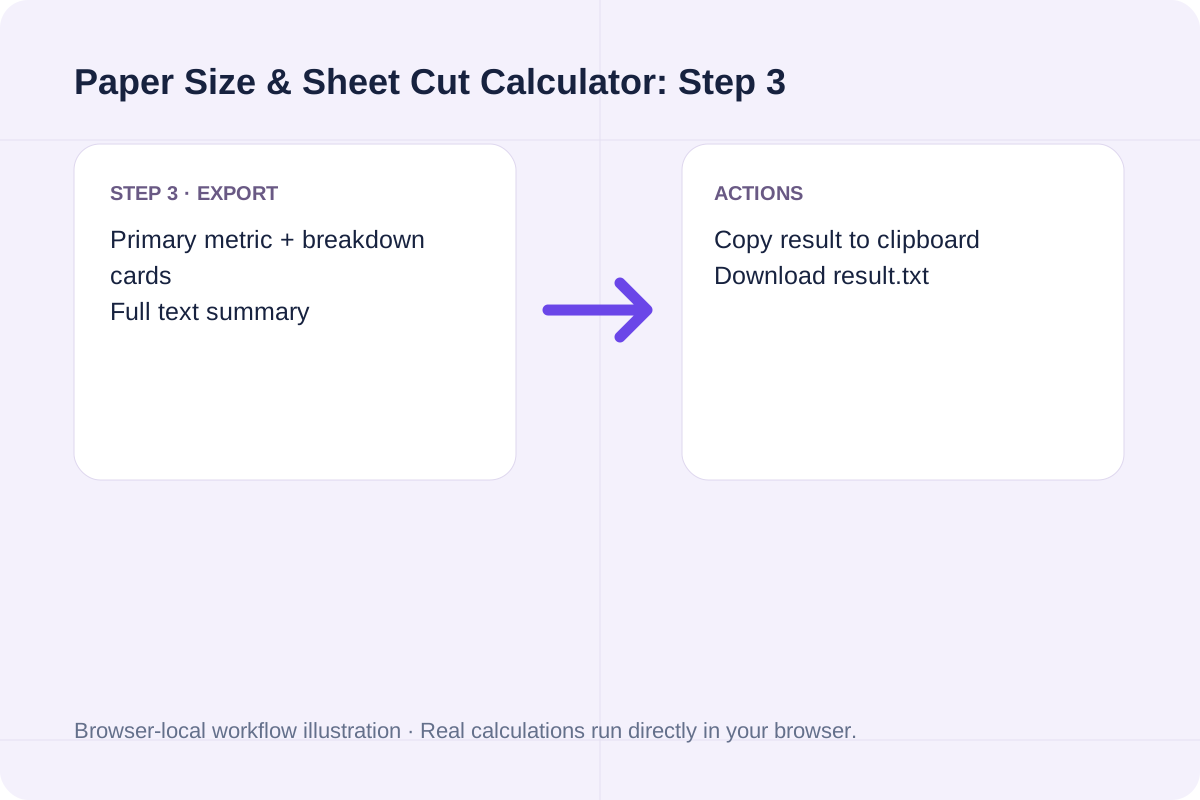
Compare baseline and alternative runs for Paper Size & Sheet Cut Calculator before exporting the result.
Calculate how many smaller sheets or cards fit on a parent paper sheet (ISO A0-A4, SRA3, US Tabloid, or custom mm/in). Compare portrait, landscape, and mixed cut yields and waste %.
Usable Width W_u = W − 2×Margin, Usable Height H_u = H − 2×Margin; N_straight = floor((W_u + Gutter)/(w + Gutter)) × floor((H_u + Gutter)/(h + Gutter)); N_rotated = floor((W_u + Gutter)/(h + Gutter)) × floor((H_u + Gutter)/(w + Gutter)); Material Utilization % = (N_best × w × h) / (W × H) × 100.
Evaluates unrotated (Portrait/Aligned), 90°-rotated (Landscape/Cross-grain), and guillotine-compatible mixed strips, and generates an ASCII layout map plus standard ISO/ANSI sheet reference.
Review the calculated output alongside your entered parameters and unit conventions.
Evaluates unrotated (Portrait/Aligned), 90°-rotated (Landscape/Cross-grain), and guillotine-compatible mixed strips, and generates an ASCII layout map plus standard ISO/ANSI sheet reference.
Confirm these three parameters before ordering parent stock.
Usable Width W_u = W − 2×Margin, Usable Height H_u = H − 2×Margin; N_straight = floor((W_u + Gutter)/(w + Gutter)) × floor((H_u + Gutter)/(h + Gutter)); N_rotated = floor((W_u + Gutter)/(h + Gutter)) × floor((H_u + Gutter)/(w + Gutter)); Material Utilization % = (N_best × w × h) / (W × H) × 100. Evaluates unrotated (Portrait/Aligned), 90°-rotated (Landscape/Cross-grain), and guillotine-compatible mixed strips, and generates an ASCII layout map plus standard ISO/ANSI sheet reference.
Calculate optical Circle of Confusion (CoC) in mm and microns from camera sensor dimensions, print size, viewing distance, and visual acuity.
Open tool
Convert ring inner diameter (mm) or finger circumference (mm) to US/Canada, UK/Australia letter, EU/ISO, and Japanese ring sizes with wide-band sizing guidance.
Open tool
Calculate tap drill size for Metric ISO (mm pitch) and Unified Inch (TPI) threads at any thread engagement percentage (50% to 90%) for cutting and forming taps.
Open toolChoose another tool for your next calculation, conversion, or text task.

Detect multiple change points and regime shifts in a numeric time series using exact O(N^2) dynamic programming (BIC, AIC, or custom penalty) and CUSUM statistics.
Open tool
Calculate Dynamic Time Warping (DTW) distance and optimal alignment path between two time series in your browser. Supports absolute, squared, and root-squared costs plus Sakoe-Chiba window band.
Open tool
Calculate saddle-stitch or signature booklet page counts, blank padding pages, duplex sheets, paper weight, and imposition spread order.
Open tool
Calculate bracelet size, inner circumference, bead-diameter allowance, and bead count from wrist circumference, fit ease, and bead size.
Open toolAnswers about using Paper Size & Sheet Cut Calculator and understanding its results.
An A3 sheet (297 × 420 mm) equals the exact trimmed area of two A4 pages (210 × 297 mm), leaving zero room for press gripper margins, crop marks, or full-bleed ink trim. SRA3 ('Supplementary Raw Format A', 320 × 450 mm) provides an extra 23 × 30 mm around the perimeter so two full-bleed A4 pages or 21 business cards can be printed and guillotine-trimmed cleanly.
First, the outer margin is subtracted from all four edges of the parent sheet: Usable Width W_u = W − 2×Margin and Usable Height H_u = H − 2×Margin. Because K pieces in a row require only (K − 1) internal gutters between them, the exact number of columns is floor((W_u + Gutter) / (w + Gutter)).
A Mixed or 'Dutch-cut' layout rotates leftover strip columns by 90° to squeeze 1 or 2 extra cards out of the sheet margin. However, rotating pieces mixes paper grain direction (some cards fold with the grain, others across the grain) and requires complex multi-stage guillotine rotation. For folded brochures or heavy cardstock, stick to uniform Straight or Rotated orientation.
Every ISO A-series and B-series sheet has an aspect ratio of 1 : √2 (≈ 1 : 1.4142). Halving the long side of an A0 sheet (841 × 1189 mm, area = 1.00 m²) produces two A1 sheets (594 × 841 mm) with the exact same aspect ratio, and each step down (A0 -> A1 -> A2 -> A3 -> A4 -> A5) doubles the sheet yield ($2^k$ pieces).
Choose another tool for your next calculation, conversion, or text task.