
Meta description Generator
Draft three meta descriptions from your own page facts. Local text rules combine the supplied name, phrase and description within a chosen character limit.
Open toolRead unfolded email headers and recorded delivery hops. Inspect authentication claims as pasted text; this page does not independently verify SPF, DKIM or DMARC.
Enter the inputs, then select Analyze headers.
Result will appear here
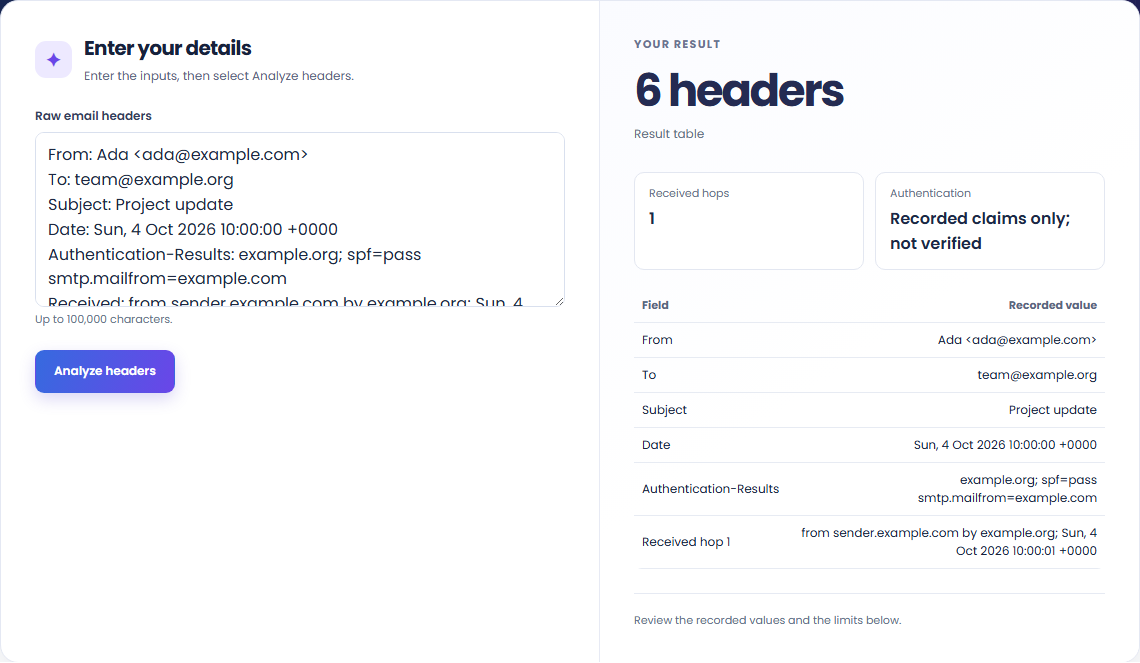
Parse header fields, show Received lines in delivery order, and display recorded authentication results.
Processing uses bundled libraries in this browser. The result table shows the supported checks; it does not query another service.
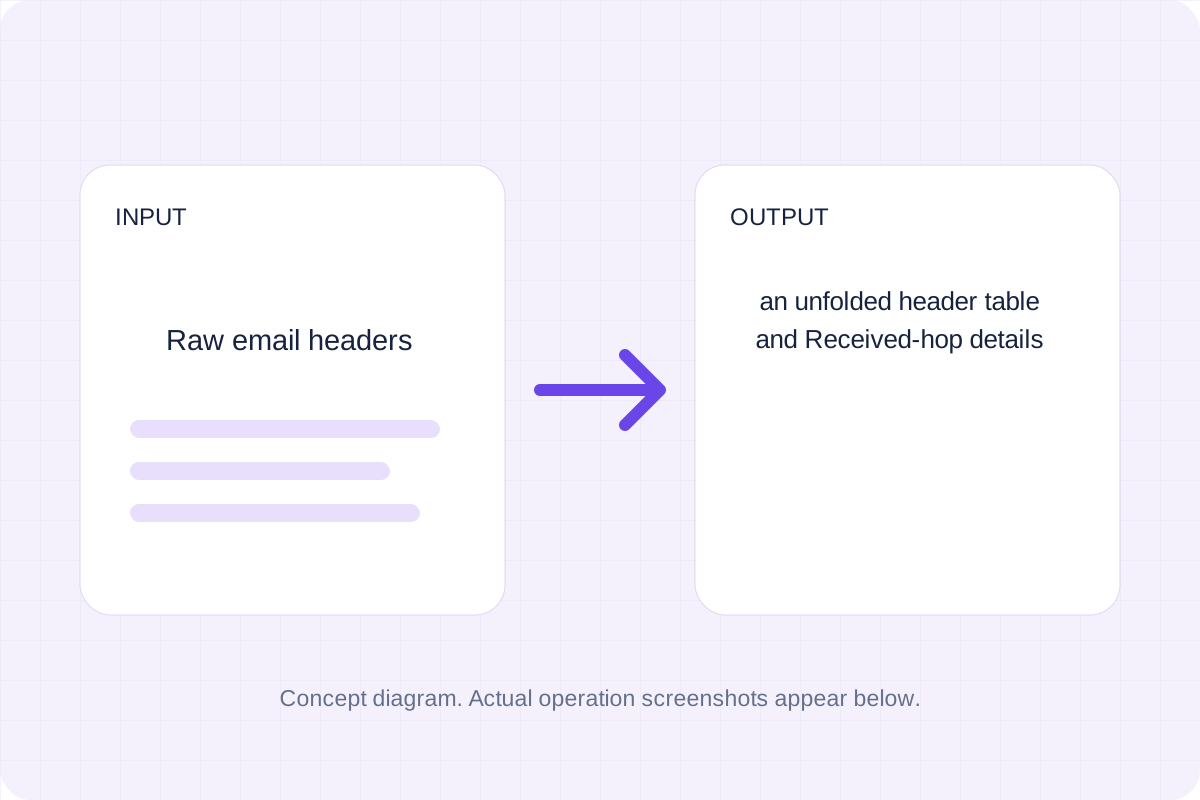
Start with the supported input, then check the generated result.
Use Raw email headers. The form starts with an example you can replace.
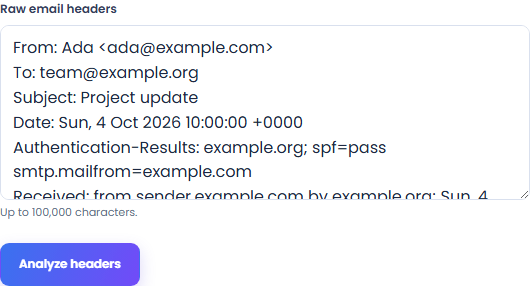
Read the supported input format and size limits before submitting.
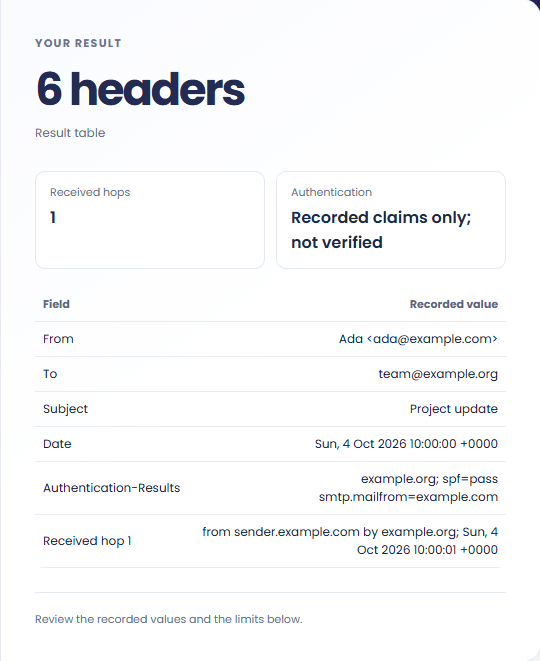
Read each reported path or recorded value. A clean table only covers the checks described on this page.
These workflows use the formats and behavior supported by this implementation.
Continuation lines are unfolded into their preceding fields. Paste the header block rather than the message body.

Received lines are shown in recorded delivery order, with the oldest recorded hop first. A pasted header cannot prove the route was authentic.

Inspect recorded Authentication-Results values as claims. Independently verifying SPF, DKIM or DMARC requires checks this page does not perform.

Keep the output format and conversion policy in view.
An unfolded header table and Received-hop details. Parse header fields, show Received lines in delivery order, and display recorded authentication results.
Compare the result with the original before replacing a source file. Conversion limits are listed below.

Check these conditions before relying on the result.
Only analyzes the pasted headers. Authentication-Results can be forged; SPF, DKIM and DMARC are not independently verified. No DNS, IP location or mailbox request is made.
Input and results are not stored after leaving or reloading. Keep the original and download any output you need.

Draft three meta descriptions from your own page facts. Local text rules combine the supplied name, phrase and description within a chosen character limit.
Open tool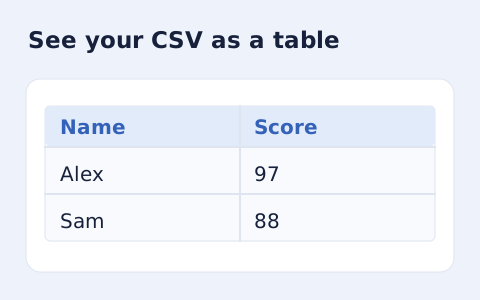
Inspect quoted CSV cells in a readable table without uploading your data.
Open tool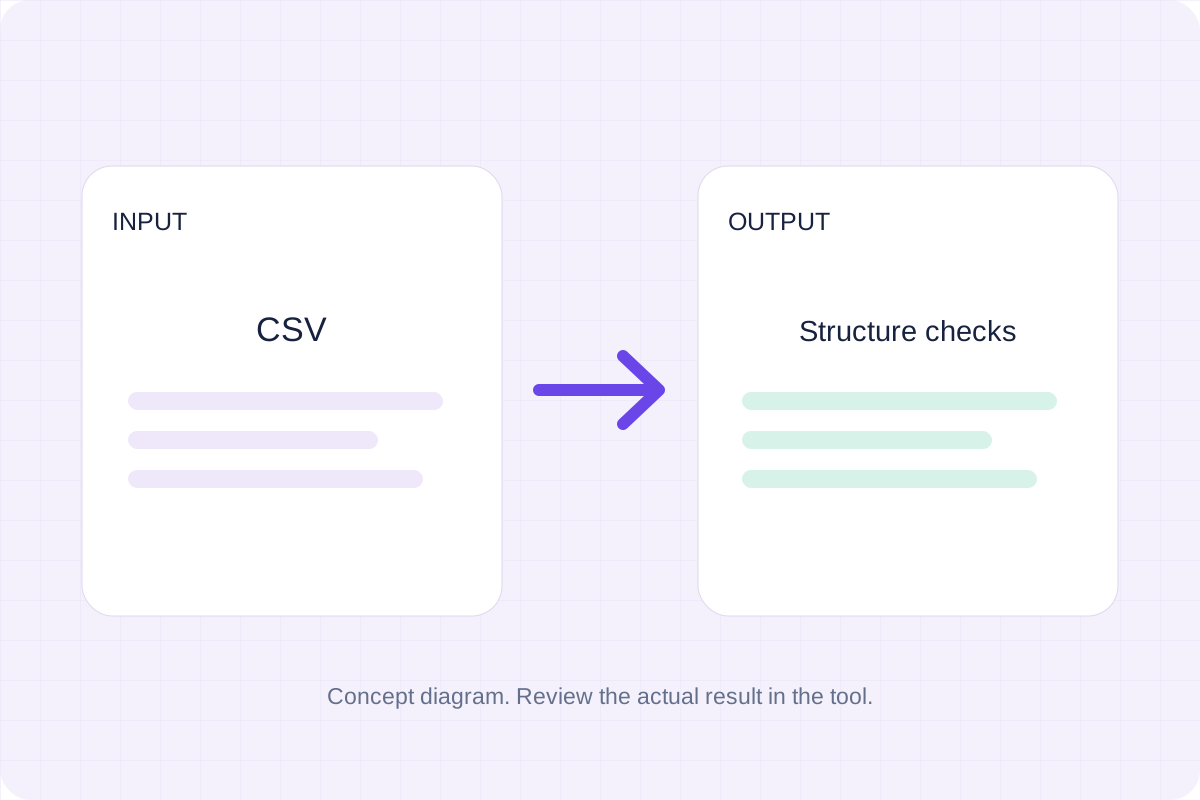
Check CSV quoting and consistent column counts, then review the record count and selected delimiter.
Open toolChoose another tool for your next calculation, conversion, or text task.
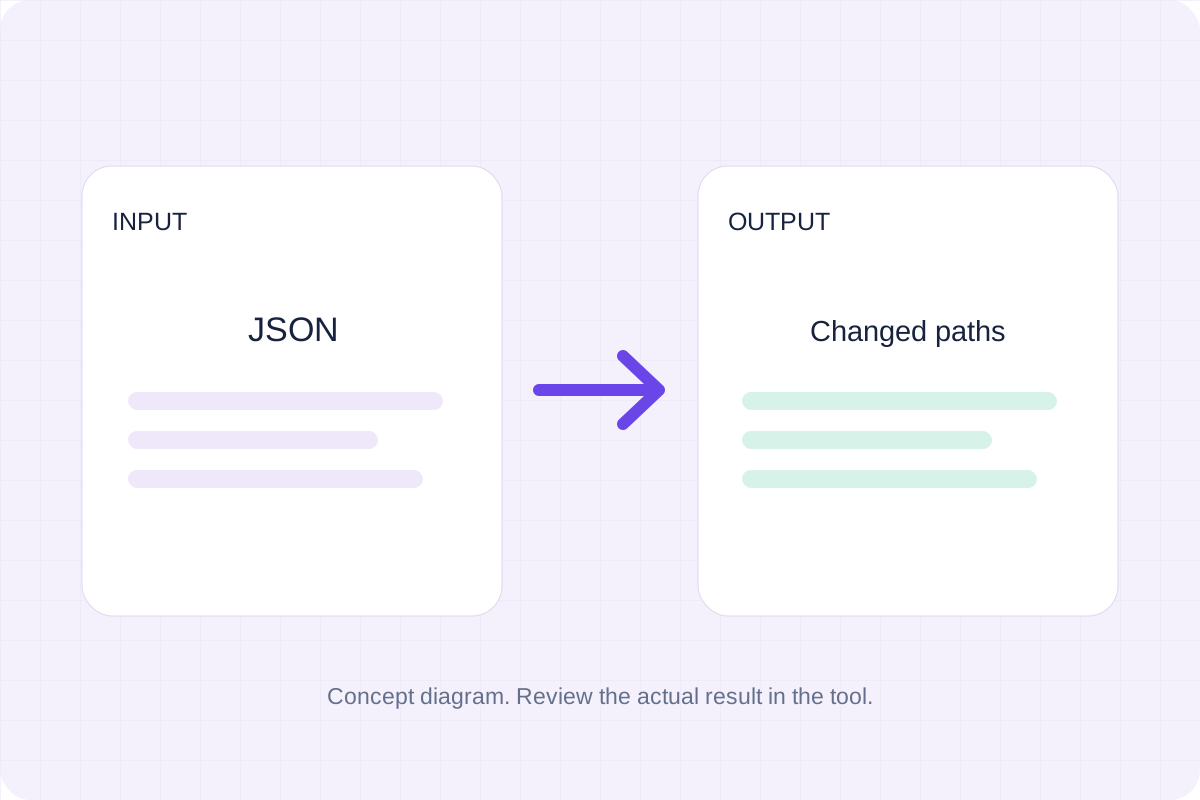
Compare two JSON values by structure. See changed paths without treating object key order as a difference.
Open tool
Validate JSON against a draft-07 or 2020-12 schema. Review error paths without sending the documents to a server.
Open tool
Write Markdown, update the rendered preview and download the Markdown or HTML when it is ready.
Open tool
Remove scripts, event handlers and unsupported markup from basic HTML. Review the cleaned fragment and a contained preview.
Open toolRead the reported paths and values after processing your input.
Answers about using Email Header Analyzer and understanding its results.
It produces an unfolded header table and Received-hop details. Only analyzes the pasted headers. Authentication-Results can be forged; SPF, DKIM and DMARC are not independently verified. No DNS, IP location or mailbox request is made.
Processing runs in this browser with local bundled libraries. No input is sent to a conversion server. Download your result before leaving the page.