

Capacity Planning Calculator
Calculate team productive capacity, utilization percentage, and FTE surplus or deficit from headcount, workdays, PTO, and focus factor.
Open toolModel your container image layer stack (`shared` base layers vs. `unique` service layers): compute uncompressed image size, compressed registry pull bandwidth (`gzip` or `zstd`), and deduplicated OverlayFS host disk footprint across `N` microservices.
Enter the inputs, then select Calculate Docker Image Footprint.
Result will appear here
Container registries transfer layers as compressed tar archives (`application/vnd.oci.image.layer.v1.tar+gzip` or `+zstd`), while the container runtime (`containerd` or `dockerd`) extracts them into an OverlayFS directory tree keyed by layer digest.
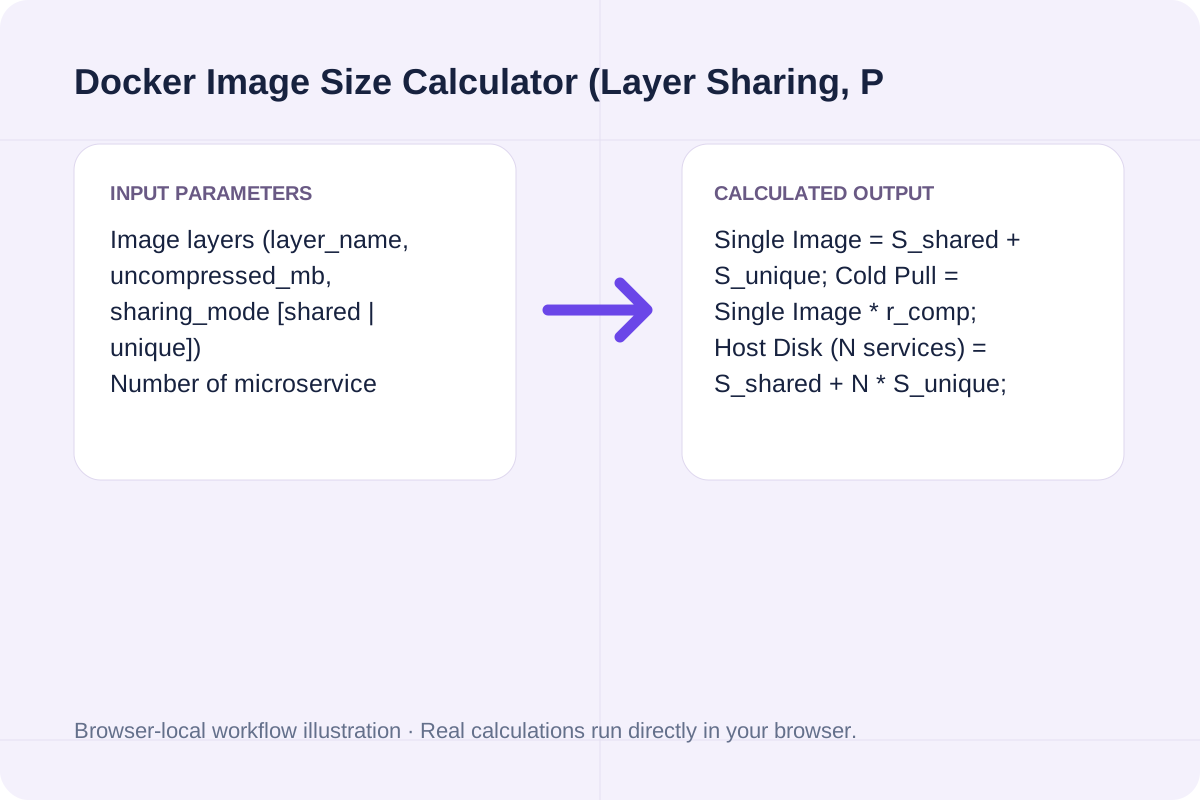
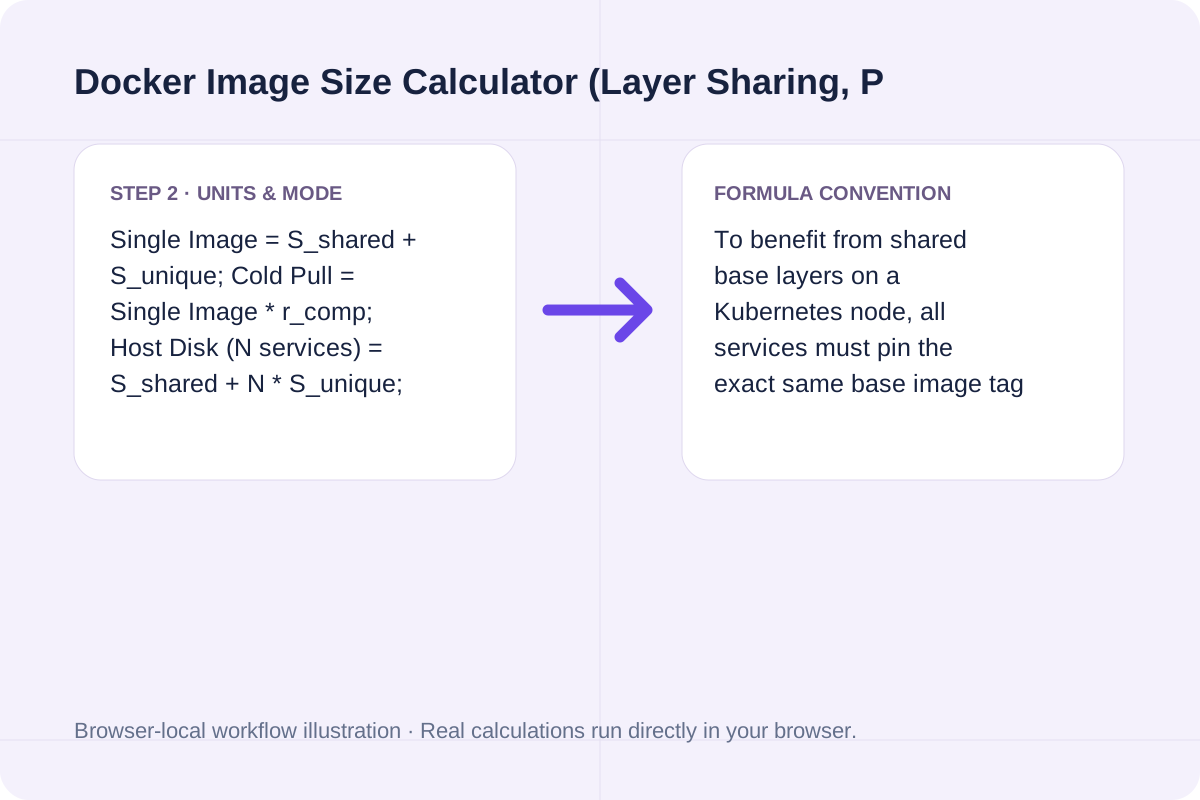
Single Image = S_shared + S_unique; Cold Pull = Single Image * r_comp; Host Disk (N services) = S_shared + N * S_unique; Saved Disk = (N - 1) * S_shared.
To benefit from shared base layers on a Kubernetes node, all services must pin the exact same base image tag or SHA-256 digest.
Typical uncompressed vs. compressed layer sizes and exact math for the default 4-layer Node.js + Alpine microservice stack (`225.00 MB` single image across `4` services).
| Layer / Metric | Sharing Mode | Uncompressed Size | gzip Pull Size (0.38x) & Node Impact |
|---|---|---|---|
| **`base-alpine` + `runtime-node22`** | `shared` (Reused across all 4 services) | `126.20 MB` (`7.80 + 118.40 MB`) | `47.96 MB` pulled & stored **once** per node |
| **`app-deps` + `app-bundle`** | `unique` (Per microservice) | `98.80 MB` (`84.20 + 14.60 MB`) | `37.54 MB` pull per service (`395.20 MB` disk for 4 services) |
| **Single Image Total** | `4` layers combined | **`225.00 MB`** | **`85.50 MB`** cold registry pull (`0.38x` gzip) |
| **4-Service Host Node Footprint** | OverlayFS content-addressable store | **`521.40 MB`** (vs. `900.00 MB` unshared) | Saves **`378.60 MB` (`42.07%`)** disk & **`143.87 MB`** pull |
Inspect your local image history and enter each layer group into the calculator.
Run `docker image inspect` or `docker history <image>` to see the uncompressed size of your OS base, language runtime, package dependencies, and compiled application assets.
Mark base OS (`alpine`, `debian-slim`, `distroless`) and shared language runtimes as `shared`, and mark service-specific `node_modules`, Python wheels, or binaries as `unique`.
Enter how many distinct microservices share that base image on each worker node and select `gzip` (`0.38x`) or `zstd` (`0.30x`) to see cold vs. warm pull bandwidth and node disk usage.
See how multi-stage builds and shared base images reduce Kubernetes node pressure and CI/CD pull times.
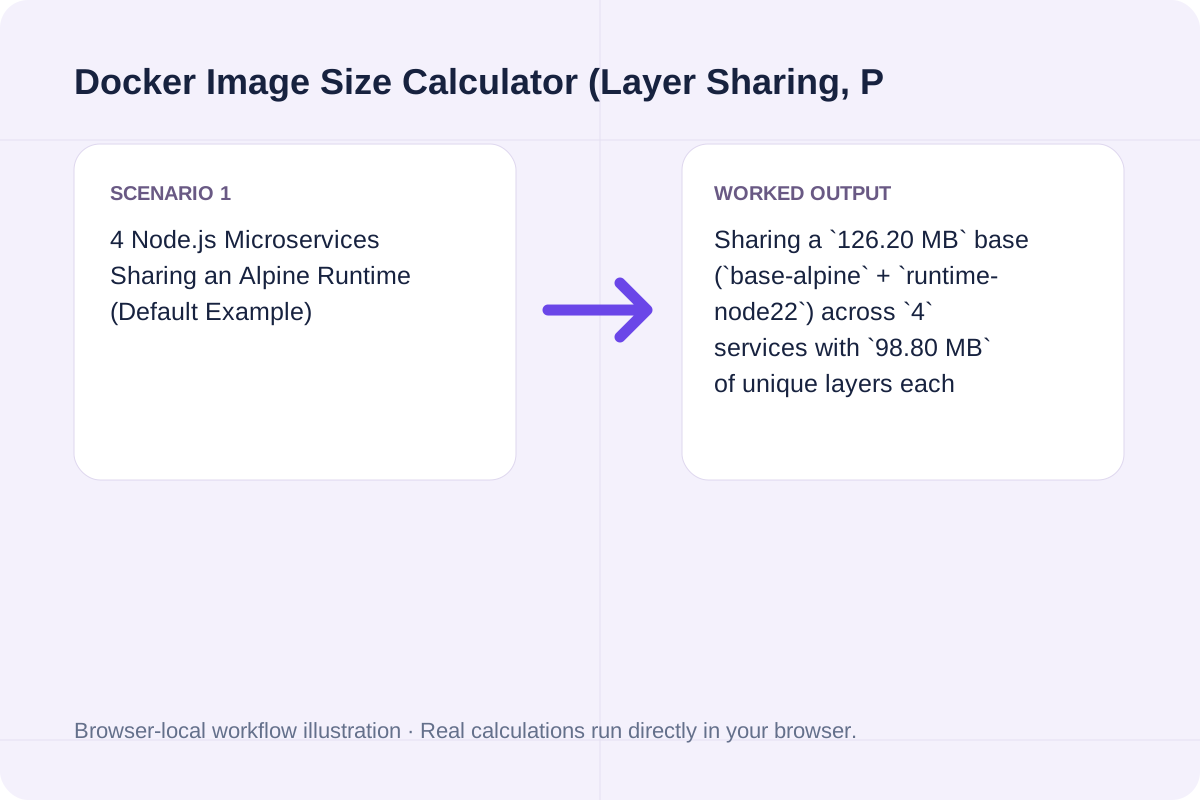
Sharing a `126.20 MB` base (`base-alpine` + `runtime-node22`) across `4` services with `98.80 MB` of unique layers each consumes `521.40 MB` on disk instead of `900.00 MB`, saving `378.60 MB` (`42.07%`).
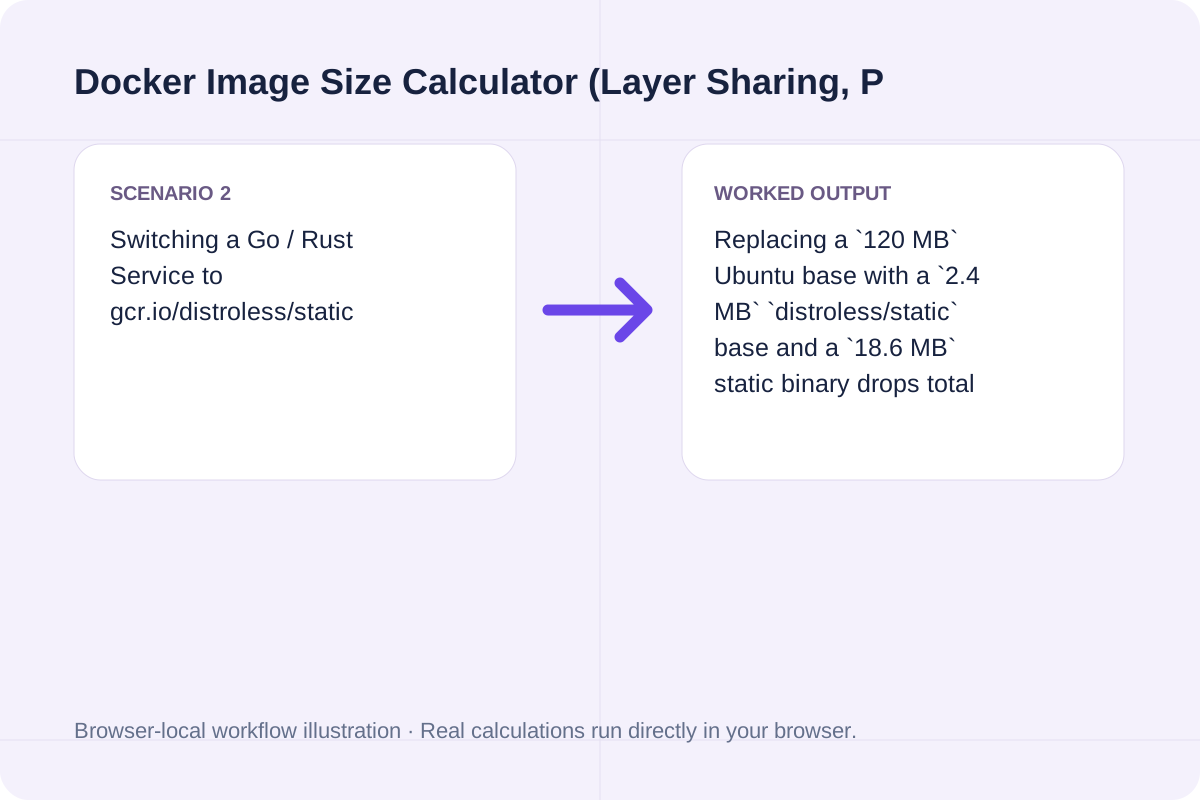
Replacing a `120 MB` Ubuntu base with a `2.4 MB` `distroless/static` base and a `18.6 MB` static binary drops total uncompressed image size to `21.0 MB` (`7.98 MB` gzip pull), cutting cold-start node pull times under 1 second.
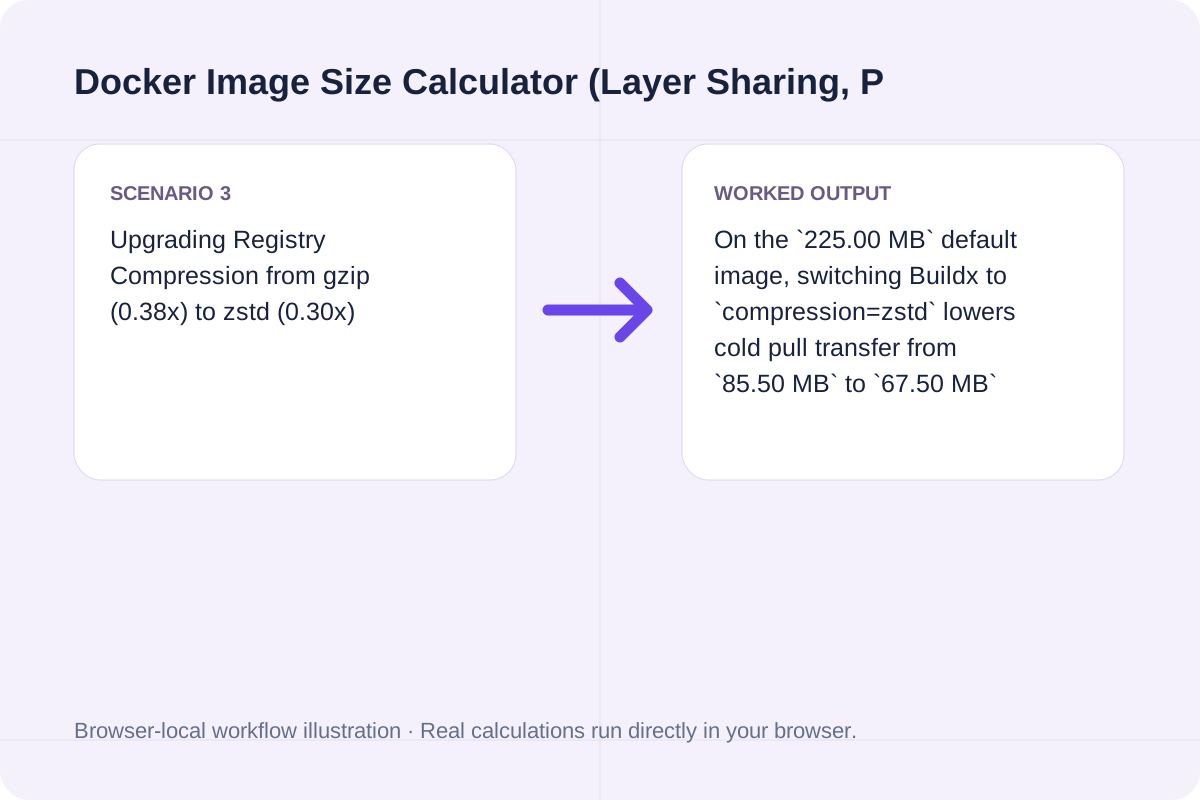
On the `225.00 MB` default image, switching Buildx to `compression=zstd` lowers cold pull transfer from `85.50 MB` to `67.50 MB` (`-21.1%` network traffic) while accelerating layer extraction.
Kubernetes eviction thresholds (`ephemeral-storage`) track extracted disk usage, whereas NAT gateway and registry egress bills track compressed pull bytes.
When sizing worker node root volumes in our Capacity Planning Calculator (/tools/capacity-planning-calculator), always budget against the deduplicated uncompressed footprint (`S_shared + N * S_unique`) plus container writable-layer logs.
If your `unique` layers exceed 60% of the image, consider splitting third-party vendor dependencies into an intermediate cached layer above your application code so routine code pushes only transfer the final `app-bundle` layer.
Keep these OCI storage rules in mind when auditing production clusters.
Single Image = S_shared + S_unique; Cold Pull = Single Image * r_comp; Host Disk (N services) = S_shared + N * S_unique; Saved Disk = (N - 1) * S_shared. To benefit from shared base layers on a Kubernetes node, all services must pin the exact same base image tag or SHA-256 digest.
Calculate team productive capacity, utilization percentage, and FTE surplus or deficit from headcount, workdays, PTO, and focus factor.
Open tool
Validate systemd .service and .timer unit files online: check section headers, ExecStart absolute paths, Type/BusName rules, and sandboxing directives.
Open tool
Generate rsync commands for local and remote SSH file synchronization with -avzP, custom SSH port, --delete, --exclude patterns, and --dry-run safety.
Open toolChoose another tool for your next calculation, conversion, or text task.

Encode arbitrary file bytes as standard Base64, without guessing a text encoding.
Open tool
Free interactive FFmpeg command generator. Build shell-escaped ffmpeg commands for H.264, H.265/HEVC, AV1, VP9, CRF compression, resolution scaling, trimming, and audio normalization.
Open tool
Generate a fluid font-size clamp between two viewport widths.
Open tool
Decode an ECC200 Data Matrix from a clear image locally.
Open toolAnswers about using Docker Image Size Calculator (Layer Sharing, Pull Size & OverlayFS) and understanding its results.
Docker Hub, GHCR, and AWS ECR display the compressed tar.gz or tar.zst archive size transferred over the network during 'docker pull' (typically 30% to 40% of the raw size). Running 'docker images' displays the extracted, uncompressed filesystem size on your local OverlayFS storage.
OCI image layers are addressed by their SHA-256 content digest. If 4 microservices all start from the exact same 'node:22-alpine' base layers (126.20 MB uncompressed), containerd and Docker store those read-only lowerdir layers once on disk. Only the service-specific dependency and application layers (98.80 MB per service) multiply across the 4 services.
Docker invalidates the build cache from the first modified instruction downward. Placing slow-changing OS packages and runtime layers at the top ('shared') and fast-changing source code ('app-bundle') at the very bottom ensures routine deployments only push and pull a 5 to 15 MB top layer.
Standard gzip compression shrinks typical Linux rootfs and language runtime layers to ~38% of their uncompressed size, while zstd (supported in Docker Buildx and containerd 1.5+) reaches ~30% of uncompressed size with 3x to 4x faster decompression on the target node.
Choose another tool for your next calculation, conversion, or text task.