

UUID Validator & Decoder (v7 Timestamp & Batch Inspector)
Validate and decode single or bulk UUIDs (v1-v8, Nil, Max). Extract embedded UUIDv7 UTC timestamps, verify RFC 9562 variant bits, and check batch duplicates and sorting.
Open toolLint Linux `systemd` `.service`, `.timer`, and `.socket` unit files for section header syntax, relative `ExecStart=` path errors, unescaped shell operators (`|`, `>`, `&&`), `Type=` conflicts, and `systemd-analyze security` hardening.
Enter the inputs, then select Validate Systemd Unit File.
Result will appear here
The validator parses your unit file line by line (handling backslash `\` line continuations and `#` / `;` comments), verifies `[Unit]`, `[Service]` / `[Timer]` / `[Socket]`, and `[Install]` sections, checks `ExecStart=` binary paths and shell metacharacters, and scores sandboxing directives.
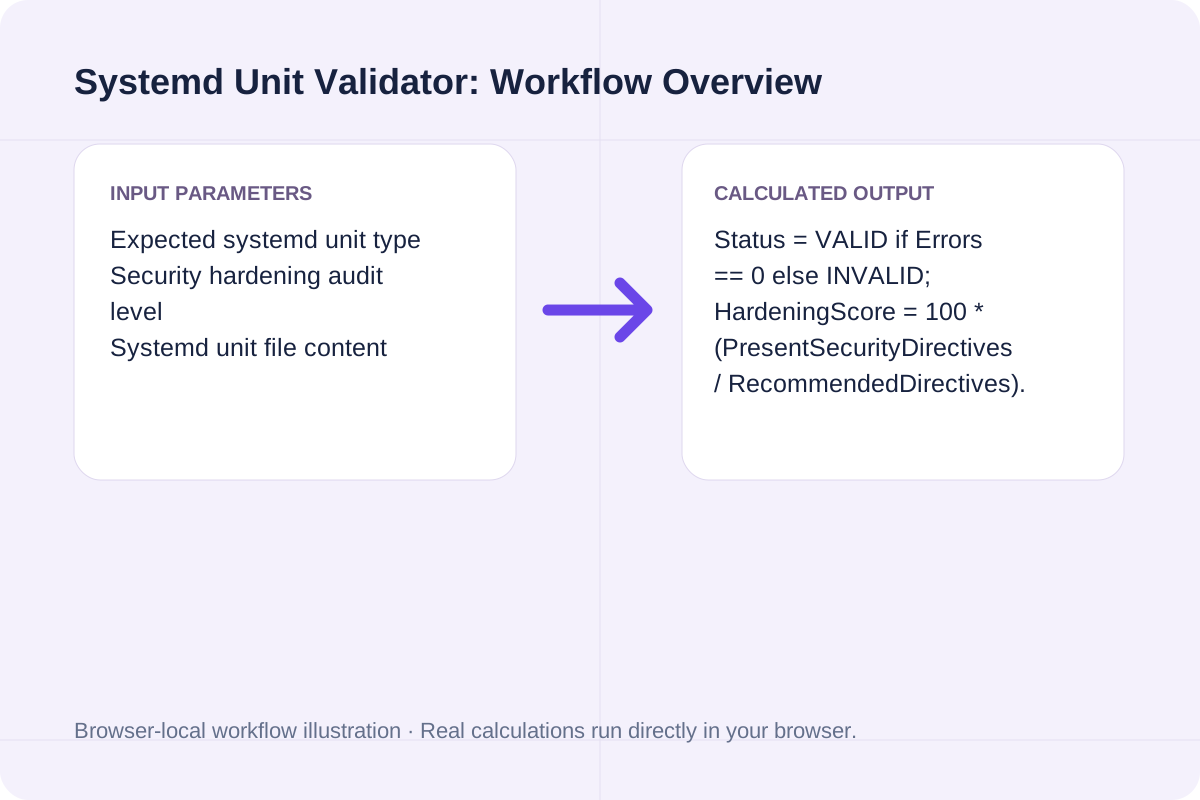
Status = VALID if Errors == 0 else INVALID; HardeningScore = 100 * (PresentSecurityDirectives / RecommendedDirectives).
Detects case-sensitive section typos (such as `[service]` instead of `[Service]`) that cause `systemd` to reject a unit.
Choose the right `Type=` setting in `[Service]` and understand required companion keys.
| Service Type= | Readiness Signal | Required / Companion Keys | Typical Use Case |
|---|---|---|---|
| `Type=simple` | Immediate upon `fork()` | `ExecStart=` (foreground process) | Standard foreground daemons (`gunicorn`, `node`, `go`). |
| `Type=exec` | After `execve()` succeeds | `ExecStart=` (systemd 240+) | Catches missing-binary/permission errors before marking active. |
| `Type=oneshot` | When main process exits `0` | `RemainAfterExit=yes` (optional) | Boot setup scripts, DB migrations, or `.timer` jobs. |
| `Type=forking` | When parent process exits | `PIDFile=/run/...` (recommended) | Legacy UNIX daemons that self-background (`nginx`, `sshd`). |
| `Type=notify` | `sd_notify("READY=1")` | Daemon must link `libsystemd` | Services that signal readiness after binding sockets (`postgresql`). |
| `Type=dbus` | Acquires D-Bus `BusName=` | `BusName=org.example.Daemon` | D-Bus system bus services. |
Catch syntax and execution errors before running `systemctl daemon-reload`.
Choose the unit type matching your file extension.
Paste the full INI unit configuration into the editor.
Click Validate Systemd Unit File to see line-numbered syntax errors, execution pitfalls, security hardening recommendations, and deployment commands.
Compare baseline and alternative runs for Systemd Unit Validator before exporting the result.
Validate systemd .service and .timer unit files online: check section headers, ExecStart absolute paths, Type/BusName rules, and sandboxing directives.
Status = VALID if Errors == 0 else INVALID; HardeningScore = 100 * (PresentSecurityDirectives / RecommendedDirectives).
Detects case-sensitive section typos (such as `[service]` instead of `[Service]`) that cause `systemd` to reject a unit.
Review the calculated output alongside your entered parameters and unit conventions.
Detects case-sensitive section typos (such as `[service]` instead of `[Service]`) that cause `systemd` to reject a unit.
Check the model scope and boundary conditions before applying the numbers to a real project.
Status = VALID if Errors == 0 else INVALID; HardeningScore = 100 * (PresentSecurityDirectives / RecommendedDirectives). Detects case-sensitive section typos (such as `[service]` instead of `[Service]`) that cause `systemd` to reject a unit.
Validate and decode single or bulk UUIDs (v1-v8, Nil, Max). Extract embedded UUIDv7 UTC timestamps, verify RFC 9562 variant bits, and check batch duplicates and sorting.
Open tool
Generate Linux and macOS find commands with -name/-iname globs, file type (-type f/d), size, modification time (-mtime), -maxdepth, and -exec actions.
Open tool
Convert Apple XML .plist (Property List) files to formatted or minified JSON online, mapping <dict>, <array>, <string>, <integer>, <real>, and <true/>/<false/>.
Open toolChoose another tool for your next calculation, conversion, or text task.

Generate RFC 9562 UUIDv7 identifiers locally in your browser. Supports bulk generation (1-1,000), embedded timestamp inspection, monotonic counter ordering, and JSON/SQL export.
Open tool
Split multi-contact .vcf vCard files into individual BEGIN:VCARD...END:VCARD blocks and extract FN, TEL, and EMAIL contact tables locally in your browser.
Open tool
Generate rsync commands for local and remote SSH file synchronization with -avzP, custom SSH port, --delete, --exclude patterns, and --dry-run safety.
Open tool
Generate ~/.ssh/config Host blocks with HostName, User, Port, IdentityFile, ProxyJump bastion host, LocalForward port forwarding, and ServerAliveInterval.
Open toolAnswers about using Systemd Unit Validator and understanding its results.
Unlike a shell script, systemd does not search $PATH when resolving the executable in ExecStart= (unless you use systemd v239+ with specific prefix flags, and even then absolute paths are strongly enforced for determinism and security). Always use the full path from `which`, such as `/usr/bin/node` or `/usr/bin/python3`.
No. systemd executes binaries directly via execve() without invoking `/bin/sh`. Pipes (`|`), output redirects (`>`), and command chaining (`&&`) are passed as literal string arguments to the binary unless you explicitly wrap the command in `/bin/sh -c '...'` or use `StandardOutput=append:/var/log/...`.
A `Type=oneshot` service is designed to run a short task and exit with code 0. Using `Restart=always` causes systemd to immediately respawn the oneshot task in a tight loop until `StartLimitBurst` trips and puts the unit into a `failed` state. Use `Restart=on-failure` or pair the oneshot service with a `.timer` unit.
Adding a dedicated non-root `User=`, `NoNewPrivileges=true`, `PrivateTmp=true`, `ProtectSystem=strict` (with `ReadWritePaths=` for data directories), and `ProtectHome=true` eliminates the largest root-escalation attack surfaces.
Choose another tool for your next calculation, conversion, or text task.