

UUIDv7 Generator
Generate RFC 9562 UUIDv7 identifiers locally in your browser. Supports bulk generation (1-1,000), embedded timestamp inspection, monotonic counter ordering, and JSON/SQL export.
Open toolPaste a combined `.vcf` file to split every `BEGIN:VCARD ... END:VCARD` entry into individual contact files with sanitized `.vcf` filenames and extracted Name/Phone/Email metadata.
Enter the inputs, then select Split vCard Contacts.
Result will appear here
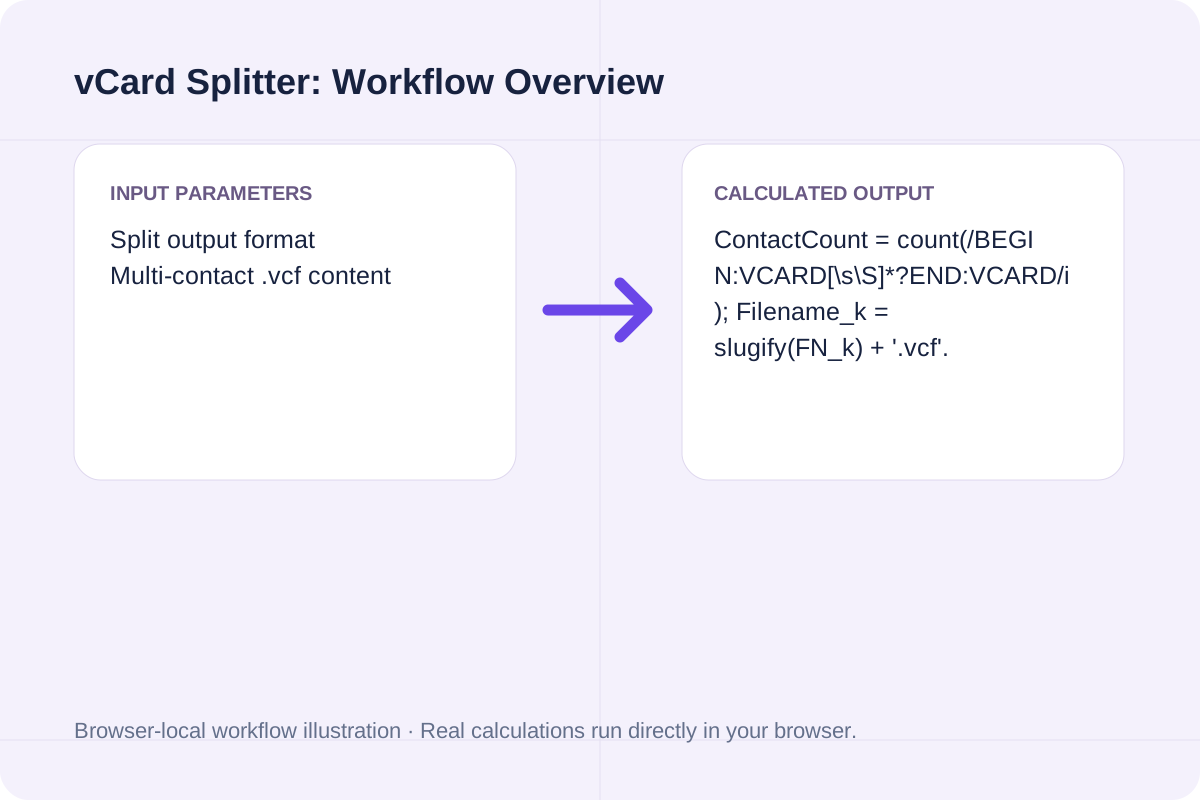
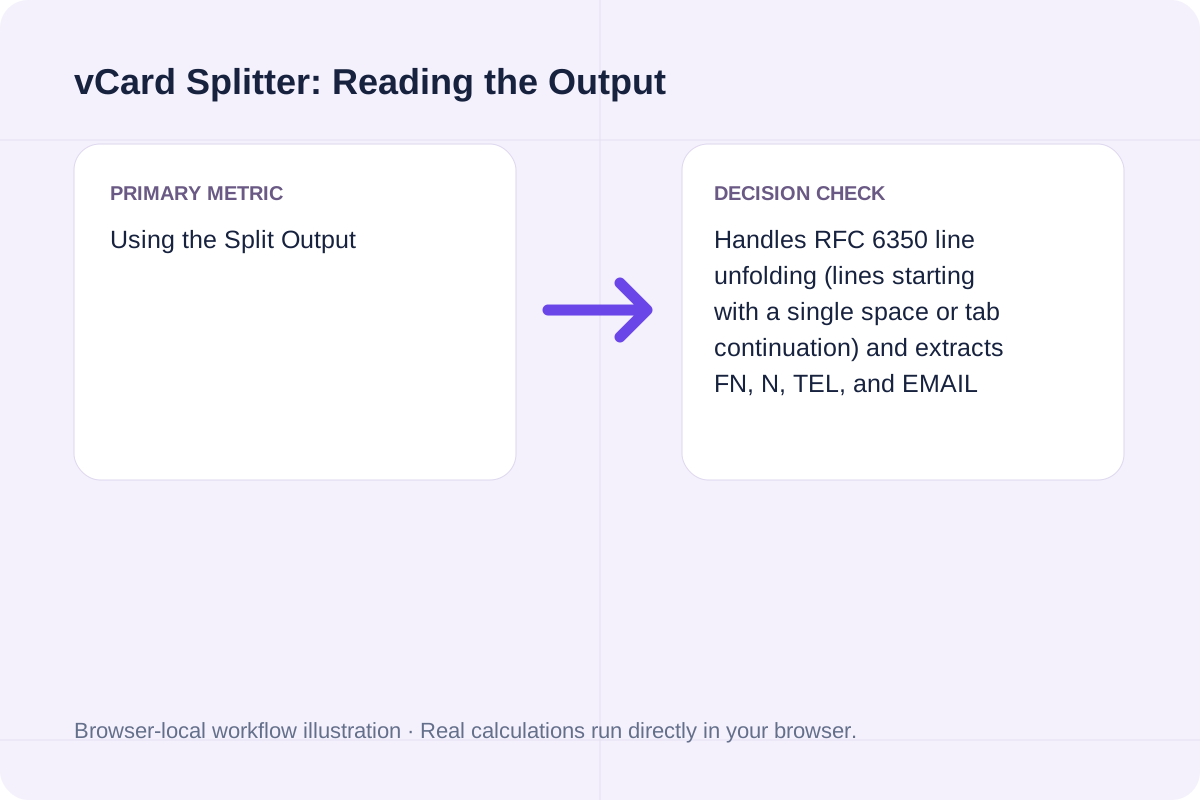
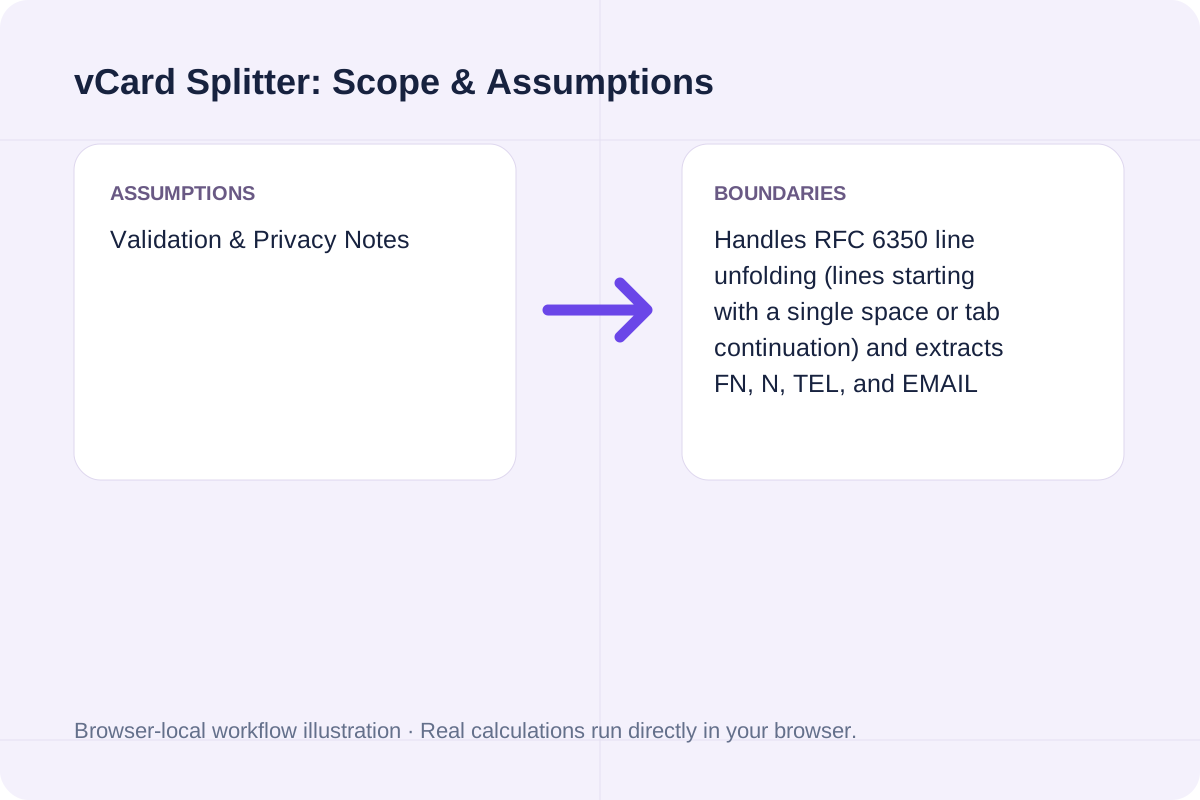
The parser scans your `.vcf` text for `BEGIN:VCARD` and `END:VCARD` delimiters, unfolds RFC 6350 continuation lines, extracts `FN`, `TEL`, `EMAIL`, and `VERSION` attributes, and outputs either separated `.vcf` blocks or a CSV contact table.
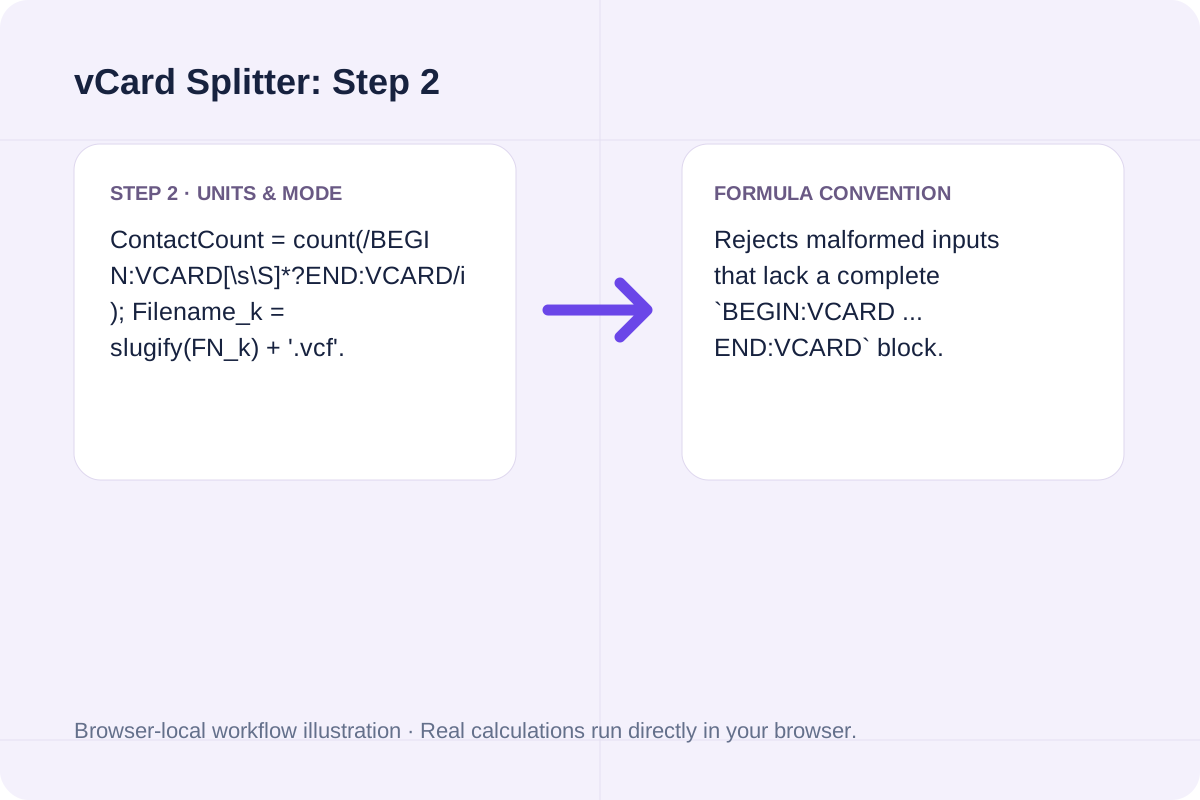
ContactCount = count(/BEGIN:VCARD[\s\S]*?END:VCARD/i); Filename_k = slugify(FN_k) + '.vcf'.
Rejects malformed inputs that lack a complete `BEGIN:VCARD ... END:VCARD` block.
Core RFC 6350 vCard properties extracted and validated by the vCard Splitter.
| vCard Property | Example Line | RFC Role | Splitter Handling |
|---|---|---|---|
| BEGIN:VCARD / END:VCARD | Envelope markers | Delivers contact record boundaries | Splits combined streams on exact envelope pairs. |
| VERSION | VERSION:3.0 or 4.0 | Declares vCard specification version | Audits version mix across the batch. |
| FN (Formatted Name) | FN:Ada Lovelace | Required display name of the contact | Used to generate safe `<name>.vcf` filenames. |
| TEL / EMAIL | TEL;TYPE=CELL:+44... | Telephone and email endpoints | Extracted into the summary audit and CSV table. |
Separate combined iCloud, Google Contacts, or Outlook `.vcf` exports in three steps.
Open your `.vcf` file in any text editor and paste its contents into the input box.
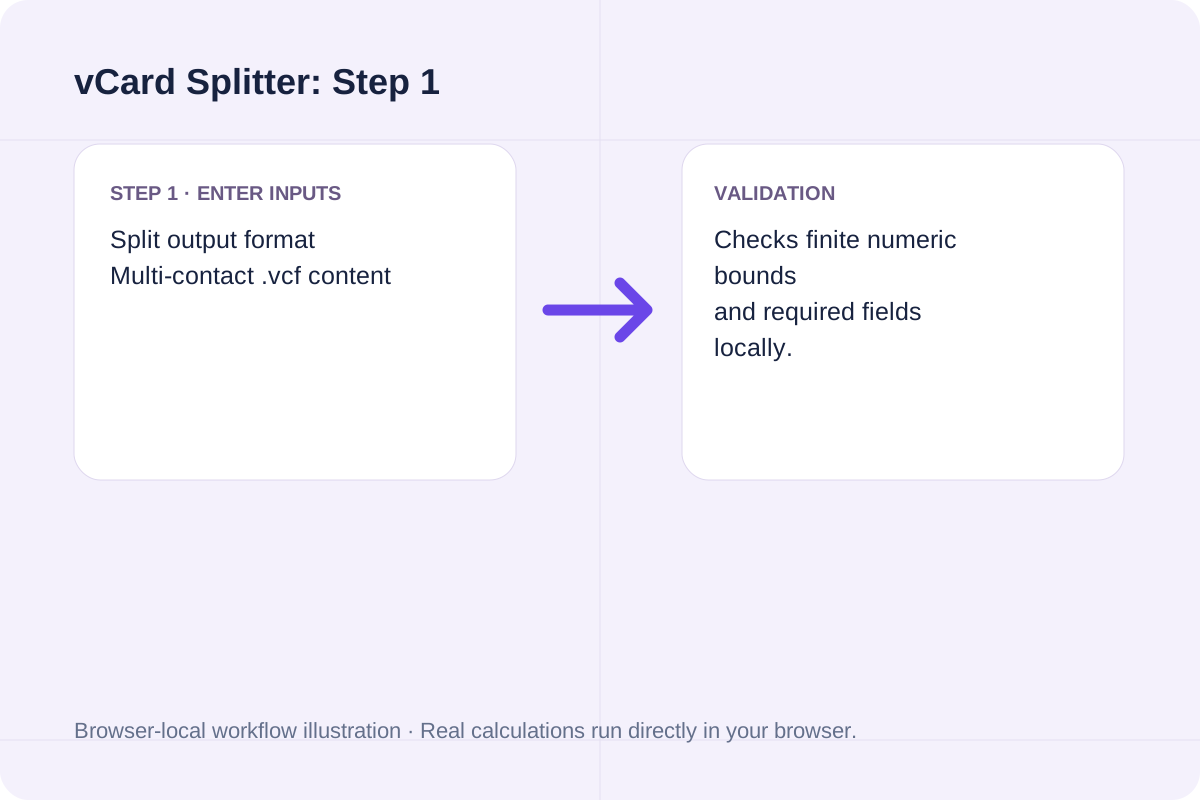
Choose whether you want separated `.vcf` stanzas with suggested filenames or a clean CSV directory.
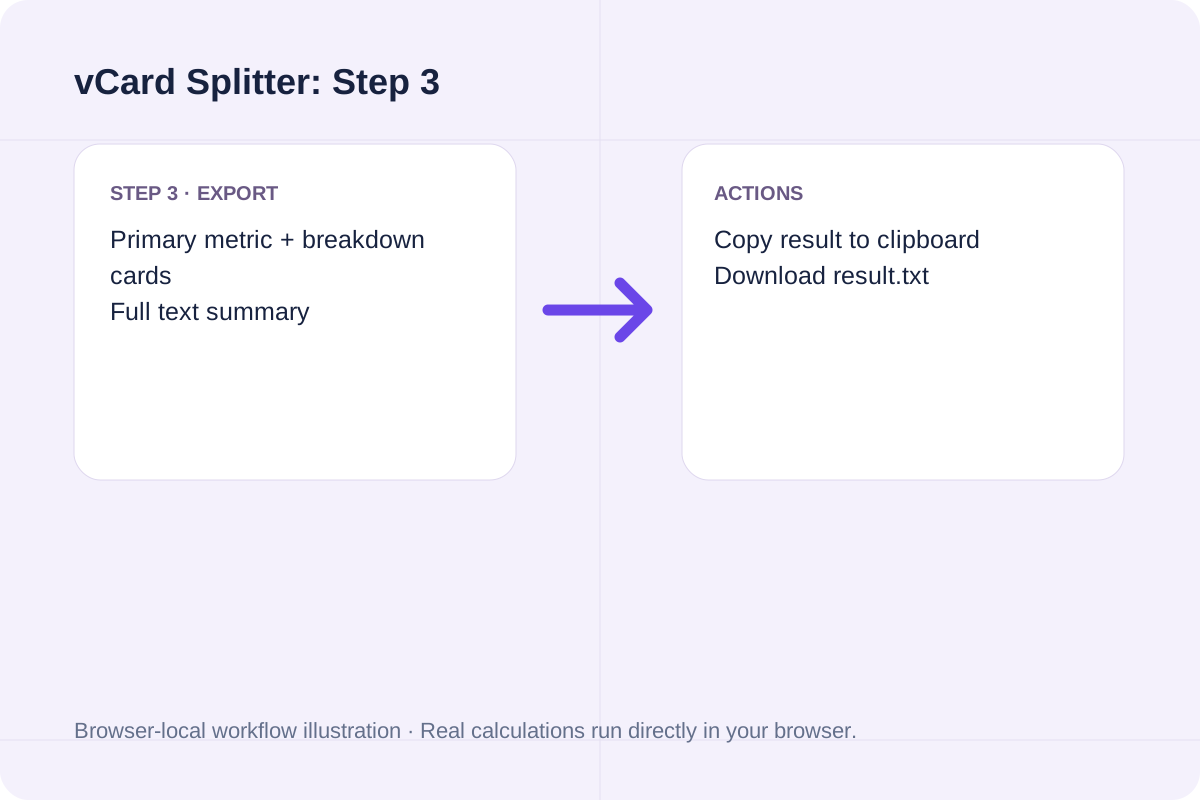
Run the splitter and use Copy or Download to save the output.
Common address-book migration and auditing scenarios.
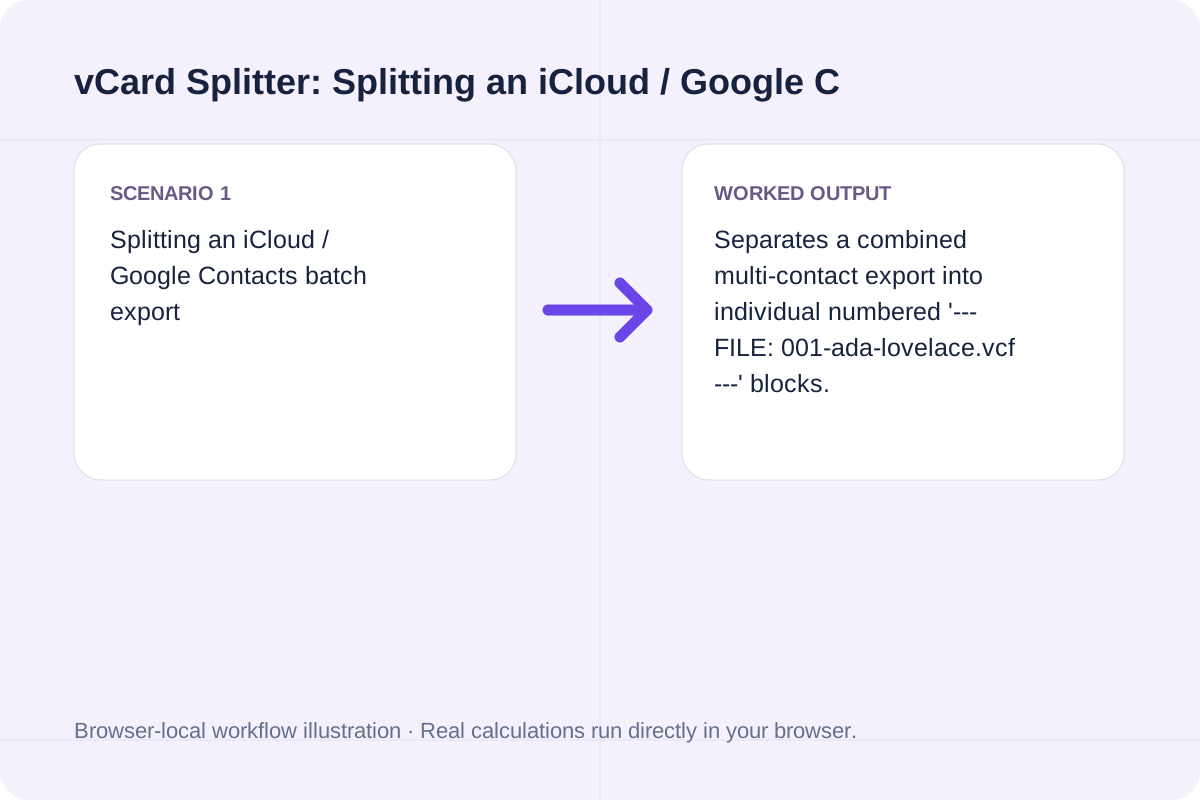
Separates a combined multi-contact export into individual numbered '--- FILE: 001-ada-lovelace.vcf ---' blocks.
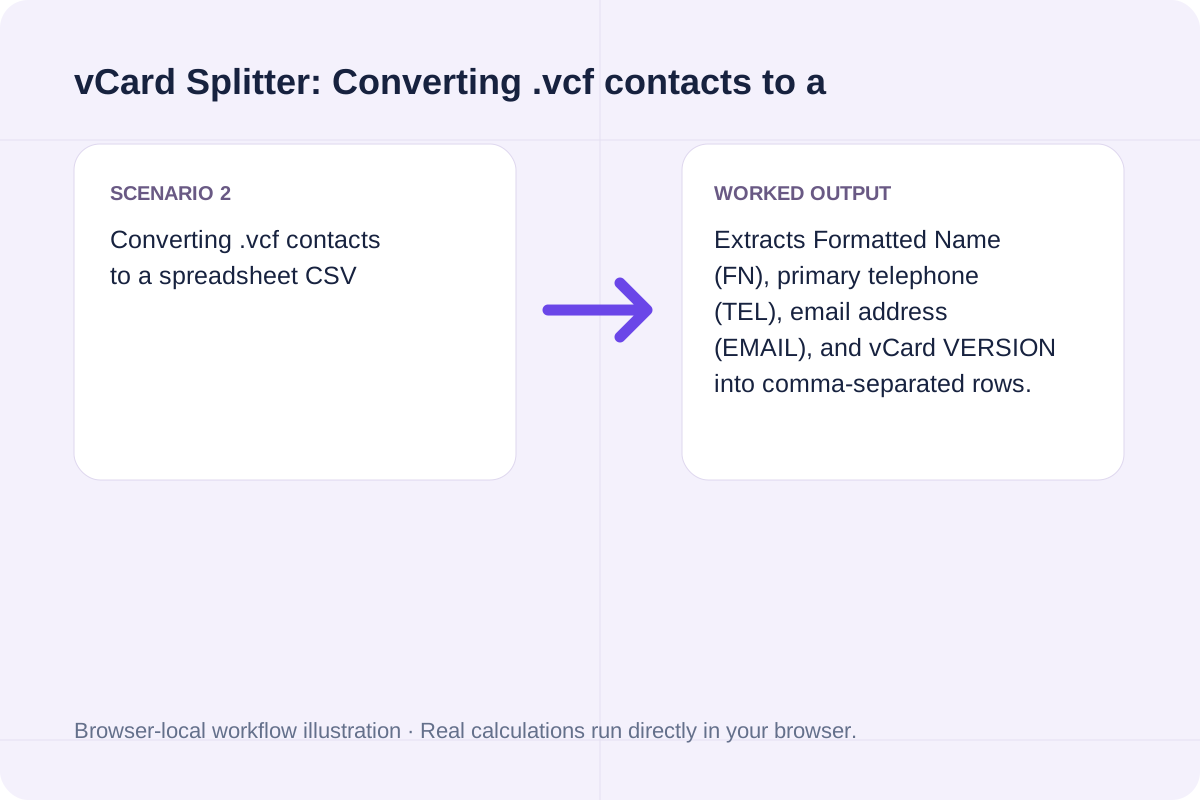
Extracts Formatted Name (FN), primary telephone (TEL), email address (EMAIL), and vCard VERSION into comma-separated rows.
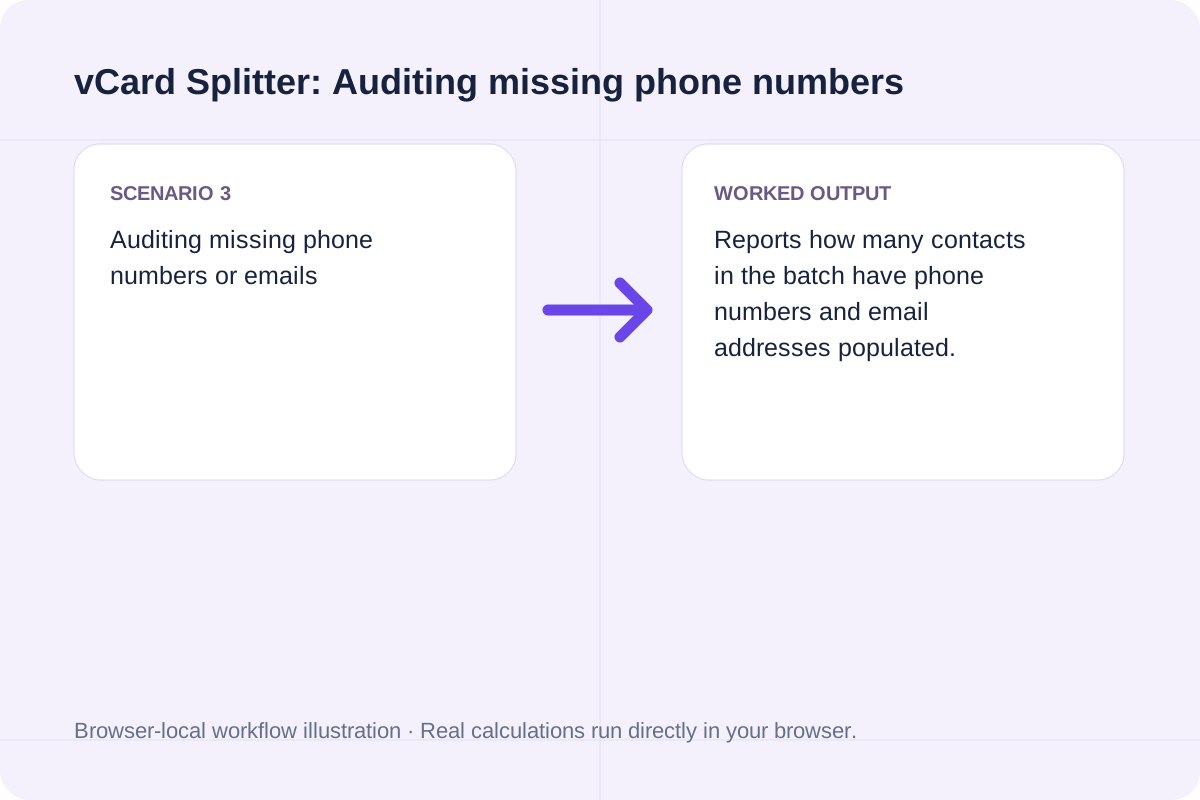
Reports how many contacts in the batch have phone numbers and email addresses populated.
Each split contact block preserves its original vCard properties intact.
In Individual vCard Blocks mode, each contact is preceded by a comment header showing its index and sanitized `.vcf` filename.
In CSV mode, fields containing commas are quoted according to RFC 4180.
Your `.vcf` input must contain at least one `BEGIN:VCARD` and `END:VCARD` pair.
All contact data stays 100% in browser memory and is never transmitted over the network.
Unclosed `BEGIN:VCARD` blocks without a matching `END:VCARD` are flagged immediately.
Generate RFC 9562 UUIDv7 identifiers locally in your browser. Supports bulk generation (1-1,000), embedded timestamp inspection, monotonic counter ordering, and JSON/SQL export.
Open tool
Convert Apple XML .plist (Property List) files to formatted or minified JSON online, mapping <dict>, <array>, <string>, <integer>, <real>, and <true/>/<false/>.
Open tool
Generate ~/.ssh/config Host blocks with HostName, User, Port, IdentityFile, ProxyJump bastion host, LocalForward port forwarding, and ServerAliveInterval.
Open toolChoose another tool for your next calculation, conversion, or text task.

Compute the Adler-32 checksum of UTF-8 text.
Open tool
Free interactive AI App Playbook calculator and checklist. Score your app niche (25/35 gate), model $2.70/download funnel unit economics, compare Lean vs. Popular stack costs, and export an AGENTS.app.md brief.
Open tool
Validate systemd .service and .timer unit files online: check section headers, ExecStart absolute paths, Type/BusName rules, and sandboxing directives.
Open tool
Validate and decode single or bulk UUIDs (v1-v8, Nil, Max). Extract embedded UUIDv7 UTC timestamps, verify RFC 9562 variant bits, and check batch duplicates and sorting.
Open toolAnswers about using vCard Splitter and understanding its results.
Legacy Windows Contacts (wab.exe) and certain car/phone Bluetooth importers only parse the first 'BEGIN:VCARD ... END:VCARD' block in a file and ignore all subsequent blocks. Splitting the combined .vcf into individual contact blocks solves this.
Per RFC 6350 Section 3.2, long lines in a .vcf file are folded by inserting a CRLF followed immediately by a single space or horizontal tab. A compliant parser unfolds those continuation lines before extracting property values.
No. All .vcf parsing, RFC 6350 line unfolding, and contact splitting run 100% locally in your browser's JavaScript engine.
The splitter supports vCard 2.1, vCard 3.0 (RFC 2426), and vCard 4.0 (RFC 6350) entries.
Choose another tool for your next calculation, conversion, or text task.