

Rsync Command Generator
Generate rsync commands for local and remote SSH file synchronization with -avzP, custom SSH port, --delete, --exclude patterns, and --dry-run safety.
Open toolEnter your Host alias, IP/domain, user, port, Ed25519/RSA key path, and optional ProxyJump or LocalForward tunnel to generate a hardened `~/.ssh/config` stanza.
Enter the inputs, then select Generate SSH Config.
Result will appear here
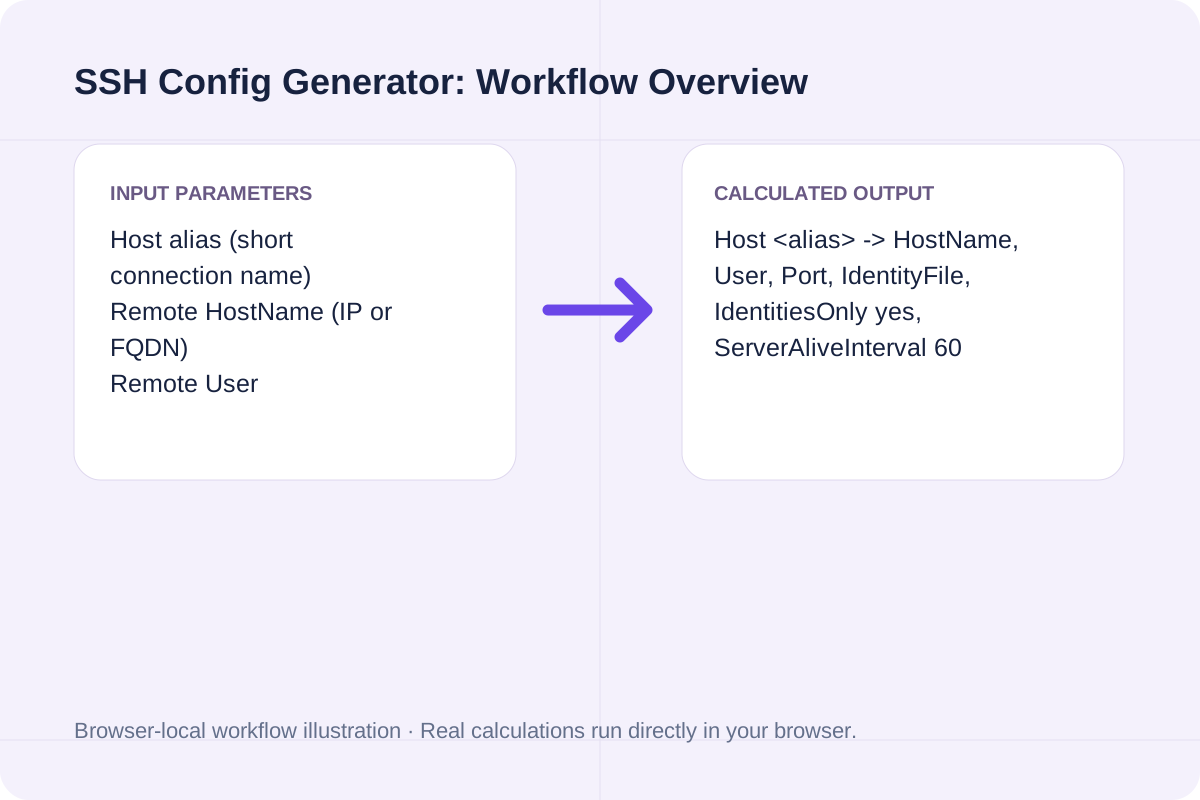
The generator formats an indented OpenSSH `Host` stanza, validates port numbers and LocalForward syntax, and outputs the equivalent one-line `ssh` CLI command.
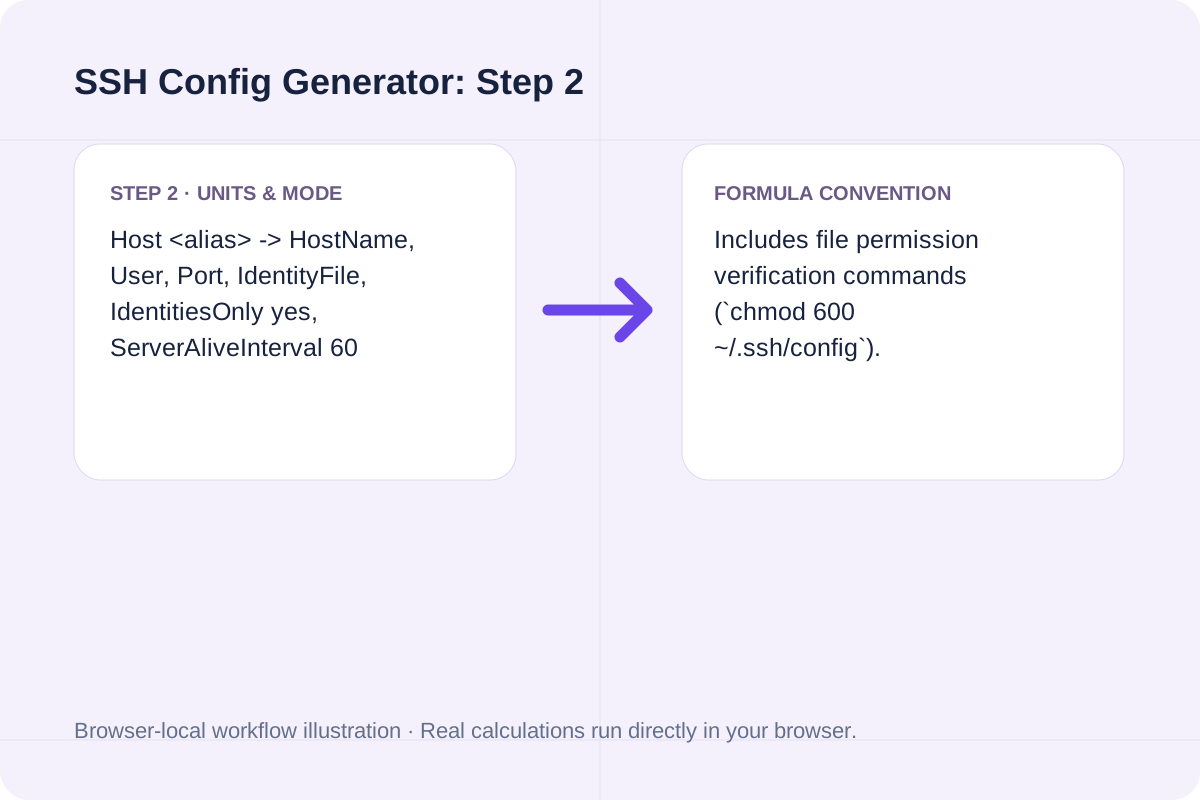
Host <alias> -> HostName, User, Port, IdentityFile, IdentitiesOnly yes, ServerAliveInterval 60
Includes file permission verification commands (`chmod 600 ~/.ssh/config`).
Core OpenSSH client configuration directives and security hardening flags.
| Directive | Example Value | Purpose | Hardening Note |
|---|---|---|---|
| Host | prod-api | Defines the short CLI alias used by `ssh prod-api` or `scp`. | Place specific Host blocks above wildcard `Host *` blocks. |
| IdentityFile | ~/.ssh/id_ed25519 | Selects the private key for public-key authentication. | Prefer Ed25519 keys (`ssh-keygen -t ed25519`) over legacy RSA. |
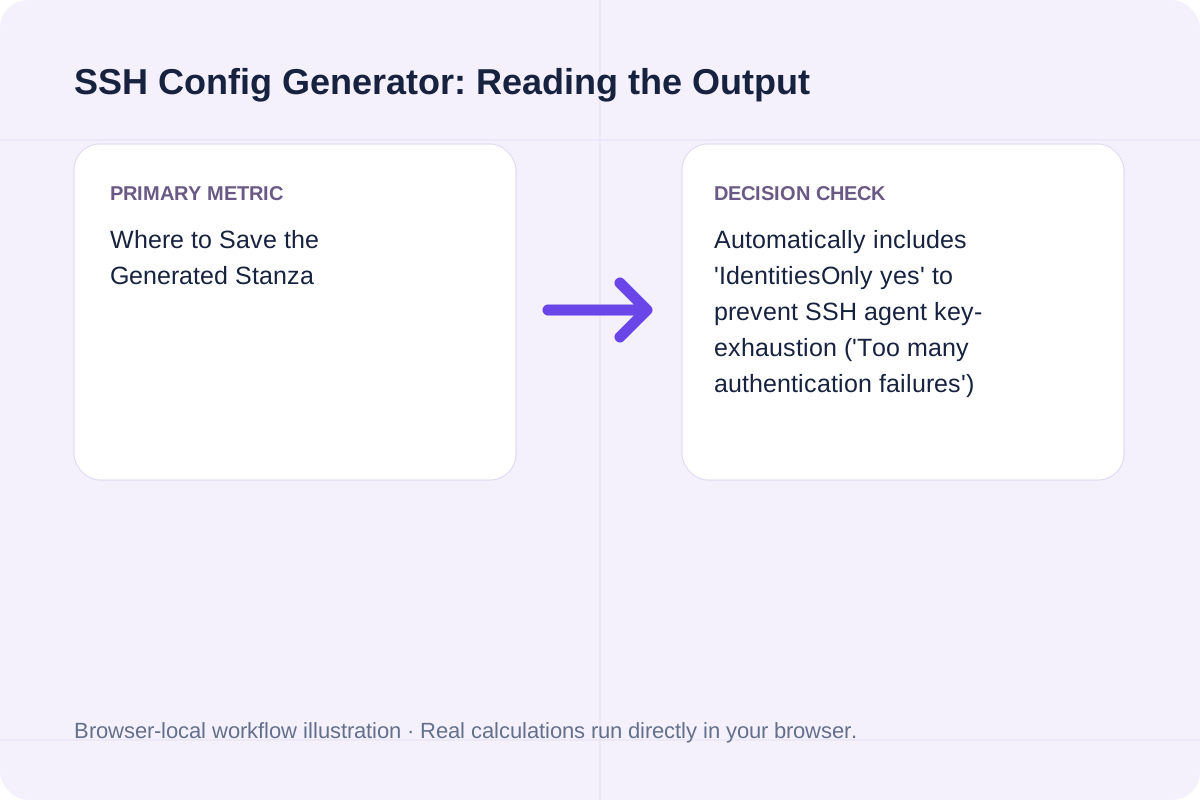
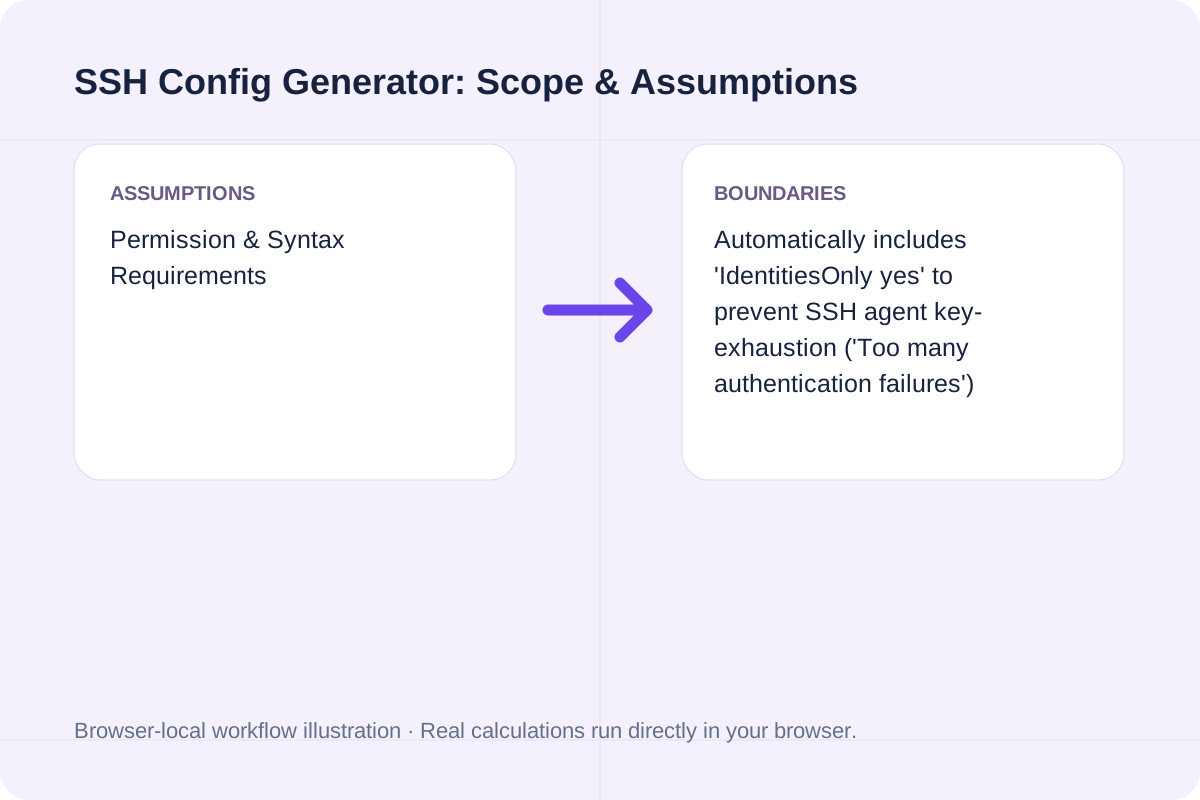
| IdentitiesOnly | yes | Restricts ssh-agent to only offer the configured IdentityFile. | Prevents 'Too many authentication failures' on multi-key machines. |
| ProxyJump | bastion.example.com | Routes connection transparently through a jump/bastion host. | Supports comma-separated multi-hop chains (`hop1,hop2`). |
| ServerAliveInterval | 60 | Sends an encrypted keepalive packet every 60 seconds. | Prevents NAT firewalls from dropping idle terminal sessions. |
Build your OpenSSH configuration block in three steps.
Choose a short alias like `prod-api` and enter the server's hostname or IP, username, and SSH port.
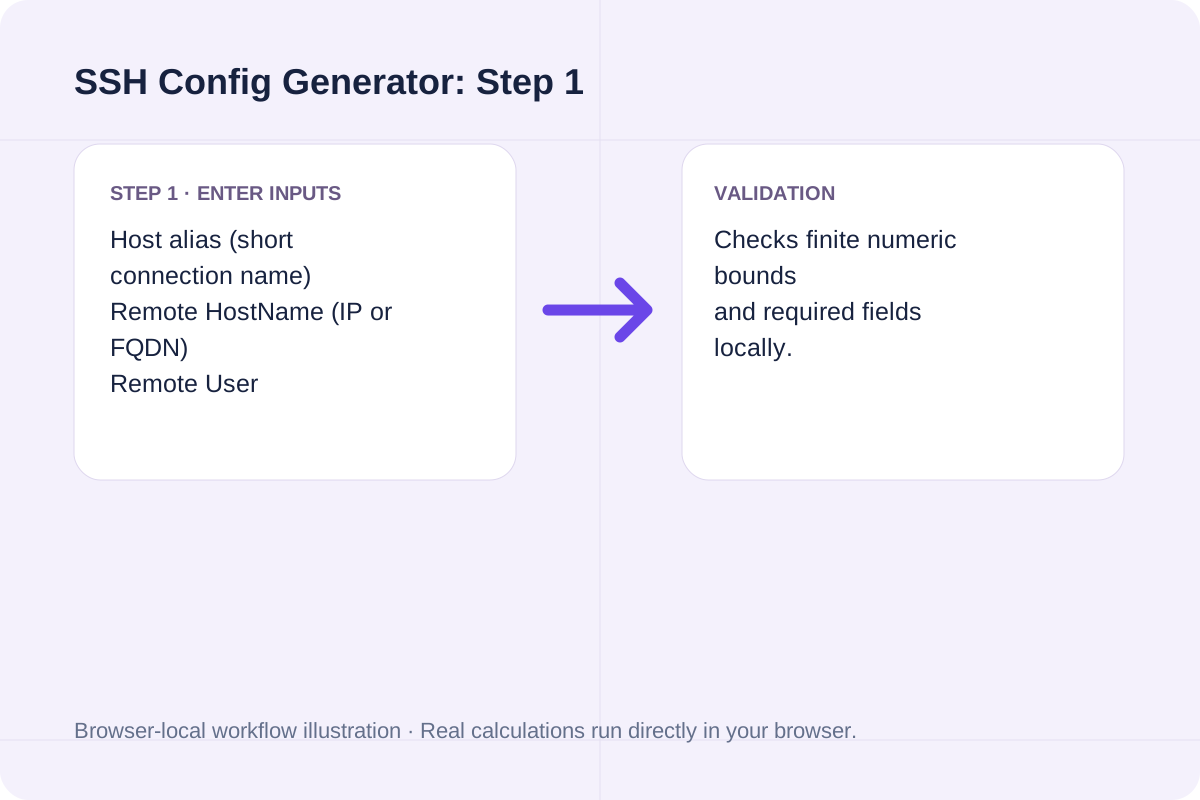
Point `IdentityFile` to your private key (such as `~/.ssh/id_ed25519`).
Click Generate SSH Config to copy the stanza into `~/.ssh/config` along with the equivalent CLI command.
Typical production server, bastion jump, and database tunnel setups.
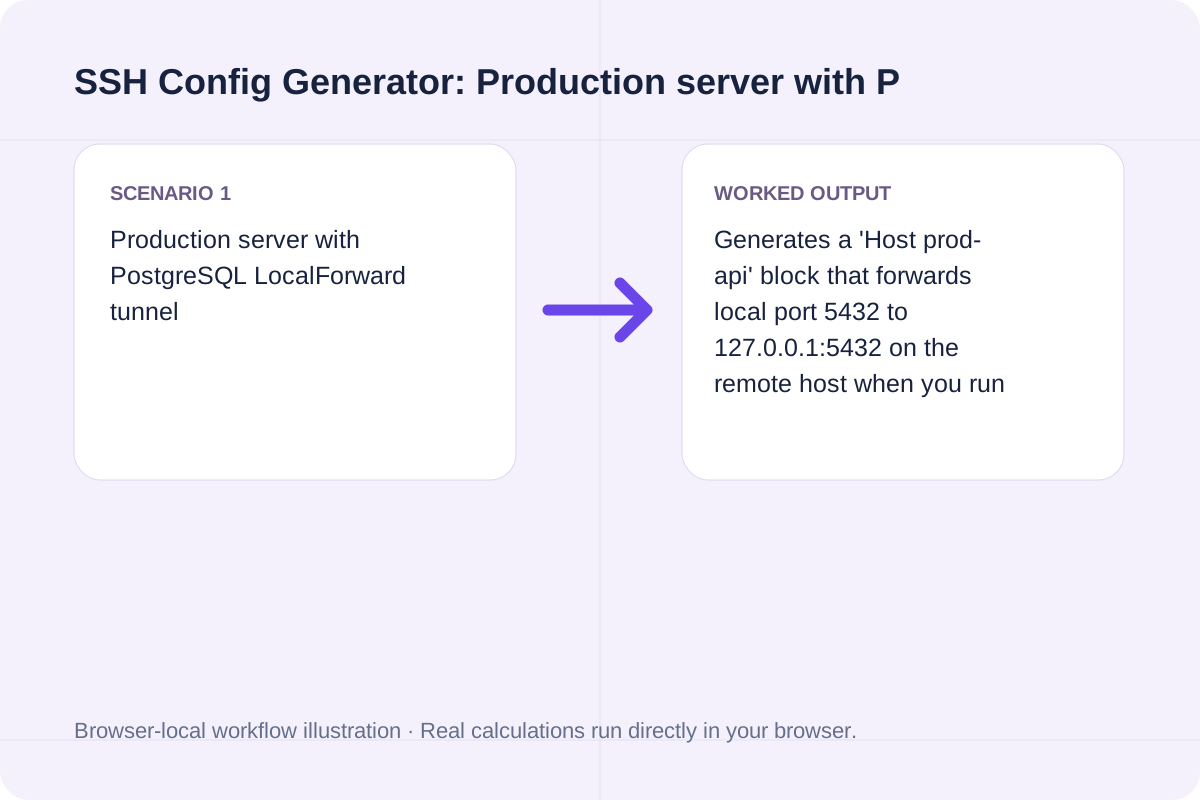
Generates a 'Host prod-api' block that forwards local port 5432 to 127.0.0.1:5432 on the remote host when you run 'ssh prod-api'.
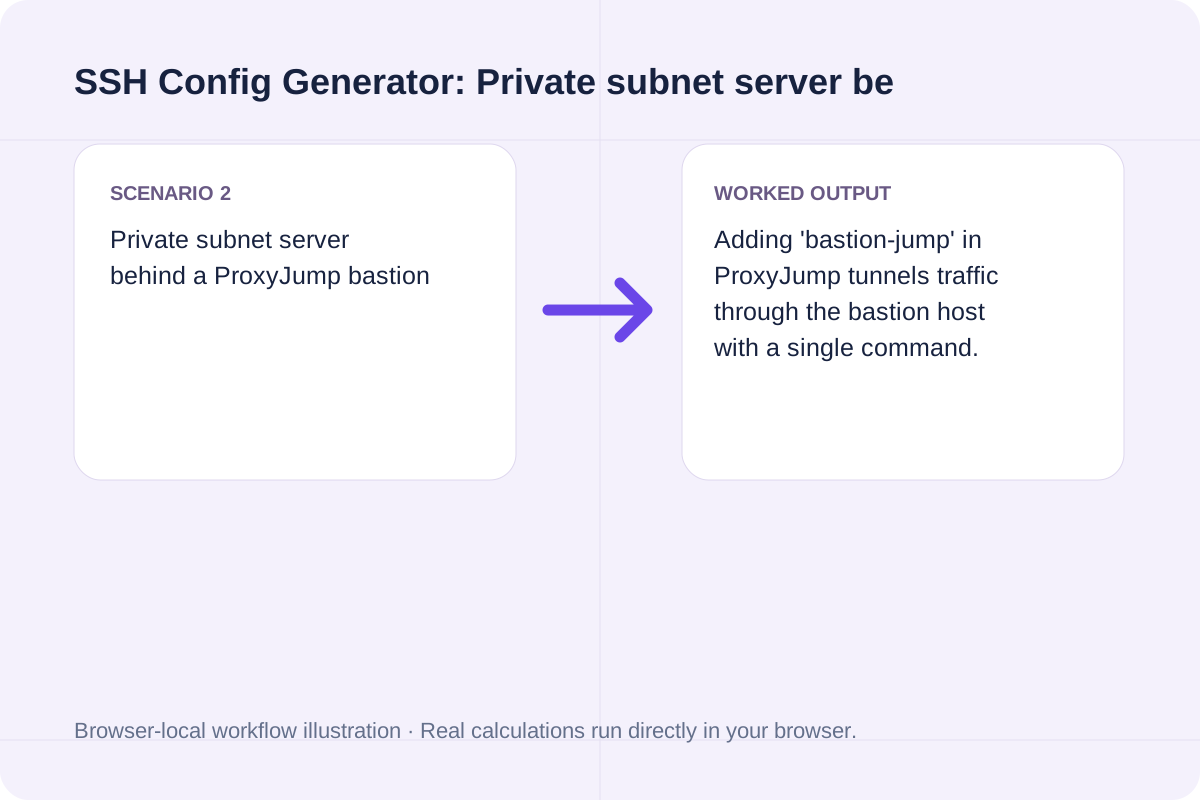
Adding 'bastion-jump' in ProxyJump tunnels traffic through the bastion host with a single command.
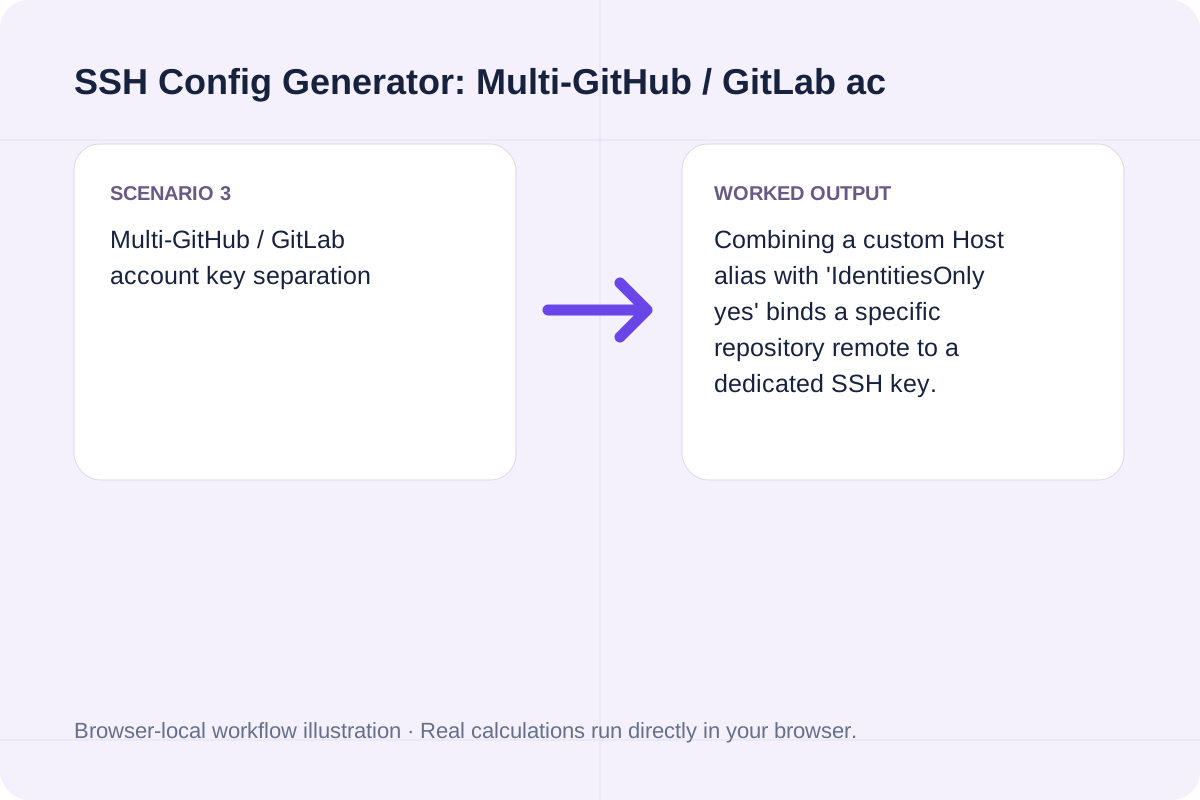
Combining a custom Host alias with 'IdentitiesOnly yes' binds a specific repository remote to a dedicated SSH key.
Append the generated block to `~/.ssh/config` on Linux, macOS, or Windows (`C:\Users\<you>\.ssh\config`).
Once saved, connect simply by running `ssh <hostAlias>` or transfer files with `scp file.txt <hostAlias>:/tmp/`.
The detail panel also provides the one-line `ssh -i ... -p ...` command for environments where you cannot edit `~/.ssh/config`.
Ensure both Host alias and HostName are provided.
Host aliases cannot contain whitespace.
Always keep `~/.ssh/config` at mode `0600` (`rw-------`) so OpenSSH accepts the file.
Generate rsync commands for local and remote SSH file synchronization with -avzP, custom SSH port, --delete, --exclude patterns, and --dry-run safety.
Open tool
Generate Linux and macOS find commands with -name/-iname globs, file type (-type f/d), size, modification time (-mtime), -maxdepth, and -exec actions.
Open tool
Generate RFC 9562 UUIDv7 identifiers locally in your browser. Supports bulk generation (1-1,000), embedded timestamp inspection, monotonic counter ordering, and JSON/SQL export.
Open toolChoose another tool for your next calculation, conversion, or text task.

Validate systemd .service and .timer unit files online: check section headers, ExecStart absolute paths, Type/BusName rules, and sandboxing directives.
Open tool
Validate and decode single or bulk UUIDs (v1-v8, Nil, Max). Extract embedded UUIDv7 UTC timestamps, verify RFC 9562 variant bits, and check batch duplicates and sorting.
Open tool
Split multi-contact .vcf vCard files into individual BEGIN:VCARD...END:VCARD blocks and extract FN, TEL, and EMAIL contact tables locally in your browser.
Open tool
Convert Apple XML .plist (Property List) files to formatted or minified JSON online, mapping <dict>, <array>, <string>, <integer>, <real>, and <true/>/<false/>.
Open toolAnswers about using SSH Config Generator and understanding its results.
When you have multiple keys loaded in ssh-agent, OpenSSH tries every agent key before trying the Host's IdentityFile, which often trips the server's MaxAuthTries limit ('Too many authentication failures'). 'IdentitiesOnly yes' forces ssh to offer only the IdentityFile specified for that Host.
Introduced in OpenSSH 7.3, 'ProxyJump bastion-host' (or 'ssh -J') natively tunnels SSH through one or more jump hosts with end-to-end encryption without spawning an external 'nc' or 'ssh -W %h:%p' ProxyCommand subprocess.
OpenSSH rejects ~/.ssh/config if it is group- or world-writable. Run 'chmod 700 ~/.ssh', 'chmod 600 ~/.ssh/config', and 'chmod 600 ~/.ssh/id_ed25519'.
OpenSSH evaluates ~/.ssh/config from top to bottom and keeps the first value seen for each parameter. Place specific 'Host prod-api' blocks at the top of the file and general 'Host *' defaults at the very bottom.
Choose another tool for your next calculation, conversion, or text task.