

Find Command Generator
Generate Linux and macOS find commands with -name/-iname globs, file type (-type f/d), size, modification time (-mtime), -maxdepth, and -exec actions.
Open toolConfigure your source and destination paths, SSH port, exclude globs, and sync mode to generate production-ready `rsync` commands with a trailing-slash behavior audit and `--dry-run` companion command.
Enter the inputs, then select Generate rsync Command.
Result will appear here
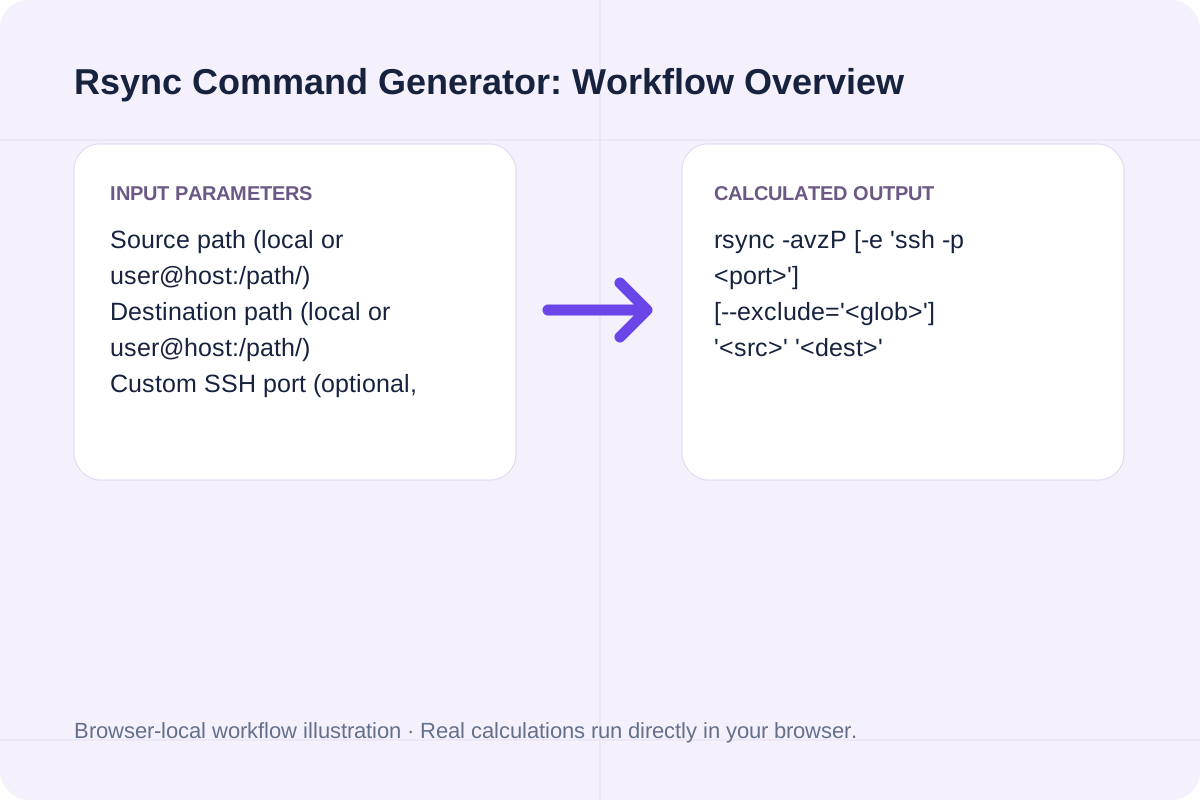
The generator assembles your flags, builds `--exclude` arguments, adds `-e 'ssh -p ...'` when a custom SSH port is used, and explains how your source path's trailing slash affects the destination directory.
rsync -avzP [-e 'ssh -p <port>'] [--exclude='<glob>'] '<src>' '<dest>'
Outputs both the live execution command and a safe `--dry-run` preview command.
Key `rsync` options and path rules for local backups and remote SSH deployments.
| Flag / Syntax | Expanded Meaning | Transfer Behavior | Safety & Best Practice |
|---|---|---|---|
| -a (--archive) | -rlptgoD | Preserves permissions, timestamps, symlinks, and directory recursion. | Standard baseline flag for almost all Linux/macOS sync jobs. |
| -z (--compress) | Zlib transit compression | Compresses data blocks over SSH network links. | Use for remote SSH transfers; omit on local disk-to-disk copies. |
| -P | --partial --progress | Keeps partially transferred large files and shows live progress bars. | Allows interrupted multi-GB transfers to resume cleanly. |
| src/ vs src | Trailing slash rule | 'src/' copies contents of src; 'src' copies the directory folder itself. | Verify trailing slash before running with --delete. |
| --delete | Mirror deletion | Deletes destination files that no longer exist in source. | Always test with -n (--dry-run) first. |
Set up your transfer parameters in three steps.
Input local or `user@host:/path/` endpoints.
Set a custom SSH port if needed and list folders like `.git, node_modules` to exclude.
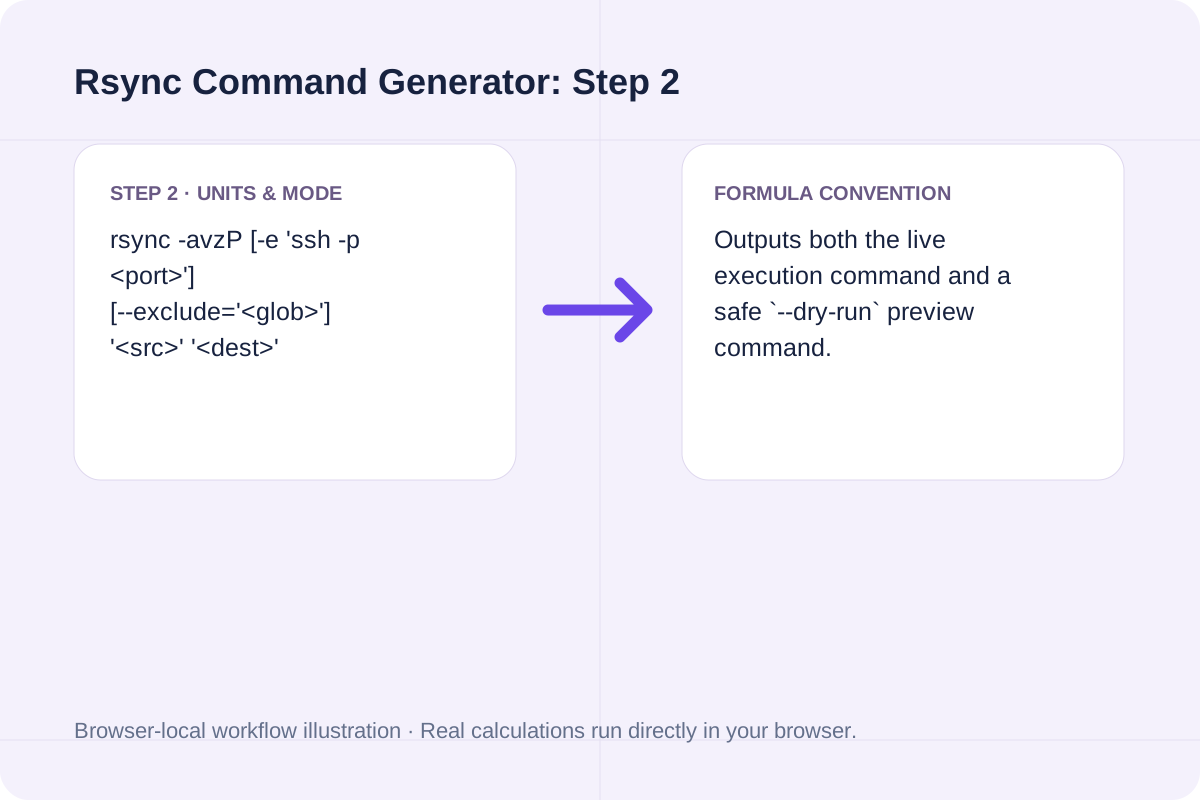
Click Generate rsync Command to get the command, dry-run preview, and trailing-slash diagnosis.
See how common web deployment and server backup commands are constructed.
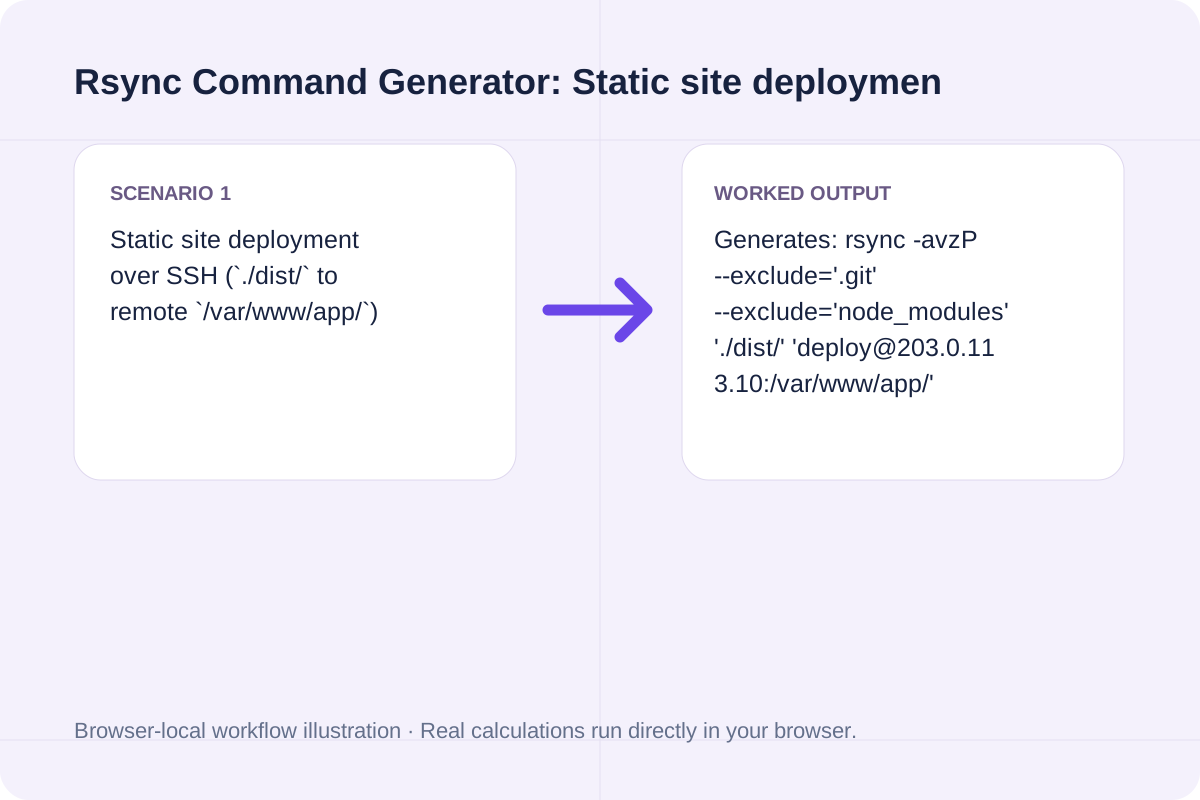
Generates: rsync -avzP --exclude='.git' --exclude='node_modules' './dist/' 'deploy@203.0.113.10:/var/www/app/'
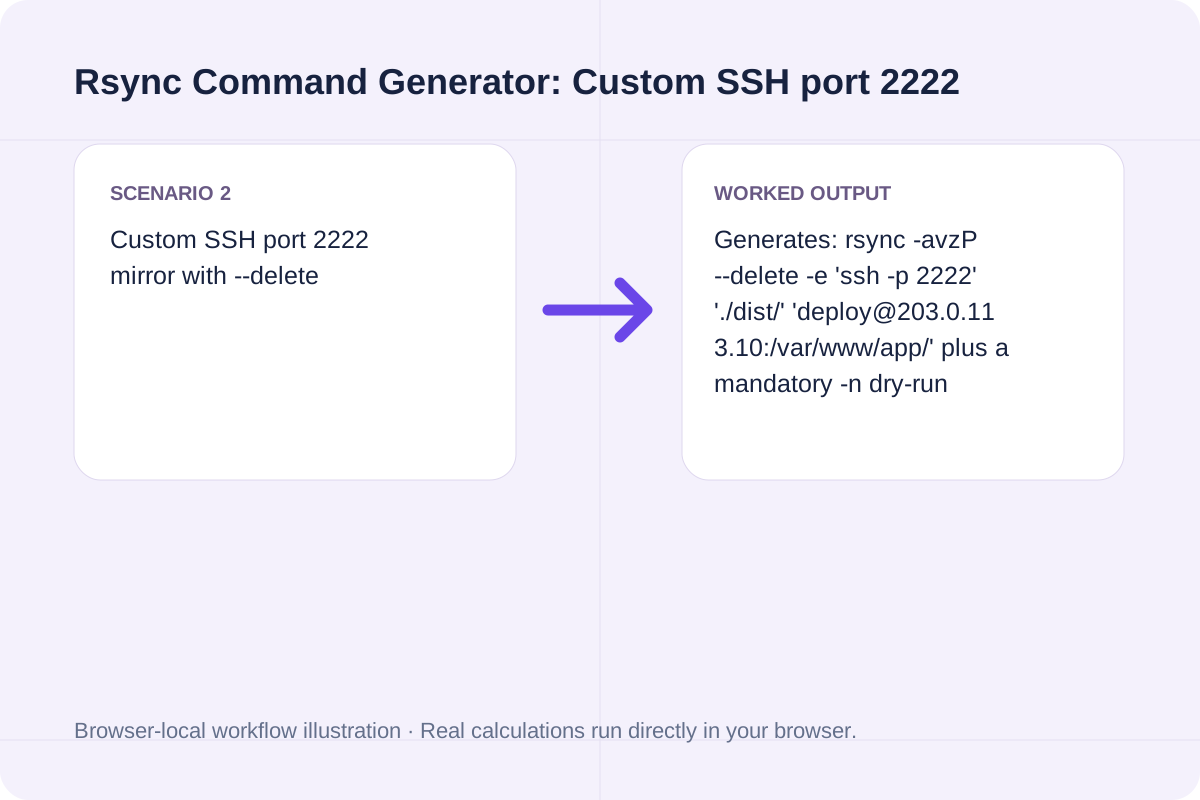
Generates: rsync -avzP --delete -e 'ssh -p 2222' './dist/' 'deploy@203.0.113.10:/var/www/app/' plus a mandatory -n dry-run command.
Adds '-c' (--checksum) so rsync compares 128-bit file checksums rather than relying solely on modification time and size.
The output panel explicitly states whether your source path copies directory contents or creates a nested folder.
If your source ends with `/` (e.g. `./dist/`), files inside `dist` land directly inside the destination folder.
If your source does not end with `/` (e.g. `./dist`), rsync creates `<destination>/dist/`.
Never run `--delete` against an untested destination path.
Copy and run the generated `--dry-run` command first to inspect the exact file list that rsync plans to transfer or remove.
Both Source path and Destination path are required.
Generate Linux and macOS find commands with -name/-iname globs, file type (-type f/d), size, modification time (-mtime), -maxdepth, and -exec actions.
Open tool
Generate ~/.ssh/config Host blocks with HostName, User, Port, IdentityFile, ProxyJump bastion host, LocalForward port forwarding, and ServerAliveInterval.
Open tool
Generate RFC 9562 UUIDv7 identifiers locally in your browser. Supports bulk generation (1-1,000), embedded timestamp inspection, monotonic counter ordering, and JSON/SQL export.
Open toolChoose another tool for your next calculation, conversion, or text task.

Validate systemd .service and .timer unit files online: check section headers, ExecStart absolute paths, Type/BusName rules, and sandboxing directives.
Open tool
Convert Apple XML .plist (Property List) files to formatted or minified JSON online, mapping <dict>, <array>, <string>, <integer>, <real>, and <true/>/<false/>.
Open tool
Validate and decode single or bulk UUIDs (v1-v8, Nil, Max). Extract embedded UUIDv7 UTC timestamps, verify RFC 9562 variant bits, and check batch duplicates and sorting.
Open tool
Split multi-contact .vcf vCard files into individual BEGIN:VCARD...END:VCARD blocks and extract FN, TEL, and EMAIL contact tables locally in your browser.
Open toolAnswers about using Rsync Command Generator and understanding its results.
In rsync, 'rsync -av ./dist/ /var/www/app/' (with a trailing slash on './dist/') copies the contents inside 'dist' directly into '/var/www/app/'. Omitting the trailing slash ('./dist') creates a nested '/var/www/app/dist/' subdirectory.
'-a' (archive) equals '-rlptgoD' (recursive, symlinks, permissions, timestamps, group, owner, devices); '-v' enables verbose output; '-z' compresses file data during network transit; and '-P' combines '--partial' (resumable transfers) with '--progress'.
Pass the '-e' remote-shell option: "rsync -avzP -e 'ssh -p 2222' ./dist/ user@host:/var/www/".
The '--delete' flag permanently removes any files in the destination directory that do not exist in the source. Running with '--dry-run' (or '-n') first prints every file that would be deleted without modifying disk state.
Choose another tool for your next calculation, conversion, or text task.