

Systemd Unit Validator
Validate systemd .service and .timer unit files online: check section headers, ExecStart absolute paths, Type/BusName rules, and sandboxing directives.
Open toolPaste an Apple XML `.plist` (`Info.plist`, `entitlements.plist`, or `launchd` service config) to convert `<dict>`, `<array>`, `<string>`, `<integer>`, `<real>`, and `<true/>`/`<false/>` nodes into typed JSON.
Enter the inputs, then select Convert Plist to JSON.
Result will appear here
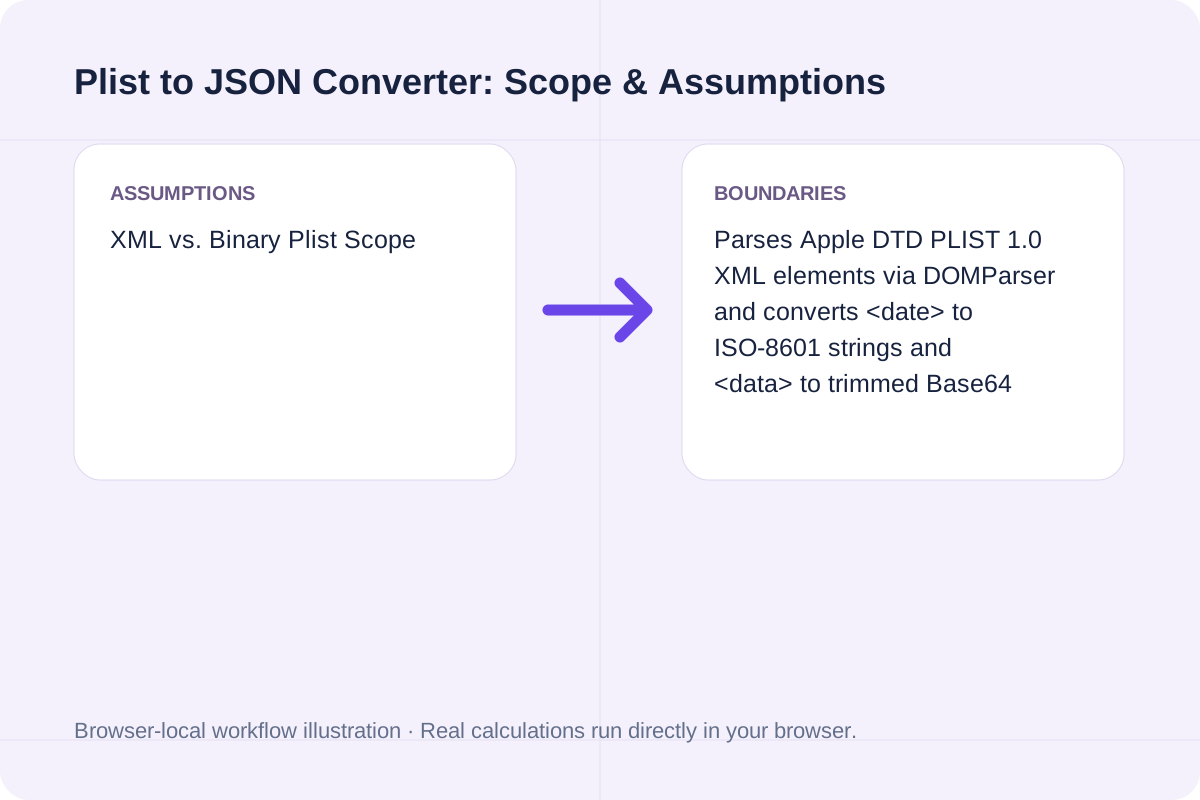
The converter parses your XML string with the browser's `DOMParser`, locates the root `<plist>` child (or direct `<dict>`/`<array>` element), recursively walks every typed node, and serializes the resulting JavaScript structure with `JSON.stringify`.
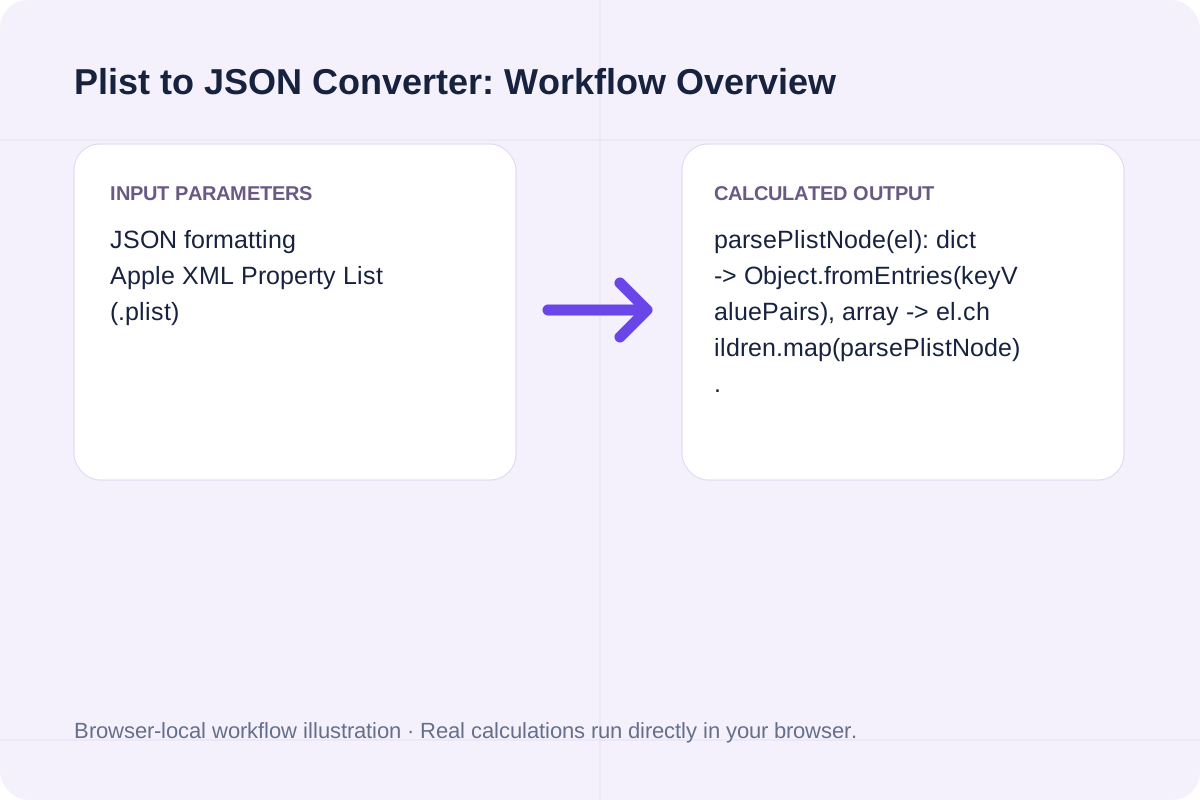
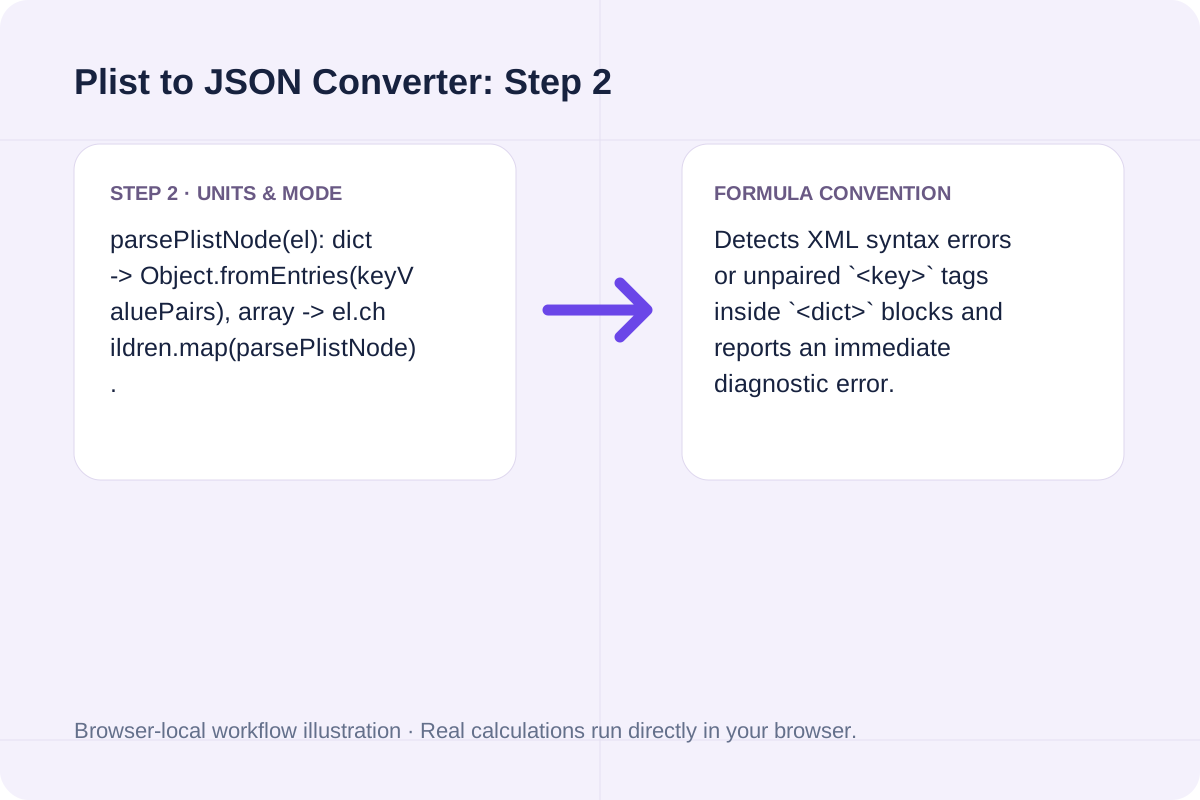
parsePlistNode(el): dict -> Object.fromEntries(keyValuePairs), array -> el.children.map(parsePlistNode).
Detects XML syntax errors or unpaired `<key>` tags inside `<dict>` blocks and reports an immediate diagnostic error.
How each Apple DTD PropertyList-1.0 XML element translates into standard RFC 8259 JSON.
| Plist XML Element | Example Plist Markup | JSON Output Type | Conversion Rule |
|---|---|---|---|
| <dict> ... </dict> | <key>id</key><string>app</string> | Object { "id": "app" } | Pairs alternating <key> and value sibling nodes. |
| <array> ... </array> | <array><string>arm64</string></array> | Array ["arm64"] | Preserves ordered sequence of child elements. |
| <integer> / <real> | <integer>42</integer> / <real>16.0</real> | Number (42 / 16) | Parsed as exact numeric literals. |
| <true/> / <false/> | <true/> | Boolean (true / false) | Self-closing boolean tags map to native JSON booleans. |
| <date> / <data> | <date>2026-10-22T00:00:00Z</date> | String (ISO-8601 / Base64) | Whitespace inside <data> Base64 blocks is normalized. |
Transform any Apple Property List in three steps.
Paste the full XML `.plist` document (including or omitting the `<?xml ...?>` and `<!DOCTYPE ...>` headers).
Pick your preferred JSON indentation style.
Run the converter to inspect top-level key counts, parsed node statistics, and the resulting JSON.
Common iOS, macOS, and cross-platform CI workflows.
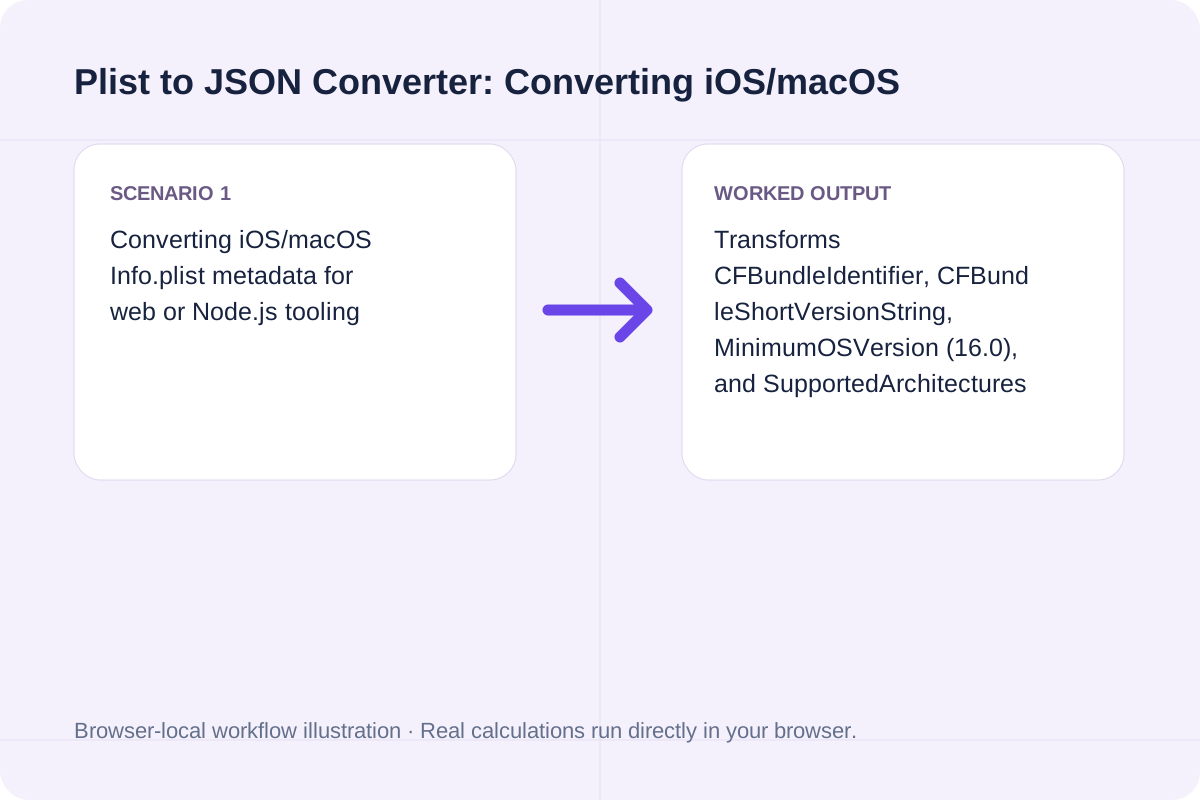
Transforms CFBundleIdentifier, CFBundleShortVersionString, MinimumOSVersion (16.0), and SupportedArchitectures into a clean JSON object.
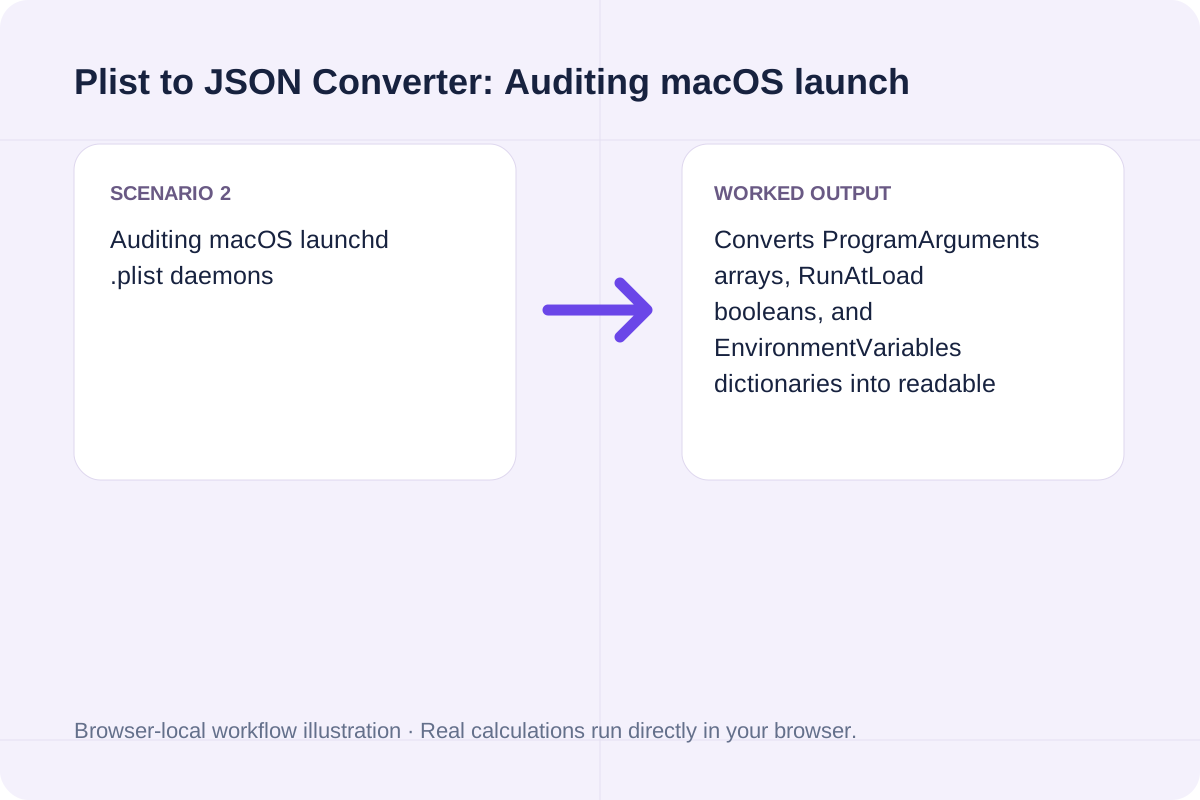
Converts ProgramArguments arrays, RunAtLoad booleans, and EnvironmentVariables dictionaries into readable JSON.
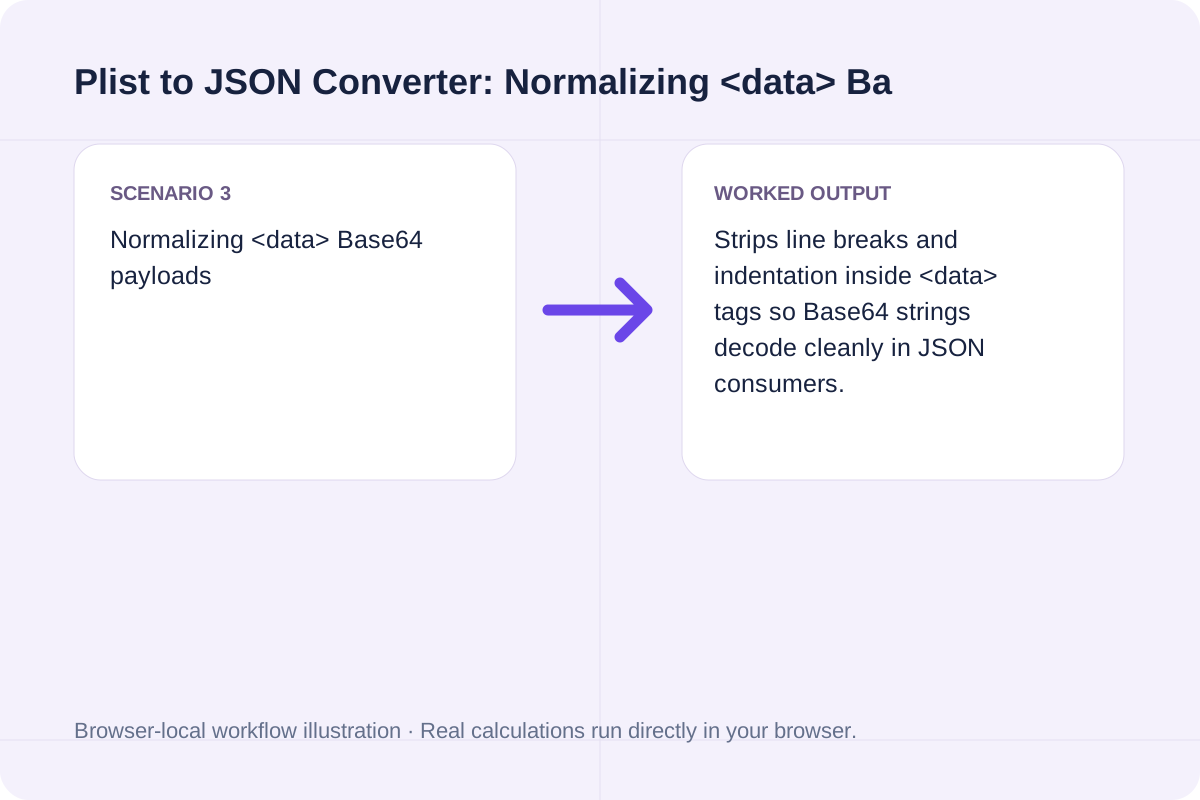
Strips line breaks and indentation inside <data> tags so Base64 strings decode cleanly in JSON consumers.
The generated JSON is 100% compliant with RFC 8259 and ready for `jq`, Node.js, or Python.
Numeric `<integer>` and `<real>` tags become native JSON numbers rather than quoted strings.
Boolean `<true/>` and `<false/>` tags become native JSON `true` and `false` literals.
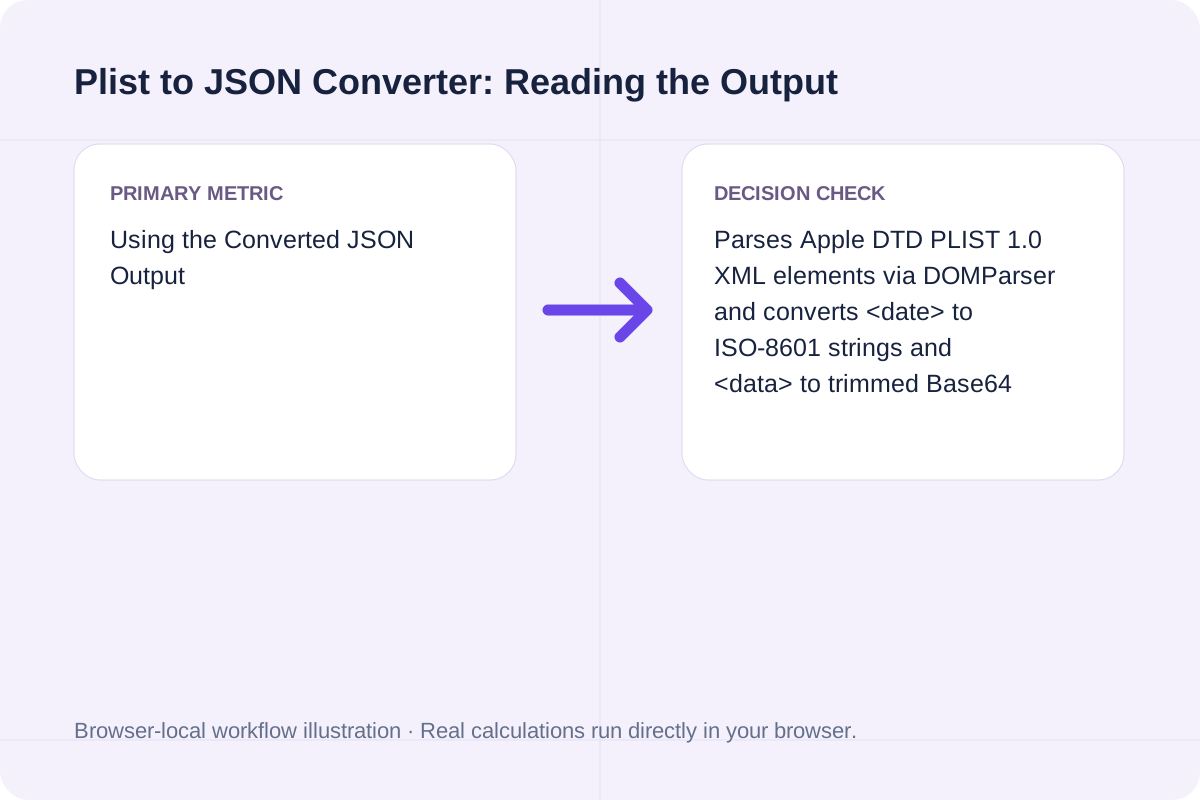
This tool parses XML-formatted Property Lists (`<?xml ...>` / `<plist>`).
If your file starts with the magic bytes `bplist00` (binary plist), convert it to XML first (`plutil -convert xml1`) or paste the XML representation.
Every `<key>` inside a `<dict>` must be followed by a valid value element.
Validate systemd .service and .timer unit files online: check section headers, ExecStart absolute paths, Type/BusName rules, and sandboxing directives.
Open tool
Generate RFC 9562 UUIDv7 identifiers locally in your browser. Supports bulk generation (1-1,000), embedded timestamp inspection, monotonic counter ordering, and JSON/SQL export.
Open tool
Split multi-contact .vcf vCard files into individual BEGIN:VCARD...END:VCARD blocks and extract FN, TEL, and EMAIL contact tables locally in your browser.
Open toolChoose another tool for your next calculation, conversion, or text task.

Generate rsync commands for local and remote SSH file synchronization with -avzP, custom SSH port, --delete, --exclude patterns, and --dry-run safety.
Open tool
Generate ~/.ssh/config Host blocks with HostName, User, Port, IdentityFile, ProxyJump bastion host, LocalForward port forwarding, and ServerAliveInterval.
Open tool
Generate Linux and macOS find commands with -name/-iname globs, file type (-type f/d), size, modification time (-mtime), -maxdepth, and -exec actions.
Open tool
Validate and decode single or bulk UUIDs (v1-v8, Nil, Max). Extract embedded UUIDv7 UTC timestamps, verify RFC 9562 variant bits, and check batch duplicates and sorting.
Open toolAnswers about using Plist to JSON Converter and understanding its results.
In Apple's PropertyList-1.0 DTD, '<dict>' maps to a JSON object '{}', '<array>' maps to a JSON array '[]', '<string>' maps to a JSON string, '<integer>' and '<real>' map to JSON numbers, '<true/>' and '<false/>' map to JSON booleans, '<date>' maps to an ISO 8601 string, and '<data>' maps to a Base64-encoded string.
On macOS, 'plutil -convert json Info.plist -o Info.json' converts a Property List to JSON. This browser tool performs the same XML Plist-to-JSON conversion on Windows, Linux, or macOS without requiring Xcode command-line tools.
Unlike standard XML where key names are tag names, Apple Plists alternate '<key>PropertyName</key>' and a typed value element ('<string>', '<integer>', '<dict>', etc.) as adjacent sibling nodes inside '<dict>'.
No. DOM parsing and JSON serialization run 100% locally in your browser.
Choose another tool for your next calculation, conversion, or text task.