AI Tools Free

Find Command Generator

Specify your starting path, filename pattern, entry type, size threshold, modification age, and action to generate shell-safe POSIX/GNU find commands with flag explanations.

Free to useNo sign-upRuns in your browser
Enter your details

Enter the inputs, then select Generate find Command.

Root directory to search (e.g. ., /var/log, ~/projects).

Shell wildcard pattern such as *.log, *.py, or *backup*.

Filter by regular files, directories, symlinks, or all types.

Examples: +10M (larger than 10 MiB), -500k (smaller than 500 KiB), +1G. Leave blank to skip.

Examples: -7 (modified within last 7 days), +30 (older than 30 days). Leave blank to skip.

Choose how find should process matched files.

Your result
Enter your details

Result will appear here

How the Find Command Generator Works

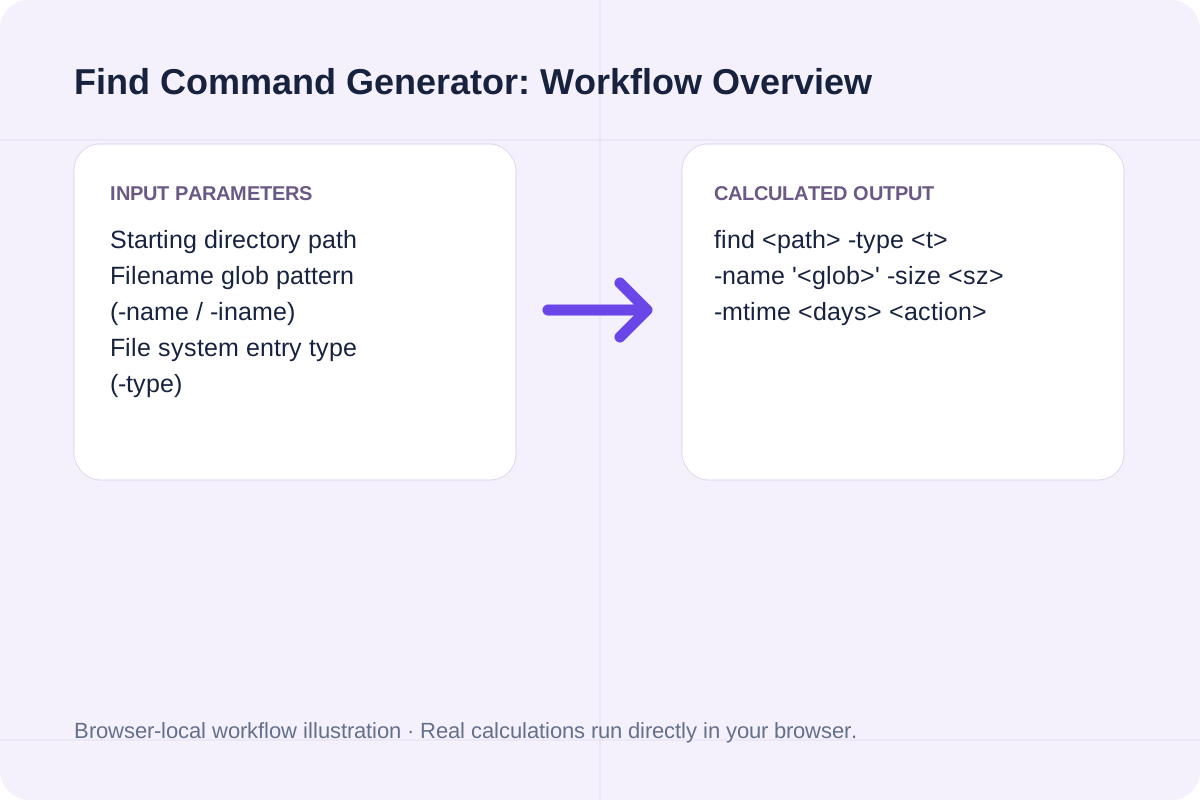
The generator orders `find` options, depth limits, type filters, name globs, size/time predicates, and terminal actions in the exact left-to-right evaluation order required by GNU and BSD `find`.

find <path> -type <t> -name '<glob>' -size <sz> -mtime <days> <action>

Automatically quotes paths and glob patterns and generates a null-delimited `-print0 | xargs -0` companion command.

Find Command Generator workflow overview
Workflow overview for Find Command Generator.

Linux & macOS find Command Flags Reference Table

Essential `find` predicates, size suffixes, and time operators for server administration.

Predicate / FlagExample SyntaxMatching BehaviorPortability & Safety Note
-type f / d / lfind . -type fMatches regular files (f), directories (d), or symlinks (l).POSIX standard across Linux, macOS, and BSD.
-name / -iname-iname '*.log'Matches basename against glob pattern (case-insensitive with -iname).Always quote the pattern to prevent premature shell expansion.
-size [+|-]N[ckMG]-size +50MMatches files larger (+) or smaller (-) than N KiB (k), MiB (M), GiB (G).Use lowercase 'k' for KiB and uppercase 'M'/'G' in GNU/BSD find.
-mtime [+|-]N-mtime +30Matches files modified >30 days ago (+30) or within 30 days (-30).Based on 24-hour intervals from current timestamp.
-exec ... {} +-exec chmod 644 {} +Batches matched files into minimal command invocations.Faster and safer than xargs without -0.

How to Build a Safe find Command

Construct and verify your terminal command in three steps.

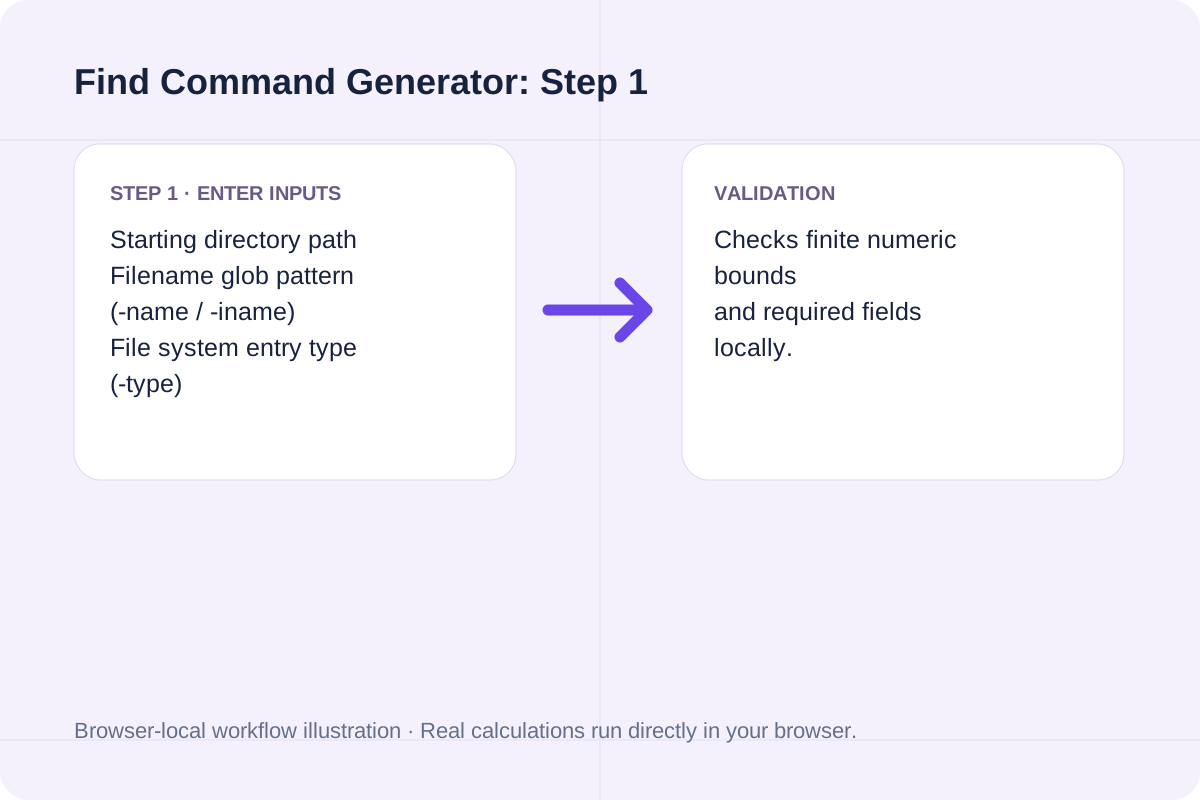
Enter your target directory and filename glob

Provide the starting path (such as `/var/log` or `.`) and a filename pattern like `*.log`.

Find Command Generator step 1: Enter your target directory and filename glob
Step 1 workflow overview for Find Command Generator.

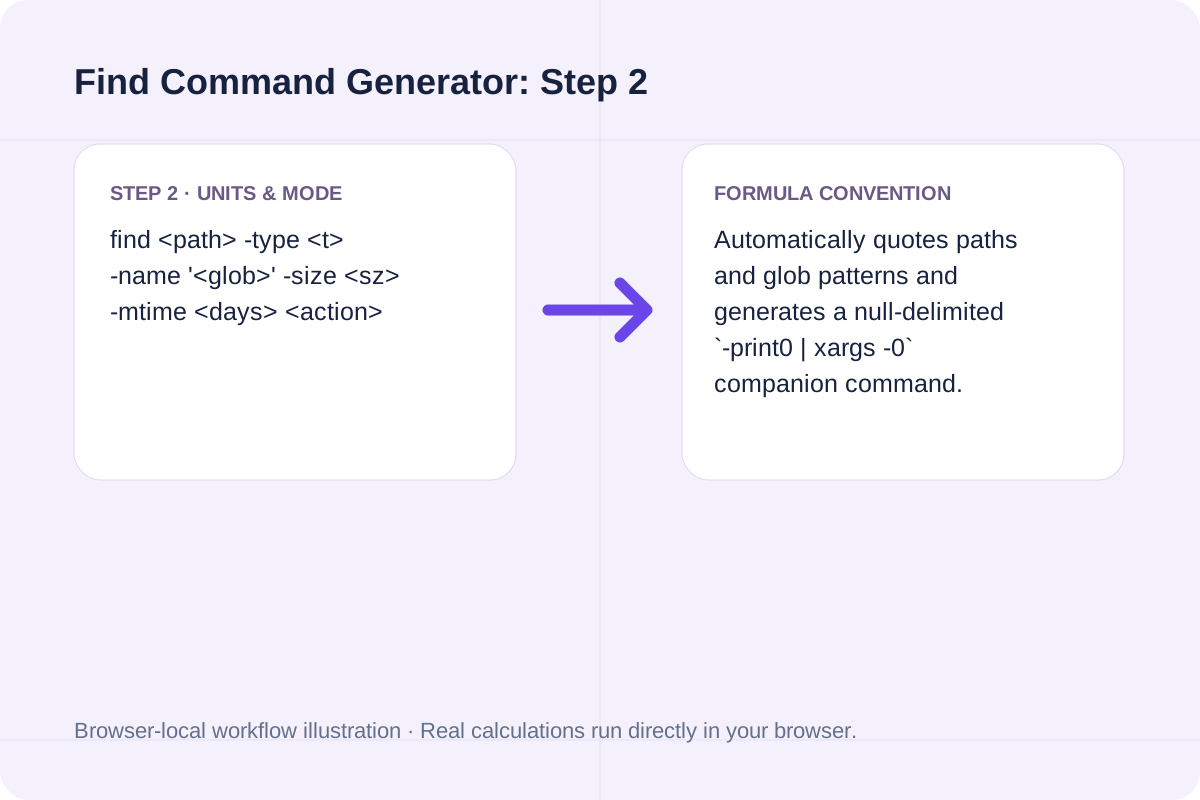
Add optional -type, -size, and -mtime filters

Filter by regular files (`-type f`), size (`+10M`), and age (`+7`).

Find Command Generator step 2: Add optional -type, -size, and -mtime filters
Step 2 workflow overview for Find Command Generator.

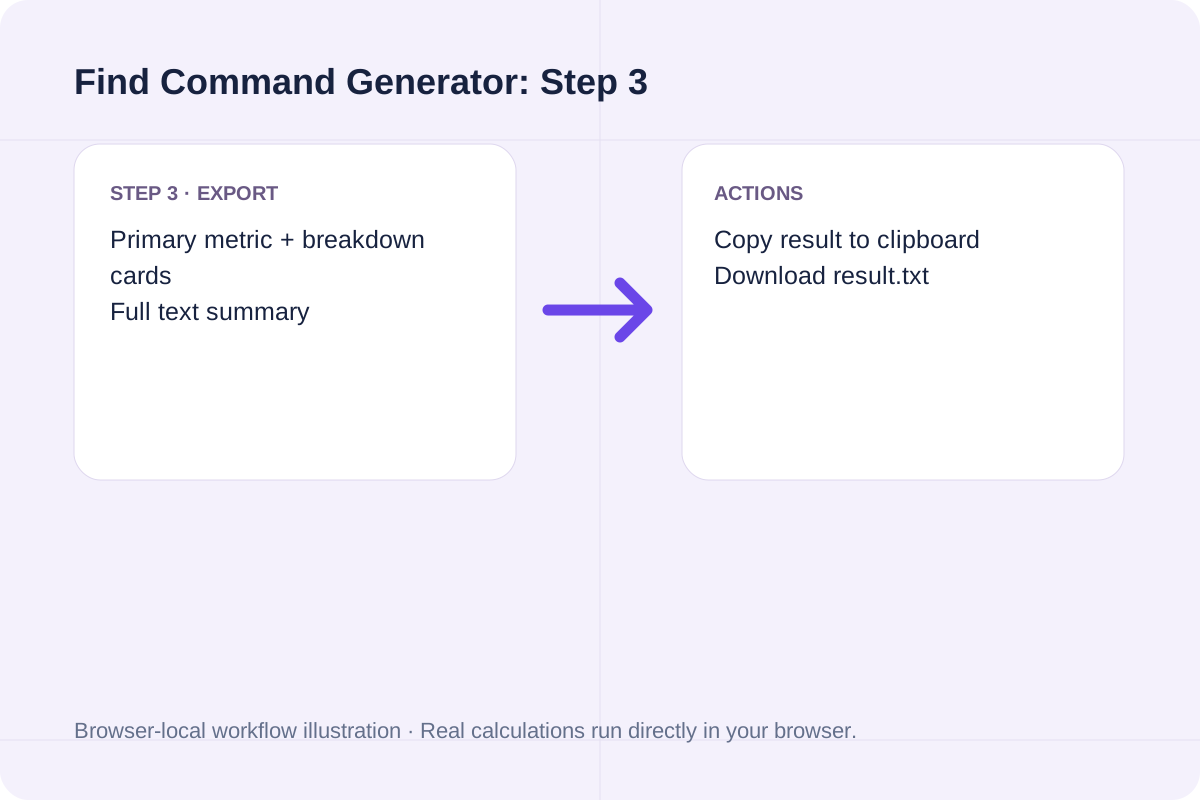
Select your output or cleanup action

Run Generate find Command to get the primary command, a dry-run preview command, and a flag-by-flag breakdown.

Find Command Generator step 3: Select your output or cleanup action
Step 3 workflow overview for Find Command Generator.

Worked Linux find Command Examples

Common log cleanup, disk auditing, and code search recipes.

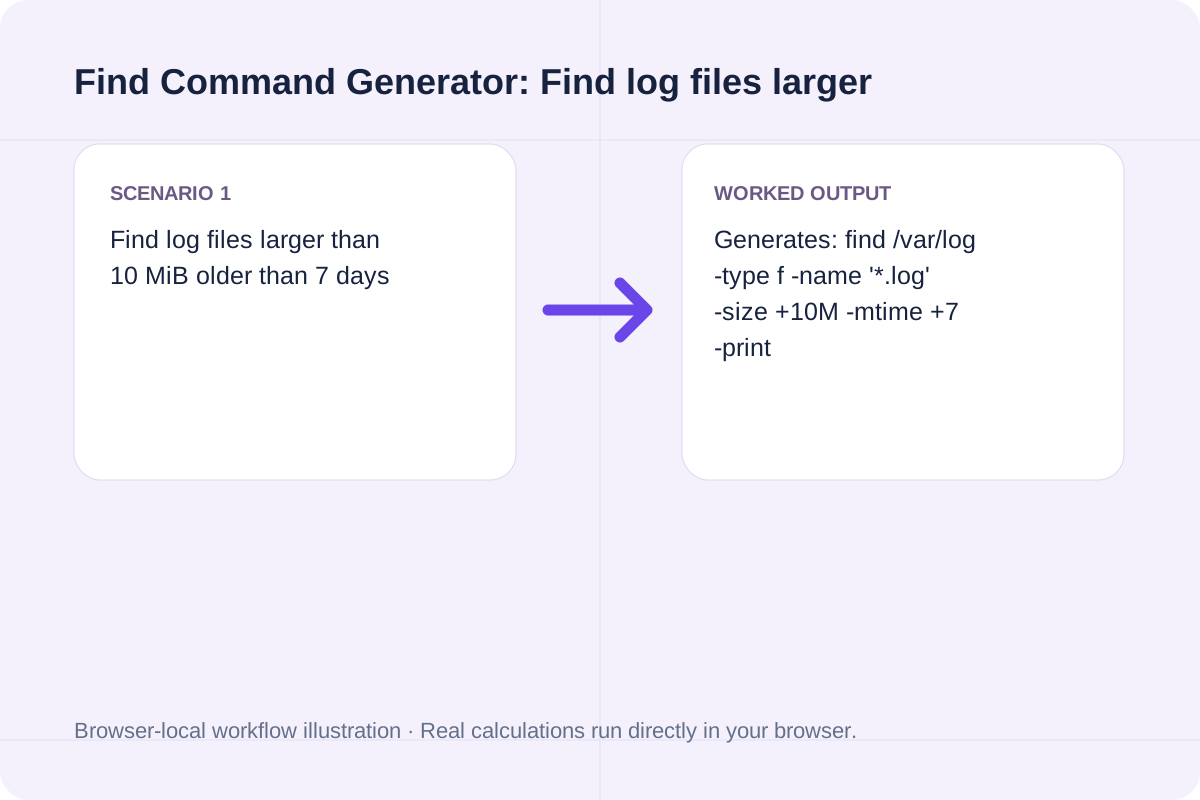
Find log files larger than 10 MiB older than 7 days

Generates: find /var/log -type f -name '*.log' -size +10M -mtime +7 -print

Find Command Generator example 1: Find log files larger than 10 MiB older than 7 days
Worked example 1 for Find Command Generator.

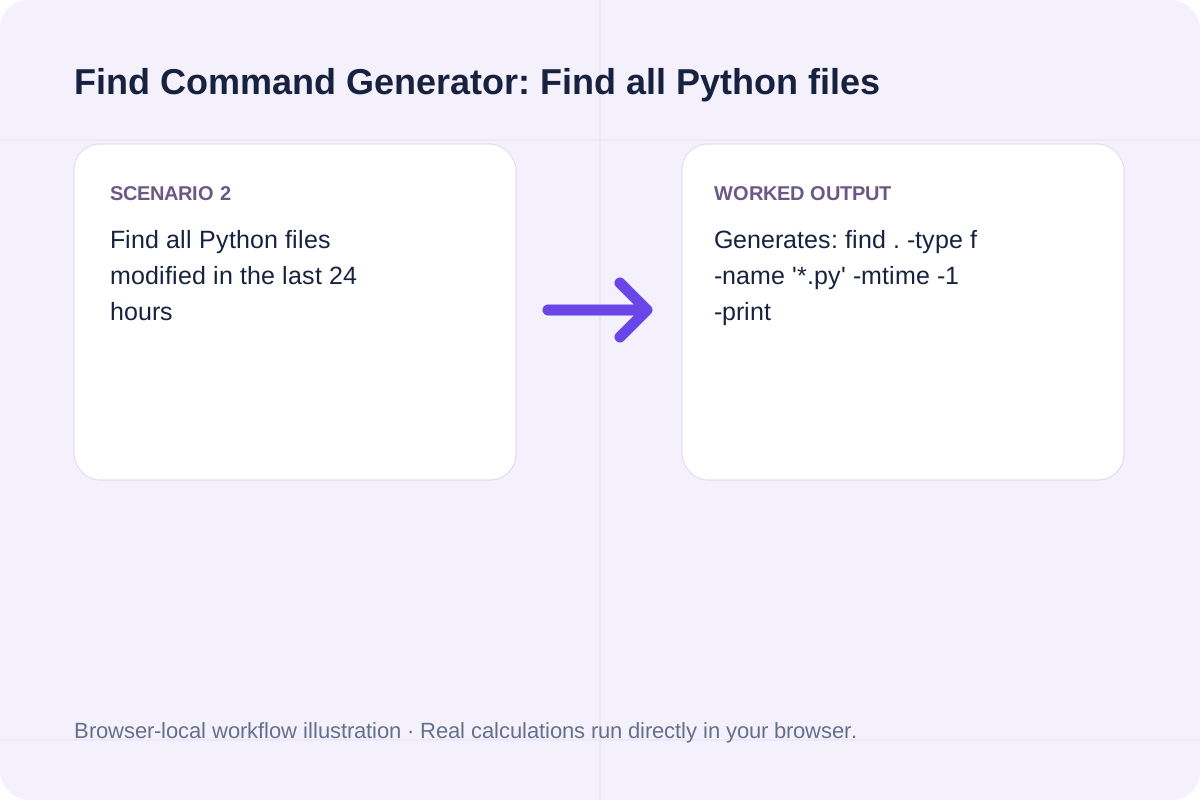
Find all Python files modified in the last 24 hours

Generates: find . -type f -name '*.py' -mtime -1 -print

Find Command Generator example 2: Find all Python files modified in the last 24 hours
Worked example 2 for Find Command Generator.

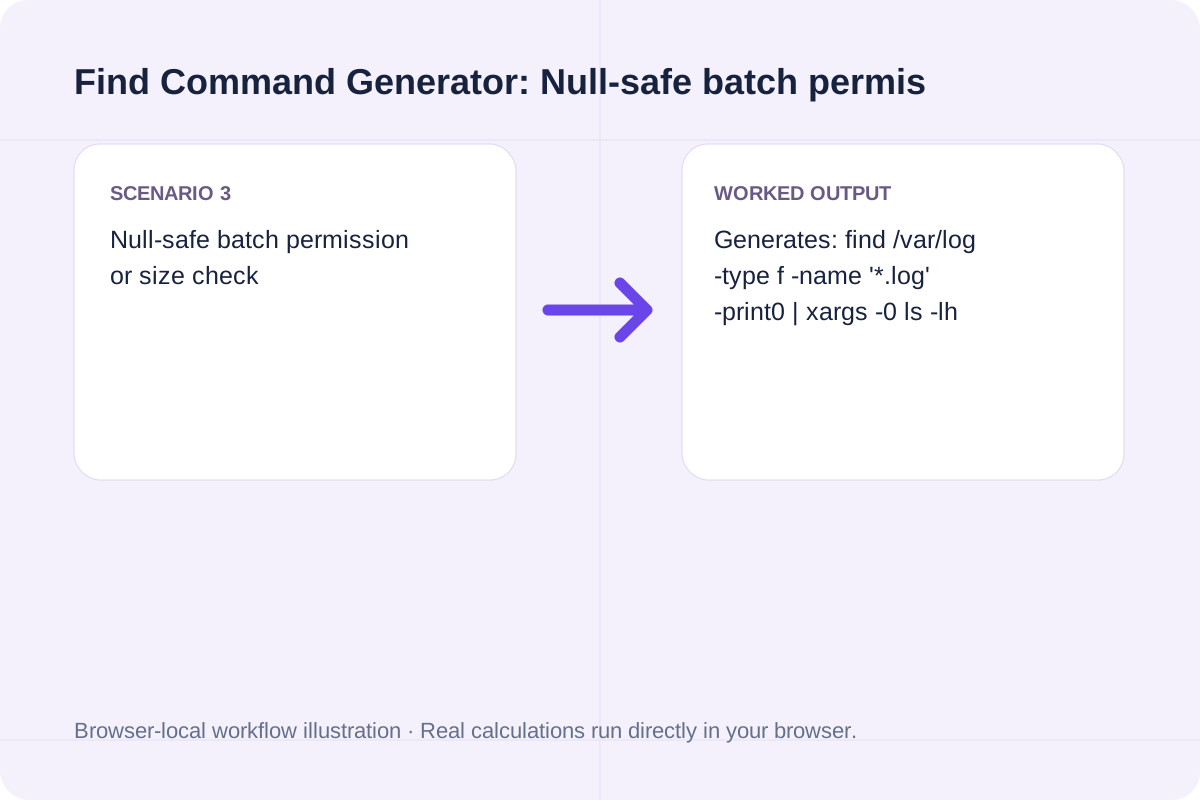
Null-safe batch permission or size check

Generates: find /var/log -type f -name '*.log' -print0 | xargs -0 ls -lh

Find Command Generator example 3: Null-safe batch permission or size check
Worked example 3 for Find Command Generator.

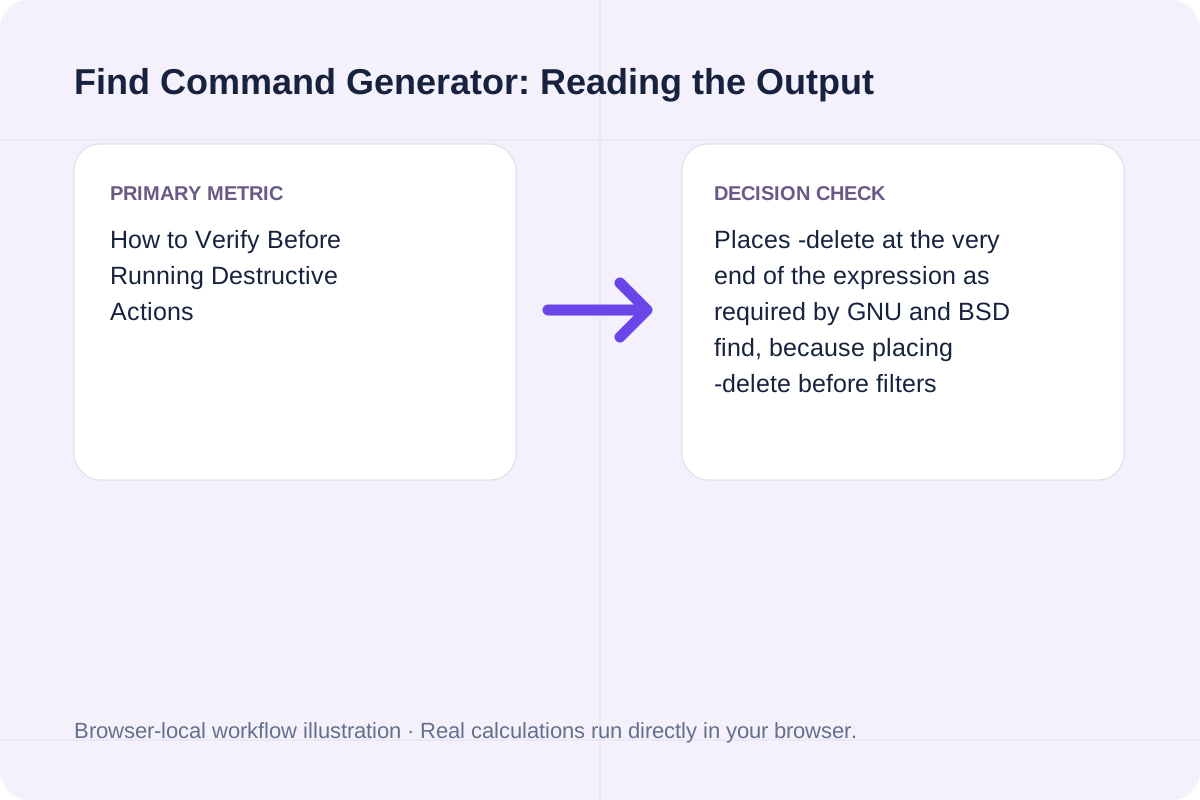
How to Verify Before Running Destructive Actions

Always run the generated `-print` or `-ls` preview command before switching to `-delete`.

The tool outputs both your requested command and a read-only dry-run equivalent so you can inspect the exact file list first.

Each predicate in your generated command is explained line by line in the output panel.

How to interpret Find Command Generator results
Result interpretation guide for Find Command Generator.

Frequently Asked Questions About the Linux find Command

Answers about using Find Command Generator and understanding its results.

Why must -delete always be the last flag in a find command?

The 'find' utility evaluates predicates from left to right as short-circuit boolean expressions. If '-delete' is placed before '-name "*.log"', find deletes every file first and only checks the name afterward.

What is the difference between -name and -iname in find?

'-name' performs a case-sensitive filename glob match, whereas '-iname' performs a case-insensitive match (matching both 'Error.LOG' and 'error.log'). Always wrap glob patterns in single quotes so the shell does not expand them before find runs.

How do -mtime +7, -mtime -7, and -mtime 7 differ?

'-mtime -7' matches files modified less than 7*24 hours ago; '-mtime +7' matches files modified strictly more than 8*24 hours ago (older than 7 days); '-mtime 7' matches files modified between 7 and 8 days ago.

How do I safely handle filenames containing spaces in find?

Use '-exec cmd {} +' (which passes batches of paths directly as argv elements without shell splitting) or pair '-print0' with 'xargs -0'.

Try your own values

Choose another tool for your next calculation, conversion, or text task.

Generate find Command