

Find Command Generator
Generate Linux and macOS find commands with -name/-iname globs, file type (-type f/d), size, modification time (-mtime), -maxdepth, and -exec actions.
Open toolConstruct production-ready, shell-escaped `ffmpeg` commands for H.264 (`libx264`), H.265 (`libx265`), and AV1 (`libsvtav1`) transcoding, even-dimension scaling (`scale=-2:1080`), EBU R128 loudness normalization, and `-movflags +faststart` web streaming.
Enter the inputs, then select Generate FFmpeg Command.
Result will appear here
Hand-written FFmpeg commands often fail in production due to odd scaling dimensions, missing QuickTime pixel formats, incompatible stream-copy filters, or unquoted spaces in filenames.
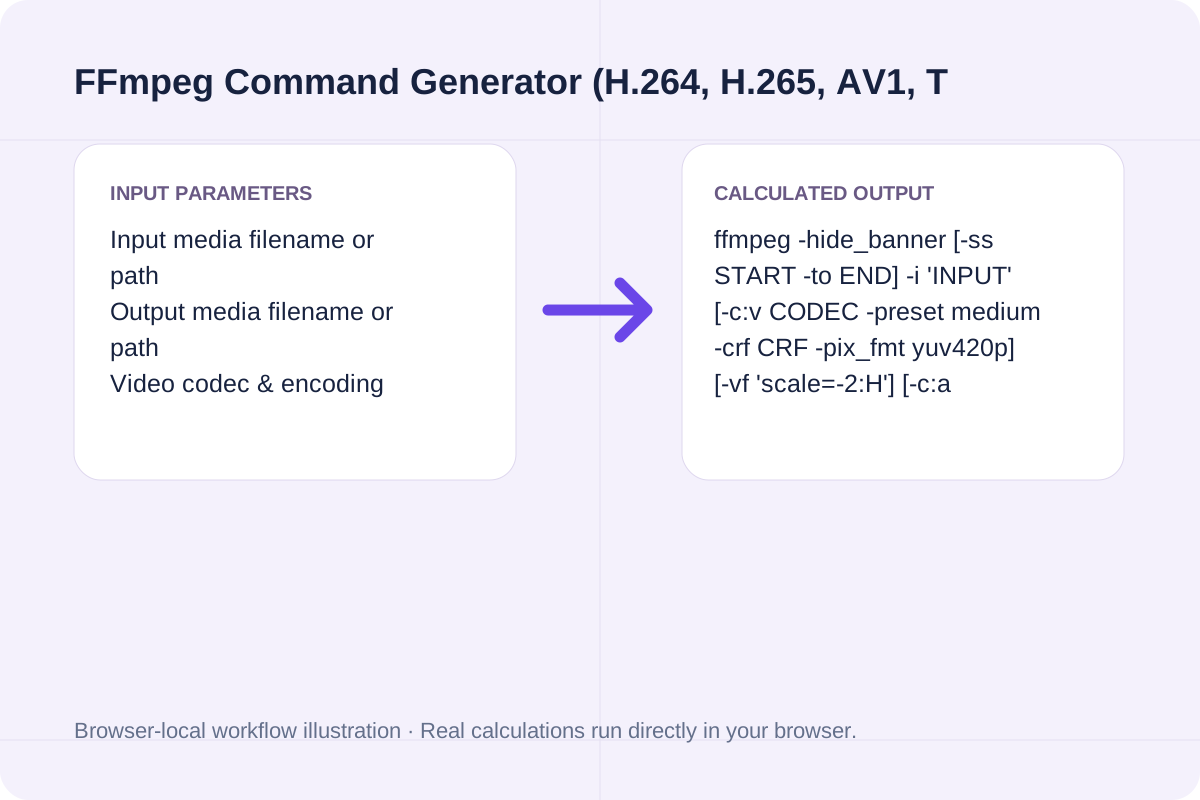
ffmpeg -hide_banner [-ss START -to END] -i 'INPUT' [-c:v CODEC -preset medium -crf CRF -pix_fmt yuv420p] [-vf 'scale=-2:H'] [-c:a ACODEC] [-movflags +faststart] 'OUTPUT'
Need to batch-discover media files or transfer finished renders over SSH? Pair this tool with our Find Command Generator (/tools/find-command-generator) and Rsync Command Generator (/tools/rsync-command-generator).
Essential FFmpeg flags, recommended CRF ranges, and compatibility guardrails included automatically by this generator.
| Task / Codec Layer | FFmpeg Flag Pattern | Recommended Production Setting | Why It Matters |
|---|---|---|---|
| Universal Web MP4 (H.264) | `-c:v libx264 -crf 23 -pix_fmt yuv420p` | `CRF 18–23`, `-preset medium` | `yuv420p` prevents black screens in QuickTime/Safari |
| Apple / Modern HEVC (H.265) | `-c:v libx265 -crf 26 -tag:v hvc1` | `CRF 24–28`, `-tag:v hvc1` | Apple requires `hvc1` fourcc tag (rejects default `hev1`) |
| Aspect-Safe Scaling | `-vf "scale=-2:1080"` | `-2` width auto-calculation | Guarantees width is divisible by 2 for 4:2:0 chroma |
| Web Streaming Start | `-movflags +faststart` | Always enable on `.mp4` / `.mov` | Relocates `moov` atom to byte 0 for instant `<video>` seek |
| Podcast / Video Loudness | `-af "loudnorm=I=-16:TP=-1.5:LRA=11"` | `-16 LUFS` stereo target | Matches YouTube, Spotify, and Apple Podcasts loudness |
Configure your input/output paths, codec quality, and filters in seconds.
Type your source path (e.g. 'input.mov') and target path (e.g. 'output.mp4'). Paths with spaces or special characters are POSIX-quoted automatically.
Pick H.264 (libx264), H.265 (libx265 with -tag:v hvc1), AV1 (libsvtav1), or lossless stream copy (-c:v copy), and adjust CRF between 0 and 51.
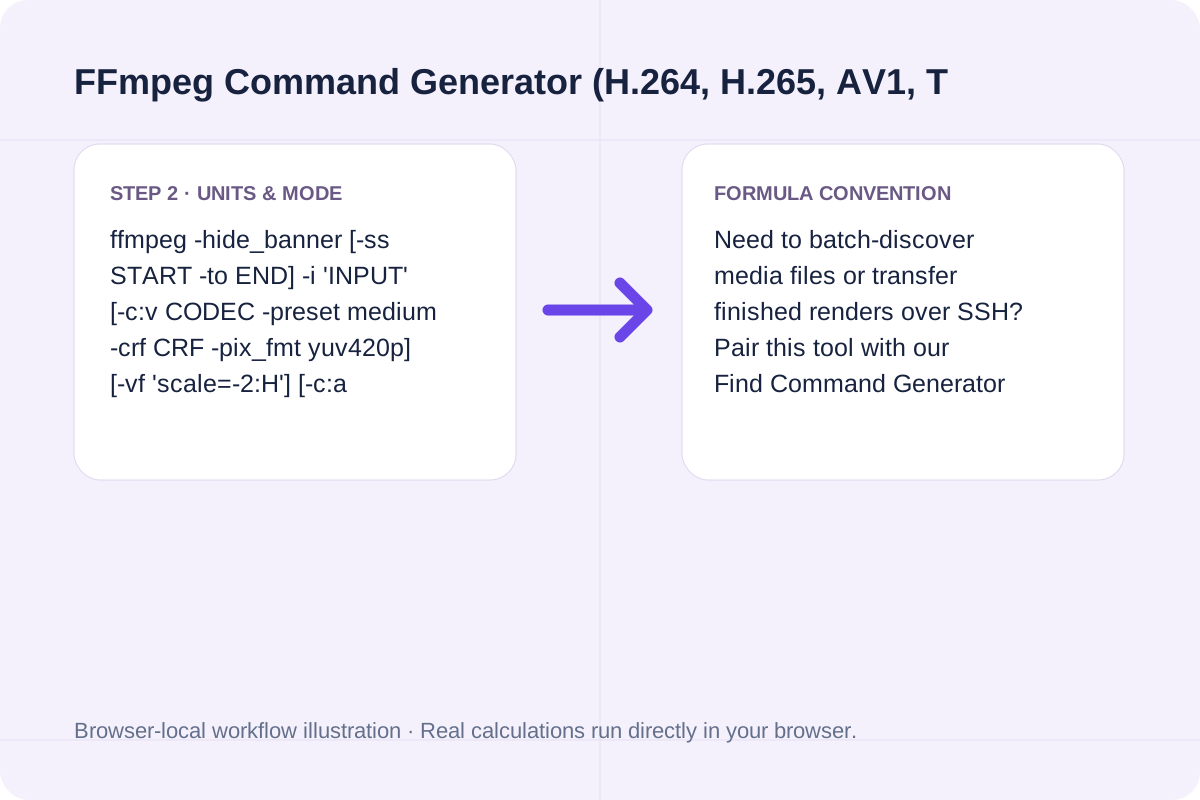
Add optional EBU R128 audio normalization or start/end trim timestamps, then copy the single-line or multi-line command.
Compare three real-world media workflows generated by this tool.
Free interactive FFmpeg command generator. Build shell-escaped ffmpeg commands for H.264, H.265/HEVC, AV1, VP9, CRF compression, resolution scaling, trimming, and audio normalization.
ffmpeg -hide_banner [-ss START -to END] -i 'INPUT' [-c:v CODEC -preset medium -crf CRF -pix_fmt yuv420p] [-vf 'scale=-2:H'] [-c:a ACODEC] [-movflags +faststart] 'OUTPUT'
Need to batch-discover media files or transfer finished renders over SSH? Pair this tool with our Find Command Generator (/tools/find-command-generator) and Rsync Command Generator (/tools/rsync-command-generator).
Balance encoding speed, browser compatibility, and storage bandwidth.
For H.264 (`libx264`), `CRF 23` is the standard balance; lower it to `CRF 18` for archival master quality or raise it to `CRF 26–28` for mobile messaging previews.
When using H.265 (`libx265`) or AV1 (`libsvtav1`), you can use a numerically higher CRF (`26` to `30`) to achieve the same perceptual sharpness as H.264 at `CRF 23` with 35% to 50% smaller files.
Review these shell and container constraints before running batch scripts.
1. Never Overwrite In-Place: FFmpeg cannot read from and write to the exact same file path simultaneously; always specify a distinct output filename.
2. Container Compatibility: WebM outputs require VP9 (`libvpx-vp9`) or AV1 (`libsvtav1`) video and Opus/Vorbis audio; MP4 supports H.264, H.265, and AV1 with AAC or MP3 audio.
Generate Linux and macOS find commands with -name/-iname globs, file type (-type f/d), size, modification time (-mtime), -maxdepth, and -exec actions.
Open tool
Generate rsync commands for local and remote SSH file synchronization with -avzP, custom SSH port, --delete, --exclude patterns, and --dry-run safety.
Open tool
Generate ~/.ssh/config Host blocks with HostName, User, Port, IdentityFile, ProxyJump bastion host, LocalForward port forwarding, and ServerAliveInterval.
Open toolChoose another tool for your next calculation, conversion, or text task.

A static TTF, WOFF or WOFF2 font. Detect a supported TrueType container and repackage its SFNT tables into the selected output.
Open tool
Parse and format source with a pinned local Prettier browser bundle.
Open tool
Build ImageMagick v7 magick and v6 convert/mogrify CLI commands with exact geometry flags, aspect-fill cropping, WebP/AVIF quality, EXIF stripping, and batch loops.
Open tool
Free interactive AI App Playbook calculator and checklist. Score your app niche (25/35 gate), model $2.70/download funnel unit economics, compare Lean vs. Popular stack costs, and export an AGENTS.app.md brief.
Open toolAnswers about using FFmpeg Command Generator (H.264, H.265, AV1, Trim & Scale) and understanding its results.
Chroma-subsampled 4:2:0 codecs (H.264, H.265, AV1 with yuv420p) require both width and height to be divisible by 2. Using -1 can produce an odd width (e.g., 1919 px) and crash the encoder with 'width not divisible by 2', whereas -2 tells FFmpeg to preserve aspect ratio and round to the nearest even integer.
By default, FFmpeg writes the MP4 'moov' atom (the index table of frames and timestamps) at the very end of the file after encoding finishes. Adding '-movflags +faststart' performs a quick second pass that moves the moov atom to the front of the file so web browsers can start streaming playback before the full file downloads.
In x264 and x265, Constant Rate Factor (CRF) is logarithmic: decreasing CRF by 6 (for example, from 23 to 17) roughly doubles the output bitrate and file size, while increasing CRF by 6 (from 23 to 29) roughly halves the file size.
No. Video filters (-vf scale, crop, fps) require decoding and re-encoding uncompressed frames, so they are incompatible with stream copying (-c:v copy). If you select '-c:v copy', this generator automatically omits '-vf' and '-crf' so your remux succeeds.
Choose another tool for your next calculation, conversion, or text task.