
URL Encoder Decoder
Percent-encode UTF-8 text for a URL component or convert escaped text back to readable characters.
Open toolDecode an ECC200 Data Matrix barcode from a PNG, JPEG or WebP image. Inspect the text locally, then copy or download the payload without automatically opening links.
Enter the inputs, then select Decode Data Matrix.
Result will appear here
The decoder converts a raster image to luminance and attempts to locate an ECC200 Data Matrix using thresholding and error correction.
A successful result is displayed as text and can be copied or downloaded. A decoded address is not opened automatically; image clarity, complete borders, and symbol quality still determine whether decoding succeeds.
Use a supported actual raster format within the file size and decoded dimension limits.

Choose a supported raster image containing an ECC200 Data Matrix symbol.
Choose a PNG, JPEG, or WebP image containing an ECC200 Data Matrix. Keep the complete symbol and quiet border visible. Prefer one sharp, high-contrast symbol within the source-size limits.
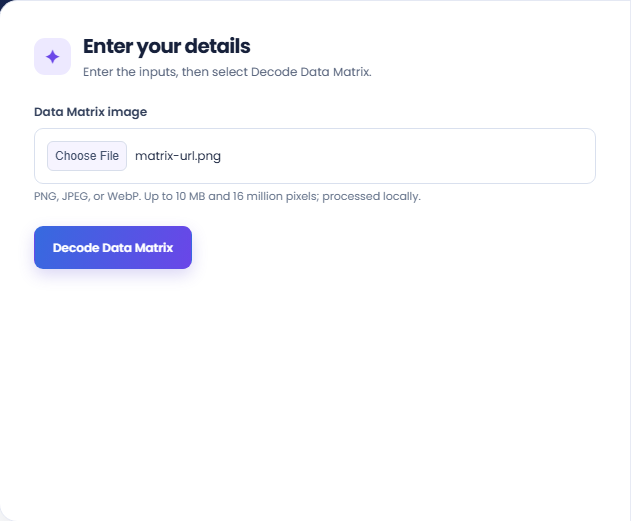
Start decoding and inspect the text result when a symbol is readable. The supporting image dimensions identify the source processed; a failed attempt means no readable supported symbol was returned.
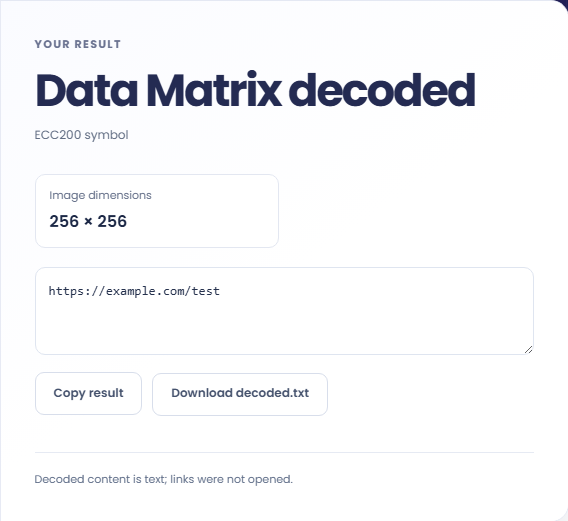
Copy the decoded value or download decoded.txt. Read the note that links were not opened. Inspect the content before using it; decoding a symbol does not establish the legitimacy of a destination or message.
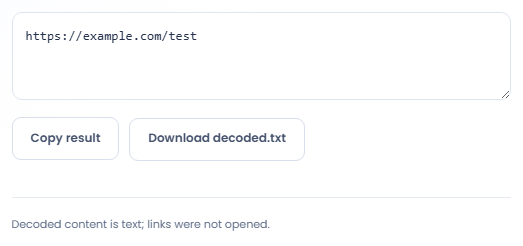
Decode a visible symbol into text before deciding how that text should be used.
Read a Data Matrix from a supported image of a label when the text payload needs inspection. Use the decoded value as a transcription aid. Check it against the relevant system separately before assigning a product, batch, or inventory meaning.

Decode an image produced by a separate generator to compare the embedded text with the intended payload. This provides a useful readback of that image, but it does not establish how every scanner will handle printing, size, or damage.

Inspect a symbol whose decoded text is an address without automatically navigating to it. Read the hostname and full text before using it elsewhere. A successful symbol decode says nothing about the destination ownership or the content served at that address.

Compare any decoded payload with the source label while considering the supported Data Matrix format and image quality.
The decoder is configured for ECC200 Data Matrix. It is not a QR decoder, a general barcode reader, or a camera scanning interface, so another symbol type can remain unreadable.
Transparent image areas are placed on white for decoding. Contrast, borders, and source quality still affect readability, and one failed attempt does not prove that the image contains no encoded data.

Use a clear supported raster image with the complete symbol and its surrounding quiet area.
Use a supported actual raster format within the file size and decoded dimension limits. Renaming a file does not change its format, and SVG source cannot be decoded through this upload field.
Try a clearer original with an intact surrounding border if decoding fails. Avoid claiming that an unreadable result identifies a wrong payload; the failure may be due to image quality or symbol type.

Percent-encode UTF-8 text for a URL component or convert escaped text back to readable characters.
Open tool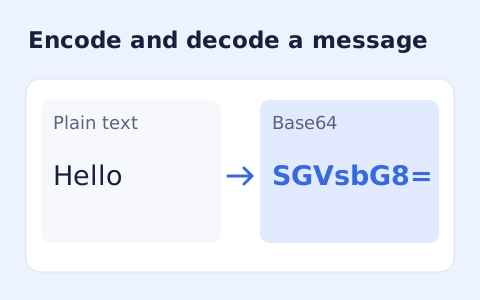
Encode UTF-8 text into standard padded Base64 and decode Base64 back into Unicode text.
Open tool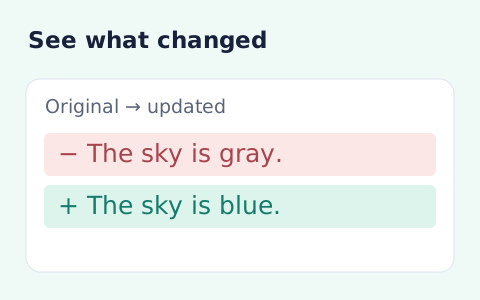
Compare two pieces of text locally with additions and removals highlighted by word or line.
Open toolChoose another tool for your next calculation, conversion, or text task.
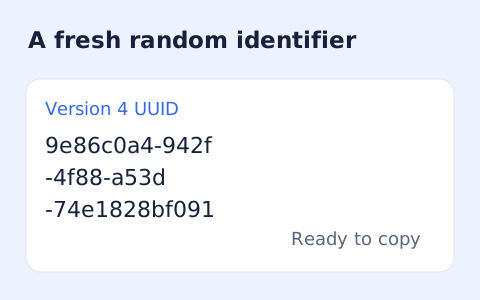
Create one or more RFC 4122 version 4 UUIDs locally and copy them in one click.
Open tool
Convert pixel values to CSS rem units with a configurable root font size and a quick reference table.
Open tool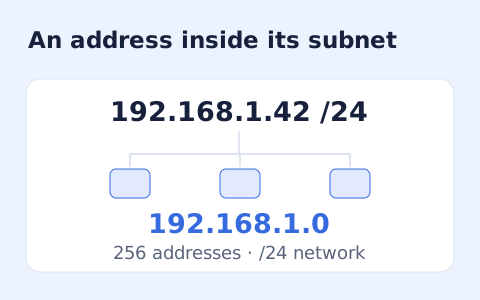
Calculate IPv4 subnet details from an address and CIDR prefix, including /31 and /32 cases.
Open tool
Generate a CSS border-radius declaration from four corner values and preview the shape.
Open toolChoose a supported raster image containing an ECC200 Data Matrix symbol.
Answers about using Data Matrix Decoder and understanding its results.
No. The output is text for you to inspect.
Try a sharper, higher-contrast image with a complete quiet border and one symbol.
This tool is configured for Data Matrix. Use a decoder for the actual symbol type rather than assuming every square barcode is interchangeable.
Use a PNG, JPEG, or WebP image containing a Data Matrix. SVG and camera feeds are outside this image-upload form.