

Customer Lifetime Value Calculator
Calculate Customer Lifetime Value (CLV), gross lifetime revenue, LTV:CAC ratio, and CAC payback months from AOV, frequency, margin, and lifespan.
Open toolEnter your sales volume, commission structure (Flat or Tiered quota accelerator), base and accelerated rates, and optional base salary in the Commission Calculator below to compute total commission, blended rate, and total compensation.
Enter the inputs, then select Calculate Commission.
Result will appear here
The Commission Calculator splits your sales volume at the quota threshold (in Tiered mode) or applies a single rate (in Flat mode), sums variable commission across tiers, adds your fixed base salary, and computes both the blended commission percentage and net company/seller revenue retained.
Commission = min(Sales, Q)*r1 + max(0, Sales - Q)*r2; Blended Rate = Commission / Sales; Total Pay = Base + Commission.
Displays Tier 1 and Tier 2 earnings separately so reps and finance teams can reconcile payout statements line by line.
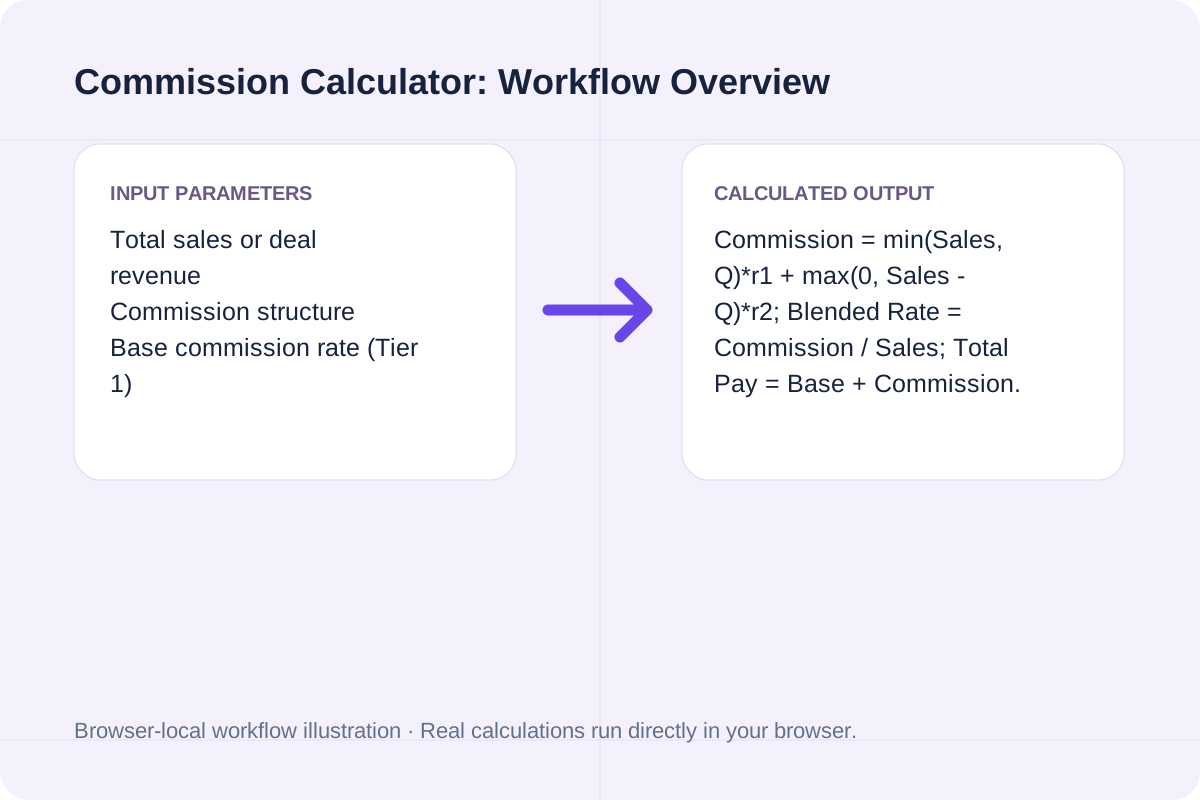
Review the input parameters, allowed value ranges, and worked reference cases for the Commission Calculator below before running your calculation.
| Parameter / Scenario | Default / Sample Value | Rule or Allowed Range | Output / Usage Note |
|---|---|---|---|
| Input: Total sales or deal revenue | 85000 | Range: 0.01 to 100000000 | Required workspace parameter |
| Input: Commission structure | tiered | Options: Tiered / Quota Accelerator (Rate 1 up to threshold, Rate 2 above), Flat rate on all sales | Required workspace parameter |
| Input: Base commission rate (Tier 1) | 8 | Range: 0 to 100 | Required workspace parameter |
| Input: Quota / Tier 1 threshold (for Tiered mode) | 50000 | Range: 0 to 100000000 | Required workspace parameter |
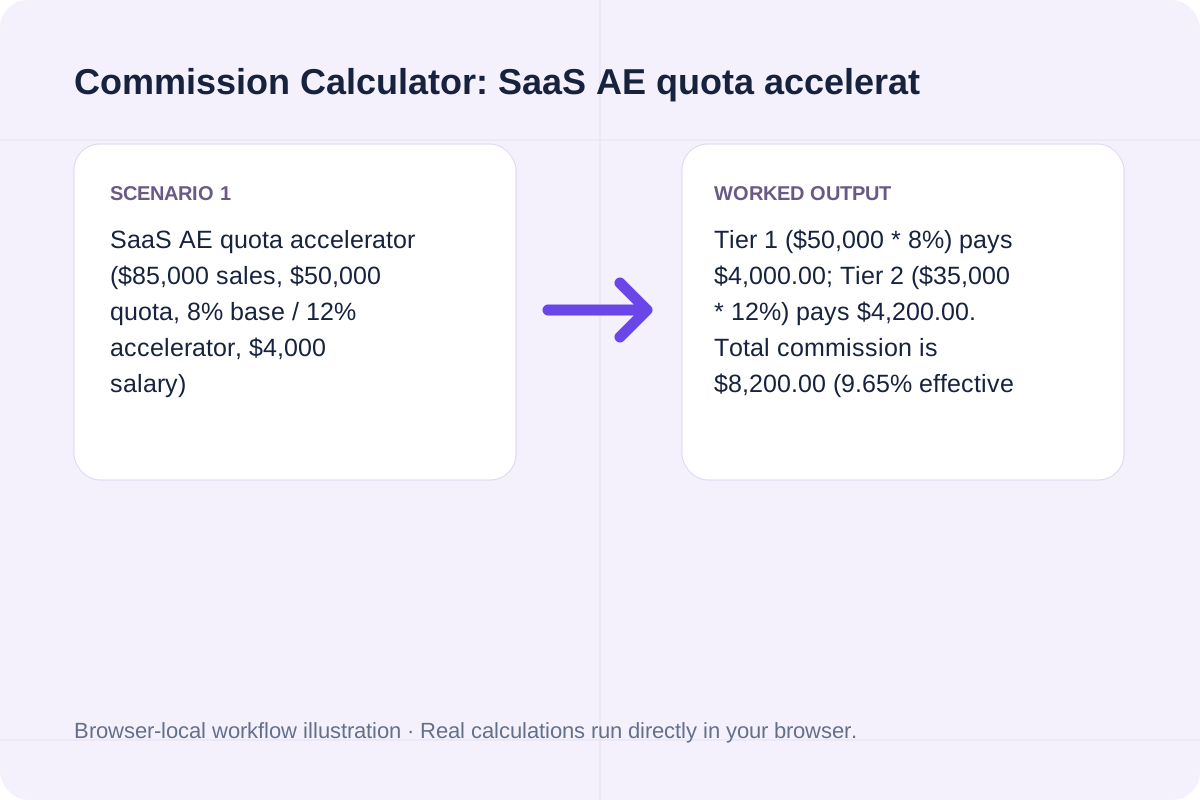
| Worked Case 1: SaaS AE quota accelerator ($85,000 sales, $50,000 quota, 8% base / 12% accelerator, $4,000 salary) | Preloaded / test values | Tier 1 Sales = min(Sales, Threshold); Tier 2 Sales = max(0, Sales - Threshold); Total Commission = Tier1 * r1 + Tier2 * r2; Total Payout = BaseSalary + Commission | Tier 1 ($50,000 * 8%) pays $4,000.00; Tier 2 ($35,000 * 12%) pays $4,200.00. Total commission is $8,200.00 (9.65% effective rate), and total gross pay with $4,000 base salary is $12,200.00. |
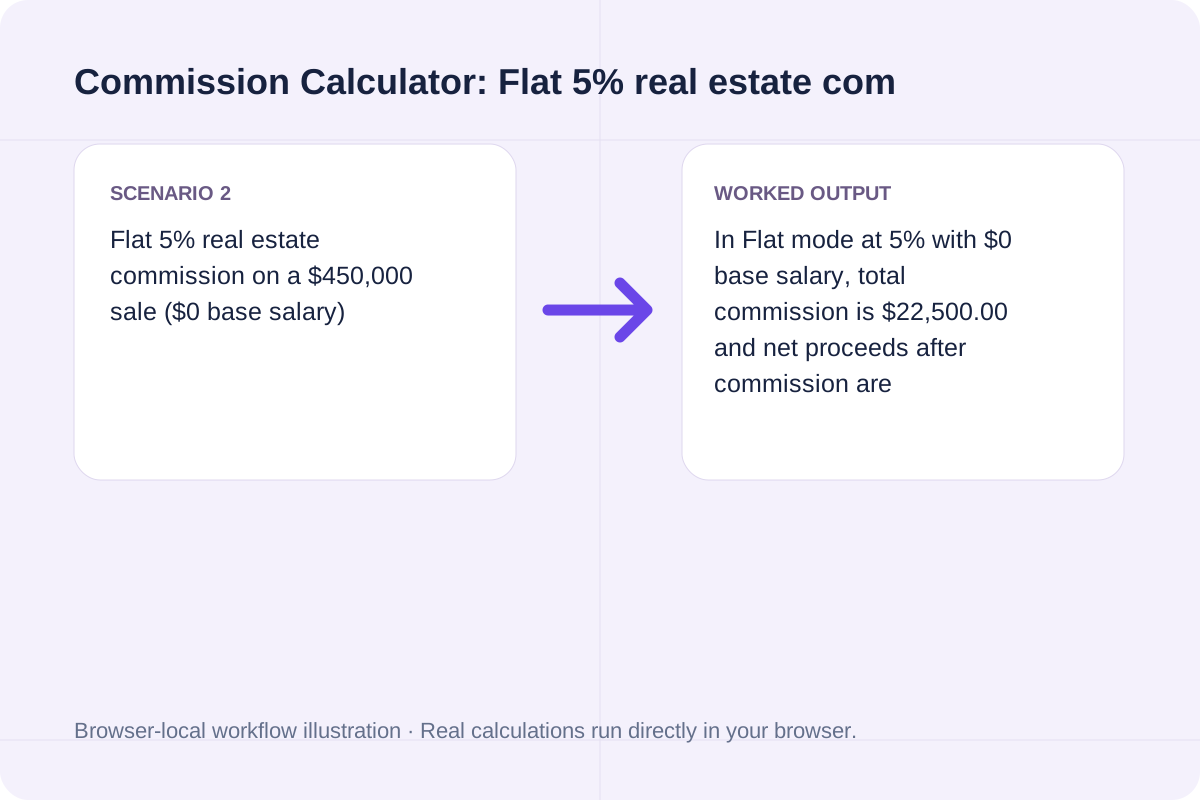
| Worked Case 2: Flat 5% real estate commission on a $450,000 sale ($0 base salary) | Preloaded / test values | Tier 1 Sales = min(Sales, Threshold); Tier 2 Sales = max(0, Sales - Threshold); Total Commission = Tier1 * r1 + Tier2 * r2; Total Payout = BaseSalary + Commission | In Flat mode at 5% with $0 base salary, total commission is $22,500.00 and net proceeds after commission are $427,500.00. |
Check your sales comp plan or agency fee agreement to confirm whether rates are flat or marginal.
Type the gross commissionable revenue closed during the period and select Tiered or Flat structure.
Input the base commission percentage (Tier 1), quota threshold dollar amount, and accelerated percentage (Tier 2).
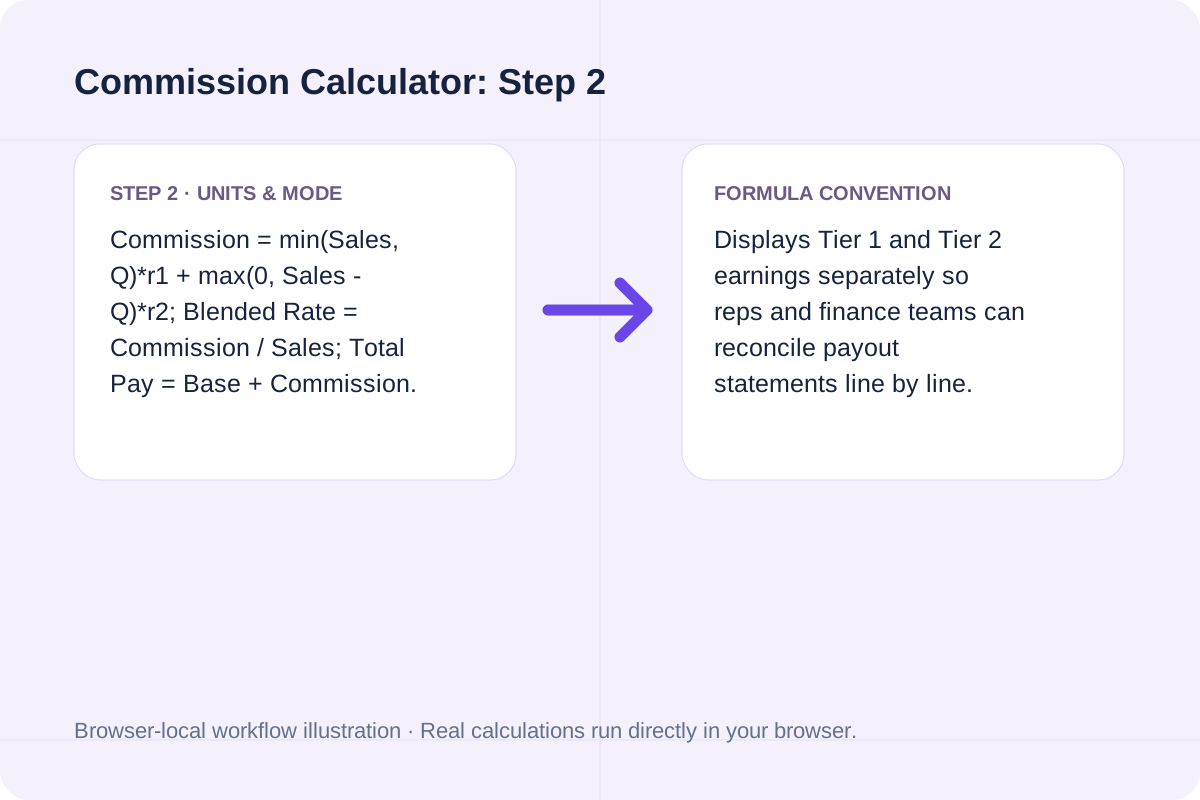
Enter your period base salary (or 0 for commission-only) and click Calculate Commission.
Review a SaaS quota-accelerator payout and a flat-rate real estate commission.
Tier 1 ($50,000 * 8%) pays $4,000.00; Tier 2 ($35,000 * 12%) pays $4,200.00. Total commission is $8,200.00 (9.65% effective rate), and total gross pay with $4,000 base salary is $12,200.00.
In Flat mode at 5% with $0 base salary, total commission is $22,500.00 and net proceeds after commission are $427,500.00.
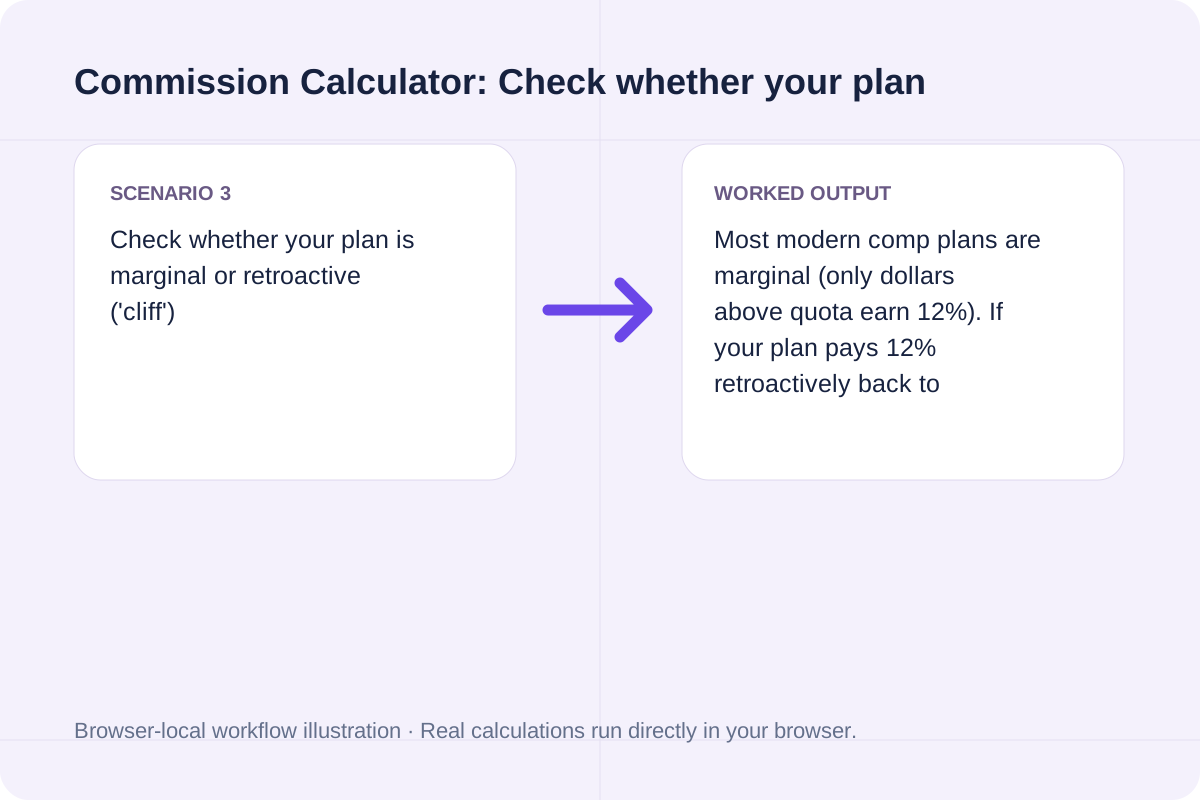
Most modern comp plans are marginal (only dollars above quota earn 12%). If your plan pays 12% retroactively back to dollar one once quota is hit, switch to Flat mode at 12%.
Use the Tier 1 vs. Tier 2 breakdown for payroll verification and Net Retained Revenue for margin checks.
The headline result shows Total Commission Earned and Total Payout (including base salary). Breakdown cards report Tier 1 commission, Tier 2 accelerated commission, Effective blended commission rate, Quota attainment %, and Net revenue retained after commission.
Note pre-tax gross figures and clawback/return deductions.
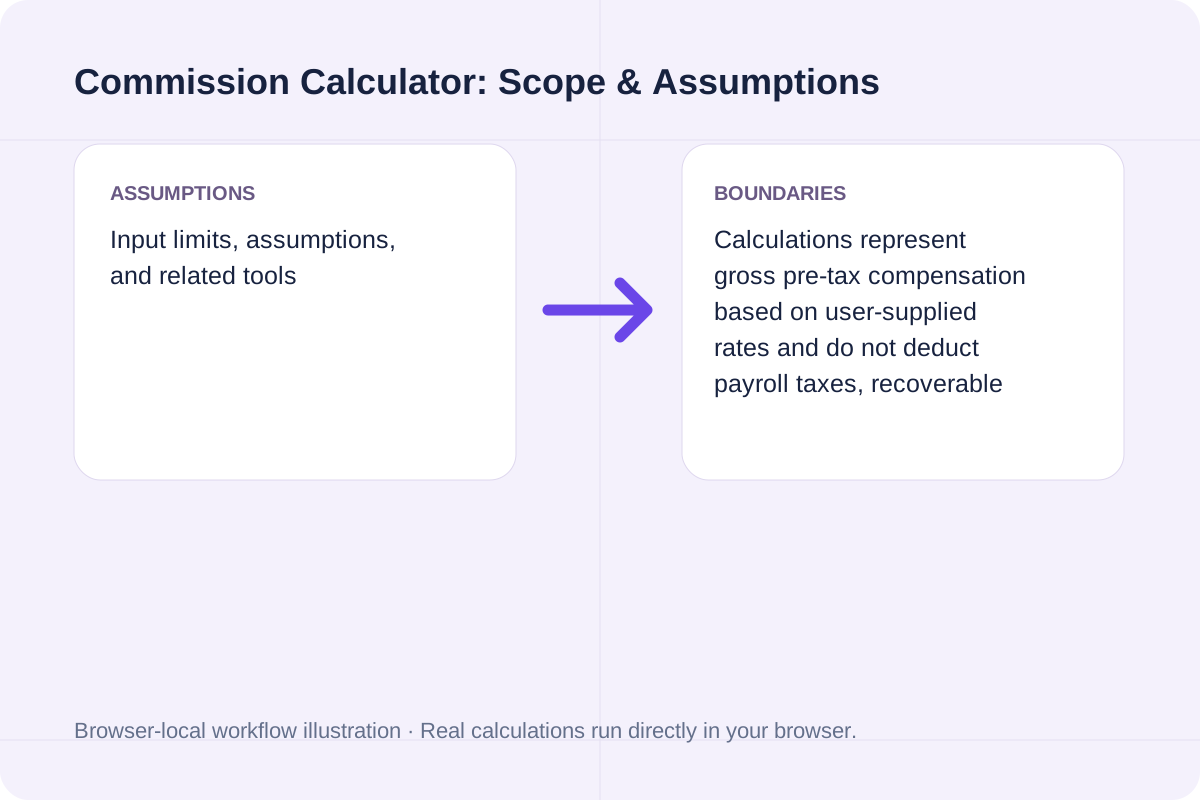
Calculations represent gross pre-tax compensation based on user-supplied rates and do not deduct payroll taxes, recoverable draws, or product refunds.
Calculate Customer Lifetime Value (CLV), gross lifetime revenue, LTV:CAC ratio, and CAC payback months from AOV, frequency, margin, and lifespan.
Open tool
Calculate total planned gift spending across recipient tiers, wrapping, and shipping, and compare it against your overall gift budget.
Open tool
Calculate team productive capacity, utilization percentage, and FTE surplus or deficit from headcount, workdays, PTO, and focus factor.
Open toolChoose another tool for your next calculation, conversion, or text task.

Calculate hiking time from trail distance, elevation gain, elevation loss, base flat pace, and terrain difficulty using Naismith's Rule, Langmuir descent adjustments, and Tobler's function.
Open tool
Calculate how much water to add and total final volume when diluting spirits or alcohol from initial ABV to target ABV.
Open tool
Calculate an Arrhenius rate constant or two-point activation energy.
Open tool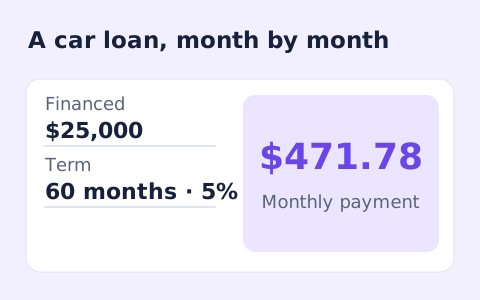
Estimate a vehicle loan payment and total borrowing cost.
Open toolAnswers about using Commission Calculator and understanding its results.
In a marginal tiered plan, your base rate (r1) applies to sales up to your quota threshold, and your accelerated rate (r2) applies to every dollar sold above that threshold. For example, on $85,000 in sales with an 8% rate up to $50,000 and 12% above $50,000, you earn 8% on the first $50,000 ($4,000) plus 12% on the remaining $35,000 ($4,200) = $8,200 total commission.
Effective commission rate divides your Total Commission by Total Sales (Total Commission / Sales * 100%). In the $85,000 tiered example above, $8,200 / $85,000 equals a 9.65% blended commission rate.
Switch Commission structure to 'Flat rate on all sales', set Base salary to 0, and enter the property sale price and commission rate. The 'Net revenue after commission' card shows the seller's proceeds after subtracting the commission.
Yes. Set Tier 2 rate lower than Tier 1 rate (for example, 6% on the first $100,000 and 3% on volume above $100,000, common in tiered real estate or agency fee schedules).
Choose another tool for your next calculation, conversion, or text task.