
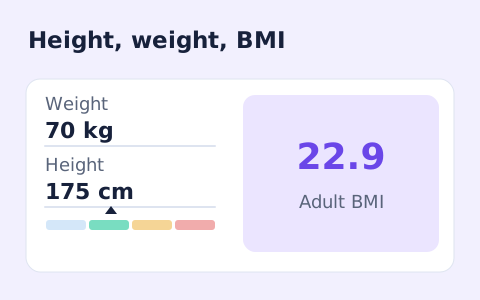
BMI Calculator Online
A free adult BMI calculator with metric inputs, a clear BMI category, and the calculation shown.
Open toolMultiply the input by the source unit factor and divide by the destination factor. Fixed unit factors only.
Enter the inputs, then select Convert units.
Result will appear here
Multiply the input by the source unit factor and divide by the destination factor.
Fixed unit factors only. US and Imperial volume units are labelled separately; mass conversion does not convert volume to mass.
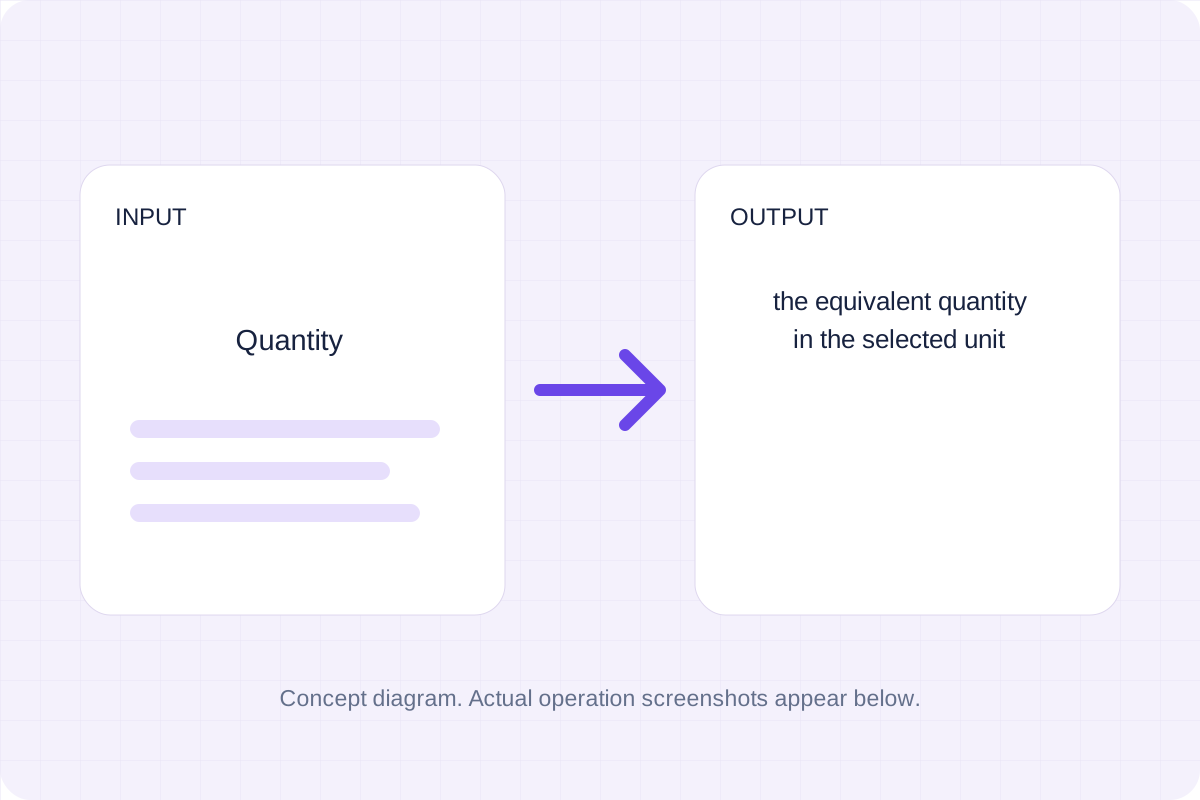
Start with your own input.
Replace the example with the quantity you want to process. Fixed unit factors only.
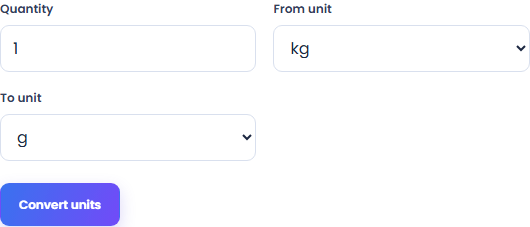
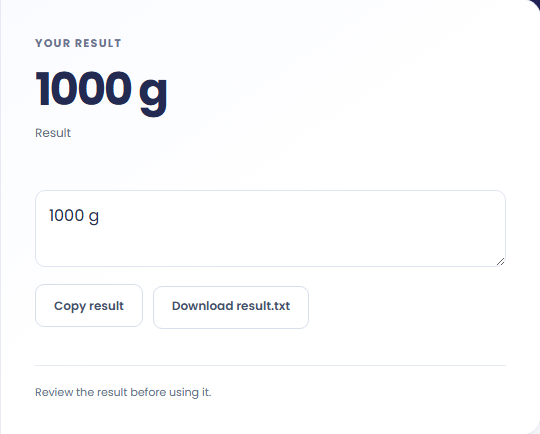
Select Convert units. Review the equivalent quantity in the selected unit, then use Copy result or Save result.
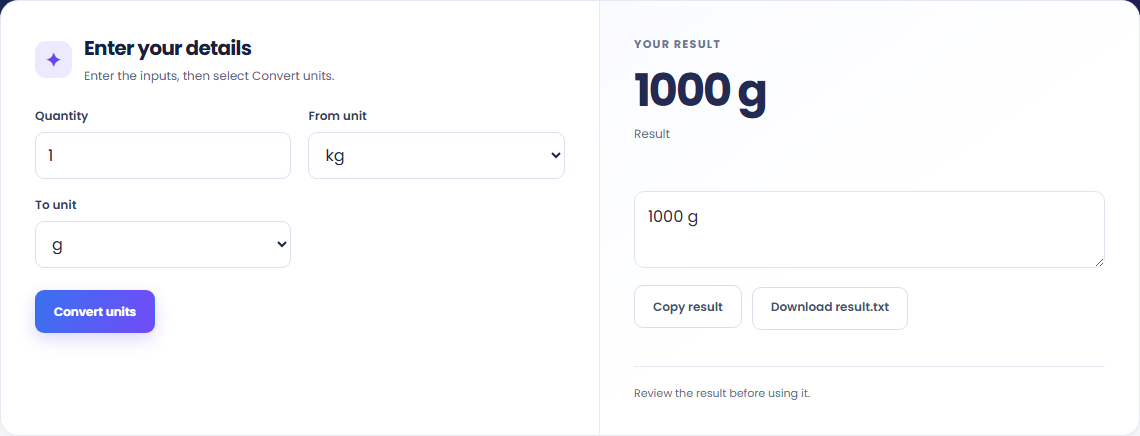
To compare package weights, start with quantity. Multiply the input by the source unit factor and divide by the destination factor.

To convert a recipe quantity, start with quantity. Fixed unit factors only.

To check a shipping measurement, start with quantity. Copy the result into your working document, or save a local file for later review.

Check what the output means.
The equivalent quantity in the selected unit. Multiply the input by the source unit factor and divide by the destination factor.
Fixed unit factors only. US and Imperial volume units are labelled separately; mass conversion does not convert volume to mass.

Check the format before processing.
Fixed unit factors only. US and Imperial volume units are labelled separately; mass conversion does not convert volume to mass.
Inputs and results are processed locally. Keep your source and save the output you need before leaving.

A free adult BMI calculator with metric inputs, a clear BMI category, and the calculation shown.
Open tool
Convert hourly pay to gross annual, monthly, and weekly salary using your own working hours and weeks.
Open tool
Convert annual gross salary into an hourly rate from your hours per week and paid weeks per year.
Open toolChoose another tool for your next calculation, conversion, or text task.
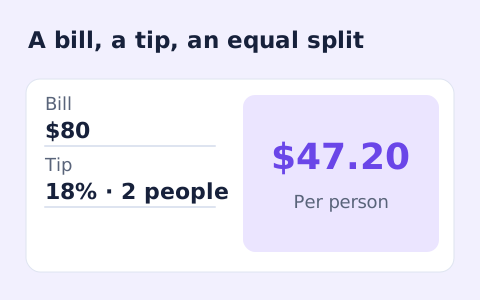
Quickly split a bill with a percentage tip. See the tip amount, total, and per-person amount.
Open tool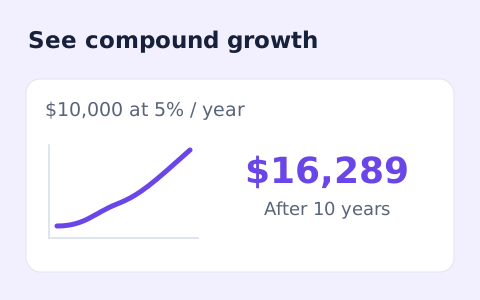
Estimate compound growth from a starting balance, monthly contribution, annual rate, and compound frequency.
Open tool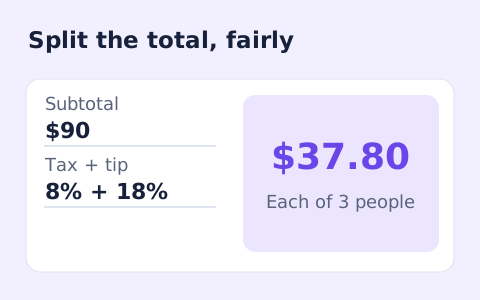
Split a bill among friends using a subtotal, sales tax, tip, and number of people.
Open tool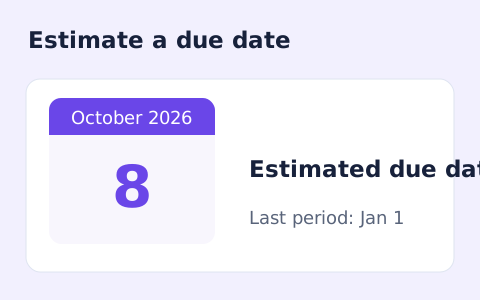
Estimate a pregnancy due date using the first day of the last menstrual period and cycle length.
Open toolCheck the result and copy or save the output.
Answers about using Weight Converter and understanding its results.
The equivalent quantity in the selected unit. Fixed unit factors only. US and Imperial volume units are labelled separately; mass conversion does not convert volume to mass.
Yes. Use Copy result or Save result after processing. Inputs and results are handled in this browser; save what you need before leaving.