
Line Ending Checker
Inspect a UTF-8 or UTF-16 file for LF, CRLF and CR endings, their line locations and mixed styles.
Open toolEnter any character string or U+XXXX hex code point in the Unicode Character Lookup below to inspect its scalar code point, decimal value, UTF-8 byte sequence, UTF-16 code units, HTML entity, and Unicode block/plane.
Enter the inputs, then select Inspect Characters.
Result will appear here
The Unicode Character Lookup iterates over your input by Unicode code point (not 16-bit code units), encodes each scalar value into UTF-8 bytes and UTF-16 units, and classifies its general block and plane.
Scalar range: U+0000..U+10FFFF (excluding UTF-16 surrogates U+D800..U+DFFF); UTF-8 length: 1..4 bytes.
For every character inspected, the tool generates CSS escape syntax (\XXXXXX), JavaScript escape syntax (\uXXXX or \u{XXXXX}), and HTML hex/decimal numeric character references.
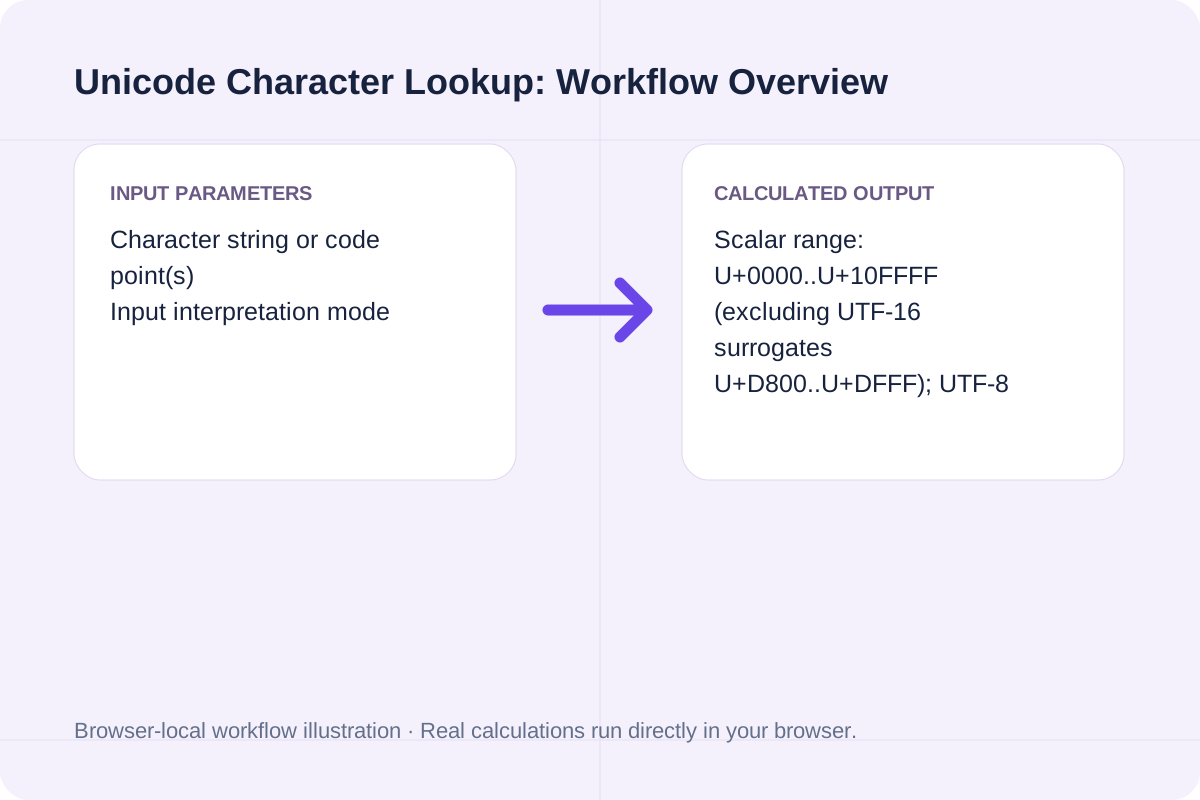
Review the input parameters, allowed value ranges, and worked reference cases for the Unicode Character Lookup below before running your calculation.
| Parameter / Scenario | Default / Sample Value | Rule or Allowed Range | Output / Usage Note |
|---|---|---|---|
| Input: Character string or code point(s) | A€🚀 | Enter up to 64 characters or space-separated U+XXXX hex values. | Required workspace parameter |
| Input: Input interpretation mode | text | Options: Literal text characters (inspect each code point), Hex code points (e.g. U+0041, 0x20AC, 1F680) | Required workspace parameter |
| Worked Case 1: Default 3-character sample ('A€🚀') | Preloaded / test values | Code point cp in [0, 0x10FFFF]; UTF-8 = TextEncoder().encode(char); UTF-16 = surrogate pair if cp > 0xFFFF else single 16-bit unit | 'A' is U+0041 (decimal 65, 1 UTF-8 byte: 41, BMP). '€' is U+20AC (decimal 8364, 3 UTF-8 bytes: E2 82 AC, BMP). '🚀' is U+1F680 (decimal 128640, 4 UTF-8 bytes: F0 9F 9A 80, UTF-16 surrogate pair D83D DE80). Total: 3 code points, 8 UTF-8 bytes, 4 UTF-16 units. |
| Worked Case 2: Debugging invisible characters and non-breaking spaces | Preloaded / test values | Code point cp in [0, 0x10FFFF]; UTF-8 = TextEncoder().encode(char); UTF-16 = surrogate pair if cp > 0xFFFF else single 16-bit unit | Pasting a string containing a non-breaking space reveals U+00A0 (UTF-8: C2 A0) instead of a standard ASCII space U+0020 (UTF-8: 20). |
Paste a mysterious symbol, invisible whitespace character, or hex code point to inspect its exact byte representation.
Enter up to 64 characters (such as 'A€🚀') or space-separated hex values (such as 'U+0041 U+20AC U+1F680').
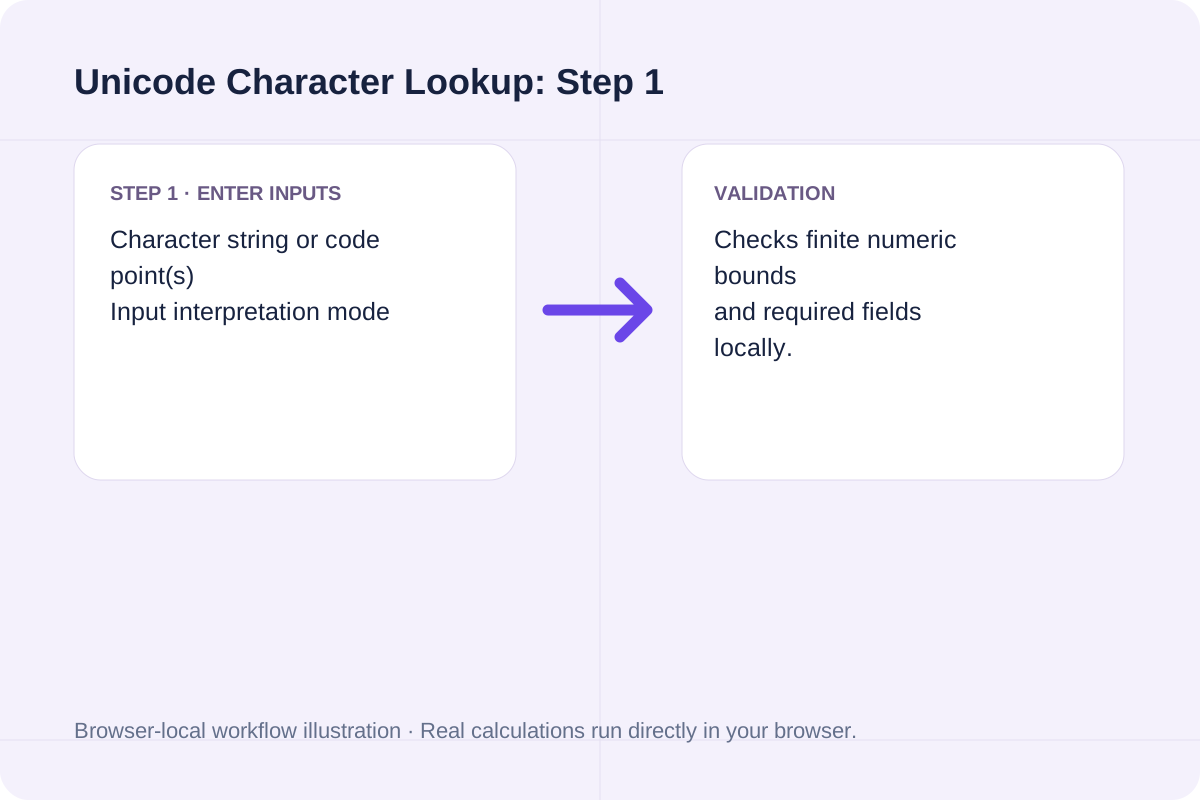
Select Literal text mode to inspect typed characters, or Hex code points mode to resolve numeric code points into characters.
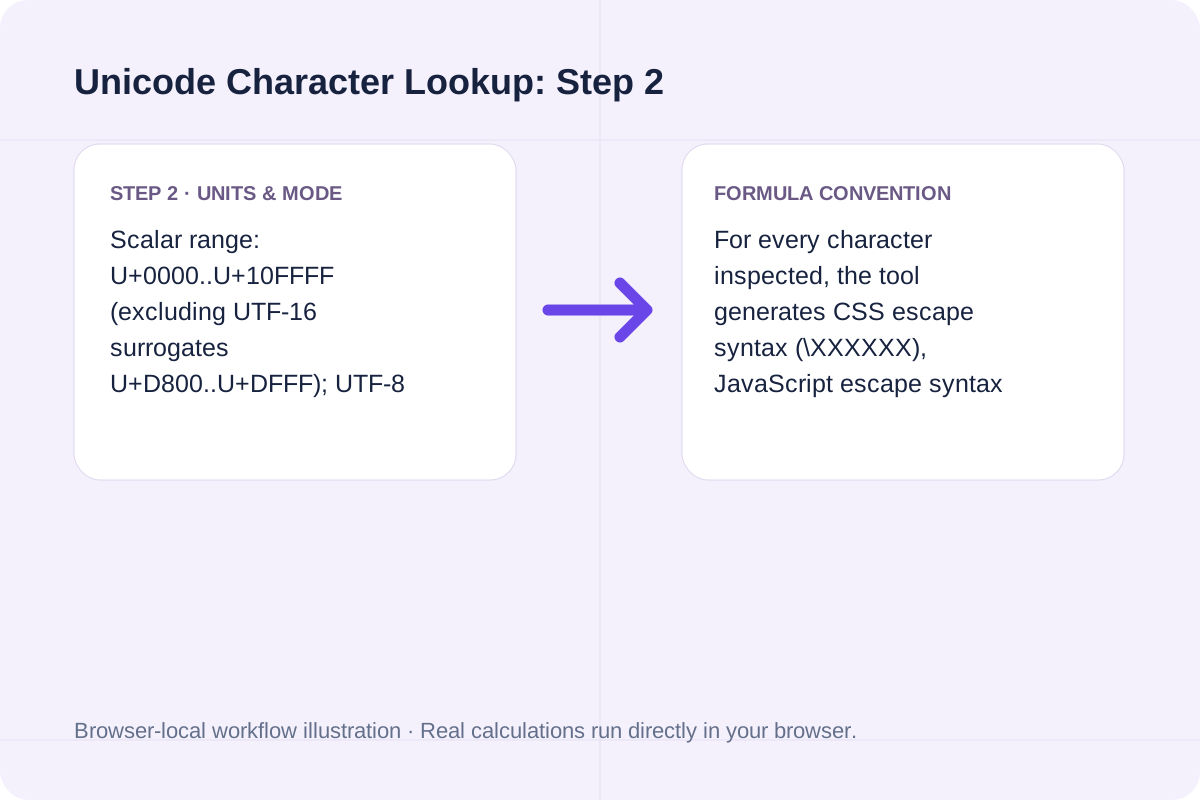
Click Inspect Characters to see total code points, UTF-8 byte count, UTF-16 length, and a per-character table you can copy or download.
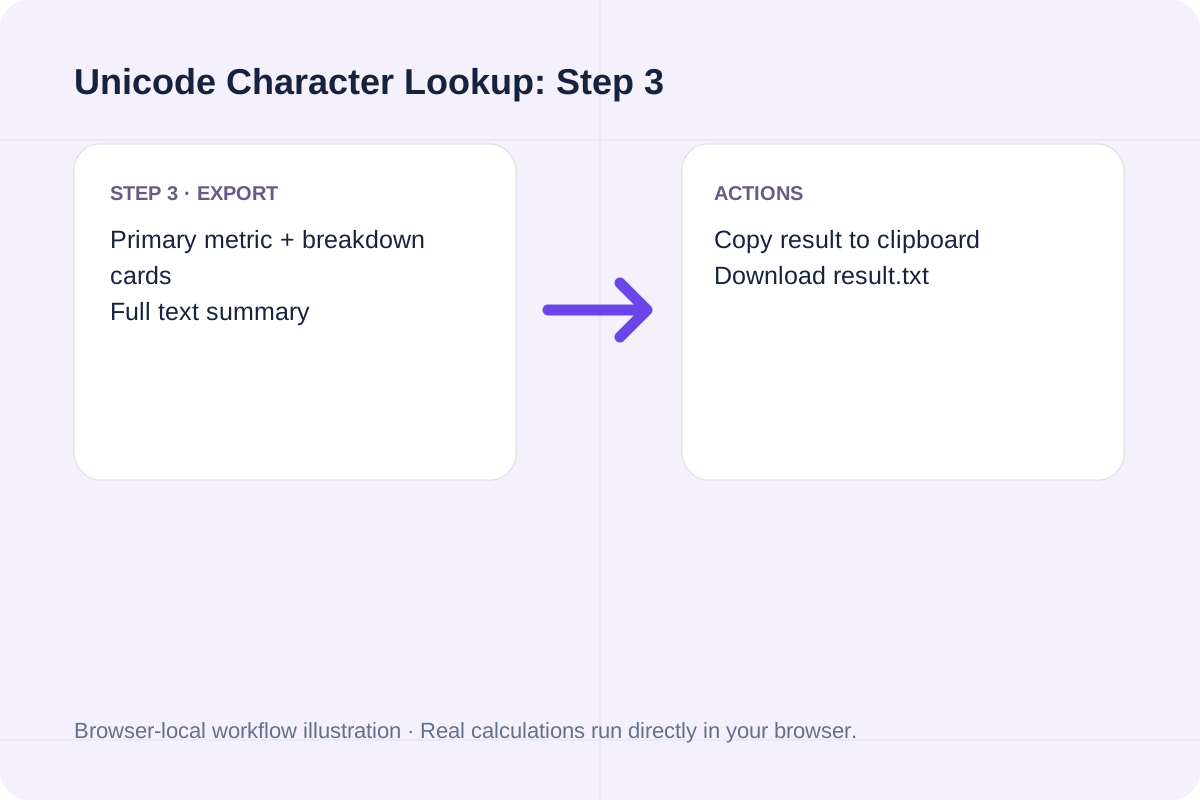
Compare 1-byte ASCII, 3-byte BMP symbols, and 4-byte astral emoji in a single lookup.
'A' is U+0041 (decimal 65, 1 UTF-8 byte: 41, BMP). '€' is U+20AC (decimal 8364, 3 UTF-8 bytes: E2 82 AC, BMP). '🚀' is U+1F680 (decimal 128640, 4 UTF-8 bytes: F0 9F 9A 80, UTF-16 surrogate pair D83D DE80). Total: 3 code points, 8 UTF-8 bytes, 4 UTF-16 units.
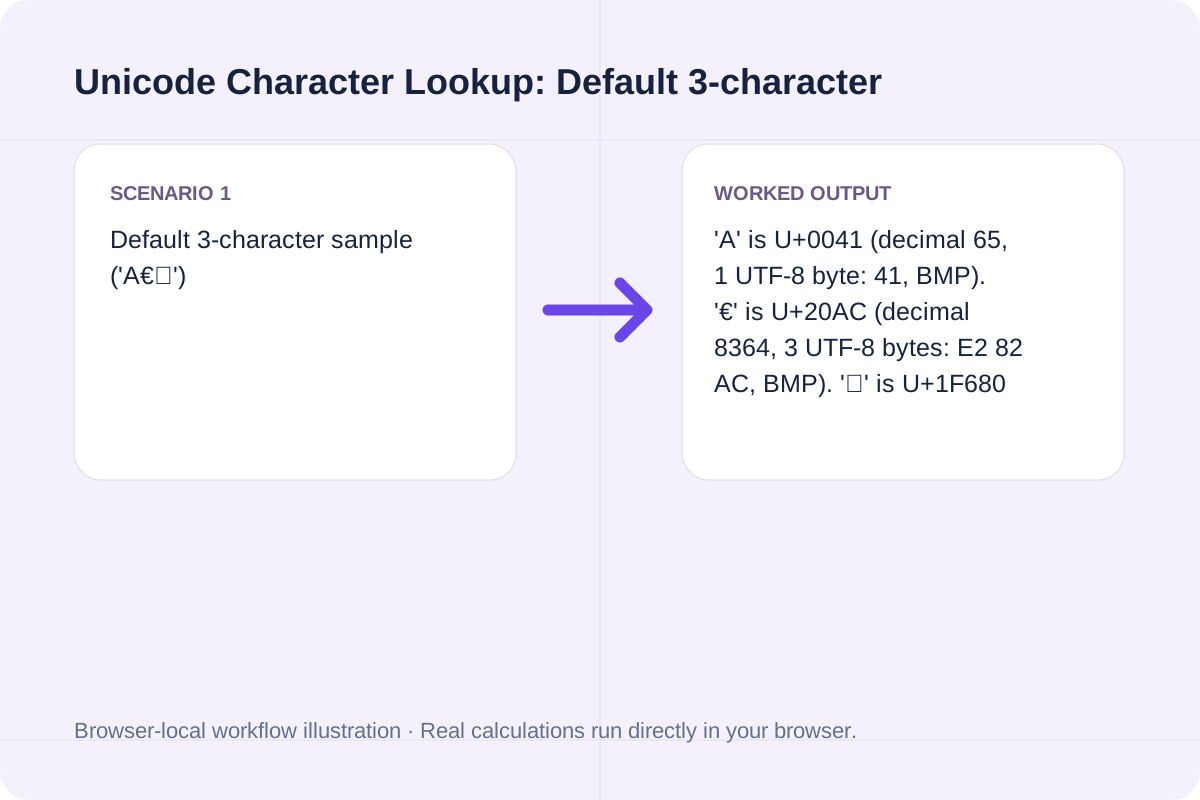
Pasting a string containing a non-breaking space reveals U+00A0 (UTF-8: C2 A0) instead of a standard ASCII space U+0020 (UTF-8: 20).
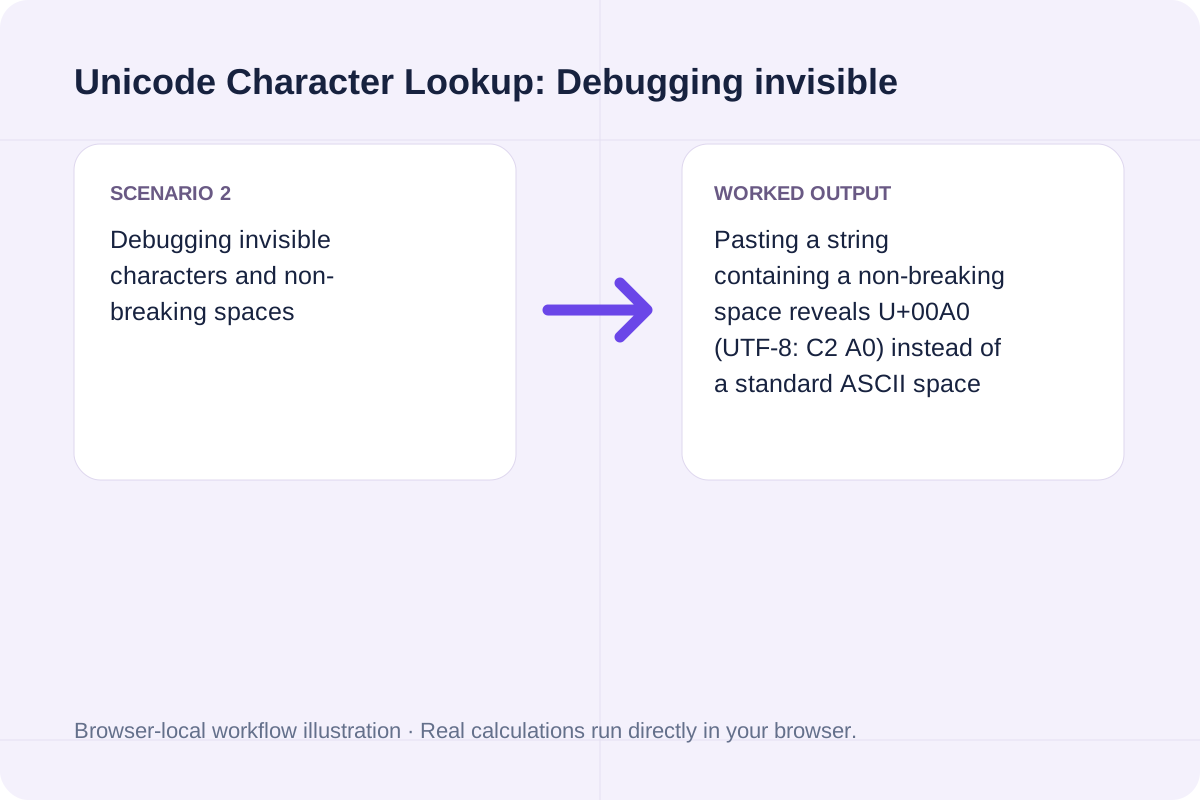
Switching to Hex mode and entering 'U+03A9 U+221E' resolves the Greek letter Omega (Ω, decimal 937) and the Infinity symbol (∞, decimal 8734).
Compare code point count against UTF-8 byte length and UTF-16 code unit count when debugging database or API limits.
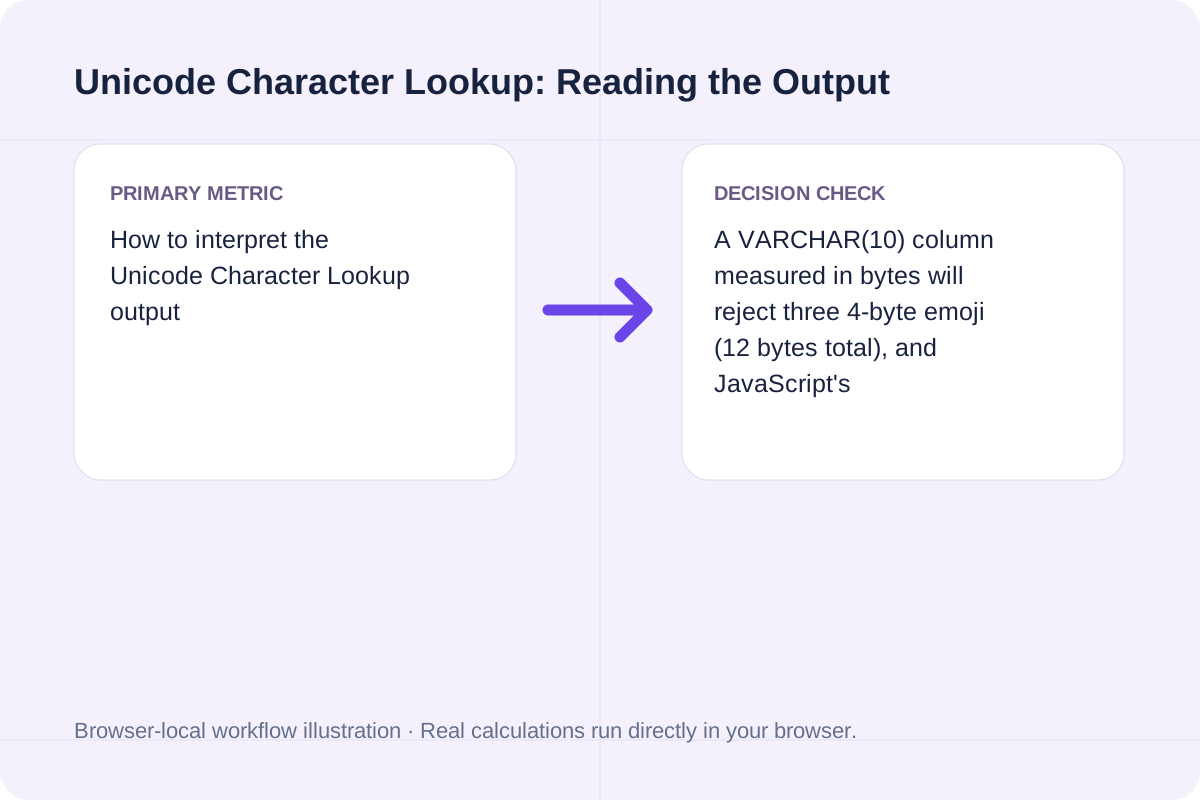
A VARCHAR(10) column measured in bytes will reject three 4-byte emoji (12 bytes total), and JavaScript's String.prototype.length will report 6 for those same three emoji because each uses a 2-unit UTF-16 surrogate pair. Checking all three counts side by side prevents truncation bugs.
Check surrogate range restrictions and maximum input length when inspecting text.
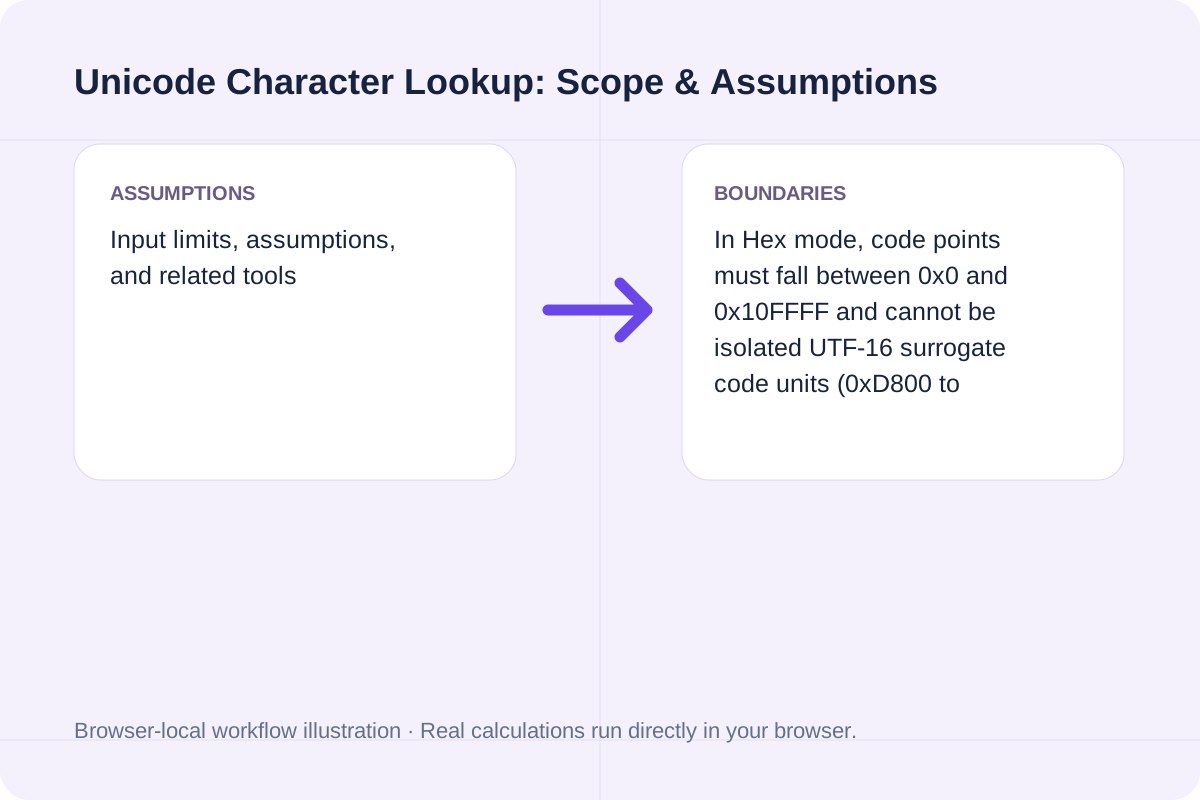
In Hex mode, code points must fall between 0x0 and 0x10FFFF and cannot be isolated UTF-16 surrogate code units (0xD800 to 0xDFFF). To keep the breakdown table readable, literal text mode inspects up to 64 code points at a time.
Inspect a UTF-8 or UTF-16 file for LF, CRLF and CR endings, their line locations and mixed styles.
Open tool
A legacy MOBI6 text ebook. Extract supported EPUB chapter text and write a Palm database with a MOBI6 header and UTF-8 HTML records.
Open tool
Inspect words, characters, sentences, lines, and paragraphs.
Open toolChoose another tool for your next calculation, conversion, or text task.
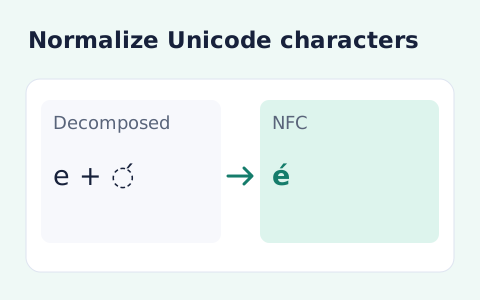
Normalize text to NFC, NFD, NFKC, or NFKD.
Open tool
Extract HTTP and HTTPS URLs from text, remove duplicate normalized addresses and filter by protocol or exact hostname.
Open tool
Segment grapheme clusters and remove clusters matching Unicode extended pictographs, flags, keycaps and emoji presentation sequences.
Open tool
Remove characters in the Unicode Punctuation category and keep letters, numbers, symbols and whitespace.
Open toolAnswers about using Unicode Character Lookup and understanding its results.
A Unicode code point is an abstract integer assigned to a character (such as U+20AC for the Euro sign, decimal 8364). UTF-8 is a variable-width byte encoding that represents U+20AC in memory using three bytes: E2 82 AC.
Characters above U+FFFF (in the supplementary astral planes, like U+1F680 Rocket) require a UTF-16 surrogate pair (0xD83D 0xDE80). JavaScript strings count 16-bit UTF-16 units, so '🚀'.length is 2 even though it is 1 Unicode scalar value.
Switch Input interpretation mode to 'Hex code points' and enter values like 'U+0041 U+20AC U+1F680' or '00E9'. The tool converts each hex value within 0..10FFFF into its character and encoding table.
Code points U+0000 to U+FFFF belong to Plane 0 (Basic Multilingual Plane, BMP), where each character uses 1 to 3 UTF-8 bytes and 1 UTF-16 unit. Code points U+10000 to U+10FFFF belong to supplementary planes (Planes 1-16) and always use 4 UTF-8 bytes and 2 UTF-16 surrogate units.
Choose another tool for your next calculation, conversion, or text task.