
Sort Text Lines
Sort text lines A–Z or Z–A, optionally removing blank and duplicate lines, then copy the result.
Open toolRemove characters in the Unicode Punctuation category and keep letters, numbers, symbols and whitespace. Apostrophes and hyphens are removed too.
Enter the inputs, then select Remove punctuation.
Result will appear here
Remove characters in the Unicode Punctuation category and keep letters, numbers, symbols and whitespace.
Apostrophes and hyphens are removed too. Currency and mathematical symbols are not punctuation and remain.
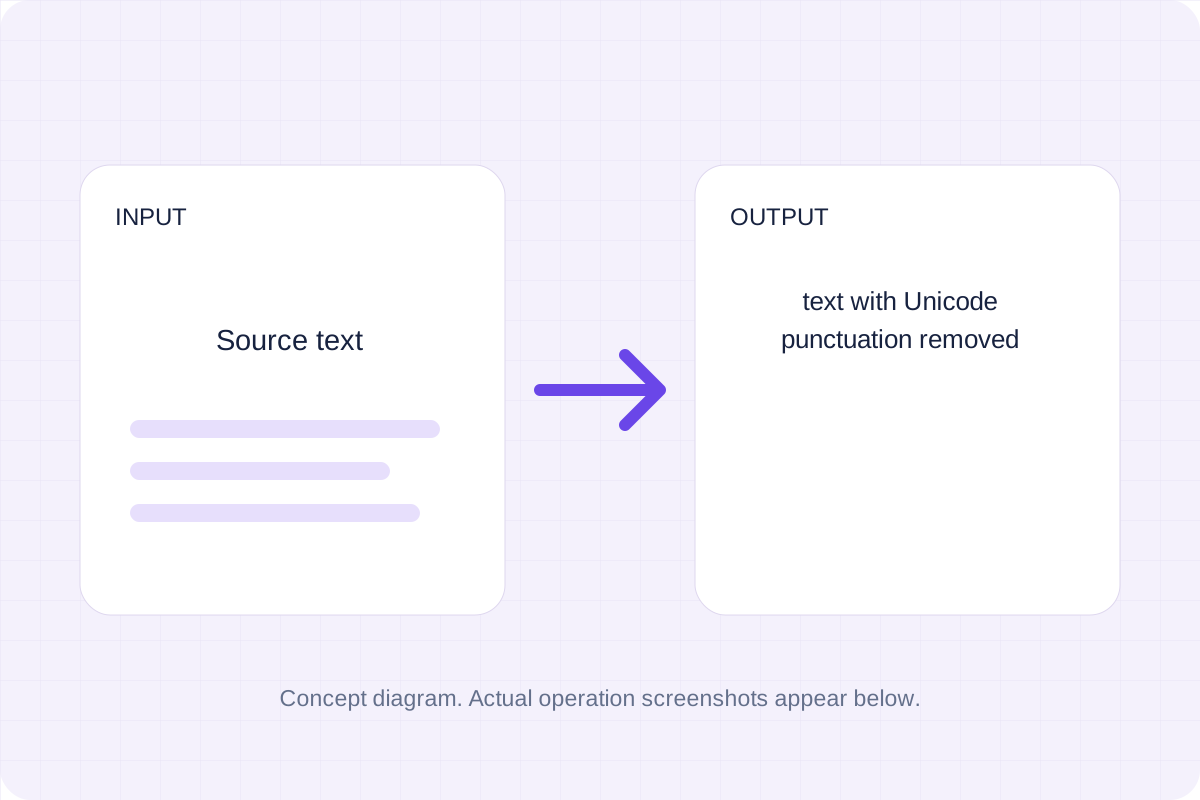
Start with your own input.
Replace the example with the source text you want to process. Apostrophes and hyphens are removed too.
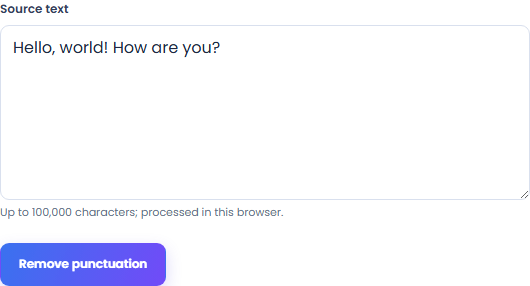
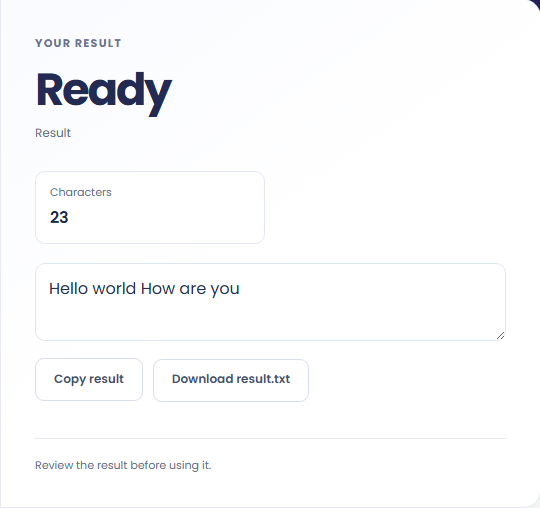
Select Remove punctuation. Review text with Unicode punctuation removed, then use Copy result or Save result.
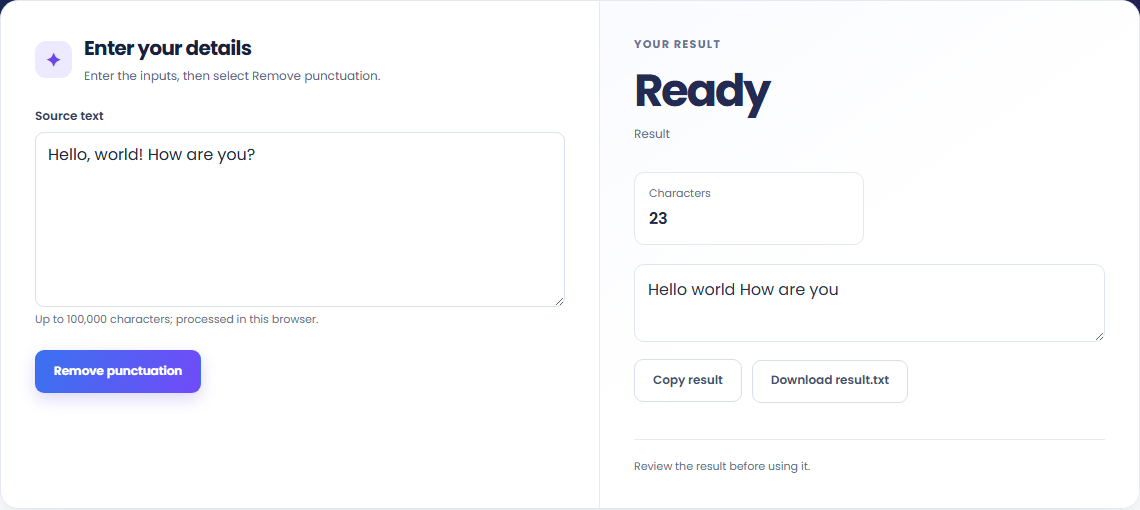
To prepare text tokens, start with source text. Remove characters in the Unicode Punctuation category and keep letters, numbers, symbols and whitespace.

To clean a copied sentence, start with source text. Apostrophes and hyphens are removed too.

To compare punctuation-free text, start with source text. Copy the result into your working document, or save a local file for later review.

Check what the output means.
Text with Unicode punctuation removed. Remove characters in the Unicode Punctuation category and keep letters, numbers, symbols and whitespace.
Apostrophes and hyphens are removed too. Currency and mathematical symbols are not punctuation and remain.

Check the format before processing.
Apostrophes and hyphens are removed too. Currency and mathematical symbols are not punctuation and remain.
Inputs and results are processed locally. Keep your source and save the output you need before leaving.

Sort text lines A–Z or Z–A, optionally removing blank and duplicate lines, then copy the result.
Open tool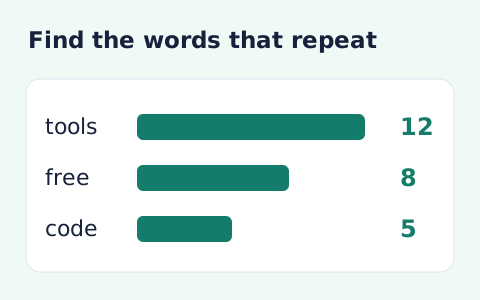
Analyze word counts and term frequency locally with Unicode aware word matching.
Open tool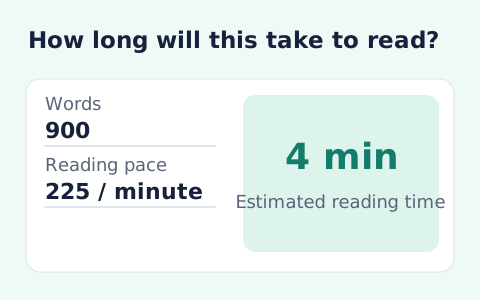
Paste text and estimate reading time from its word count and your chosen reading speed.
Open toolChoose another tool for your next calculation, conversion, or text task.
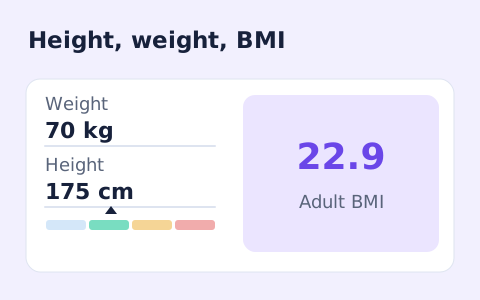
A free adult BMI calculator with metric inputs, a clear BMI category, and the calculation shown.
Open tool
Convert hourly pay to gross annual, monthly, and weekly salary using your own working hours and weeks.
Open tool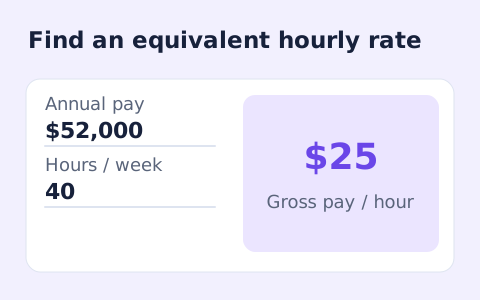
Convert annual gross salary into an hourly rate from your hours per week and paid weeks per year.
Open tool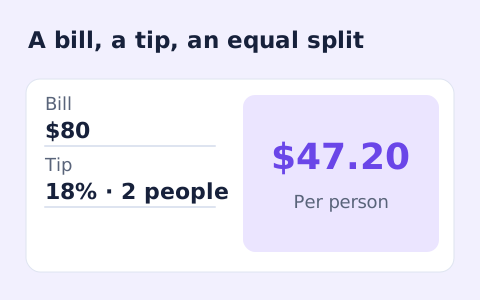
Quickly split a bill with a percentage tip. See the tip amount, total, and per-person amount.
Open toolCheck the result and copy or save the output.
Answers about using Remove Punctuation and understanding its results.
Text with unicode punctuation removed. Apostrophes and hyphens are removed too. Currency and mathematical symbols are not punctuation and remain.
Yes. Use Copy result or Save result after processing. Inputs and results are handled in this browser; save what you need before leaving.