

Email Extractor
Extract and deduplicate common ASCII email-address candidates from supplied text.
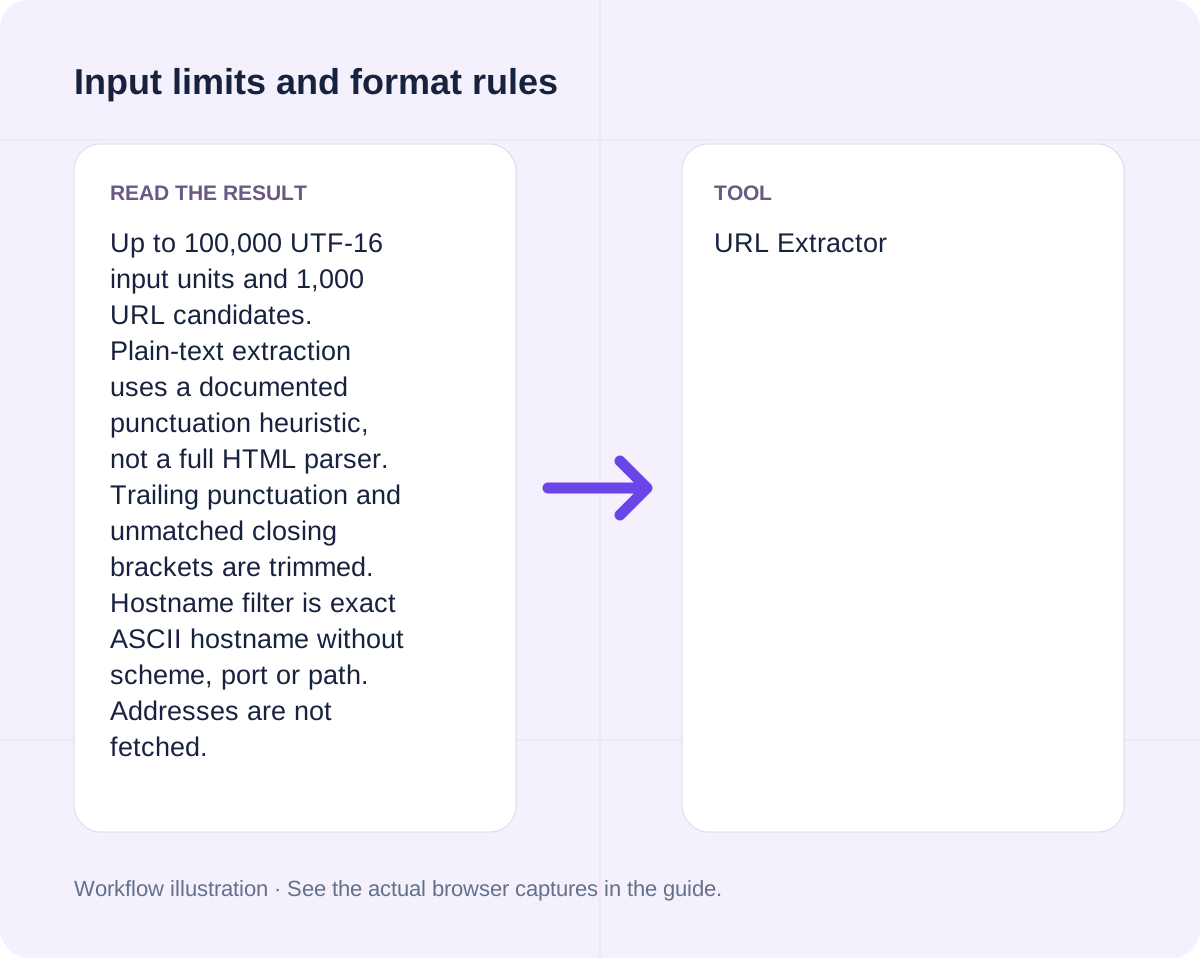
Open toolChoose the protocol and hostname before copying the link list. Provide Text with URLs, Protocol, Exact hostname (optional) to compute results directly in your browser. Up to 100,000 UTF-16 input units and 1,000 URL candidates. Plain-text extraction uses a documented punctuation heuristic, not a full HTML parser. Trailing punctuation and unmatched closing brackets are trimmed. Hostname filter is exact ASCII hostname without scheme, port or path. Addresses are not fetched.
Enter the inputs, then select Process input.
Result will appear here
The URL Extractor evaluates Text with URLs, Protocol, Exact hostname (optional) in client-side JavaScript using the deterministic rule below and updates the output panel immediately without uploading data to a server.
Candidates are parsed as URLs, filtered, then deduplicated by normalized href in first-seen order.
Up to 100,000 UTF-16 input units and 1,000 URL candidates. Plain-text extraction uses a documented punctuation heuristic, not a full HTML parser. Trailing punctuation and unmatched closing brackets are trimmed. Hostname filter is exact ASCII hostname without scheme, port or path. Addresses are not fetched.
Review the input parameters, allowed value ranges, and worked reference cases for the URL Extractor below before running your calculation.
| Parameter / Scenario | Default / Sample Value | Rule or Allowed Range | Output / Usage Note |
|---|---|---|---|
| Input: Text with URLs | See https://example.com/a, then h... | Input type: textarea | Required workspace parameter |
| Input: Protocol | (User supplied) | Options: HTTP and HTTPS, HTTPS only, HTTP only | Required workspace parameter |
| Input: Exact hostname (optional) | (User supplied) | Input type: text | Required workspace parameter |
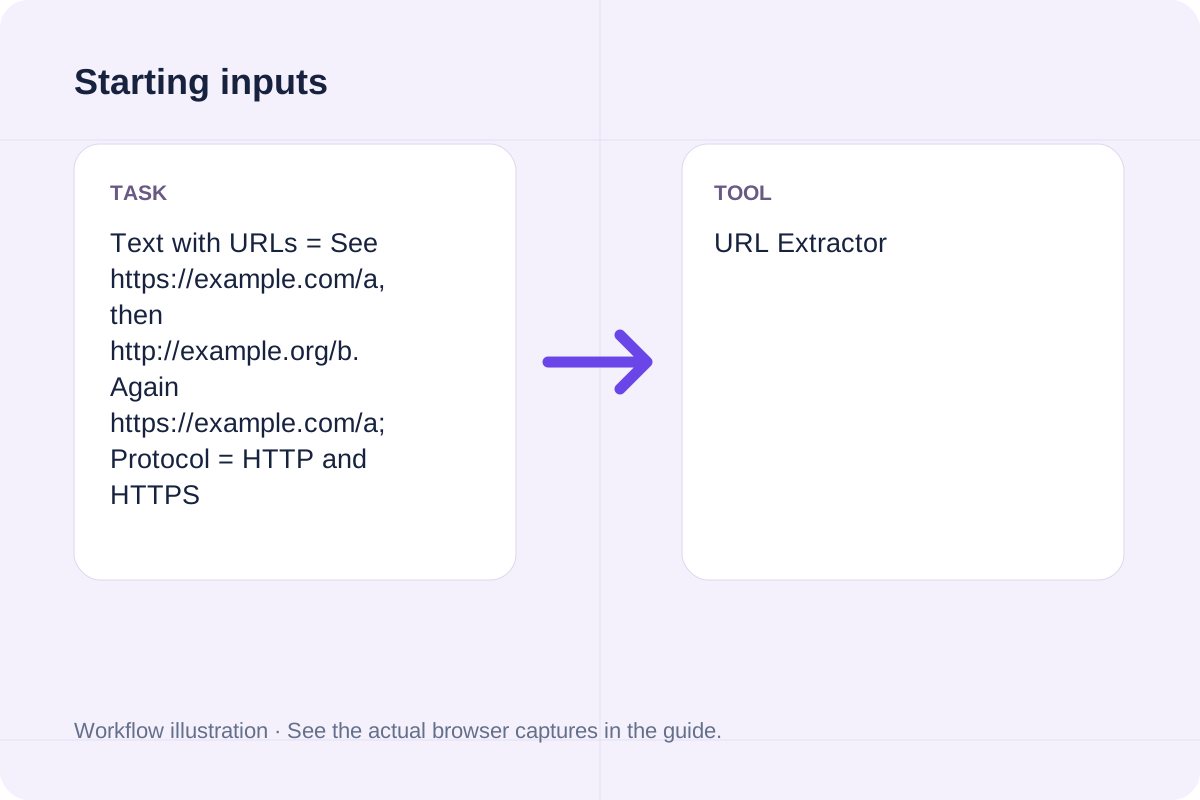
| Worked Case 1: Starting inputs | Preloaded / test values | Candidates are parsed as URLs, filtered, then deduplicated by normalized href in first-seen order | Text with URLs = See https://example.com/a, then http://example.org/b. Again https://example.com/a; Protocol = HTTP and HTTPS |
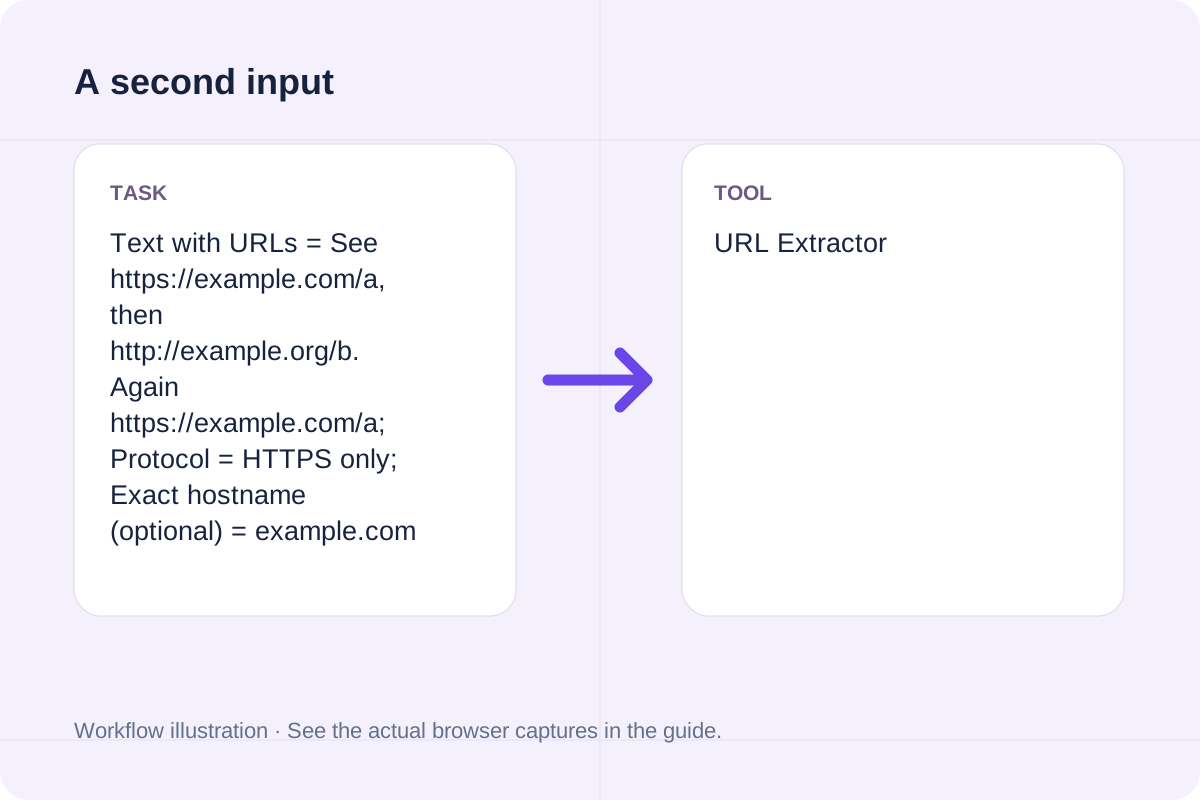
| Worked Case 2: Comparison scenario (url extractor from text) | Preloaded / test values | Candidates are parsed as URLs, filtered, then deduplicated by normalized href in first-seen order | Text with URLs = See https://example.com/a, then http://example.org/b. Again https://example.com/a; Protocol = HTTPS only; Exact hostname (optional) = example.com |
Follow these three steps to configure Text with URLs, Protocol, Exact hostname (optional), verify unit and boundary rules, and export your URL Extractor output.
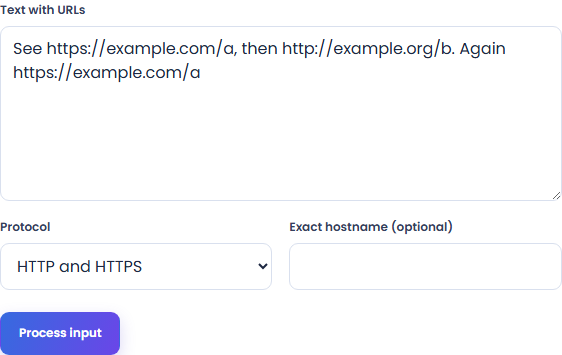
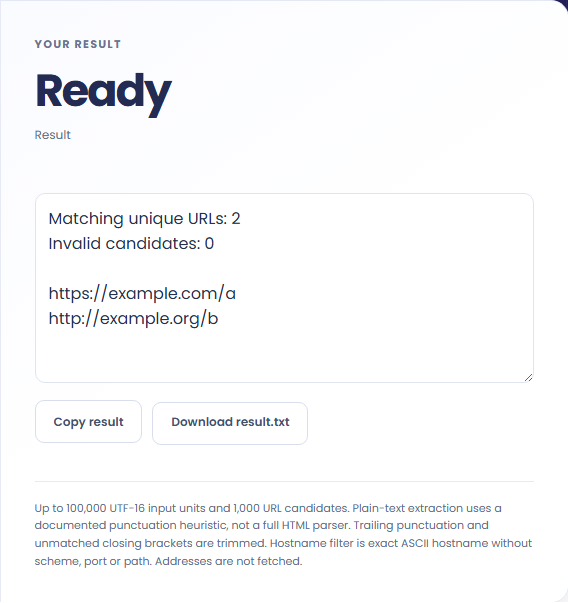
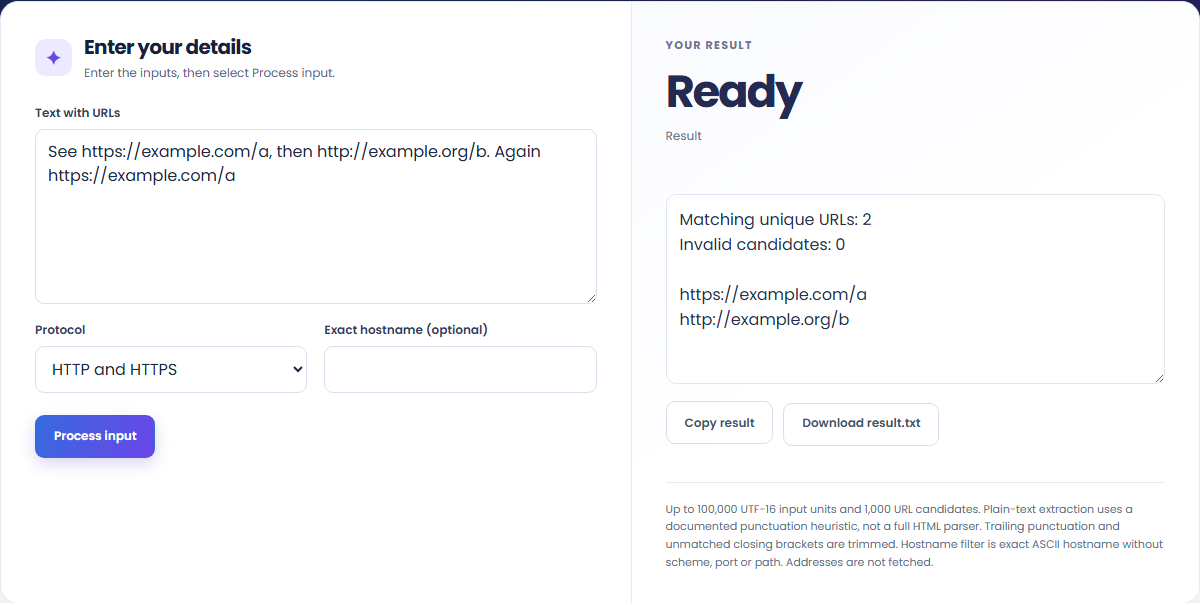
These concrete scenarios illustrate how the URL Extractor processes baseline inputs, comparison checks, and boundary constraints.
Text with URLs = See https://example.com/a, then http://example.org/b. Again https://example.com/a; Protocol = HTTP and HTTPS
Text with URLs = See https://example.com/a, then http://example.org/b. Again https://example.com/a; Protocol = HTTPS only; Exact hostname (optional) = example.com
When solving for 'url extractor', verify that Text with URLs, Protocol, Exact hostname (optional) use consistent units and stay within the documented scope: Up to 100,000 UTF-16 input units and 1,000 URL candidates. Plain-text extraction uses a documented punctuation heuristic, not a full HTML parser. Trailing punctuation and unmatched closing brackets are trimmed. Hostname filter is exact ASCII hostname without scheme, port or path. Addresses are not fetched.
The output panel reports the exact result derived from Text with URLs, Protocol, Exact hostname (optional) alongside any unit or formatting notes.
Every calculation follows the rule: Candidates are parsed as URLs, filtered, then deduplicated by normalized href in first-seen order. Because JavaScript uses IEEE 754 double-precision floating-point arithmetic, numeric outputs display up to 12 significant digits where applicable.
Always cross-check the displayed result against the scope note (Up to 100,000 UTF-16 input units and 1,000 URL candidates. Plain-text extraction uses a documented punctuation heuristic, not a full HTML parser. Trailing punctuation and unmatched closing brackets are trimmed. Hostname filter is exact ASCII hostname without scheme, port or path. Addresses are not fetched) before applying the value to production specifications, financial models, or lab records.
Review these boundary constraints and validation rules before relying on the URL Extractor output.
Operational scope: Up to 100,000 UTF-16 input units and 1,000 URL candidates. Plain-text extraction uses a documented punctuation heuristic, not a full HTML parser. Trailing punctuation and unmatched closing brackets are trimmed. Hostname filter is exact ASCII hostname without scheme, port or path. Addresses are not fetched. Inputs that violate minimum/maximum bounds or required format rules are rejected with a clear diagnostic prompt.
Need an adjacent calculation in Text Tools? Use the related tools linked below to chain your workflow without leaving your browser.
Extract and deduplicate common ASCII email-address candidates from supplied text.
Open tool
Extract phone numbers from unstructured text, normalize 10-digit and international numbers to E.164 format, and deduplicate matches.
Open tool
Remove repeated lines while retaining first occurrence order.
Open toolChoose another tool for your next calculation, conversion, or text task.

Normalize the supplied seed to ASCII letters and digits, then append a random four-digit suffix.
Open tool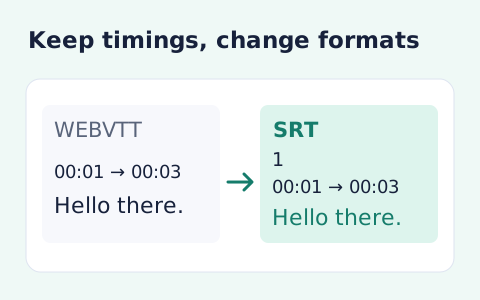
Convert WebVTT cue timings and text into numbered SRT subtitles.
Open tool
A basic APA-style website or book reference. Format the author, date, title, publisher or site and URL supplied in the form.
Open tool
A reflowable EPUB 3 book from supported Word blocks. Extract sanitized DOCX structure, then build an EPUB package with supplied title and author.
Open toolAnswers about using URL Extractor and understanding its results.
The URL Extractor applies the rule: Candidates are parsed as URLs, filtered, then deduplicated by normalized href in first-seen order. Enter Text with URLs, Protocol, Exact hostname (optional) into the workspace and the tool computes the exact output in your browser.
Yes. Provide Text with URLs, Protocol, Exact hostname (optional) using the documented units and format shown in the quick reference table above. Preloaded default values let you test the workflow immediately.
Up to 100,000 UTF-16 input units and 1,000 URL candidates. Plain-text extraction uses a documented punctuation heuristic, not a full HTML parser. Trailing punctuation and unmatched closing brackets are trimmed. Hostname filter is exact ASCII hostname without scheme, port or path. Addresses are not fetched. Confirm that your inputs fall within the allowed ranges before exporting the result.
Yes. All calculations for the URL Extractor execute 100% locally in your browser's JavaScript runtime. No inputs or results are uploaded to any external server.
Choose another tool for your next calculation, conversion, or text task.