
APA citation generator
A basic APA-style website or book reference. Format the author, date, title, publisher or site and URL supplied in the form.
Open toolNormalize the supplied seed to ASCII letters and digits, then append a random four-digit suffix. The seed must contain an ASCII letter or digit.
Enter the inputs, then select Generate usernames.
Result will appear here
Normalize the supplied seed to ASCII letters and digits, then append a random four-digit suffix.
The seed must contain an ASCII letter or digit. Suggestions are not checked for availability, trademarks or suitability on any service.
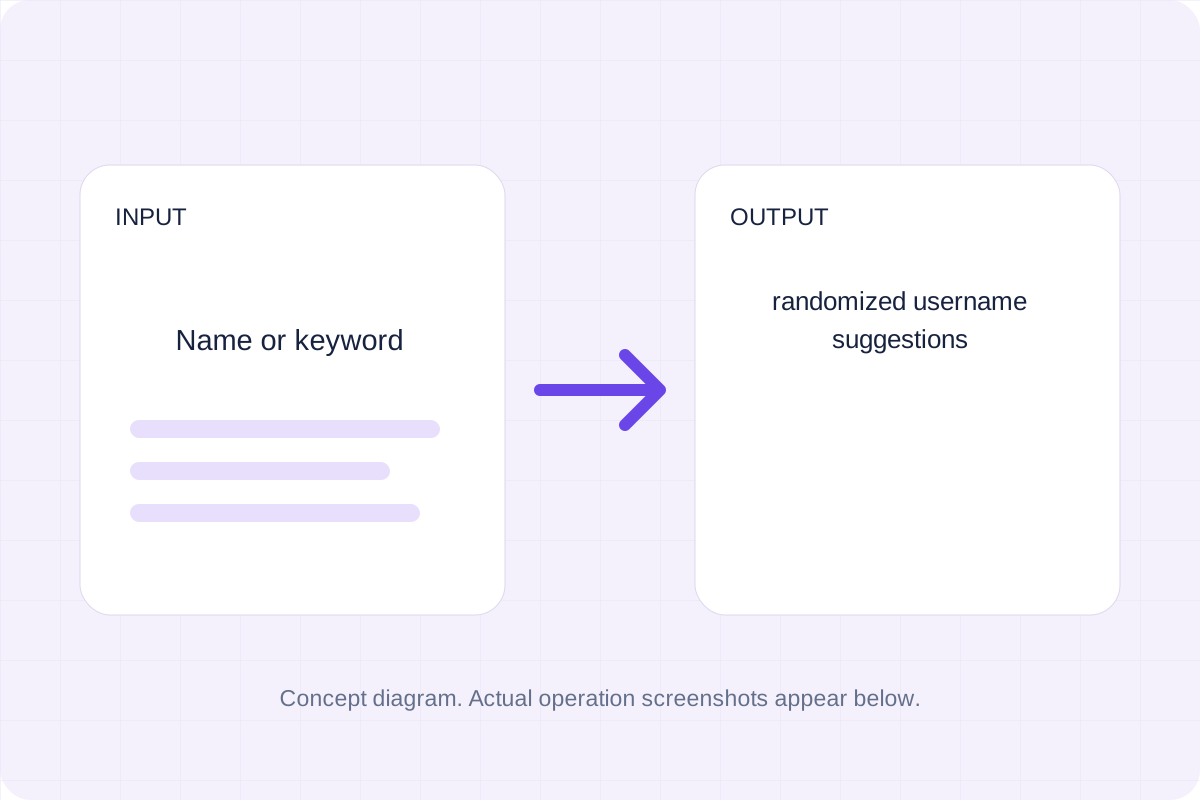
Start with your own input.
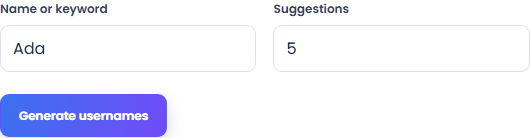
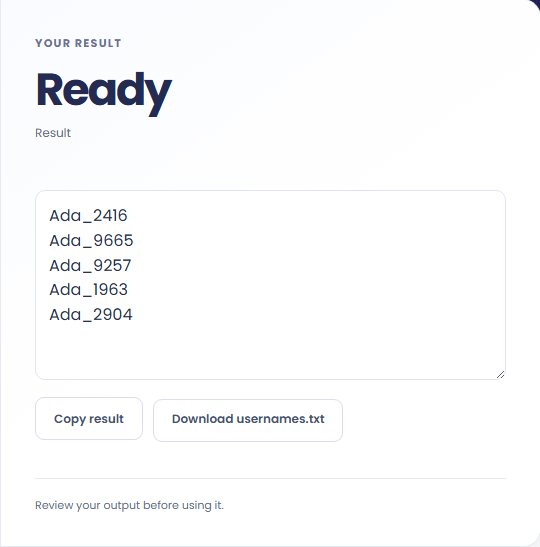
Select Generate usernames. Review randomized username suggestions, then use Copy result or download the result file.
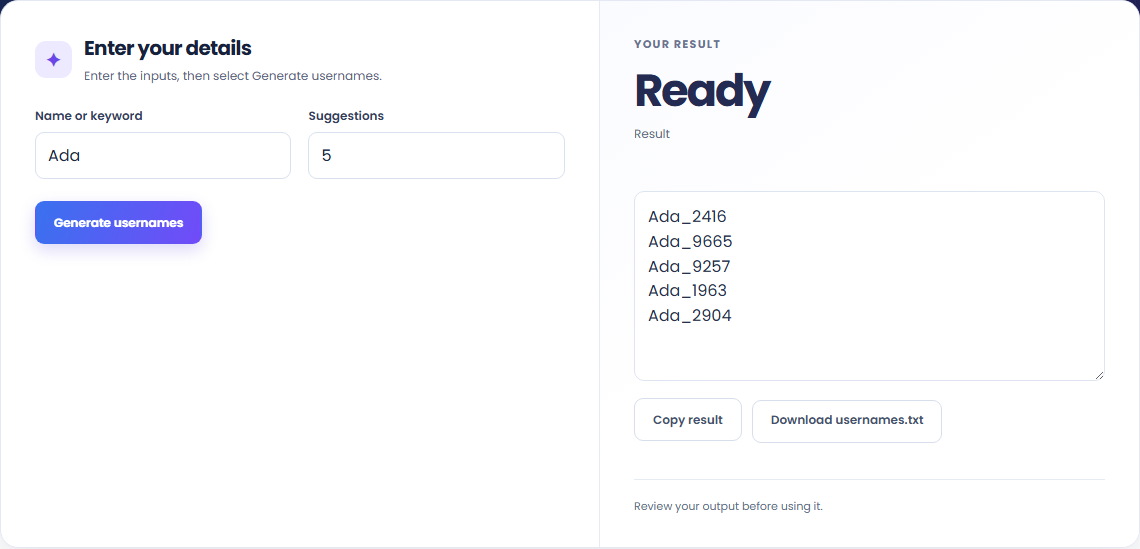
To make account-name suggestions, start with name or keyword. Normalize the supplied seed to ASCII letters and digits, then append a random four-digit suffix.

To create test-user labels, start with name or keyword. The seed must contain an ASCII letter or digit.

To try variants of a nickname, start with name or keyword. Review randomized username suggestions, then use Copy result or download the result file.

Check what the output means.
Randomized username suggestions. Normalize the supplied seed to ASCII letters and digits, then append a random four-digit suffix.
The seed must contain an ASCII letter or digit. Suggestions are not checked for availability, trademarks or suitability on any service.

Check the format before processing.
The seed must contain an ASCII letter or digit. Suggestions are not checked for availability, trademarks or suitability on any service.
Inputs and results are handled in this browser.

A basic APA-style website or book reference. Format the author, date, title, publisher or site and URL supplied in the form.
Open tool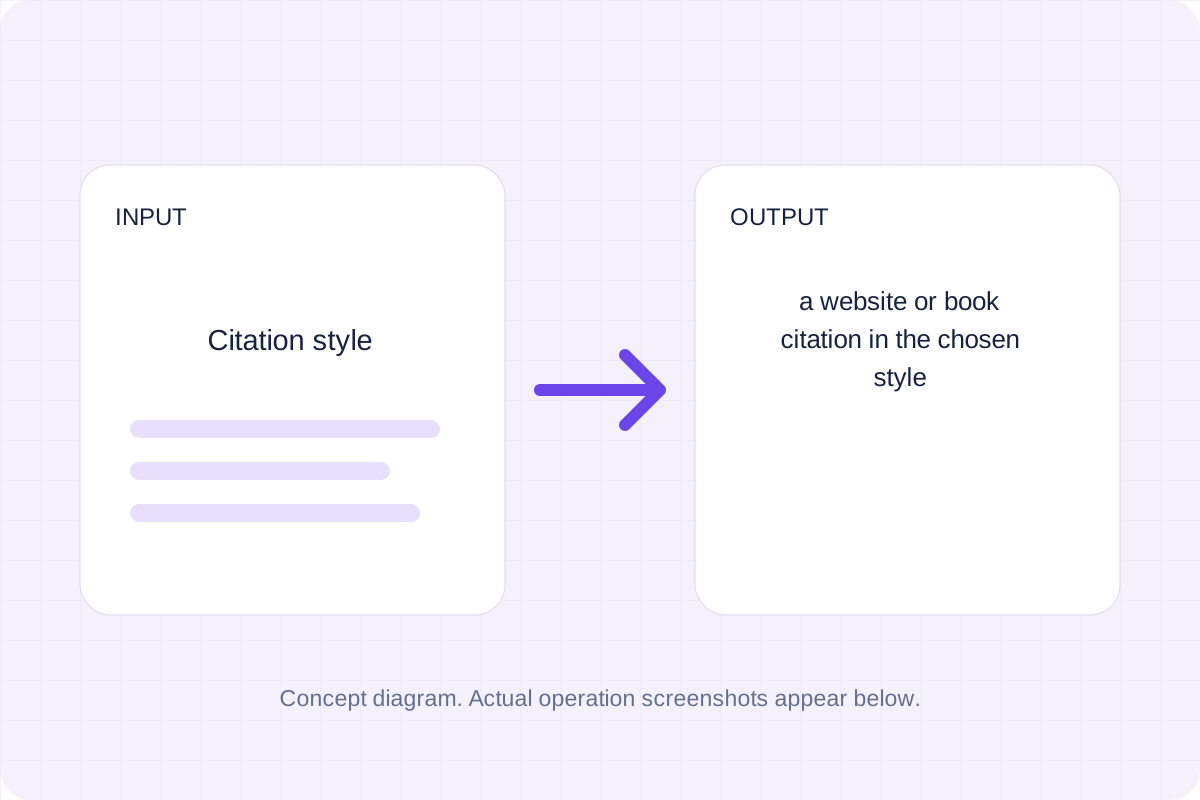
A website or book citation in the chosen style. Apply basic APA, MLA or Chicago bibliography patterns to manually supplied source details.
Open tool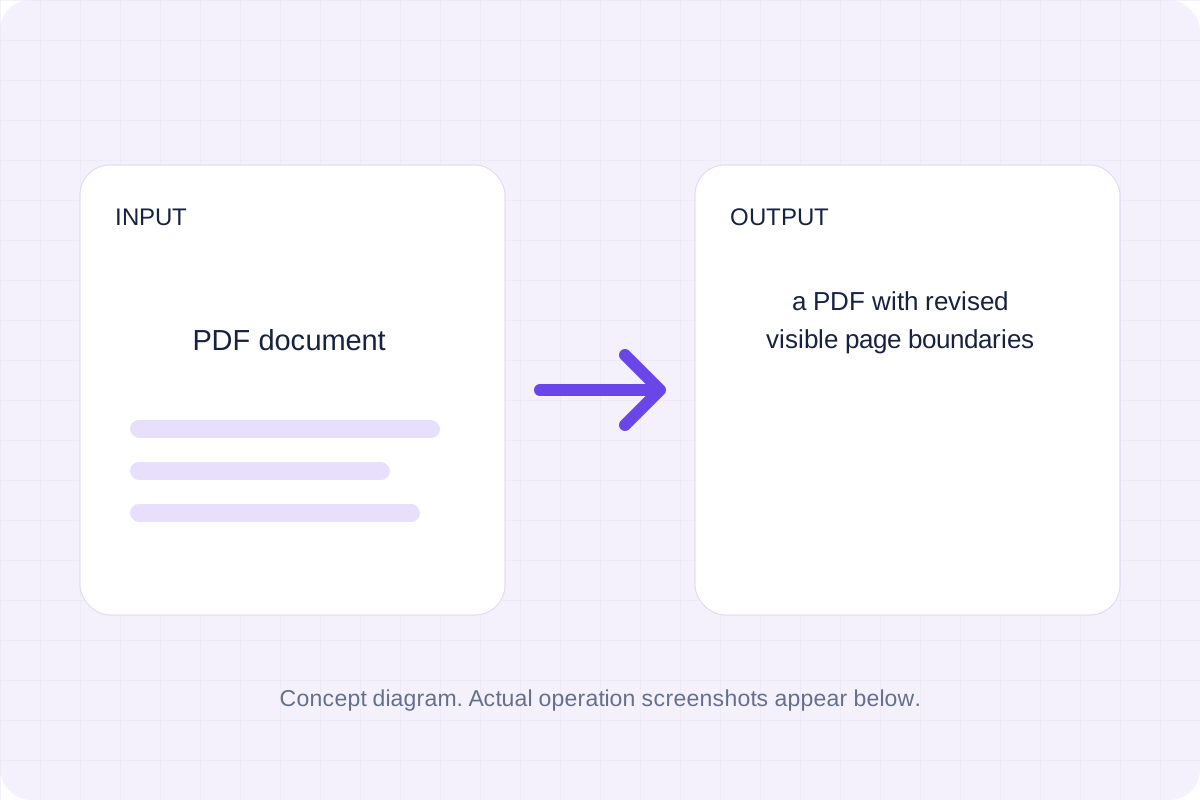
A PDF with revised visible page boundaries. Inset each current CropBox by the entered margins in PDF points.
Open toolChoose another tool for your next calculation, conversion, or text task.
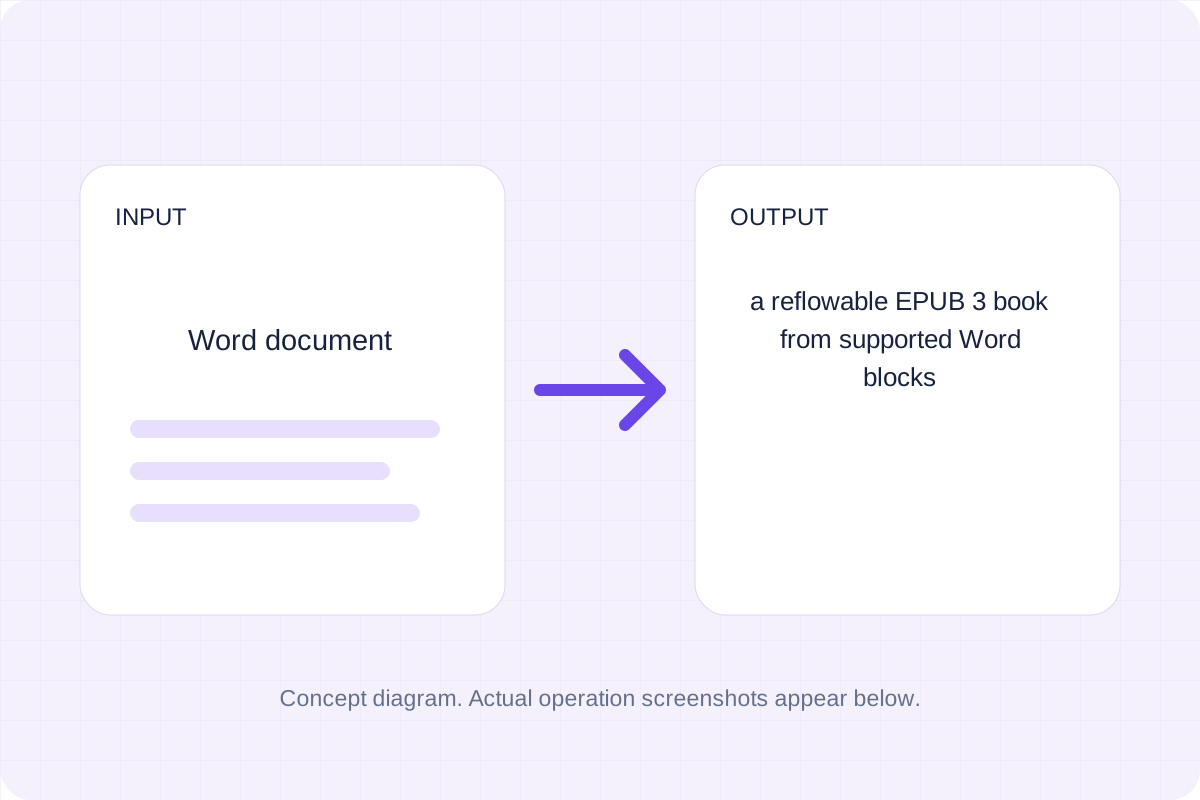
A reflowable EPUB 3 book from supported Word blocks. Extract sanitized DOCX structure, then build an EPUB package with supplied title and author.
Open tool
Sanitized structural HTML from a Word document. Read DOCX with Mammoth and sanitize its text, headings, lists, links and basic tables.
Open tool
An OpenDocument text file with extracted Word structure. Convert supported DOCX blocks to a ZIP with OpenDocument content and manifest XML.
Open tool
One self-contained HTML file in EPUB spine order. Read an unencrypted EPUB package, sanitize chapter markup and join its reading-order content.
Open toolReview randomized username suggestions, then use Copy result or download the result file.
Answers about using Username Generator and understanding its results.
The seed must contain an ASCII letter or digit. Suggestions are not checked for availability, trademarks or suitability on any service.
Yes. Download the result file after processing. Text results also have Copy result. Processing uses local browser code; no account is required.