
Remove PDF Annotations
A PDF without page annotations. Delete page annotation arrays while retaining page text and vector content.
Open toolExtract supported EPUB chapter text and write a Palm database with a MOBI6 header and UTF-8 HTML records. MOBI6 text output for older compatible readers, not KF8/AZW3 or current Send to Kindle acceptance.
Enter the inputs, then select Build legacy MOBI.
Result will appear here
Extract supported EPUB chapter text and write a Palm database with a MOBI6 header and UTF-8 HTML records.
The tool processes the supplied input with browser APIs and bundled local libraries.
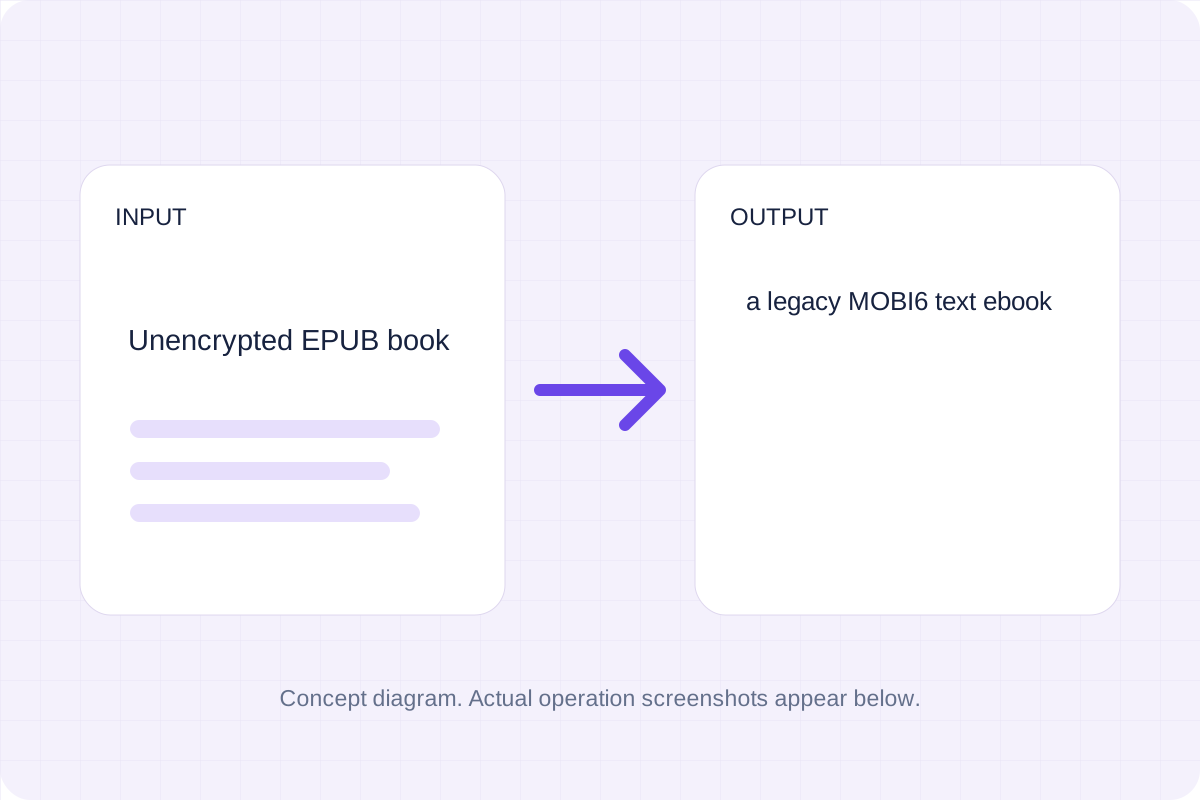
Supply supported input and review the result.
Choose Unencrypted EPUB book. Processing reads the file in this browser.
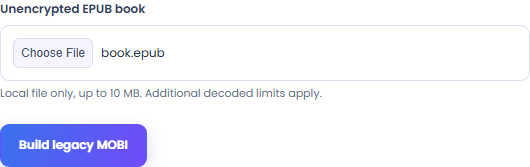
Check the supported input and conversion limits below.
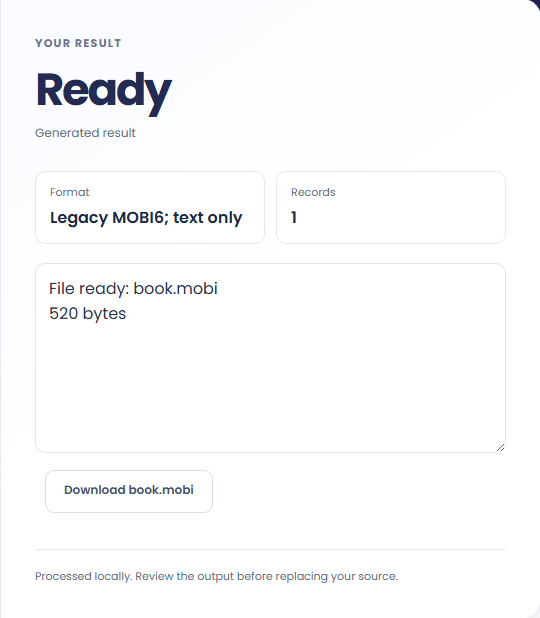
Save a legacy MOBI6 text ebook. Check the download in its target application before replacing your source.
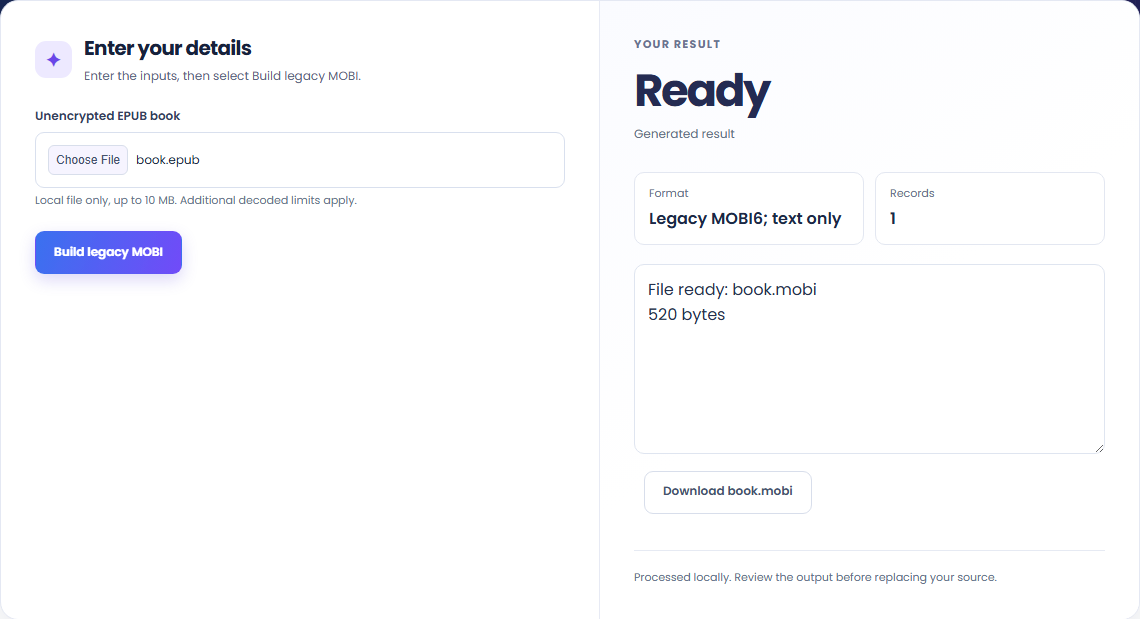
The output is a legacy MOBI6 container. It does not target KF8 or modern Send to Kindle submission.
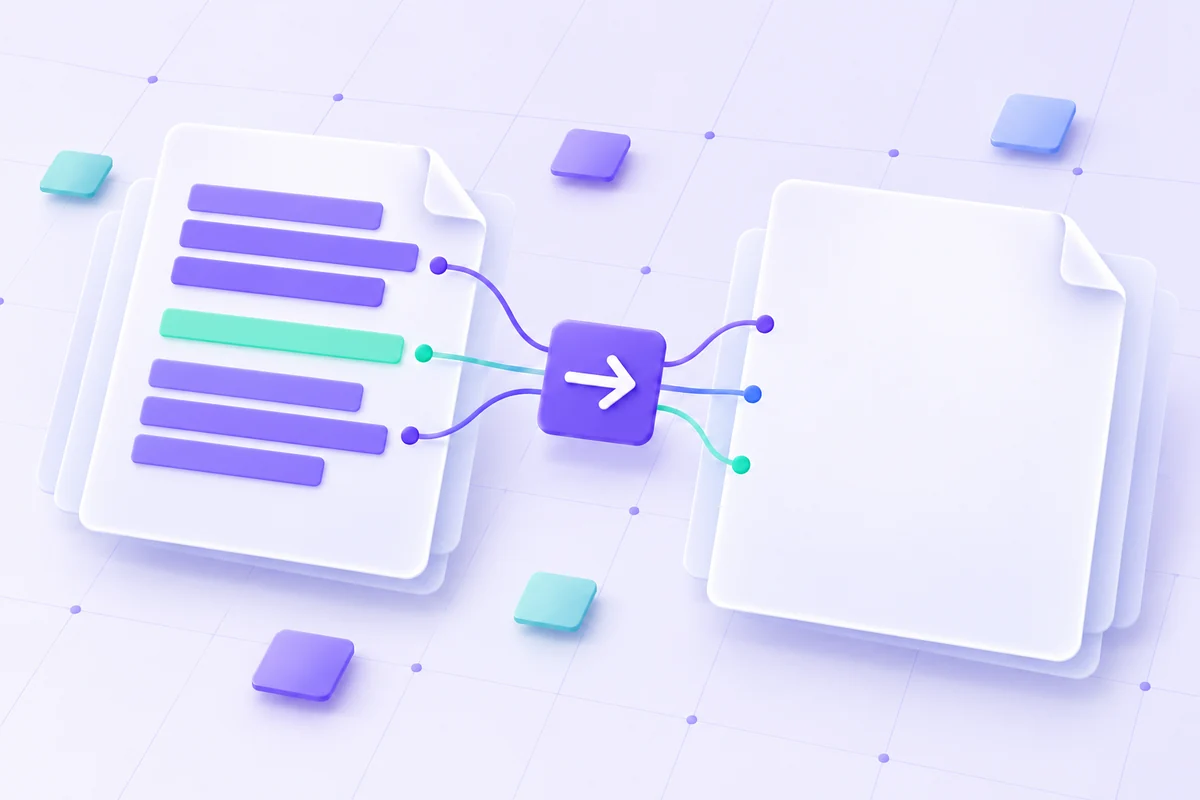
Supported EPUB chapter text is extracted from the spine. Images and original book navigation are omitted.
Keep the EPUB for devices that support it. The MOBI output is a simpler text-focused copy.
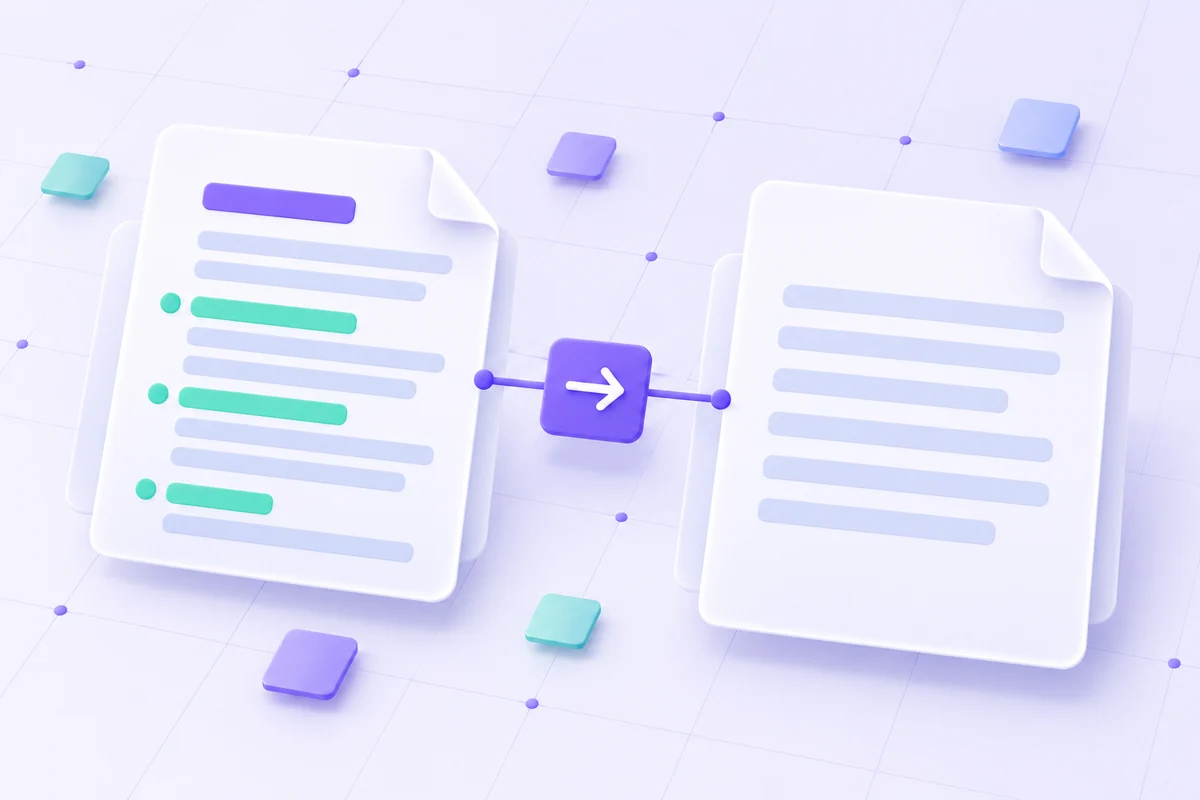
Review the format and conversion policy.
A legacy MOBI6 text ebook. MOBI6 text output for older compatible readers, not KF8/AZW3 or current Send to Kindle acceptance. Images, CSS, navigation and layout are omitted. Keep the EPUB original; up to 2 MB text.
Keep the original while checking the saved output. The result reflects the input and settings you supplied.
Check these conditions before converting.
MOBI6 text output for older compatible readers, not KF8/AZW3 or current Send to Kindle acceptance. Images, CSS, navigation and layout are omitted. Keep the EPUB original; up to 2 MB text.
The page does not keep inputs or results after leaving. Keep the source and save the output you need.
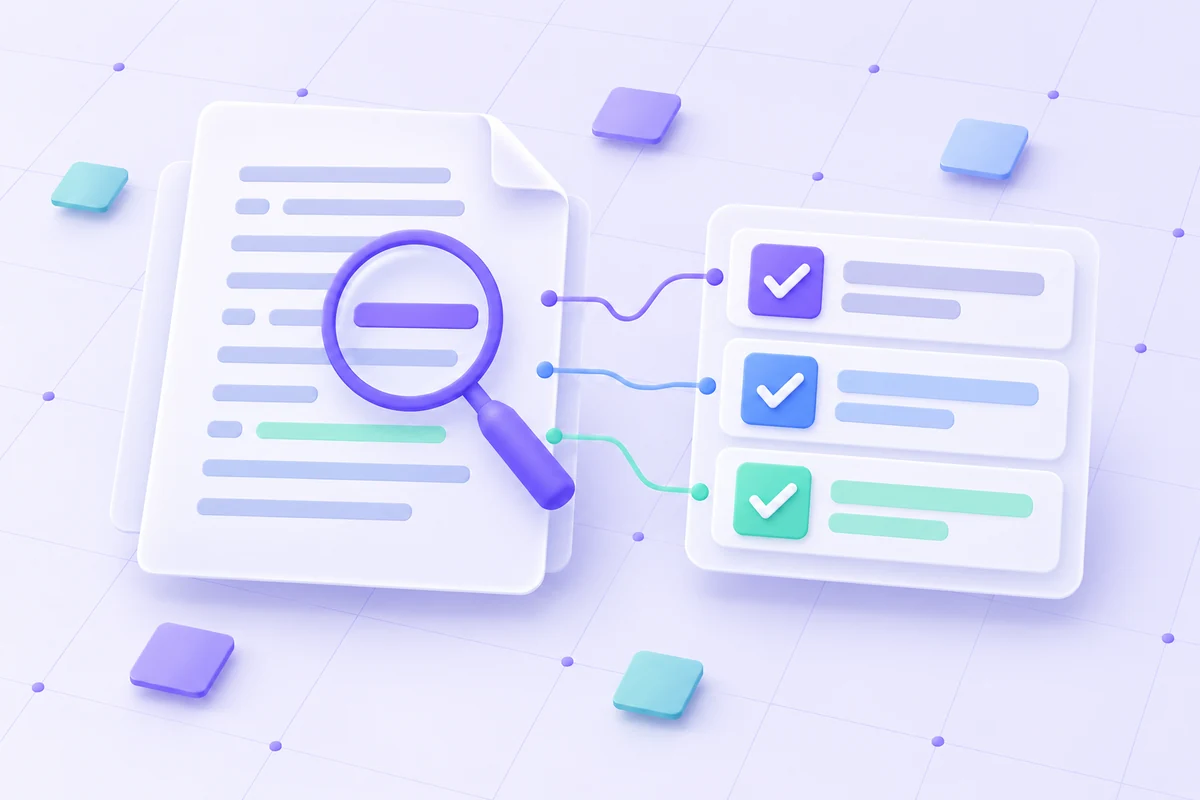
A PDF without page annotations. Delete page annotation arrays while retaining page text and vector content.
Open tool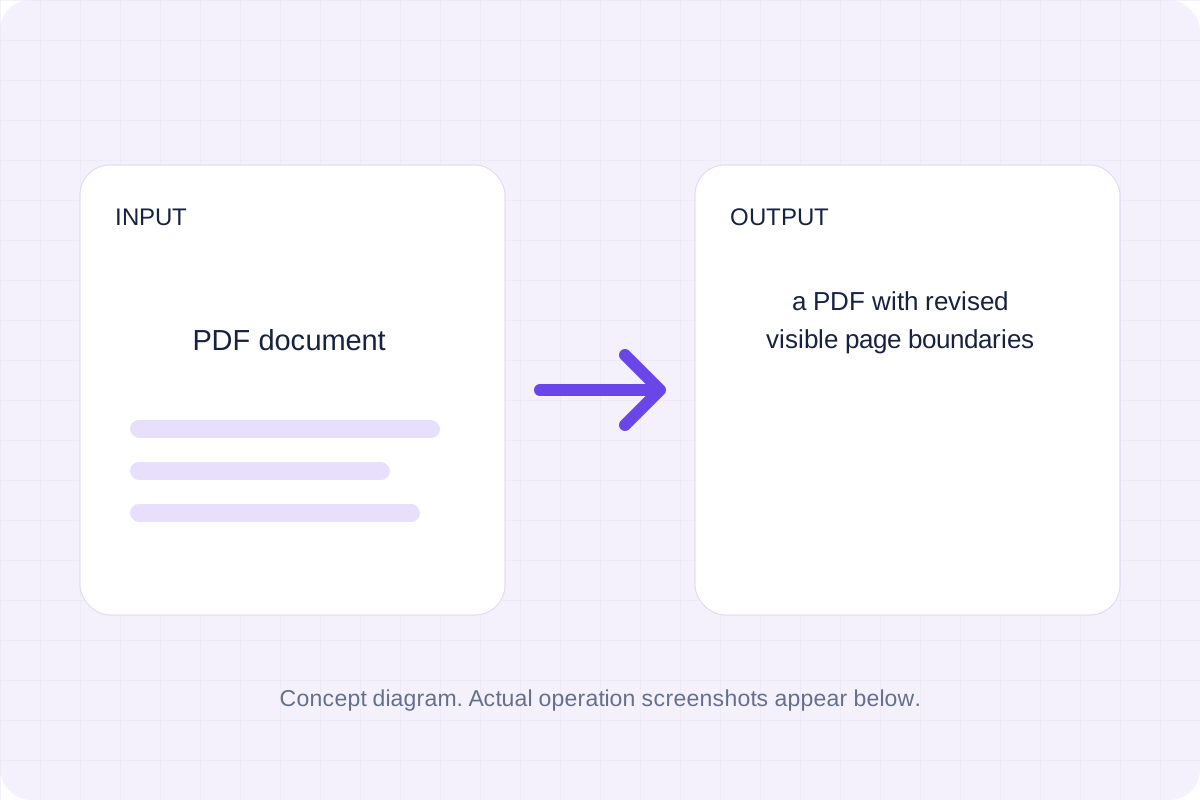
A PDF with revised visible page boundaries. Inset each current CropBox by the entered margins in PDF points.
Open tool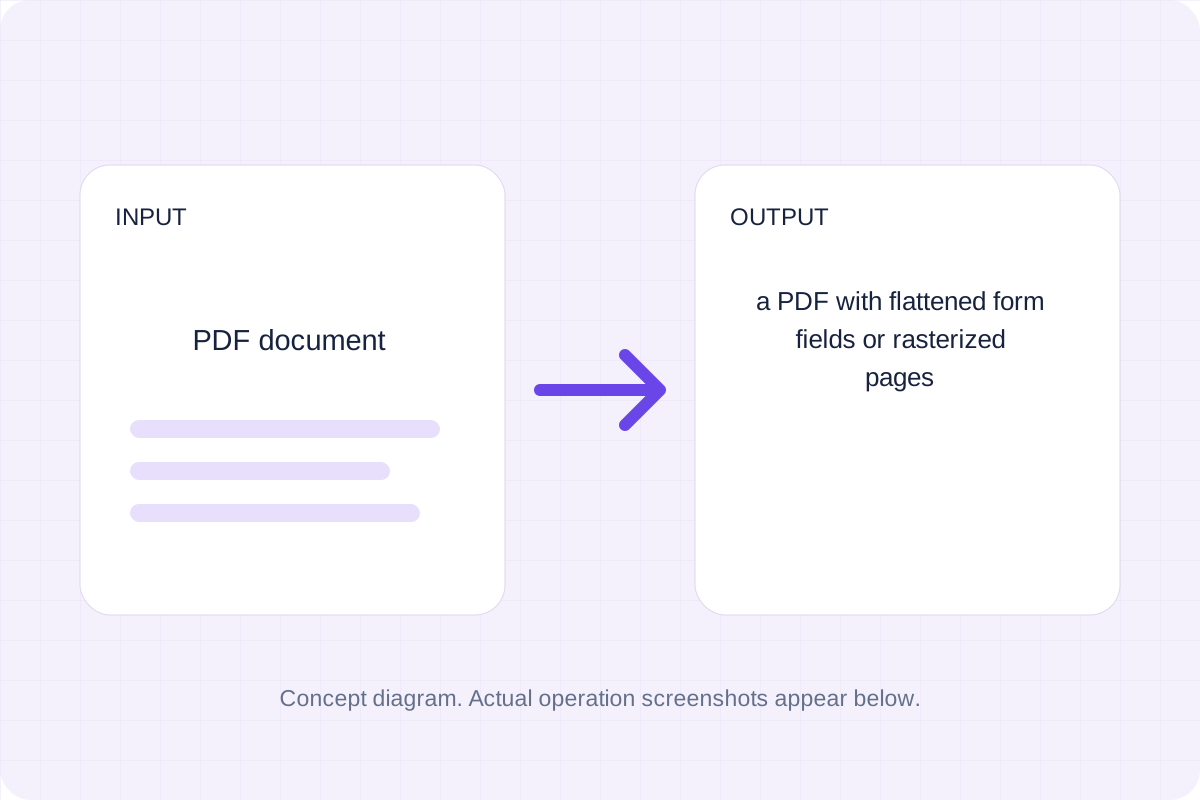
A PDF with flattened form fields or rasterized pages. Use pdf-lib form flattening or render all page appearances into an image-only PDF.
Open toolChoose another tool for your next calculation, conversion, or text task.
Write Markdown, update the rendered preview and download the Markdown or HTML when it is ready.
Open tool
Convert a modern .docx document to Markdown. Keep common text, headings, links and lists while leaving images, page layout and complex formatting for manual editing.
Open tool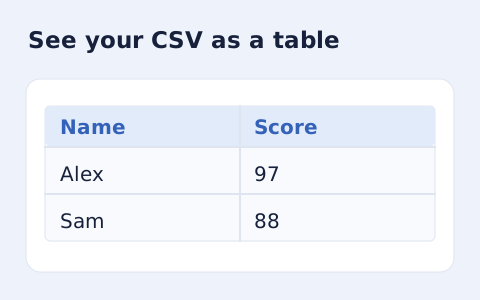
Inspect quoted CSV cells in a readable table without uploading your data.
Open tool
Optimize self-contained SVG source with local SVGO processing. Choose decimal precision, download the smaller markup and compare its appearance with the original.
Open toolAnswers about using EPUB to MOBI converter and understanding its results.
Save a legacy MOBI6 text ebook. MOBI6 text output for older compatible readers, not KF8/AZW3 or current Send to Kindle acceptance. Images, CSS, navigation and layout are omitted. Keep the EPUB original; up to 2 MB text.
No. Processing uses browser APIs and bundled local libraries. The selected file or entered source is not sent to a conversion server. Save the result before leaving.
Review the supported output and save your result.