
Age Calculator
Find complete calendar years and months using end-of-month clamping, then count remaining UTC calendar days.
Open toolSubtract two 24-hour clock times; optionally move an earlier end time into the next day. Use HH:MM or HH:MM:SS.
Enter the inputs, then select Calculate duration.
Result will appear here
Subtract two 24-hour clock times; optionally move an earlier end time into the next day.
Use HH:MM or HH:MM:SS. Same clock times mean zero duration. Dates, time zones and daylight-saving changes are outside this clock-only calculation.
Start with your own input.
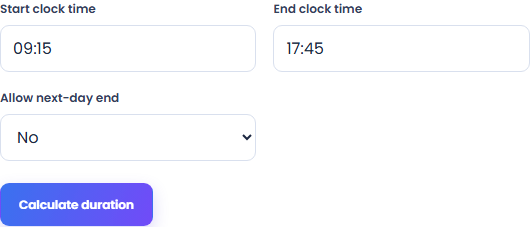
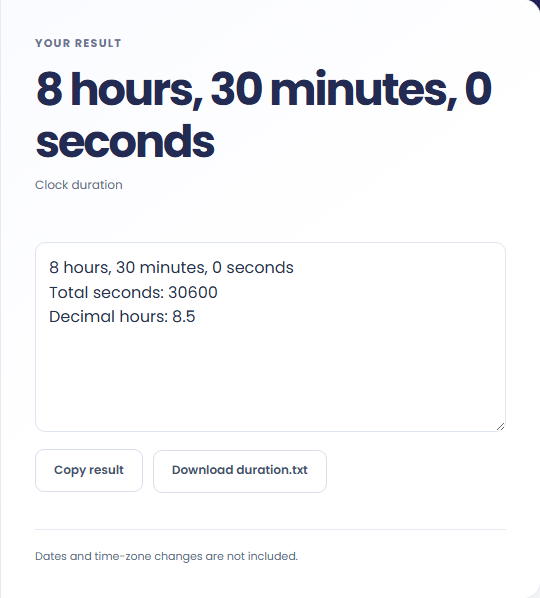
Select Calculate duration. Review elapsed hours, minutes and seconds between clock times, then use Copy result or download the result file.
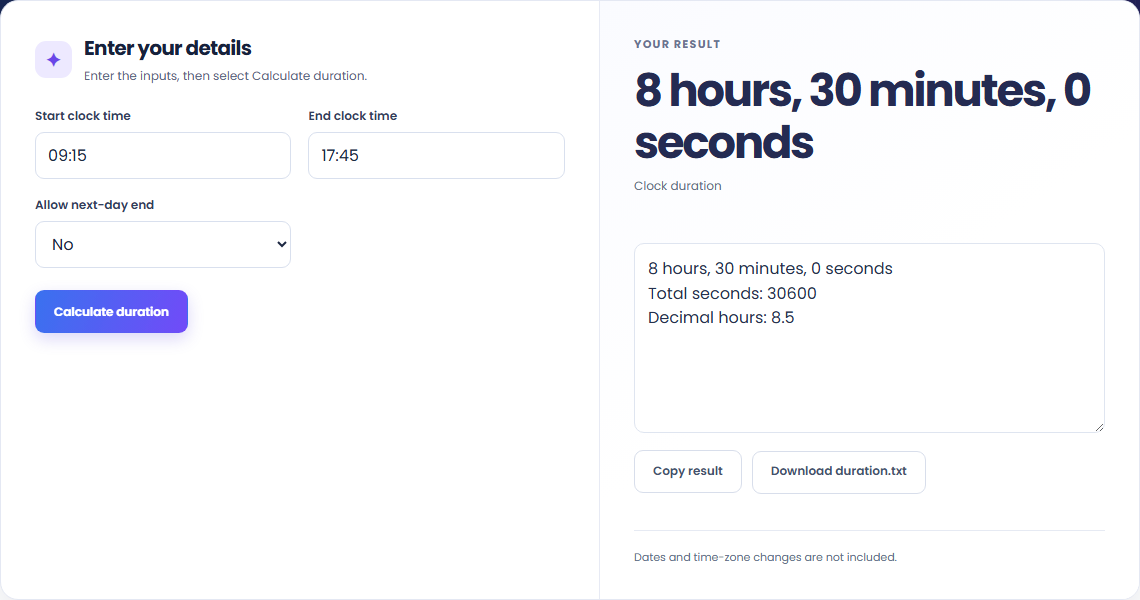
To measure a same-day time interval, start with start clock time. Subtract two 24-hour clock times; optionally move an earlier end time into the next day.

To check an overnight shift, start with start clock time. Use HH:MM or HH:MM:SS.

To convert a clock interval into decimal hours, start with start clock time. Review elapsed hours, minutes and seconds between clock times, then use Copy result or download the result file.

Check what the output means.
Elapsed hours, minutes and seconds between clock times. Subtract two 24-hour clock times; optionally move an earlier end time into the next day.
Use HH:MM or HH:MM:SS. Same clock times mean zero duration. Dates, time zones and daylight-saving changes are outside this clock-only calculation.

Check the format before processing.
Use HH:MM or HH:MM:SS. Same clock times mean zero duration. Dates, time zones and daylight-saving changes are outside this clock-only calculation.
Inputs and results are handled in this browser.

Find complete calendar years and months using end-of-month clamping, then count remaining UTC calendar days.
Open tool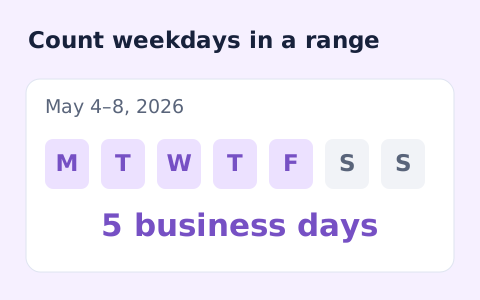
Count weekdays between two dates, including both endpoints and excluding Saturdays and Sundays.
Open tool
Apply the year and month offset together, clamp to the destination month, then add UTC calendar days.
Open toolChoose another tool for your next calculation, conversion, or text task.
Subtract UTC date-only timestamps and divide by 86,400,000 milliseconds.
Open tool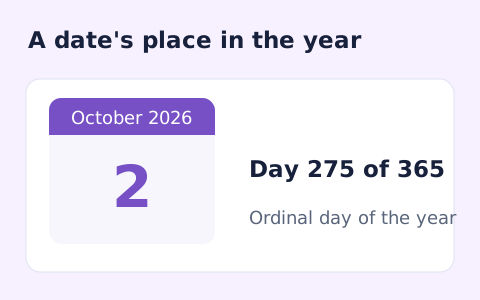
Find whether a date is day 1 through 365 or 366 of its calendar year.
Open tool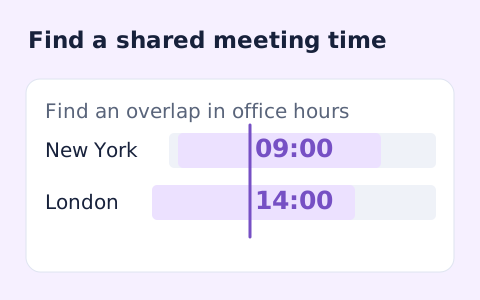
Plan a dated meeting across IANA time zones and check typical weekday office hours.
Open tool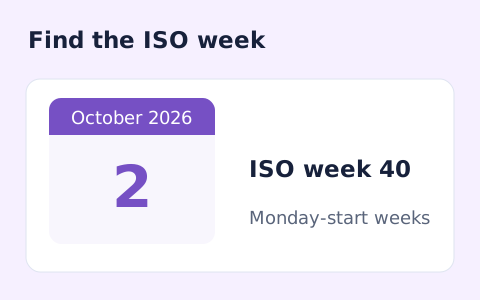
Calculate a date's ISO 8601 week number, week-year, and weekday.
Open toolReview elapsed hours, minutes and seconds between clock times, then use Copy result or download the result file.
Answers about using Time Duration Calculator and understanding its results.
Use HH:MM or HH:MM:SS. Same clock times mean zero duration. Dates, time zones and daylight-saving changes are outside this clock-only calculation.
Yes. Download the result file after processing. Text results also have Copy result. Processing uses local browser code; no account is required.