

Video Storage Calculator
Estimate decimal video storage from supplied constant bitrates, duration and stream count.
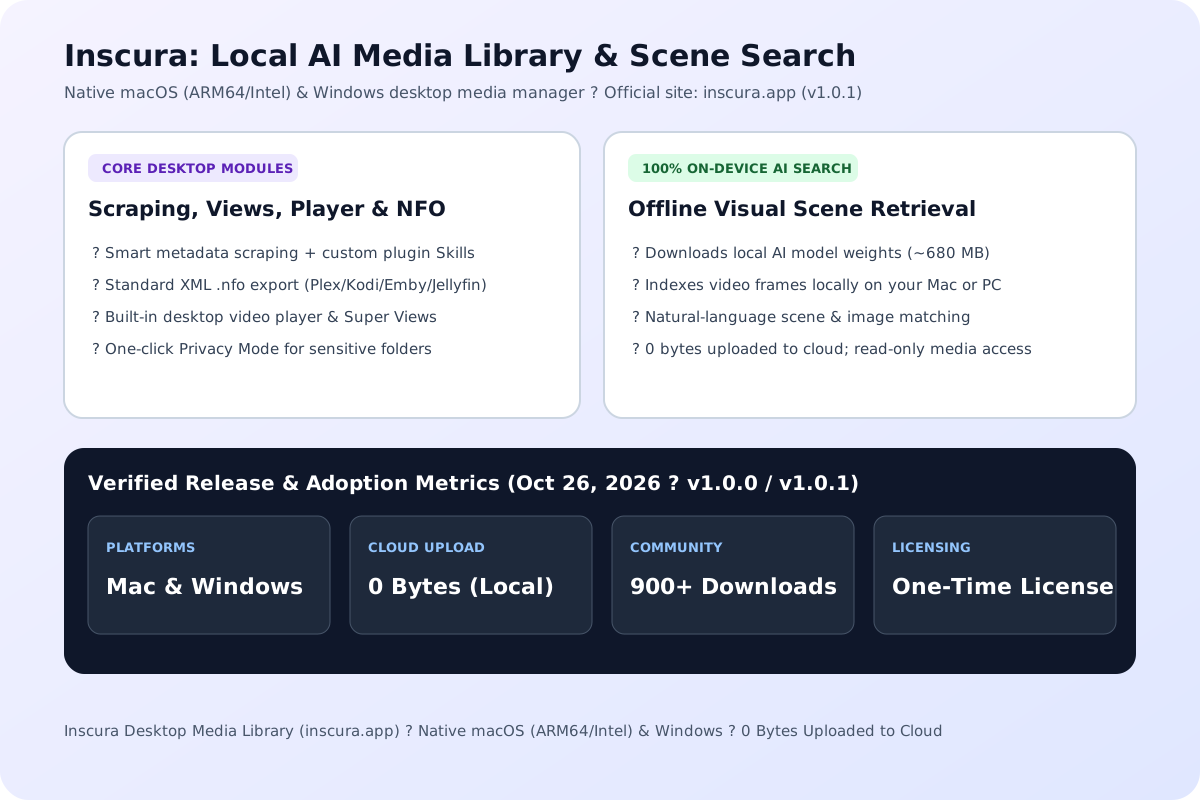
Open toolInscura is a native macOS and Windows desktop media library that combines smart metadata scraping, 100% on-device AI scene and image search, Plex/Kodi/Emby/Jellyfin NFO export, Super Views, Privacy Mode, and a built-in video player with zero cloud uploads.
Inscura is a downloadable macOS and Windows desktop app (not a browser video player). Use this planner to estimate local AI index disk usage and compare desktop alternatives.
Result will appear here
Inscura (official English site at inscura.app and Chinese documentation at inscura.app/zh-hans/) is a desktop media library manager built for collectors who store movies, series, and personal video archives on local drives or NAS volumes. Developed over more than two years and released as v1.0.0 and v1.0.1 on October 26, 2026, Inscura has passed 900+ downloads with roughly 180 weekly active users according to the developer's V2EX launch thread. Note: this page is an independent overview and storage/comparison planner; media scraping, playback, and AI indexing run inside the native desktop application, not in your web browser.
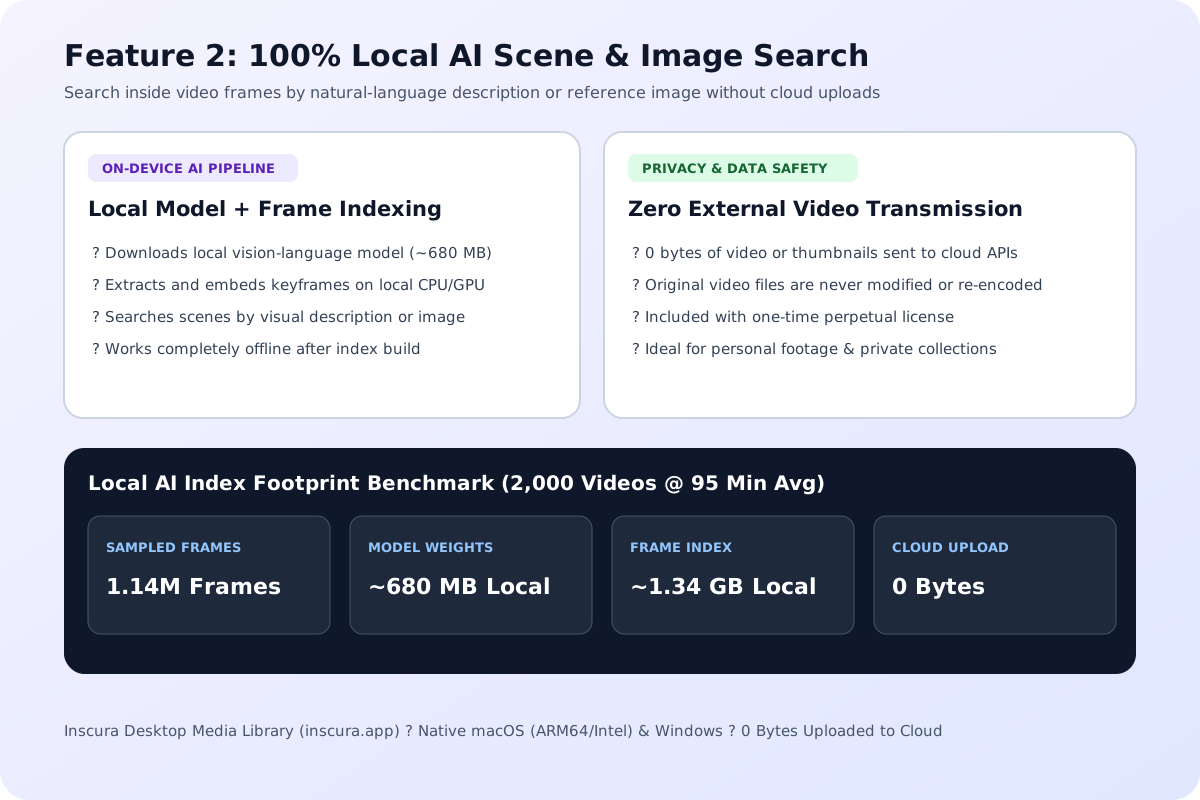
SampledFrames = VideoCount * AvgDurationMin * 6 keyframes/min; LocalIndexFootprint = 680 MB (Local AI Weights) + (SampledFrames * 1.2 KB) + (VideoCount * 450 KB NFO/Posters); CloudUpload = 0 Bytes.
If you are sizing hard drives or RAID arrays for raw 4K/1080p video files before importing them into Inscura, use our Video Storage Calculator and Video Bitrate Calculator to estimate terabyte capacity from codec bitrate and runtime.
Factual feature comparison across publicly documented capabilities for macOS and Windows local media library managers (updated October 2026).
| Capability / Dimension | Inscura (v1.0.1) | tinyMediaManager (TMM v5) | Usher 2 / Movie Explorer Pro | Peach / Traditional Folders |
|---|---|---|---|---|
| Supported Desktop OS | macOS (ARM64 + Intel) & Windows | Windows, macOS & Linux (Java) | macOS only | Desktop local folders |
| Local AI Scene & Image Search | Yes (100% local model, 0 cloud upload) | No (text/tag metadata filtering only) | No (tag, property & smart playlist filters) | No visual frame search |
| Metadata Scraping & Custom Plugins | Smart scraping + Custom Plugin Skills | Built-in scrapers (TMDB, IMDb, TVDB) | TMDB metadata & file scanning | Basic tag & poster organization |
| NFO Export (Plex / Kodi / Emby / Jellyfin) | Yes (standard XML .nfo sidecar export) | Yes (industry-standard NFO & renamer) | Movie Explorer Pro exports HTML/CSV/PDF | Limited / manual sidecar files |
| Built-in Video Player & Super Views | Yes (integrated player + Super Views) | Launches external system media player | Usher includes player; MEP uses external | Built-in basic playback |
| Privacy Mode (Hide Sensitive Folders) | Yes (built-in Privacy Mode toggle) | No dedicated privacy lock mode | Usher supports encrypted DMG workflows | Folder-level hiding |
| Licensing & Free Unactivated Scope | One-time perpetual license; core features work unactivated (AI Search requires license) | Free version + yearly Pro license for advanced scrapers | One-time purchase (Usher) / Mac App Store (MEP) | Varies by edition |
Inscura combines traditional media cataloging with on-device visual retrieval across seven core desktop modules.
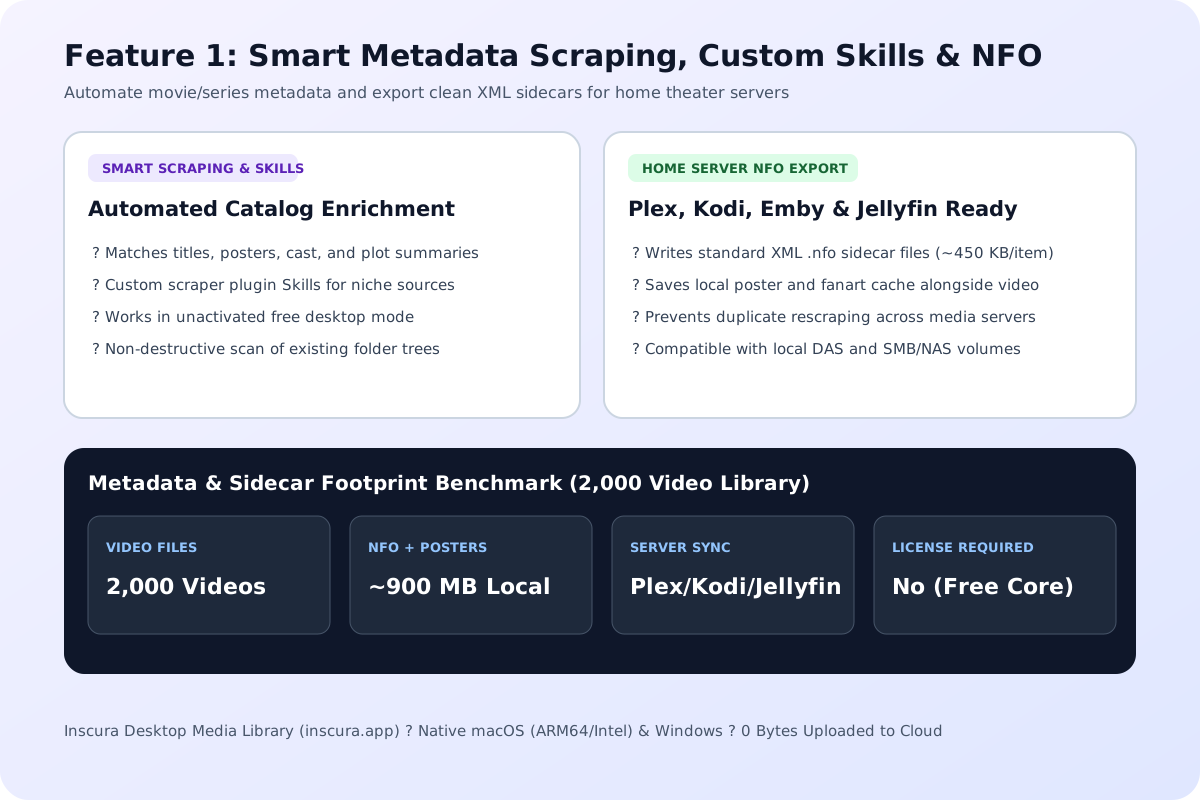
Inscura automatically scrapes titles, posters, cast lists, release dates, and plot summaries for local video files, and supports custom scraper plugin Skills so users can extend metadata sources for regional or niche catalogs. It exports standard XML .nfo sidecar files recognized by Plex, Kodi, Emby, and Jellyfin. You can inspect or prettify exported XML sidecars in our XML Formatter.
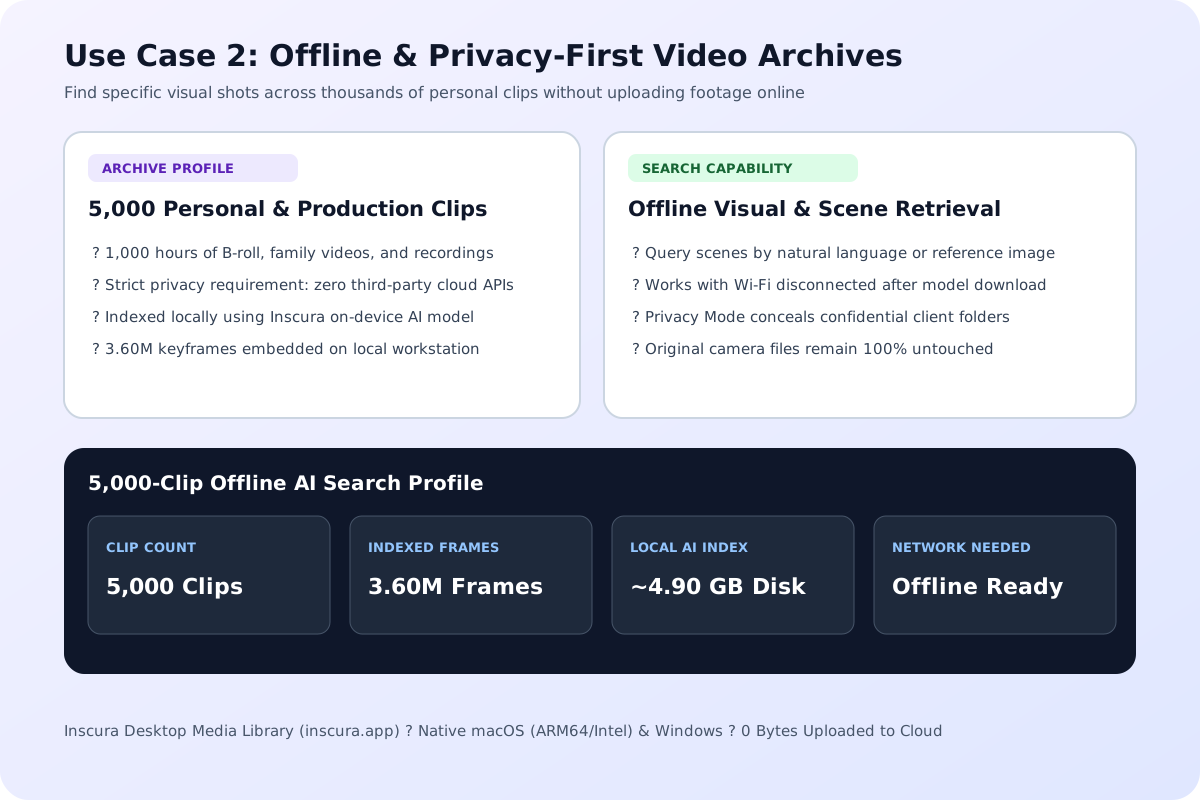
Unlike cloud media tools that upload frames to remote servers, Inscura runs its AI visual search model entirely on your local Mac or Windows machine. After downloading the local AI component inside the app and building a frame index, you can search your video library by describing a visual scene or matching an image while keeping 100% of your media offline.
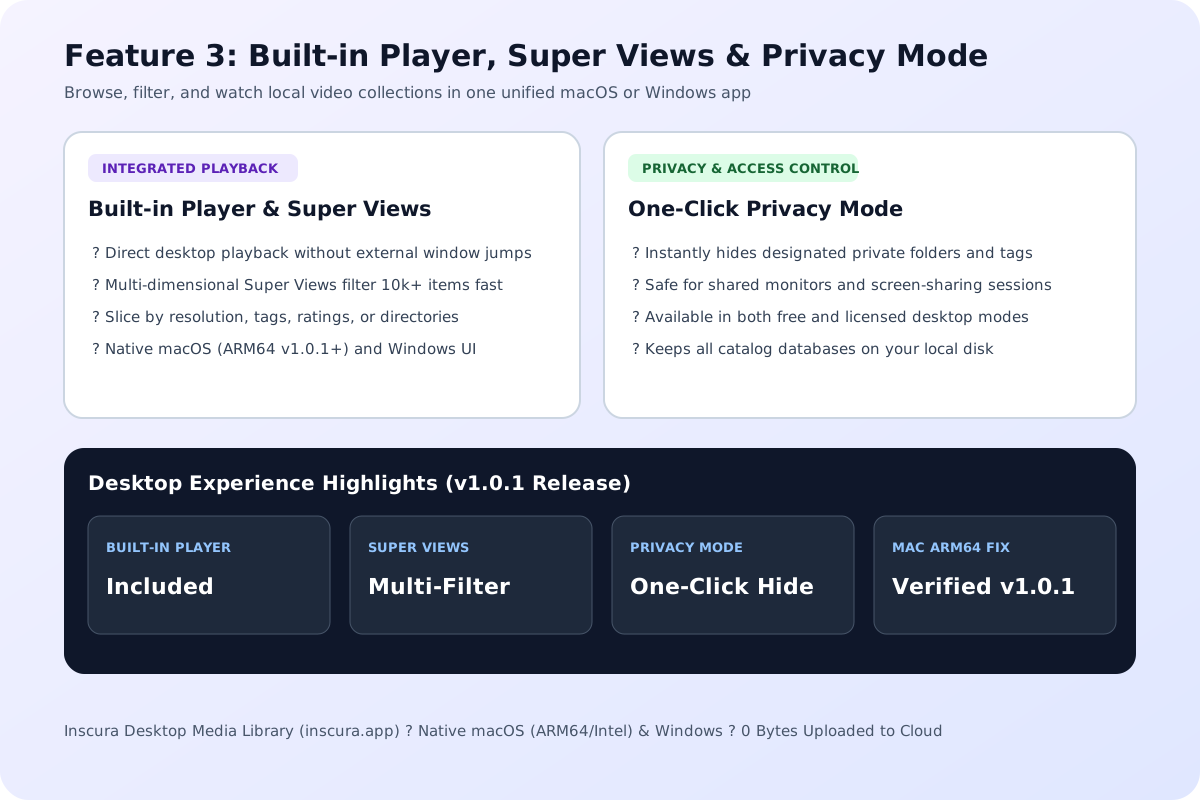
Instead of bouncing between a metadata manager and a separate video player, Inscura embeds a native desktop player alongside multi-dimensional Super Views for filtering large catalogs by resolution, tags, ratings, or folders. A dedicated Privacy Mode lets you conceal private directories when sharing your screen.
Inscura is designed for desktop users who want modern visual search and metadata management without handing their hard drives over to a cloud subscription.
Collectors keeping remuxes and encodes on external USB-C RAID enclosures or SMB network shares can browse posters in Super Views, play files directly in the built-in player, and export clean .nfo metadata so home theater servers (Jellyfin, Emby, Kodi, and Plex) stay synchronized without duplicate scraping.
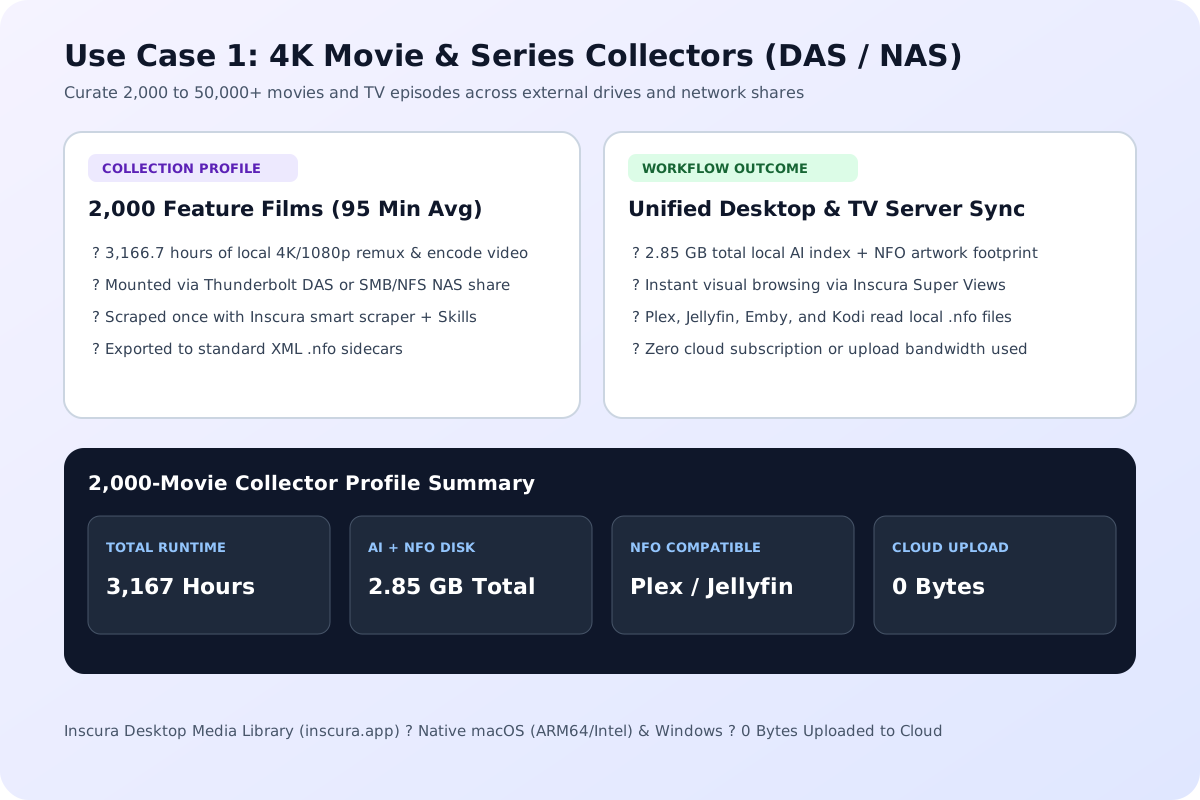
Videographers, researchers, and personal collectors who cannot upload private footage to third-party APIs can run Inscura's local AI scene search completely offline once the model weights are downloaded. Indexing 2,000 feature-length videos adds roughly 2.85 GB of local index and NFO cache while transmitting 0 bytes to the cloud.
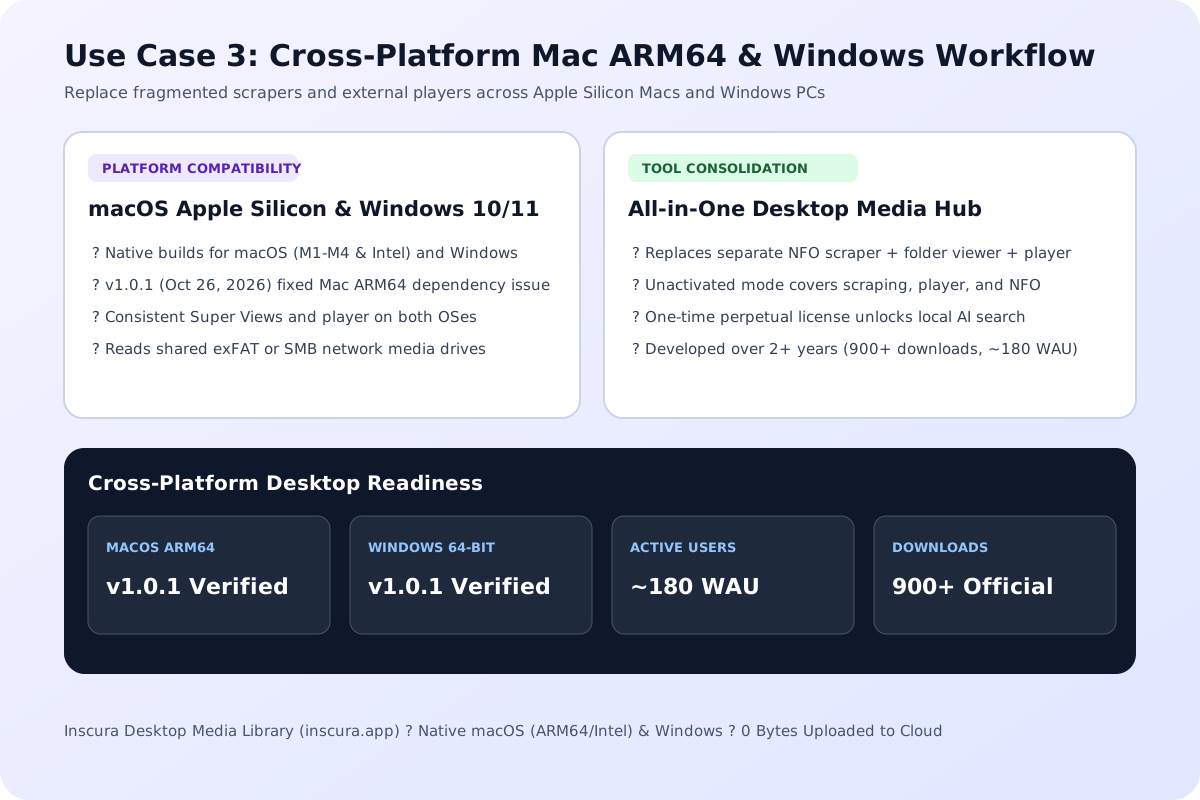
Users on macOS (including M1/M2/M3/M4 ARM64 Macs, where v1.0.1 resolved an early runtime dependency issue on October 26, 2026) and Windows can replace separate metadata scrapers, folder browsers, and external players with one native app. For extracting single browser frames or organizing PDFs alongside production notes, pair it with our Video Thumbnail Generator and Merge PDF tools.
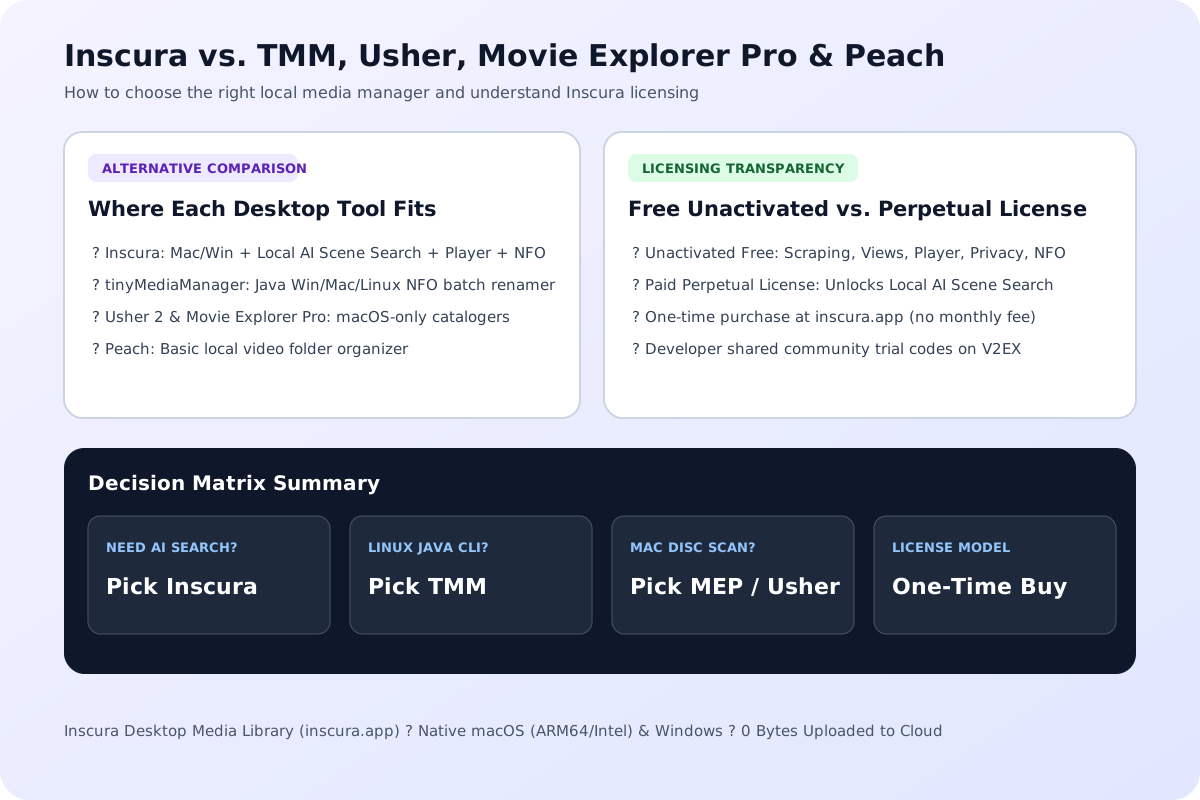
Choosing between Inscura, tinyMediaManager (TMM), Usher, Movie Explorer Pro, and Peach comes down to operating system support, NFO workflow, and whether you need local AI visual search.
When to choose tinyMediaManager, Usher, Movie Explorer Pro, or Inscura: tinyMediaManager (TMM) remains a strong cross-platform Java utility if your primary task is batch file renaming and strict Kodi/Plex NFO tag editing, though it lacks a built-in video player and on-device AI scene search. Usher 2 and Movie Explorer Pro are polished macOS-only catalogers (Movie Explorer Pro excels at indexing offline physical disks and barcode scans), whereas Inscura runs natively on both macOS and Windows and adds local AI visual frame retrieval plus custom scraper Skills.
One-Time Perpetual License vs. Unactivated Free Mode: Inscura uses a one-time payment for a perpetual license rather than a recurring monthly subscription. As documented by the developer in the V2EX launch thread, most core features outside of AI Search (including smart metadata scraping, Super Views, the built-in player, Privacy Mode, and NFO export) remain usable even when the app is unactivated. Purchasing and activating the perpetual license unlocks the local AI scene and image search engine. The developer has occasionally offered promotional trial codes in community discussions on V2EX, though we never publish or distribute license keys or activation codes.
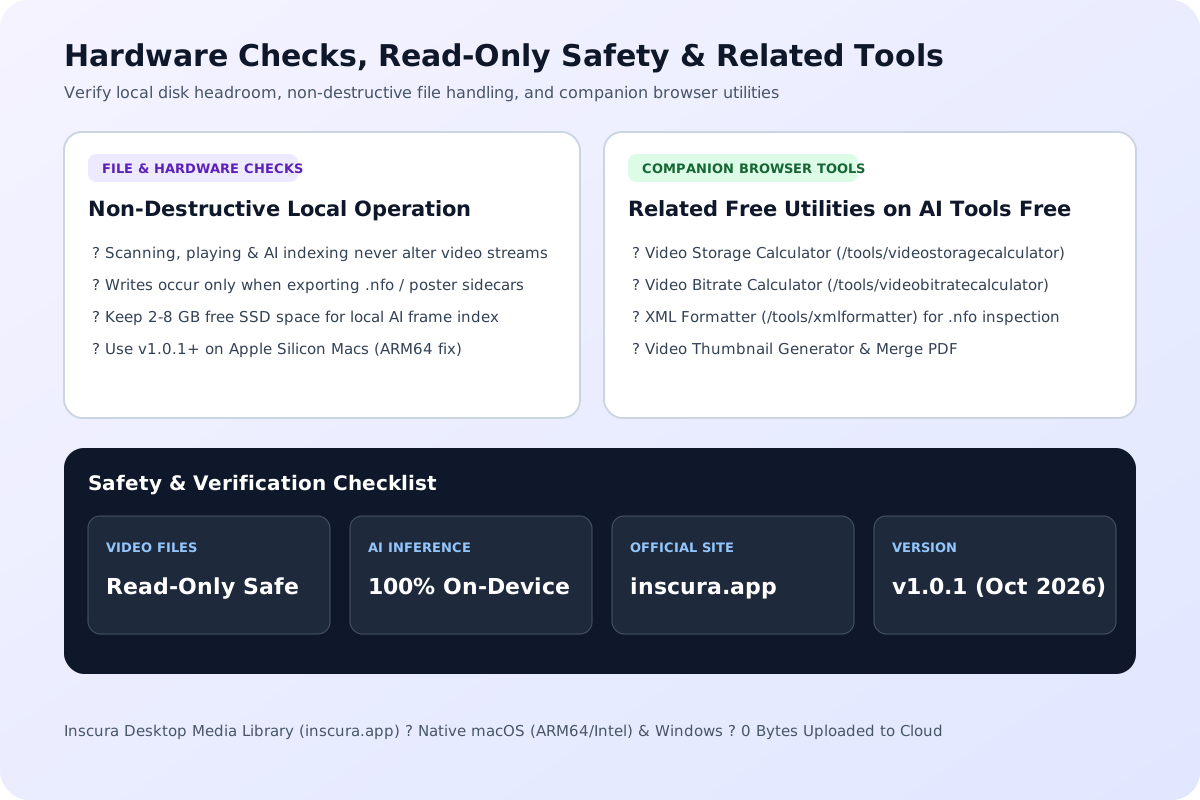
Review these local storage, version, and file-safety details before indexing a multi-terabyte media drive.
1. Non-Destructive Read-Only Browsing vs. Explicit NFO Export: Scanning folders, building the local AI visual index, and watching videos in Inscura's built-in player do not alter or re-encode your original video files. Disk writes to your media folders occur only when you explicitly export .nfo metadata or artwork sidecars for Plex, Kodi, Emby, or Jellyfin.
2. Release v1.0.1 Mac ARM64 Fix & Pending Live AI Search Benchmark Note: If you are on an Apple Silicon Mac, download v1.0.1 or newer from inscura.app (released October 26, 2026), which fixed a Mac ARM64 dependency issue present in the initial v1.0.0 build. Note on hands-on testing: all specifications on this page are verified against the official documentation and the developer's V2EX release notes; we have requested a community trial activation code to benchmark live AI scene-search indexing speeds and will update this section with measured frame-indexing throughput once testing is complete.
Estimate decimal video storage from supplied constant bitrates, duration and stream count.
Open tool
Estimate the video bitrate budget after subtracting a supplied audio bitrate.
Open tool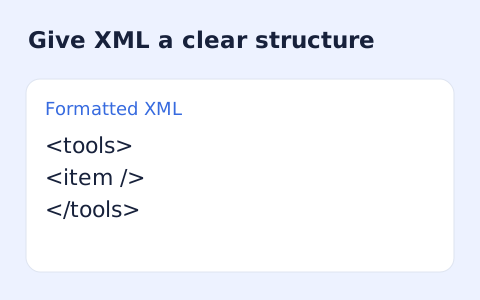
Format XML with indentation while keeping mixed content together.
Open toolChoose another tool for your next calculation, conversion, or text task.

Calculate characters per line (CPL), optimal CSS max-width in ch and px, and wrapped line count from container width, font size, and typeface.
Open tool
A PCM WAV with pitch and duration changed together. Resample decoded audio at a playback-rate factor of two to the semitone shift divided by twelve.
Open tool
Generate cross-browser CSS gradient text code with linear-gradient or radial-gradient, background-clip: text, -webkit-text-fill-color, and fallback color.
Open tool
Generate CSS text-shadow code with horizontal/vertical px offsets, blur radius, RGBA color conversion, and multi-layer neon or 3D extrusion presets.
Open toolAnswers about using Inscura: Local AI Media Library & Scene Search Guide and understanding its results.
Inscura's catalog scanner, Super Views, built-in player, and local AI scene indexer read your video files non-destructively and never re-encode or modify the video streams. Files are only written alongside your media when you explicitly run metadata scraping or NFO export for Plex, Kodi, Emby, or Jellyfin.
No. Inscura's AI visual search runs 100% locally on your Mac or Windows computer. After you download the required local AI model components inside the desktop app, frame indexing and natural-language scene queries execute on-device with zero video uploads.
An internet connection is only needed when downloading the initial AI model components, activating a license, or scraping online metadata databases. Once your metadata is scraped and your local AI index is built, browsing, Super Views, playback, and AI scene search work completely offline.
According to the developer's official V2EX announcement, most features outside of AI Search (including metadata scraping, Super Views, the built-in player, Privacy Mode, and NFO export) work even without activating a license. The one-time perpetual license unlocks the local AI scene and image search feature.
tinyMediaManager is a cross-platform Java metadata and NFO renamer without an integrated player or AI visual search. Usher and Movie Explorer Pro are macOS-exclusive catalogers. Inscura supports both macOS and Windows natively, embeds a built-in video player and Privacy Mode, supports custom scraper plugin Skills, exports Plex/Kodi/Emby/Jellyfin NFO files, and adds on-device AI scene search.
Yes. Inscura provides native desktop builds for both macOS and Windows at inscura.app. Version v1.0.1 (released October 26, 2026) specifically resolved an early Mac ARM64 dependency issue from v1.0.0.
Always download Inscura directly from the official website at https://inscura.app/ (or https://inscura.app/zh-hans/). Do not trust third-party crack or keygen sites. The developer has occasionally shared promotional trial codes with community members in the V2EX launch thread (https://www.v2ex.com/t/1252752).
Choose another tool for your next calculation, conversion, or text task.