

CSS Text Shadow Generator
Generate CSS text-shadow code with horizontal/vertical px offsets, blur radius, RGBA color conversion, and multi-layer neon or 3D extrusion presets.
Open toolEnter your column width in pixels, font size, typeface class, and sample prose to calculate characters per line (CPL), wrapped line count, CSS ch width, and WCAG 1.4.8 / Bringhurst readability grading.
Enter the inputs, then select Calculate Line Length.
Result will appear here
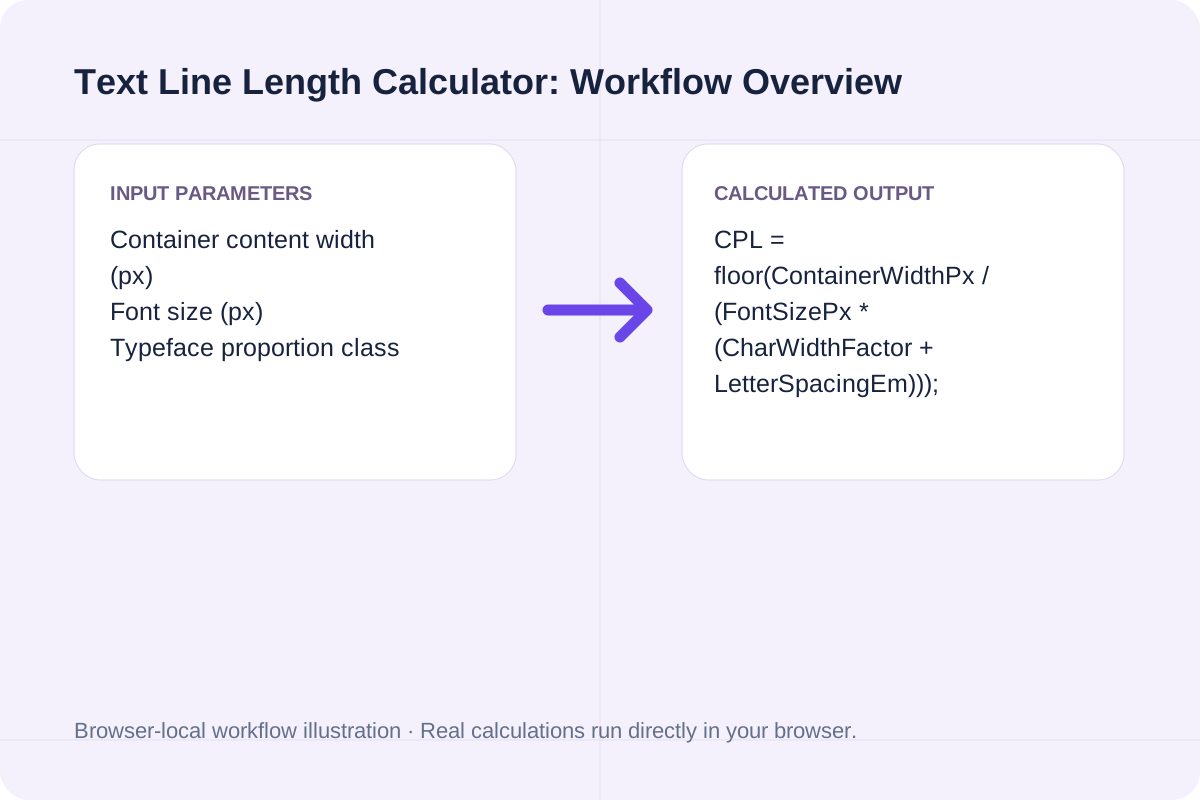
The calculator combines typographic character-width modeling with a greedy word-wrapping simulator to measure both theoretical capacity and actual line-by-line wrapping of your sample text.
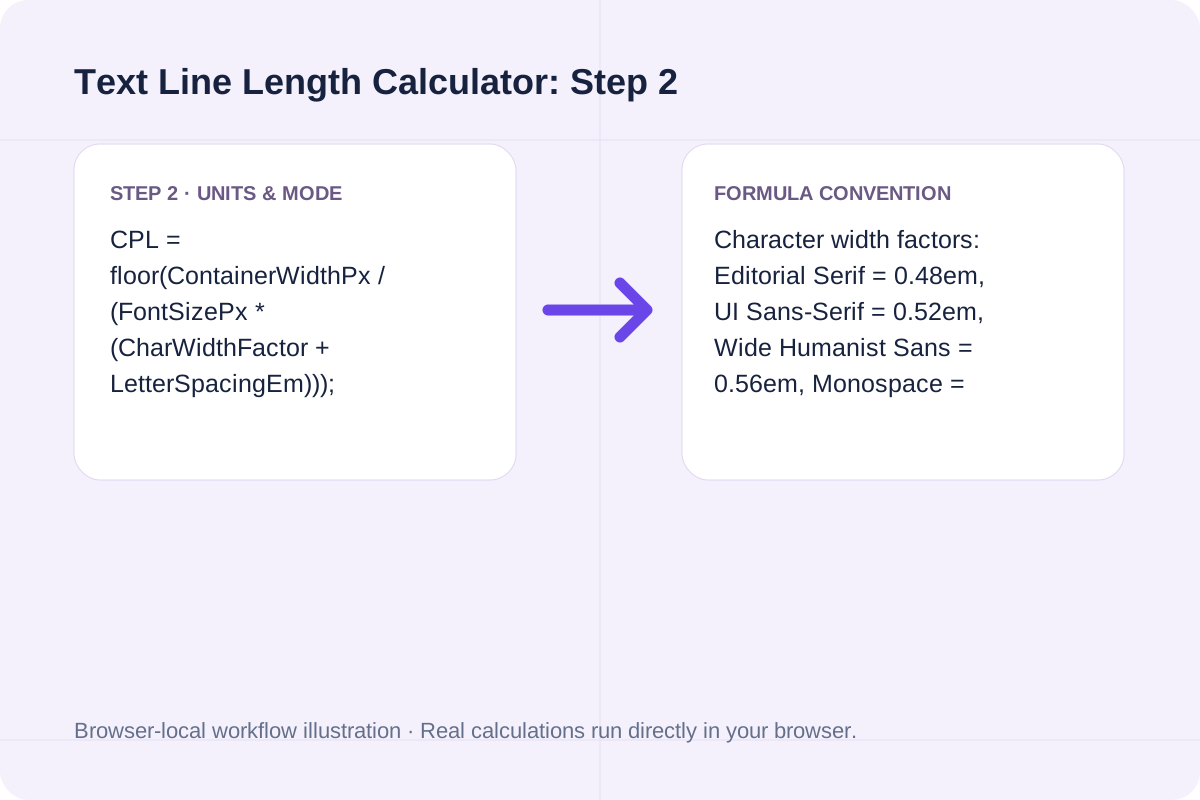
CPL = floor(ContainerWidthPx / (FontSizePx * (CharWidthFactor + LetterSpacingEm))); RecommendedMaxCh = round(66 / (0.55 / CharWidthFactor)).
Character width factors: Editorial Serif = 0.48em, UI Sans-Serif = 0.52em, Wide Humanist Sans = 0.56em, Monospace = 0.60em.
Compare characters per line (CPL), recommended pixel widths at 16px and 18px body sizes, and readability ratings.
| Measure Band (CPL) | 16px Sans Width | 18px Sans Width | Readability & Accessibility Verdict |
|---|---|---|---|
| Under 35 CPL (Narrow) | < 290 px | < 328 px | Too narrow for long prose; causes choppy hyphenation and frequent eye jumps (mobile/sidebar only). |
| 35 - 44 CPL (Compact) | 290 - 366 px | 328 - 412 px | Acceptable for multi-column grids or mobile viewports (~375 px screen width). |
| 45 - 75 CPL (Bringhurst Optimal) | 374 - 624 px | 421 - 702 px | Ideal desktop reading measure. 66 CPL (549 px at 16px; 618 px at 18px) is the single-column sweet spot. |
| 76 - 80 CPL (WCAG Ceiling) | 632 - 666 px | 711 - 749 px | Passes WCAG 2.1 SC 1.4.8 (<= 80 CPL) but requires increased line-height (1.6 - 1.75). |
| Over 80 CPL (Overwide) | > 666 px | > 749 px | Fails WCAG 1.4.8 AAA; long return sweep increases line-doubling errors. |
Follow these three steps to audit your article column or UI card width.
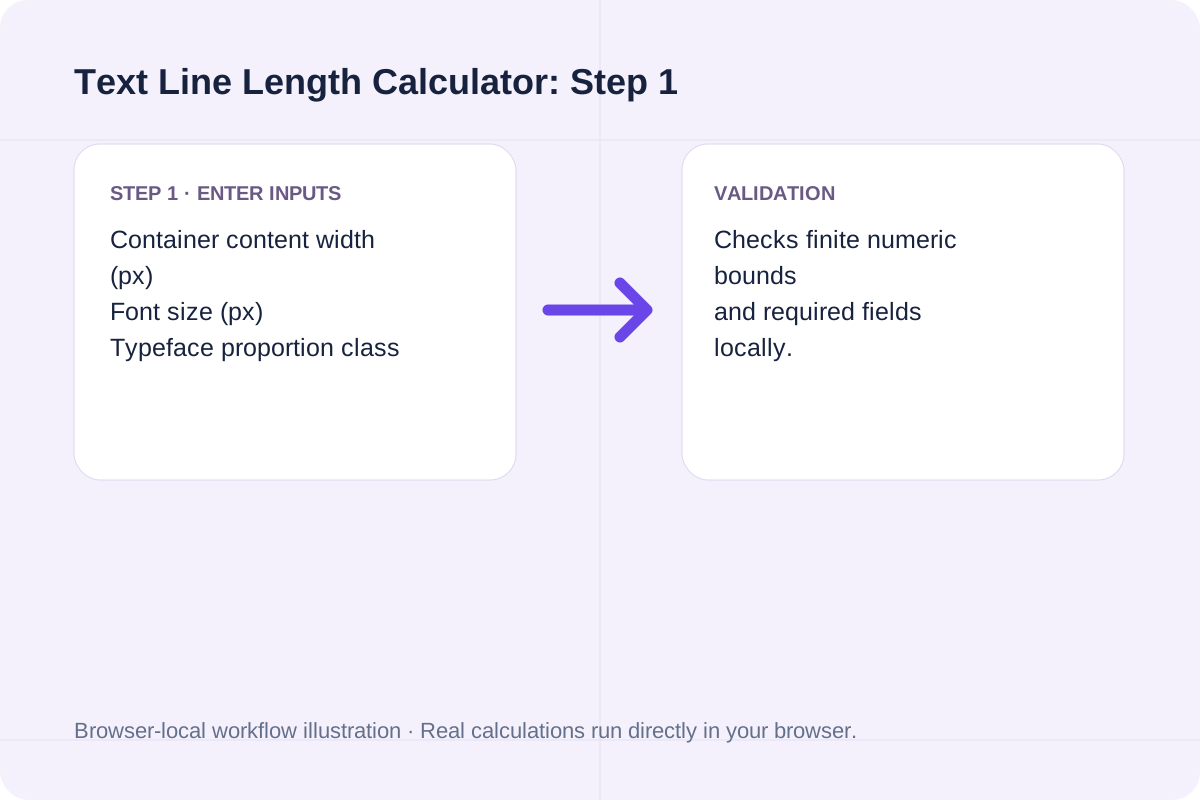
Supply the content-box width in pixels (subtracting left and right padding) and your body font size in pixels.
Pick Proportional Sans-Serif, Editorial Serif, Wide Sans, or Monospace, plus any CSS letter-spacing in em units.
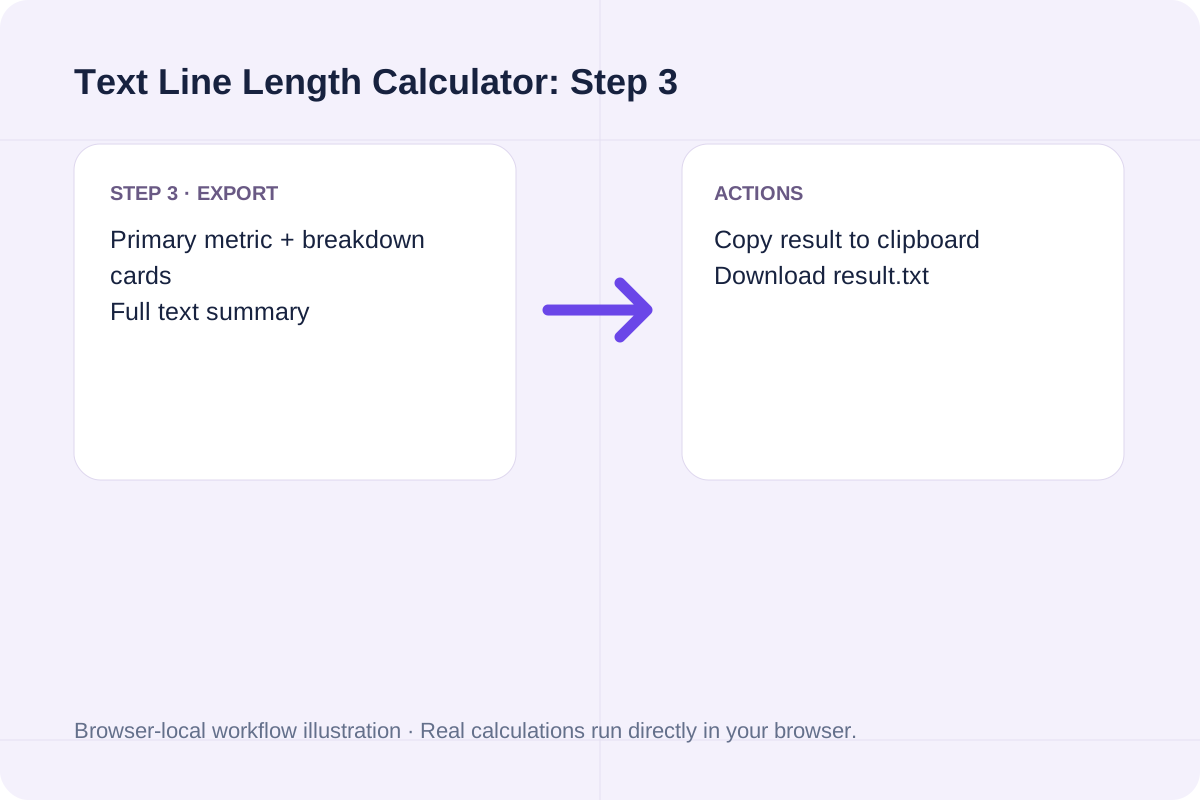
Click Calculate Line Length to get your CPL capacity, wrapped sample lines, optimal 66-CPL pixel target, and ready-to-paste CSS max-width rules.
See how common blog and documentation layouts score on CPL and WCAG 1.4.8 compliance.
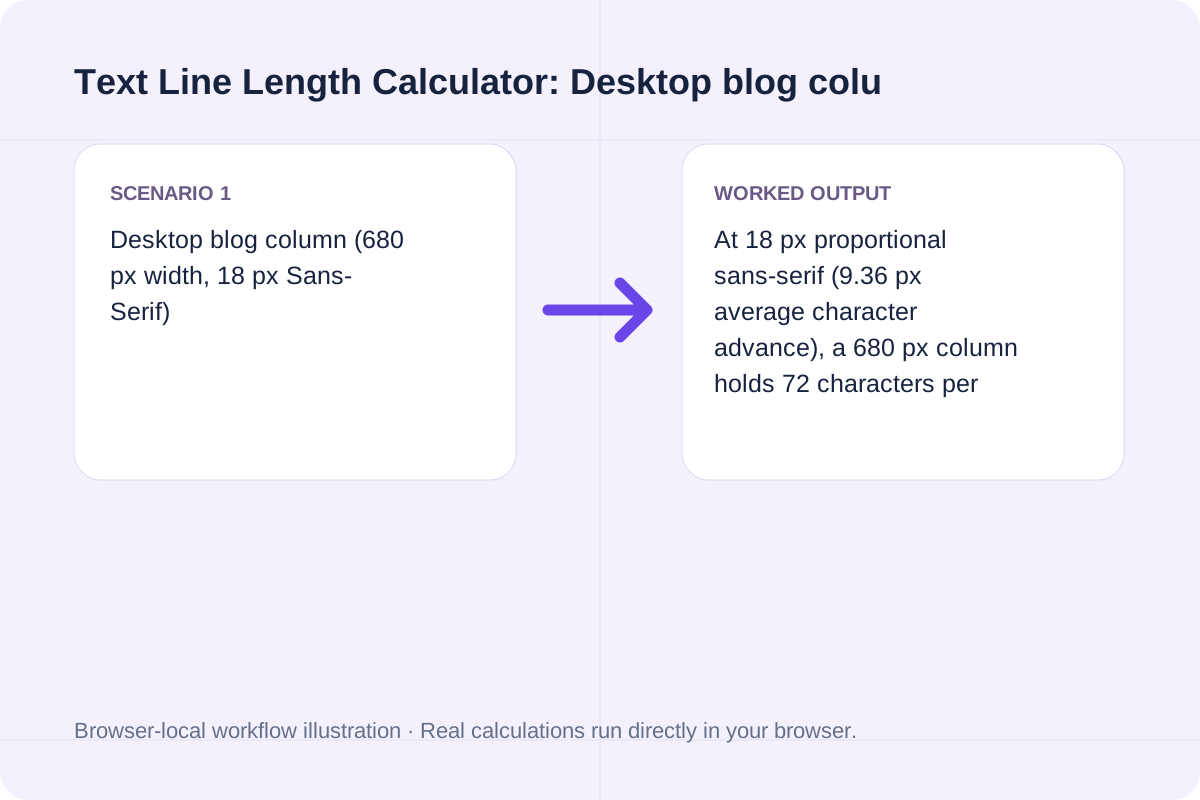
At 18 px proportional sans-serif (9.36 px average character advance), a 680 px column holds 72 characters per line. This sits inside the 45-75 CPL optimal band and passes WCAG 1.4.8.
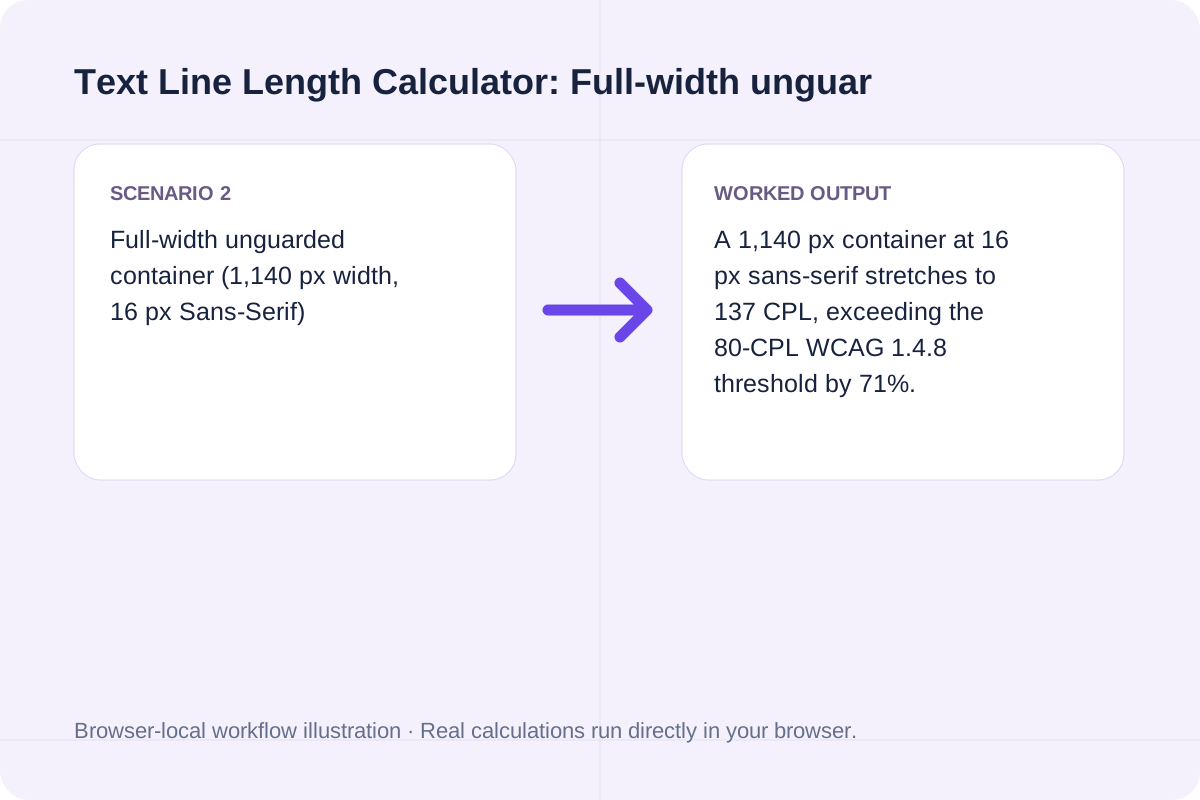
A 1,140 px container at 16 px sans-serif stretches to 137 CPL, exceeding the 80-CPL WCAG 1.4.8 threshold by 71%. Constraining the column to 549 px (or max-width: 60ch) restores a 66-CPL measure.
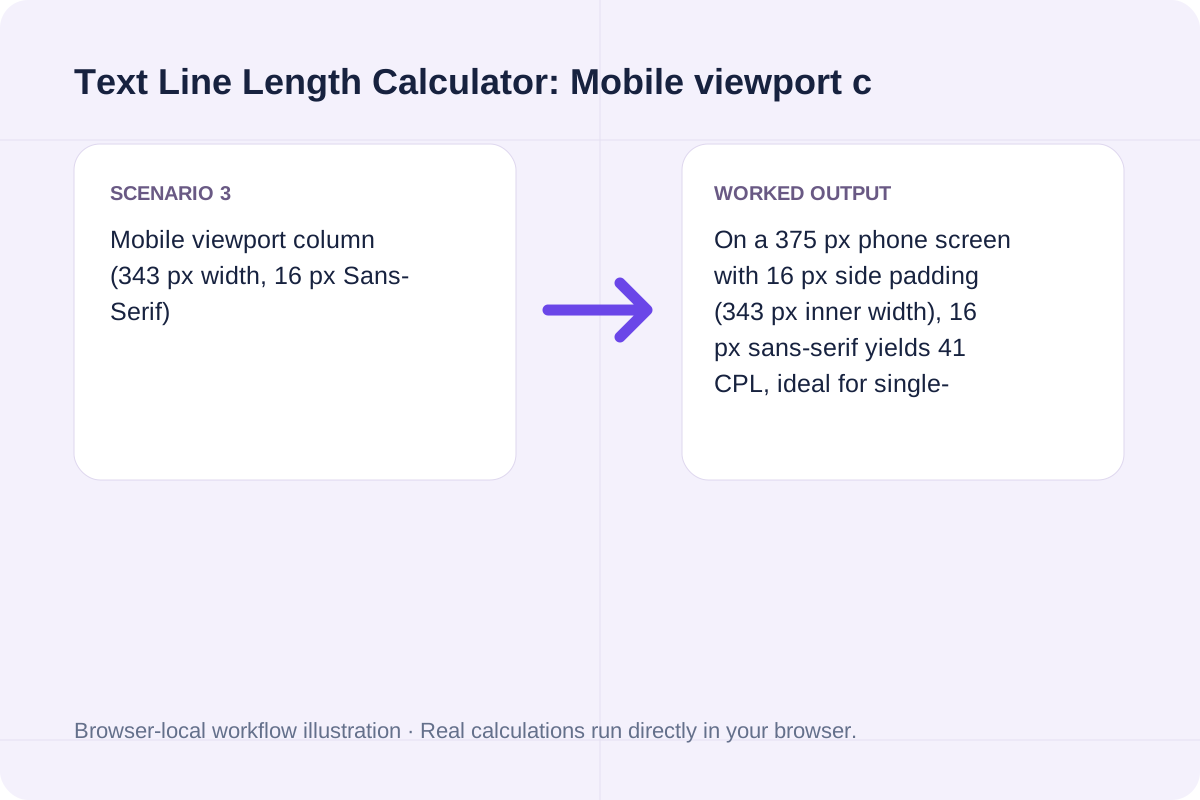
On a 375 px phone screen with 16 px side padding (343 px inner width), 16 px sans-serif yields 41 CPL, ideal for single-column mobile reading.
Use the CPL capacity and wrapped-line audit together when tuning CSS.
The primary output reports the maximum characters per line (CPL) for your container alongside the readability verdict (Optimal 45-75 CPL, Compact 35-44 CPL, WCAG Borderline 76-80 CPL, or Overwide >80 CPL).
The detail textarea outputs the exact CSS declaration (including max-width in ch and px plus recommended line-height) and shows how your pasted paragraph wraps line by line.
Keep these typographic nuances in mind when applying CPL measurements.
Proportional fonts vary by glyph frequency (a line full of 'i' and 'l' holds more characters than a line full of 'm' and 'w'). Use the wrapped sample preview to check your actual copy.
Wider columns (65-75 CPL) benefit from slightly taller line-height (1.6 to 1.7) so the reader's eye can complete the horizontal return sweep cleanly.
Generate CSS text-shadow code with horizontal/vertical px offsets, blur radius, RGBA color conversion, and multi-layer neon or 3D extrusion presets.
Open tool
Generate cross-browser CSS gradient text code with linear-gradient or radial-gradient, background-clip: text, -webkit-text-fill-color, and fallback color.
Open tool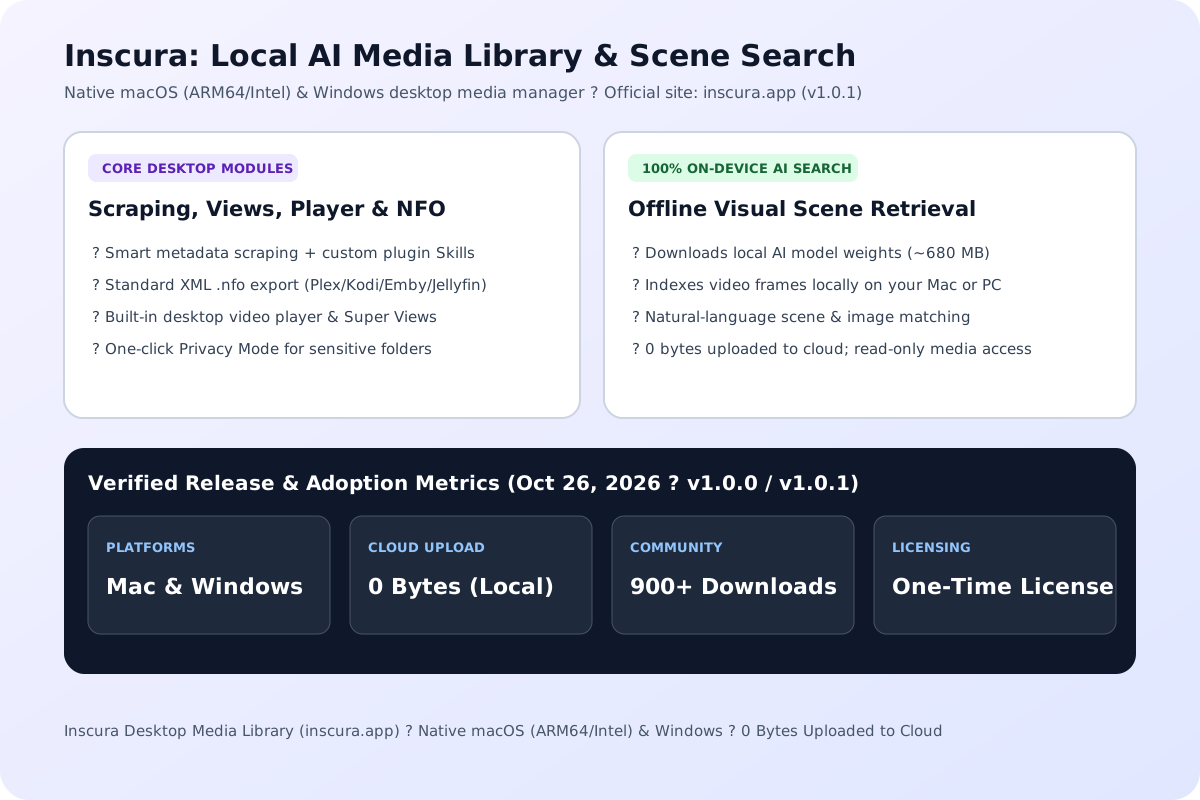
Inscura is a local AI media library for macOS and Windows with offline AI scene search, smart scraping, NFO export, and built-in playback. Compare vs. TMM.
Open toolChoose another tool for your next calculation, conversion, or text task.

A PCM WAV with pitch and duration changed together. Resample decoded audio at a playback-rate factor of two to the semitone shift divided by twelve.
Open tool
A ZIP of consecutive PCM WAV segments. Copy decoded audio samples into consecutive files at the entered segment duration.
Open tool
Draw a single line of supplied text onto the bitmap using a browser sans-serif font.
Open tool
Draw one text watermark at the lower-right corner with the supplied opacity.
Open toolAnswers about using Text Line Length Calculator and understanding its results.
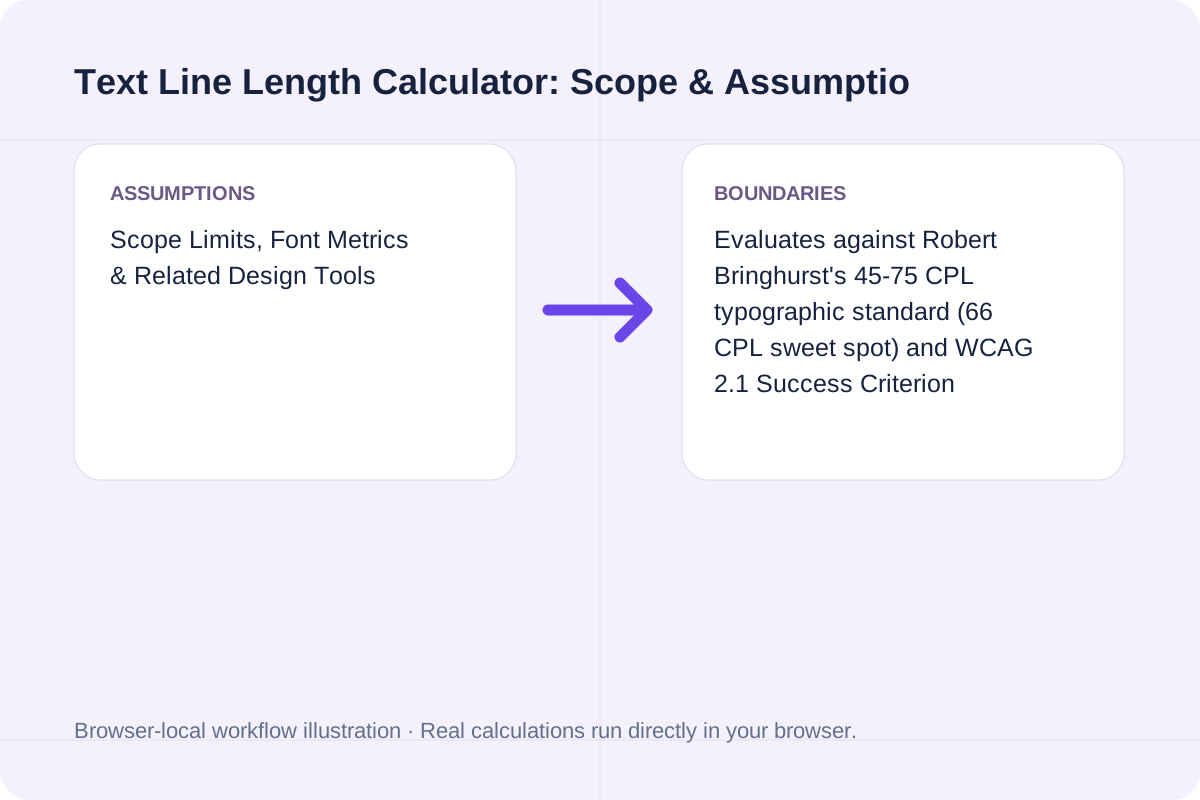
Typographic research and Robert Bringhurst's Elements of Typographic Style place the optimal single-column reading measure between 45 and 75 characters per line (including spaces), with 65 to 66 CPL considered the sweet spot for sustained reading speed and low eye fatigue.
WCAG 2.1 Success Criterion 1.4.8 (Visual Presentation, Level AAA) specifies that blocks of continuous text should be no wider than 80 characters or glyphs per line (or 40 characters for CJK scripts) so readers with dyslexia or low vision can track from the end of one line to the start of the next.
In CSS, 1ch is defined as the advance width of the '0' (zero) glyph in the active font. In proportional sans-serif and serif fonts, the digit '0' is typically 10% to 18% wider than the average lowercase character + space, so 'max-width: 60ch' often yields closer to 66-70 actual characters per line.
Multiply 66 by your font's average character advance width (roughly 0.52 * font-size for UI sans-serif or 0.48 * font-size for serif). At 18px sans-serif, 66 * (18 * 0.52) = 618 px.
Choose another tool for your next calculation, conversion, or text task.